
a11y WCAG Accessibility Tool
A11Y WCAG Accessibility Tool finds web-page color contrast issues
Erstellt von - BOIA
Installationen - 10+ Installationen
Anforderungen
HubSpot-Produktversion Funktioniert mit allen HubSpot-Produktversionen Mehr erfahren HubSpot-Account-Berechtigungen - Erforderliche Account-Berechtigungen anzeigen
a11y WCAG Accessibility Tool-Abonnement - Produktversion: Free
Übersicht
1/4
Easy Testing
Our a11y WCAG Accessibility Tool allows easy testing of your CMS pages simply by browsing your website URLs and clicking one to open instant results of color contrast testing on the entire page. It displays examples of failures and passing color-pairs and allows further testing by drilling in and visualizing the colors on-screen. This also allows you to change the colors to try out other shades or colors enitrely.
Page and content authors often have no idea how chosen colors affect the accessibility of content. The a11y WCAG Accessibility Tool allows easy discovery and testing of color contrast problems and helps you address them by discovering which elements are problematic on particular web pages. The app also displays you passing (good) contrast color pairs for verification and example reasons.
Funktionen
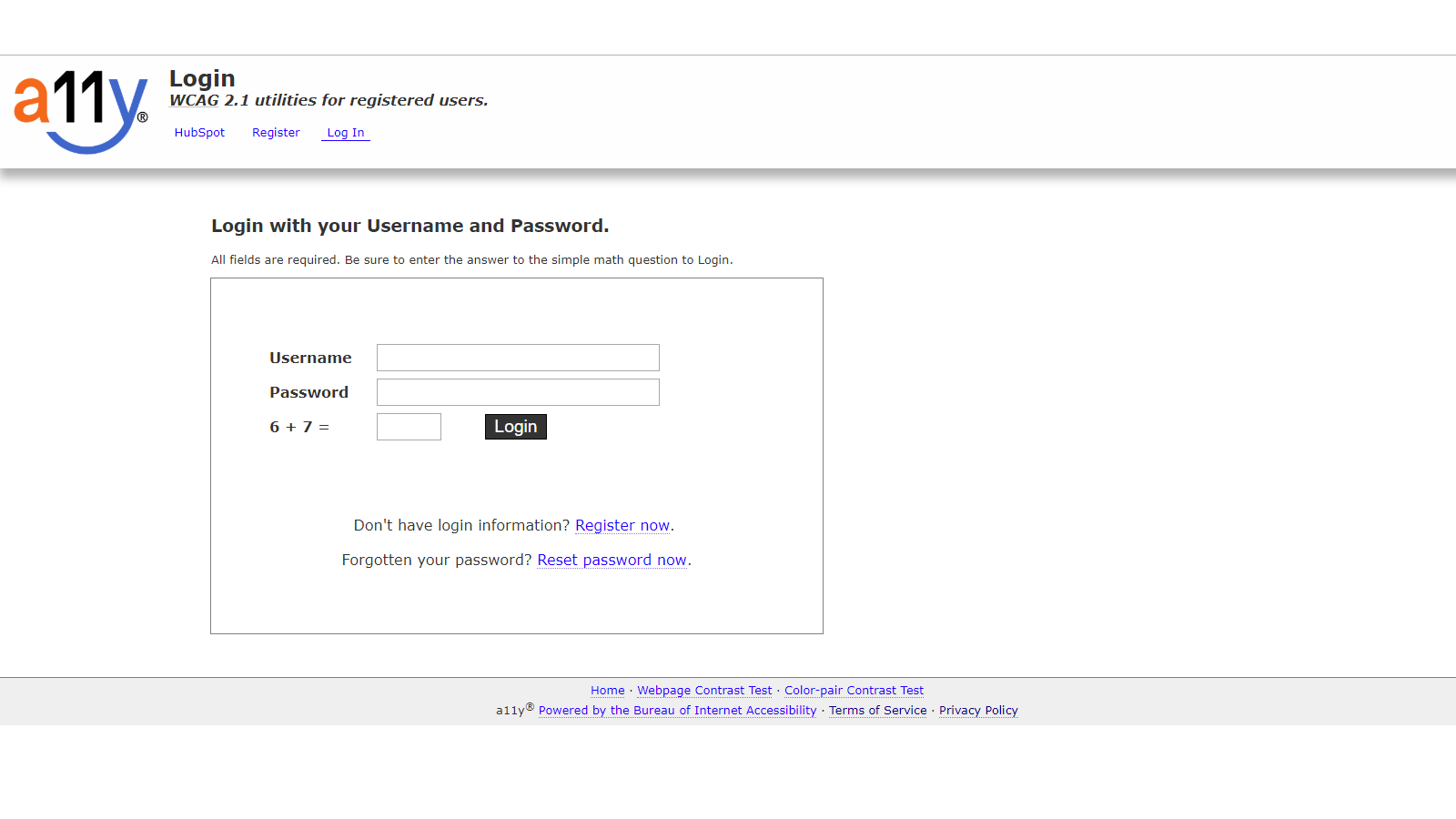
Log in or Register
Log into the a11y color user tool at https://color.a11y.com/UserTool/Login/ If you don't yet have an account (they're free) create one at https://color.a11y.com/UserTool/Register/
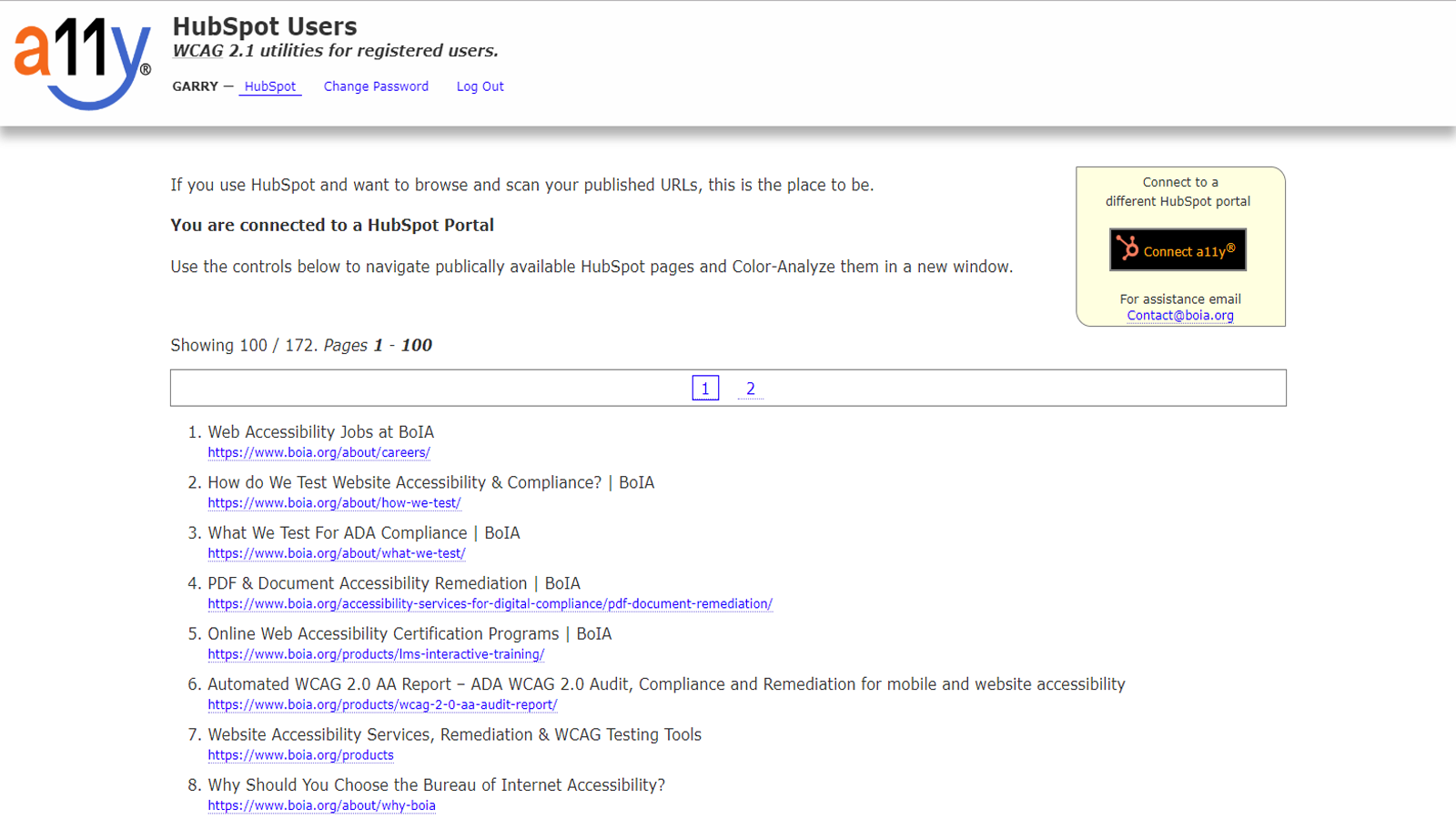
Identify and Resolve Color Contrast Problems
A11y WCAG Accessibility Tool allows easy identification of color contrast problems in pages hosted by HubSpot. Users can browse and test any available Web Page with a single click - identify and resolve accessibility issues quickly.
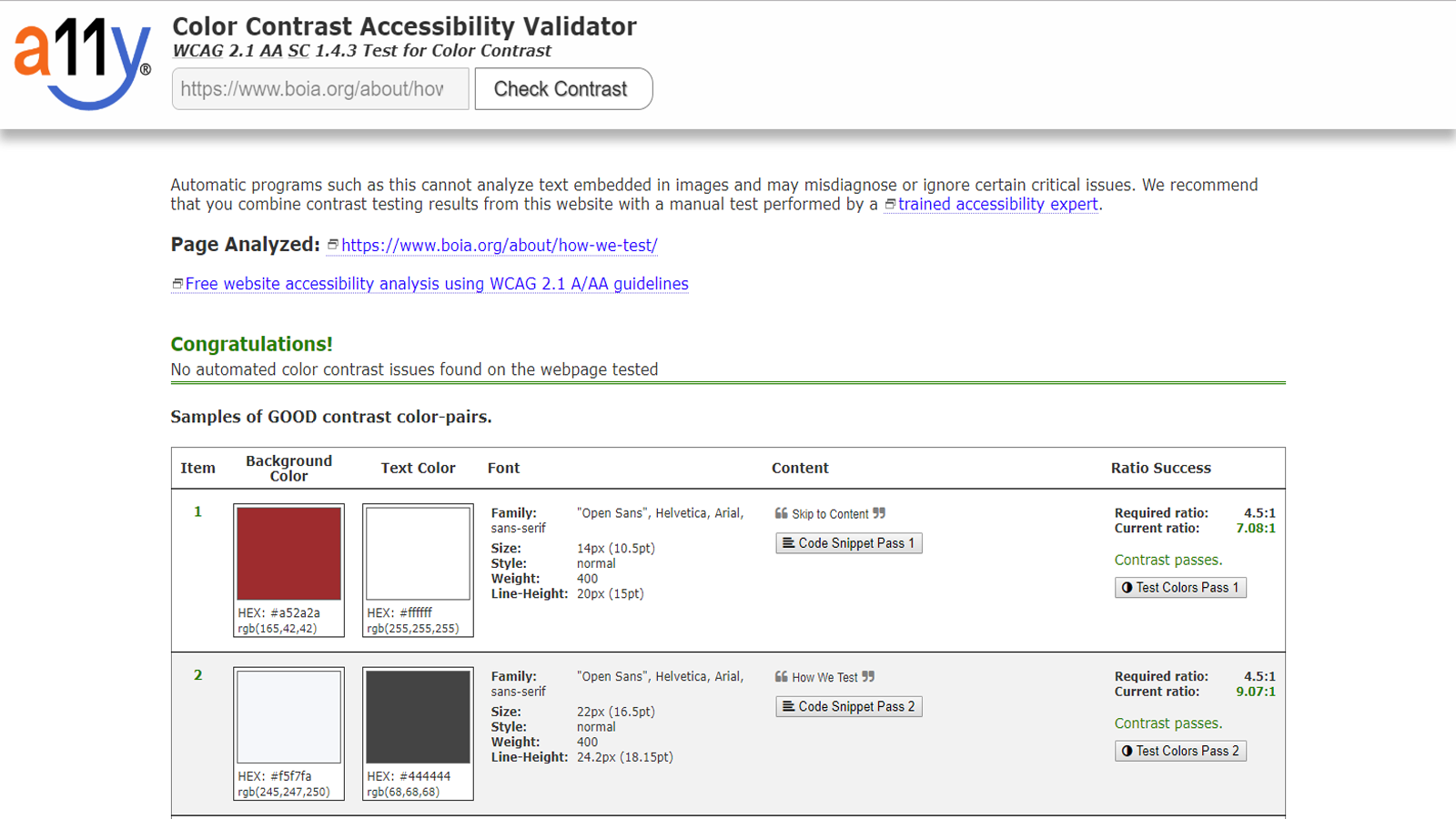
Color Contrast Results
Results appear in a new window showing examples of failures and passes. Contrast ratio is shown for each color-pair and you can drill into a live preview mode to show the current colors and test which color combinations work by altering them in real time.
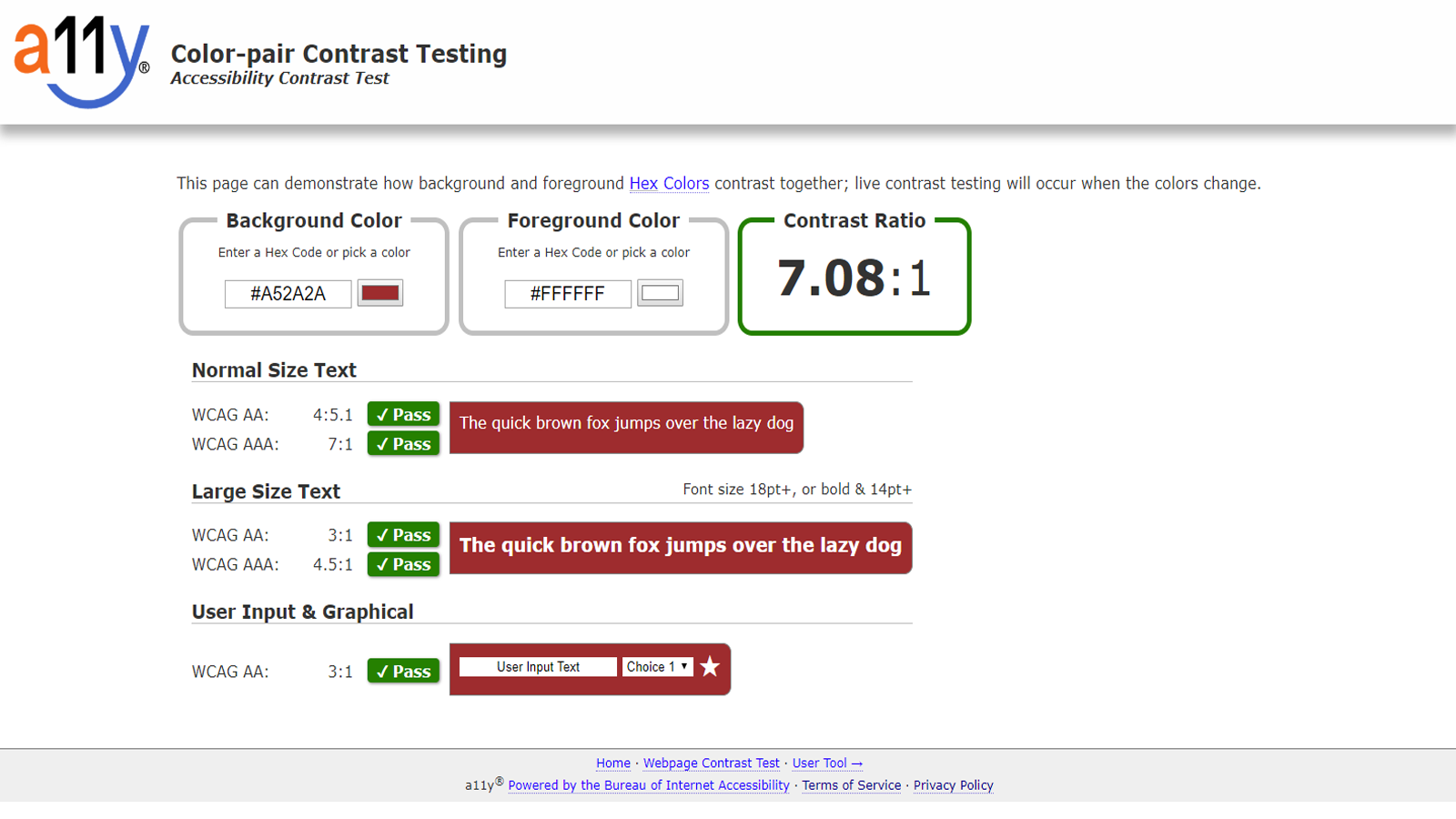
Live Color Previews
You can pick or enter your own colors and instantly see how the color-pair combination appears on screen and whether the contrast ratio is sufficient for WCAG 2.1 compliance or not depending on the font styles used.
App-Funktionalität
Datenaustausch
HubSpotUrlBrowser |
Rezensionen
Verfassen Sie jetzt die erste Kundenrezension
Preise
Free
0 $
Free
All standard features currently available.
Free
0 $
Free
All standard features currently available.
* Die hier angegebenen Preise dienen nur zu Illustrationszwecken. Alle Preise enthalten keine Steuern, Sonderangebote, Rabatte oder sonstigen Preisvarianten. Bitte wenden Sie sich direkt an den Partner, um aktuelle und korrekte Preisinformationen zu erhalten. HubSpot übernimmt keine Verantwortung für Preisinformationen, die von unseren Partnern bereitgestellt werden. Letzte Aktualisierung der Preisinformationen: 11.11.2025
Weitere Infos
Erstellt von - BOIA
Installationen - 10+ Installationen
Kategorien Sprachen, in denen diese App verfügbar ist Englisch
Am beliebtesten

Gmail
Holen Sie HubSpot in Ihren Posteingang – mit der HubSpot-Integration…

Google Calendar
Buchen Sie schnell und einfach Meetings mit HubSpot und Google…
