
-1.png)
QuickBooks Desktop SYNC
Connect QuickBooks to everything that matters. Sync accounts, items,…
Erstellt von - Commercient
Installationen - 100+ Installationen
Bewertung 5
(2)
Anforderungen
HubSpot-Produktversion HubSpot-Account-Berechtigungen - Erforderliche Account-Berechtigungen anzeigen
QuickBooks Desktop SYNC-Abonnement - Produktversion: Standard
Übersicht
1/10
Our no-code, AI-powered platform SYNCs your data faster, smarter, and more efficiently, so your teams always have the right information when they need it. Commercient makes it simple for businesses to take the next level by connecting QuickBooks Desktop with HubSpot.
Curious about how this can help your business? Here are the key benefits you’ll experience with Commercient’s integration!
📊 Accurate Data: Everyone in your team works with the same, up-to-date information. No more mistakes or missing details, just reliable data that you can trust.
🤝 Stronger Customer Relationships: Your sales team can see updated financial data in HubSpot, making conversations with clients more personal and informed, leading to stronger connections.
💬 Better Teamwork: Sales and finance teams stay on the same page with synced data, making it easier to work together and make decisions faster.
⚡Fewer Mistakes: You don't have to worry about human errors when transferring data. It just works, every time.
📈 Easier Financial Reports: Generating accurate reports is a breeze, giving you a clear view of your business and finances.
🔍 Deeper Customer Insights: You get a full picture of your customers’ journey, helping you make smarter decisions and better plan for their needs.
Click the link to watch how our data integration tool, is different than others. |
Try this interactive Quickbooks ERP and HubSpot Integration Demo at your own pace. |
Supported Versions
QuickBooks Desktop, QuickBooks Pro, QuickBooks Premier, QuickBooks® Online , QuickBooks Advanced and QuickBooks Enterprise.
Funktionen
200+ ERP Integrations for HubSpot
Trusted by businesses across a wide range of industries, Commercient SYNC seamlessly integrates with 200+ ERP systems, providing the stability and performance needed to stay competitive. Our solution ensures smooth data flow and operational efficiency.
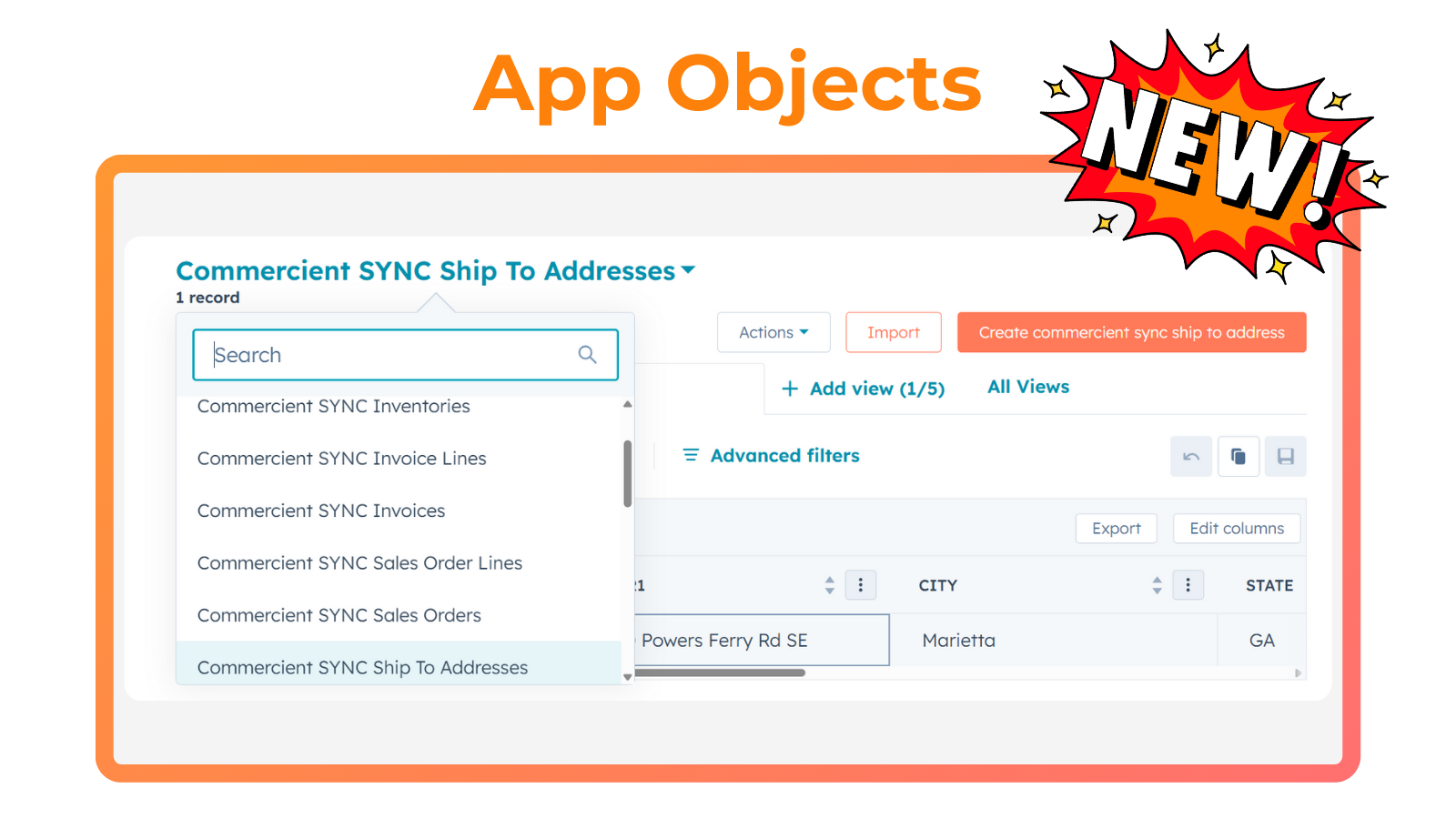
Sync information between QuickBooks and HubSpot + NEW APP OBJECTS
Not all ERP data is created equal! While Accounts, Contacts, and Products fit perfectly in HubSpot, powerful data like Orders, Invoices, and Inventory deserve something more. That’s where HubSpot’s new App Objects come in. Unlock fully customized views designed just for you, bringing your ERP data to life inside HubSpot like never before!
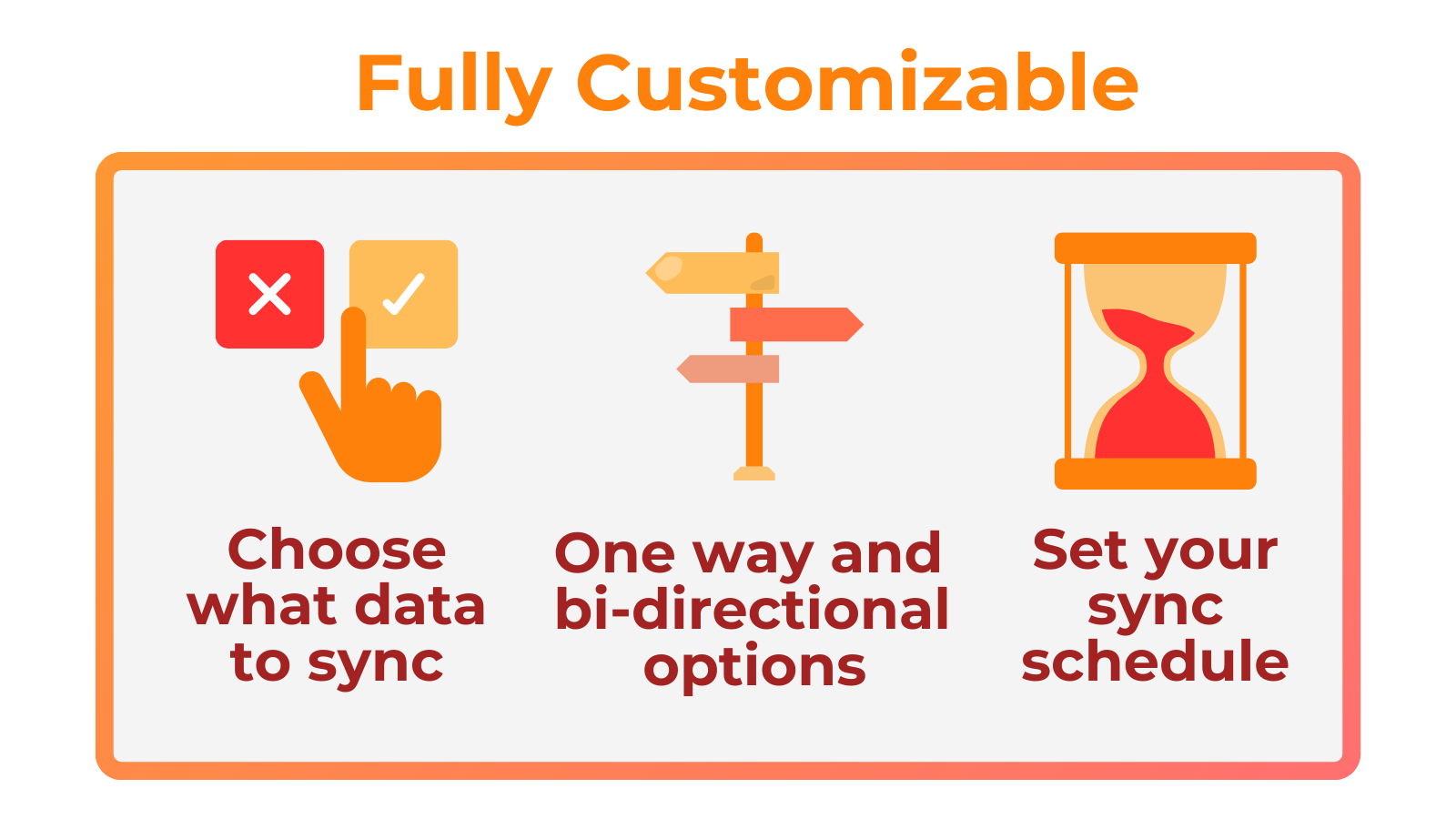
Customizable Sync Settings
Choose what data to SYNC: Decide which data fields you want to integrate to ensure that only the most important information is kept current, focusing on what matters most to your business. Set your SYNC schedule: Choose how often you want your data to be synced, from once a day up to near real-time to keep your information updated.
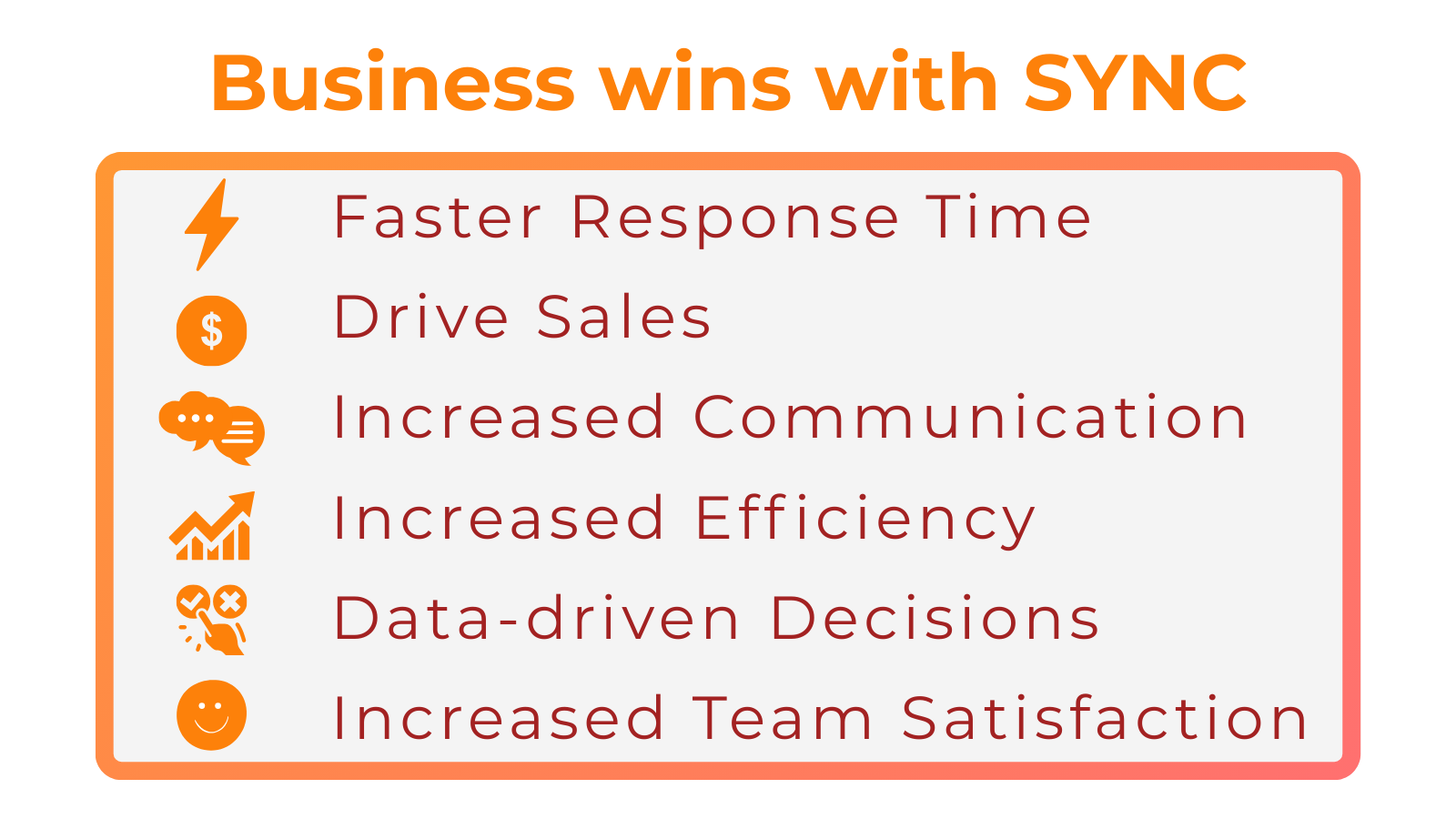
One Source of Truth for Your Team
With SYNC, your team always has the right information at their fingertips. Eliminate silos, cut down on errors, and give everyone a single source of truth. The result? Smarter collaboration, stronger customer relationships, and a workflow that just works better for everyone.
Auto SYNC
Commercient Auto SYNC brings your ERP data into HubSpot so your integration is up and running in just a few hours! No heavy lifting, no long timelines. Instantly connect your ERP and HubSpot so your teams can access the data they need to sell smarter and work more efficiently.
App-Funktionalität
Datenaustausch
Account Ownership | ||
Cases | ||
Contact Fields | ||
Contact Fields | ||
Contacts | ||
Customer Fields | ||
Customers | ||
Estimates | ||
Inventory | ||
Inventory | Commercient sync inventories Commercient sync inventories | |
Invoice Details | Commercient sync invoice lines Commercient sync invoice lines | |
Invoice Details | ||
Invoice Fields | ||
Invoice Headers | Commercient sync invoices Commercient sync invoices | |
Invoices | ||
Items | ||
Orders | ||
Pricebooks | ||
Related ERP Table | ||
Sales Order Details | ||
Sales Order Details | Commercient sync sales order lines Commercient sync sales order lines | |
Sales Order Fields | ||
Sales Order Headers | Commercient sync sales orders Commercient sync sales orders | |
Ship to's | Commercient sync ship to addresses Commercient sync ship to addresses | |
Ship To's |
Rezensionen
- 24. Aug. 2023
Fantastic customer service
It works well, and the staff at Commercient is very knowledgeable and also very patient while explaining the details to this non-IT person!
We sync our sales orders and invoices to HubSpot.
HubSpot users can check sales orders and invoices themselves instead of contacting someone to run a Quickbooks report for them.
Gunner, B.
Marketing-Services - 11 bis 25 Mitarbeitende
- 19. Apr. 2023
Great solution to a specific problem
We found that most QuickBooks integrations for HubSpot only worked with the web version, so we were at a loss for how to get the systems talking. The Commercient sync filled that niche perfectly and allowed use to set up logic to exclude certain line items (like shipping or taxes) from the amounts we sync back to HubSpot.
We use QuickBooks Desktop as our accounting suite. We needed to sync sales orders - and their associated line items - to HubSpot Deals.
Th ability to set up custom logic for the amount calculation was excellent. The support team is very knowledgeable and responsive.
Commercient is very rigid in it's processes and the pricing structure means you get somewhat less than you would expect.
Pierson, C.
Marketing-Services - 6 bis 10 Mitarbeitende
Standard
2.748 $
/JahrIntegrate QuickBooks Desktop with HubSpot
3 point-to-point integrations starting at $229/month.
Additional integration points are $29/month.
Set Up Cost (one-time cost): Starting at $2,401
Standard
2.748 $
/JahrIntegrate QuickBooks Desktop with HubSpot
3 point-to-point integrations starting at $229/month.
Additional integration points are $29/month.
Set Up Cost (one-time cost): Starting at $2,401
* Die hier angegebenen Preise dienen nur zu Illustrationszwecken. Alle Preise enthalten keine Steuern, Sonderangebote, Rabatte oder sonstigen Preisvarianten. Bitte wenden Sie sich direkt an den Partner, um aktuelle und korrekte Preisinformationen zu erhalten. HubSpot übernimmt keine Verantwortung für Preisinformationen, die von unseren Partnern bereitgestellt werden. Letzte Aktualisierung der Preisinformationen: 02.09.2025
Weitere Infos
Erstellt von - Commercient
Installationen - 100+ Installationen
Kategorien Sprachen, in denen diese App verfügbar ist Englisch ,Französisch – Frankreich undSpanisch
Am beliebtesten


