
Fortnox
Streamline Your Business Flow, Seamlessly Connect Fortnox to HubSpot!
Exigences
Abonnement HubSpot Autorisations de compte HubSpot - Afficher les autorisations de compte requises
Type d'accès Shared Abonnement à Fortnox - Abonnement : Full plan
Vue d'ensemble
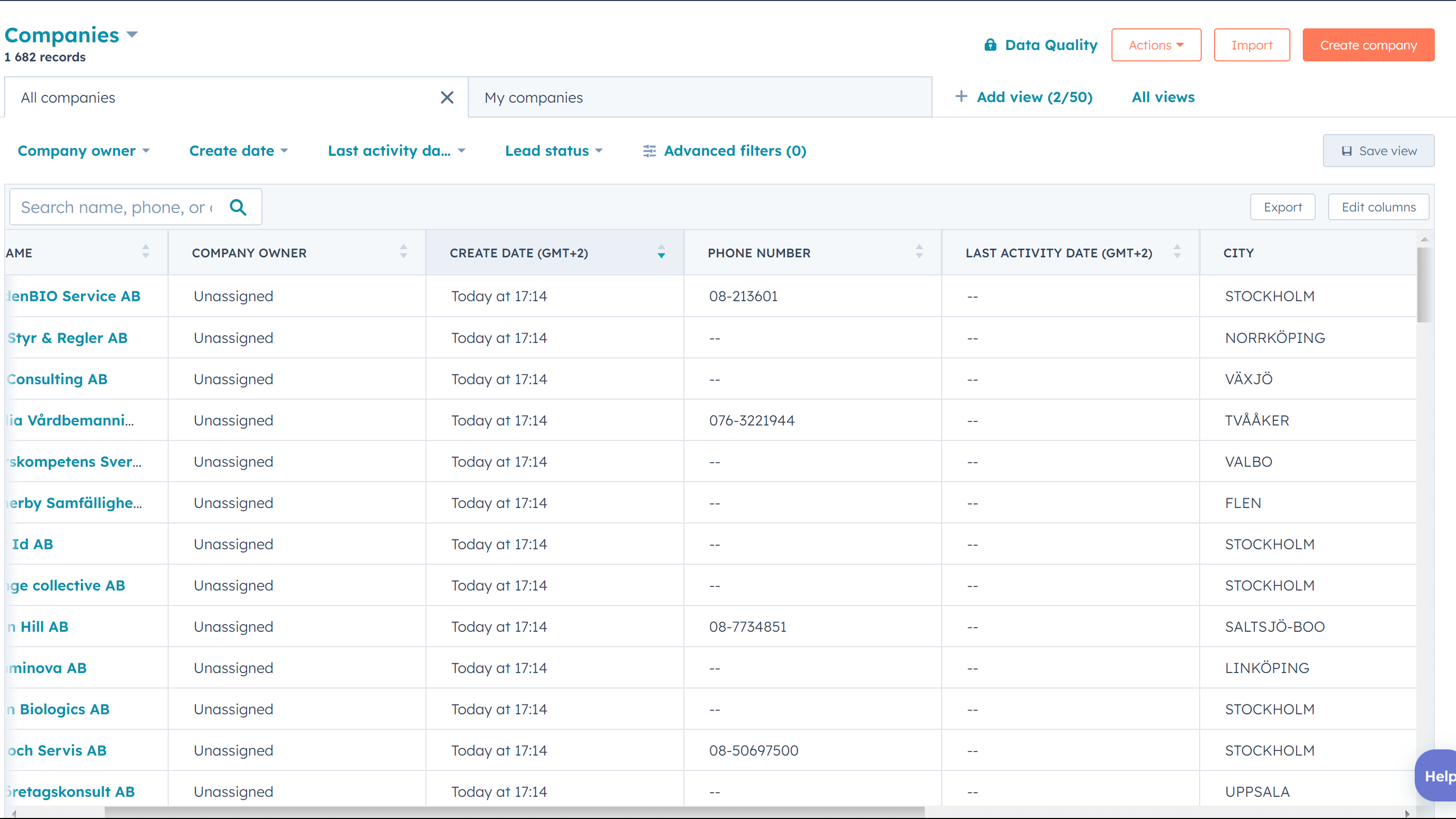
1/3 - Listing of companies synced from Fortnox
Resultify's Fortnox to HubSpot app is a software tool designed to integrate the Fortnox and HubSpot platforms, allowing businesses to streamline their financial and customer relationship management processes. The app serves as a bridge between the two platforms, enabling data to flow seamlessly between them.
At a high level, the app works by syncing data between Fortnox and HubSpot. Fortnox is a popular accounting software used by many businesses to manage their finances, while HubSpot is a leading customer relationship management platform used to track and manage customer interactions.
By integrating these two systems, Resultify's app enables businesses to automate many of their financial and customer management tasks. For example, the app can automatically create and update customer profiles in HubSpot based on data from Fortnox.
Overall, the big picture of Resultify's Fortnox to HubSpot app is to simplify and optimize the financial and customer management processes for businesses. By integrating these two platforms, the app can help businesses operate more efficiently and provide better customer experiences.
Note that you also need to purchase the App for the Fortnox marketplace, to get the integration to work fully. It can be found here: https://www.fortnox.se/integrationer/integration/resultify-i-sverige-ab/fortnox-till-hubspot
Fonctionnalités
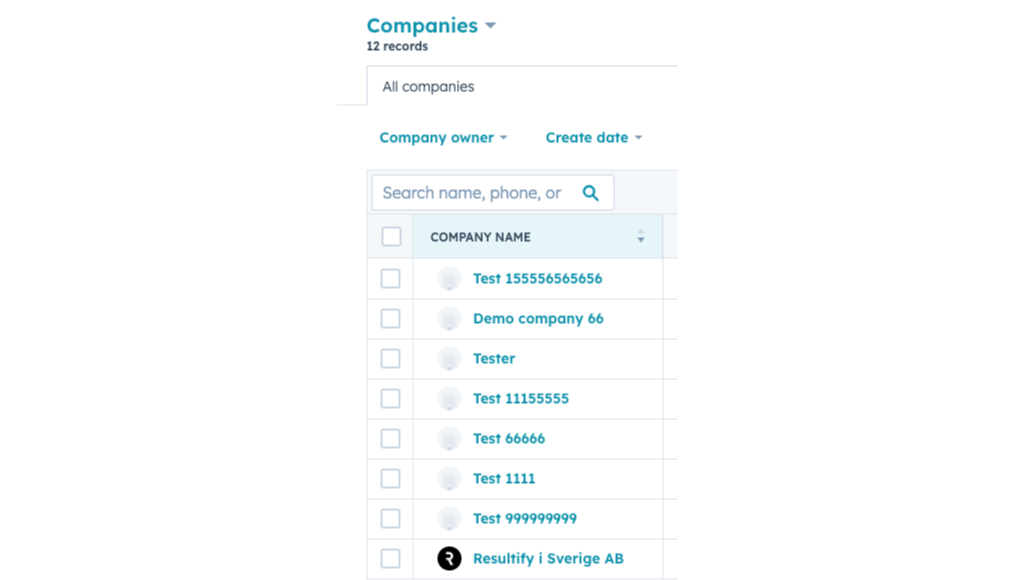
Automated Data Syncing
The app automatically syncs data between Fortnox and HubSpot, ensuring that both systems have the most up-to-date information. This includes customer data.
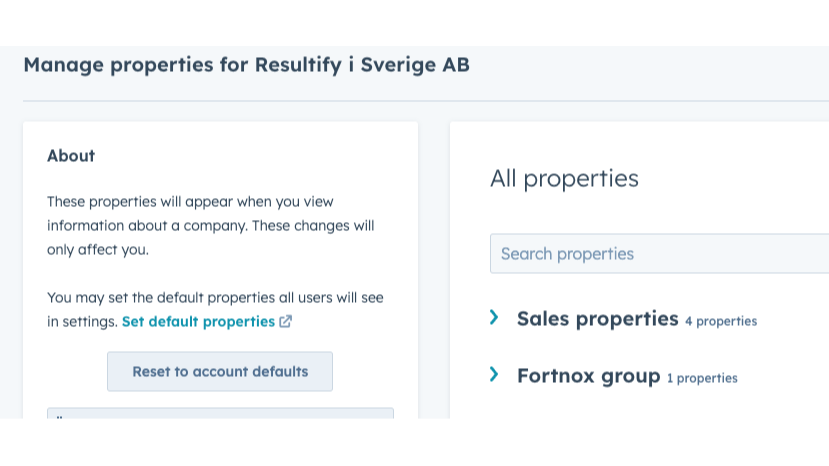
Company Profile Creation
The app can automatically create company profiles in HubSpot based on data from Fortnox. This allows businesses to have a complete view of their client companies in one place.
Fonctionnalité de l'application
Données partagées
Article | ||
Company | ||
Company | ||
Invoice | ||
Invoice |
Avis
- 31 juil. 2025
Personnel serviable.
Il est trop tôt dans le processus, mais j'ai reçu beaucoup d'aide de la part de Resultify, que je recommande. J'espère que l'intégration sera excellente.
Resultify a aidé, et fortnox a également été utile.
La courbe d'apprentissage de Hubspot est un peu difficile, l'interface utilisateur de Fortnox est un peu dépassée, mais pour l'instant, tout va bien.
V, J.
Tarification
Full plan
399 SEK
/moisCompany sync
Product sync
Deal sync
Full plan
399 SEK
/moisCompany sync
Product sync
Deal sync
* Les prix mentionnés ici sont uniquement présentés à titre indicatif. Tous les prix n'incluent pas les taxes, les offres spéciales, les réductions ni les autres facteurs pouvant affecter les tarifs. Vous devez contacter le partenaire pour obtenir les tarifs les plus récents. HubSpot n'assume aucune responsabilité pour les informations de tarification fournies par ses partenaires. Dernière mise à jour des prix : 30/10/2025
Informations supplémentaires
Créé par - Resultify
Installation - 60+ installations
Catégories Langues dans lesquelles cette application est disponible Anglais etSuédois
Les plus populaires


