
OneDrive for Breeze
Get answers from all your work apps within Breeze Assistant
Erstellt von - HubSpot
Installationen - 400+ Installationen
Anforderungen
HubSpot-Produktversion HubSpot-Account-Berechtigungen Keine Berechtigungen erforderlich Zugriffstyp Persönlich OneDrive for Breeze-Abonnement - Produktversion: Review OneDrive's Pricing Page
Übersicht
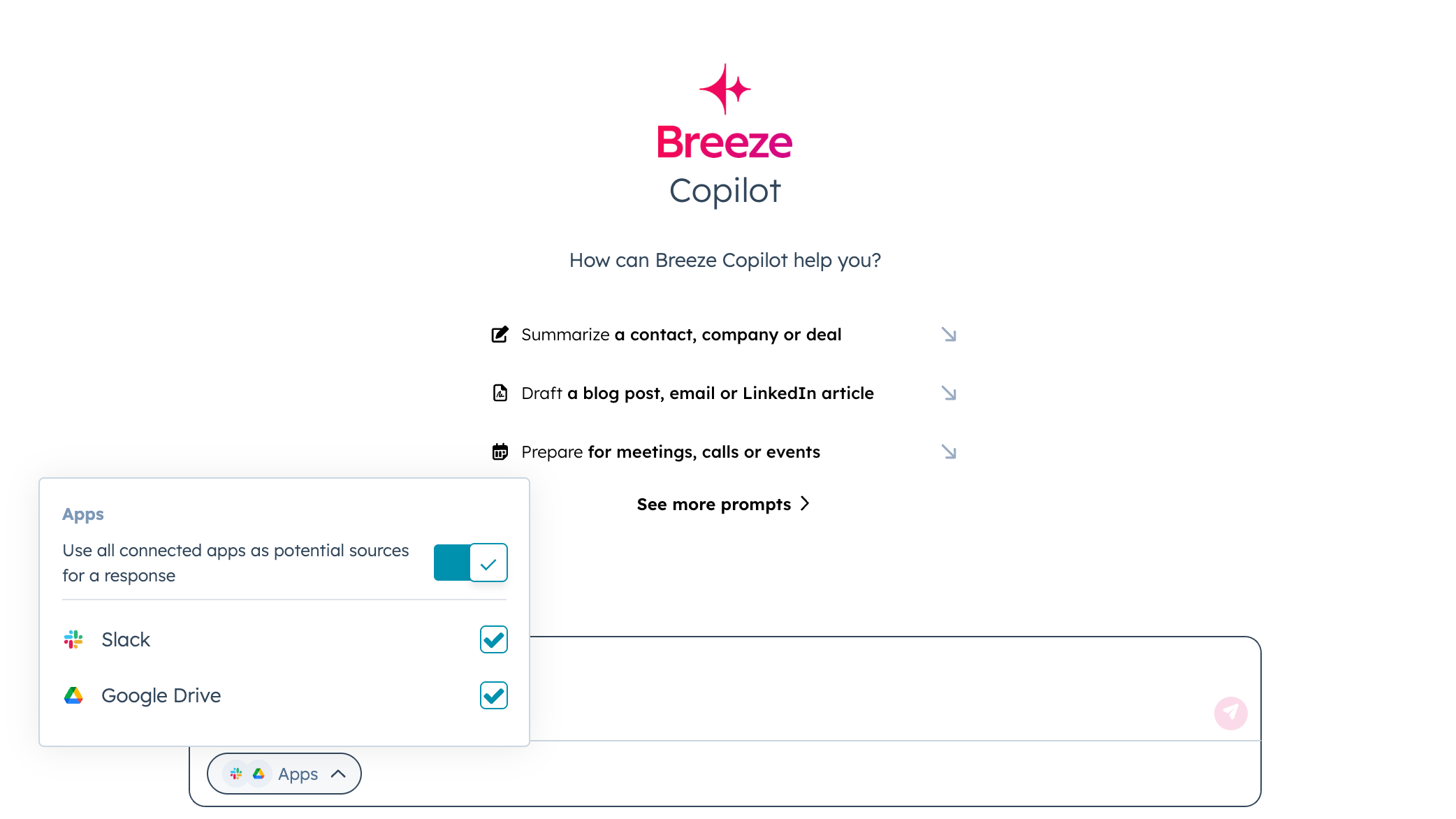
1/4 - Slack for Breeze
Connect OneDrive for Breeze so you can instantly search and access your files, documents, and shared resources without leaving HubSpot.
For Sales Teams:
Find sales presentations, proposals, and pitch decks stored in your OneDrive folders
Access pricing sheets, product specifications, or competitive analysis documents when you need them
Locate contract templates, SOWs, or legal documents shared by your team
Search for customer success stories, case studies, or reference materials saved in OneDrive
For Customer Support:
Quickly find technical documentation, user guides, or troubleshooting manuals
Access training materials, onboarding resources, or process documentation
Locate product roadmaps, feature specifications, or release notes
Search for customer-specific documentation or implementation guides
For Marketing Teams:
Find brand assets, logos, templates, or creative files stored in OneDrive
Access campaign briefs, content calendars, or marketing plans
Locate market research reports, competitor analyses, or industry studies
Search for approved messaging, copy templates, or brand guidelines
For Project Management:
Search for project plans, timelines, or status reports across your OneDrive folders
Find meeting notes, action items, or decision logs saved by team members
Access budget spreadsheets, resource plans, or project documentation
Locate standard operating procedures, policies, or compliance documents
Instead of switching between applications to find that important file, simply ask Breeze Assistant and get the information you need with direct access to your OneDrive documents.
Your organization's knowledge stored in OneDrive becomes instantly searchable and accessible right from HubSpot, helping you work more efficiently and make better-informed decisions.
Funktionen
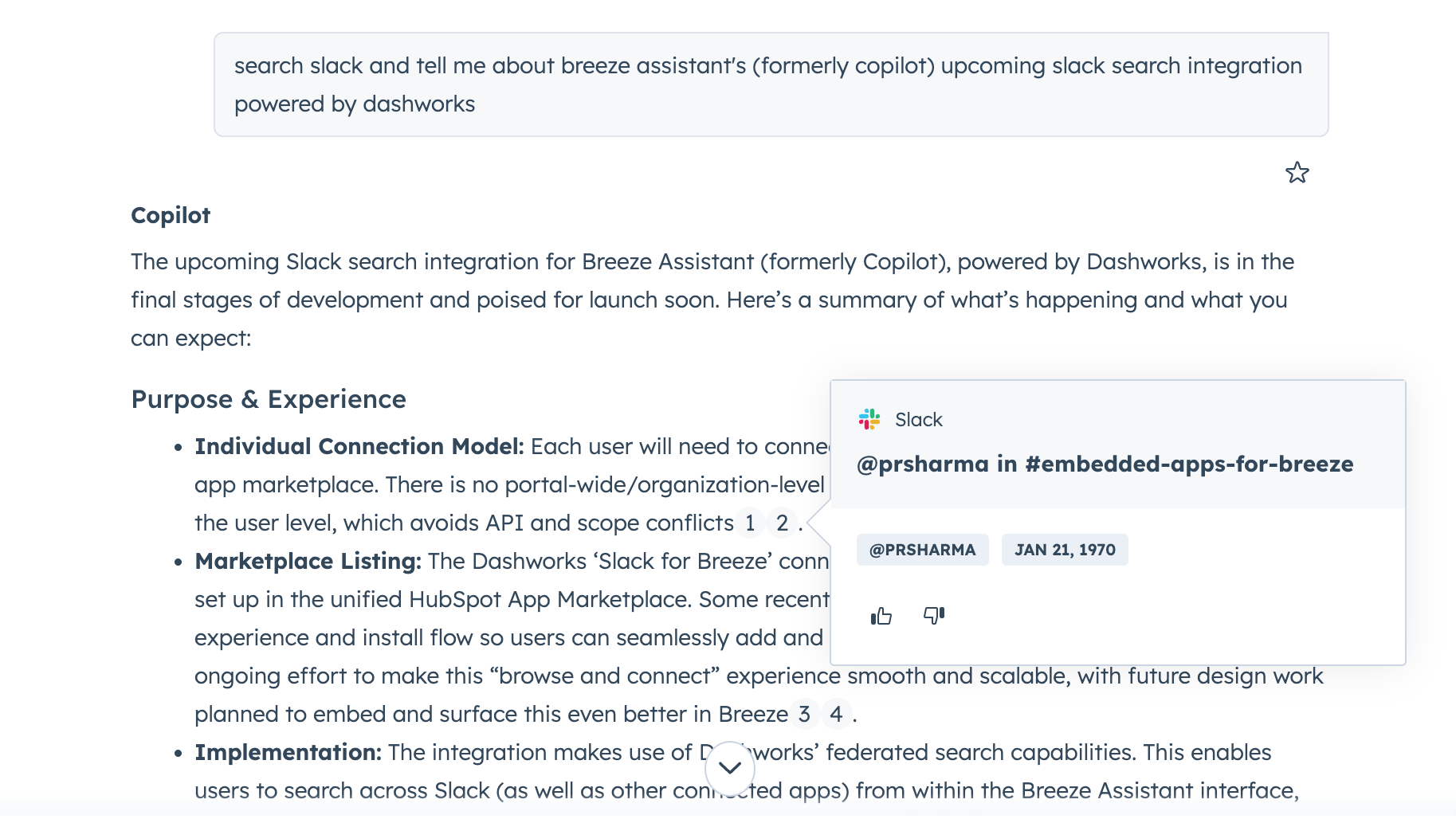
Unified AI Search
Get AI powered answers from all your work applications right inside Breeze Assistant.
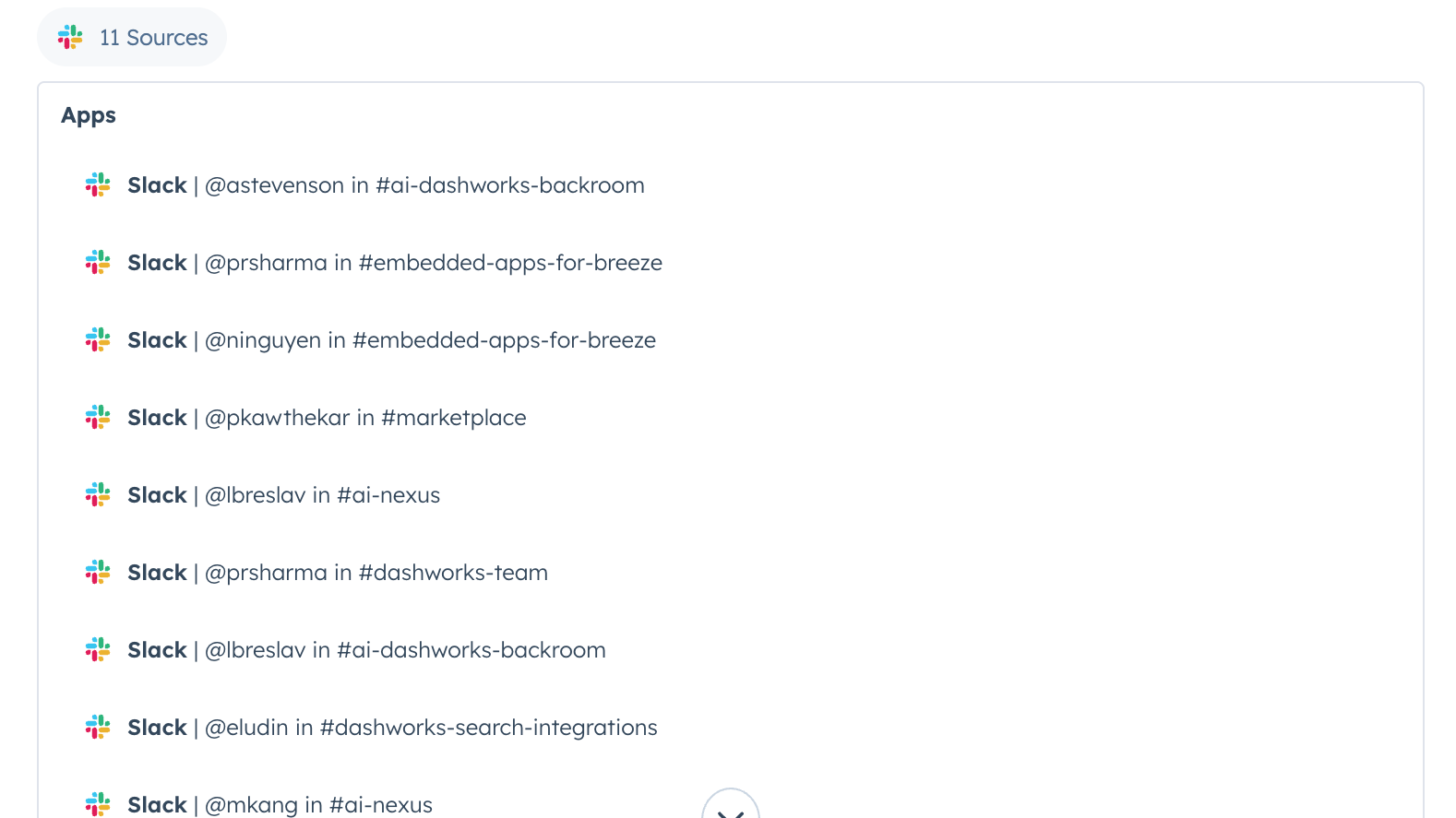
Source Citations
Easily verify answers with inline source citations.
App-Funktionalität
Datenaustausch
Messages |
Rezensionen
Verfassen Sie jetzt die erste Kundenrezension
Review OneDrive's Pricing Page
0 $
Use the 'See all pricing options' link on the righthand side
Make sure to confirm the HubSpot subscription and the OneDrive subscription needed to install this integration
Note: "Free" is referring to the cost of the integration, not the app subscriptions
Review OneDrive's Pricing Page
0 $
Use the 'See all pricing options' link on the righthand side
Make sure to confirm the HubSpot subscription and the OneDrive subscription needed to install this integration
Note: "Free" is referring to the cost of the integration, not the app subscriptions
* Die hier angegebenen Preise dienen nur zu Illustrationszwecken. Alle Preise enthalten keine Steuern, Sonderangebote, Rabatte oder sonstigen Preisvarianten. Bitte wenden Sie sich direkt an den Partner, um aktuelle und korrekte Preisinformationen zu erhalten. HubSpot übernimmt keine Verantwortung für Preisinformationen, die von unseren Partnern bereitgestellt werden. Letzte Aktualisierung der Preisinformationen: 22.08.2025
Weitere Infos
Erhält heute Aufmerksamkeit