
-1.png)
QuickBI
Erstellt von - QuickBI
Installationen - <10 Installationen
Anforderungen
HubSpot-Produktversion HubSpot-Account-Berechtigungen - Erforderliche Account-Berechtigungen anzeigen
Zugriffstyp Geteilt QuickBI-Abonnement - Produktversionen: Basic, Pro oder Enterprise
Übersicht
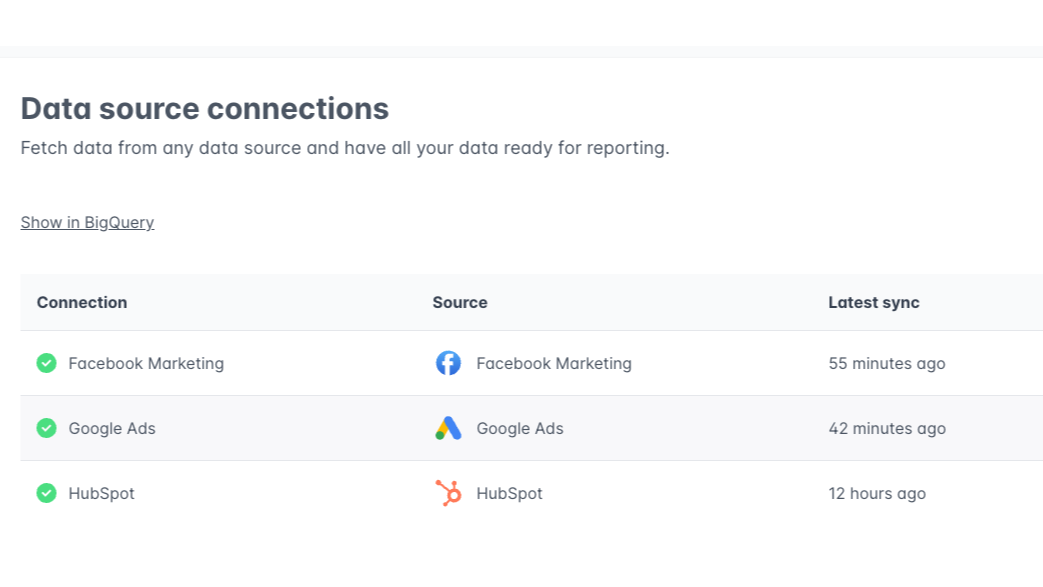
1/3 - Connect and sync HubSpot and all your other data sources.
QuickBI allows you to skip tedious data retrieval tasks when creating and updating reports. Simply choose your data sources from over 300 easy connectors and create a report on your favorite analysis tool (Power BI, Tableau, Looker Studio, Google Sheets, Qlik Sense, etc).
QuickBI automatically builds and maintains a fast and secure Google BigQuery data warehouse, which enables an efficient ELT-process for your data.
Funktionen
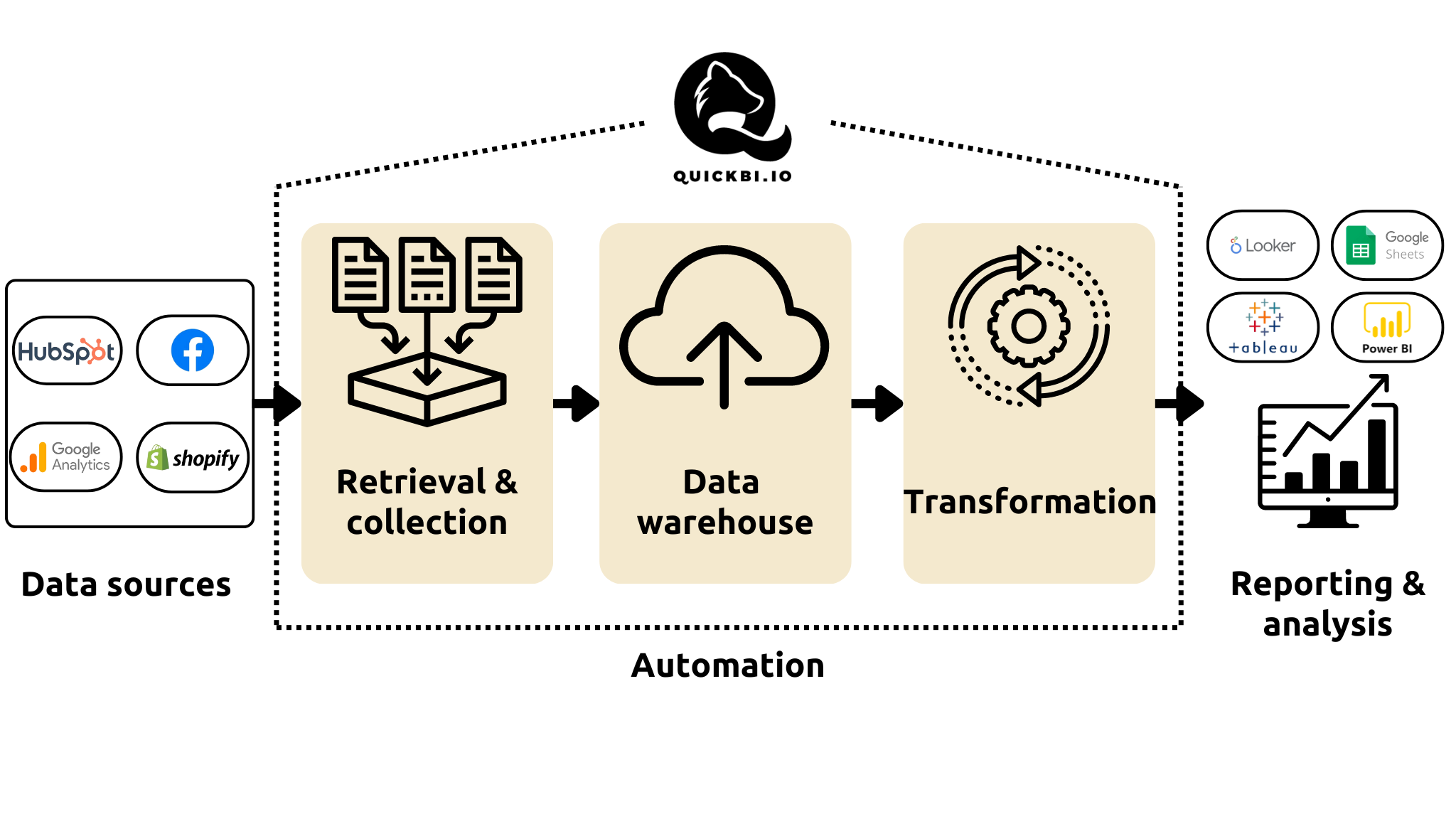
Automate reporting and data retrieval
QuickBI automates data retrieval and collection, warehousing and transformation. With QuickBI, you only need to connect your data sources and create a report once. The data from your sources will automatically refresh and transform to the correct format in your report. Spend your time on analysis and conclusions, not data retrieval!
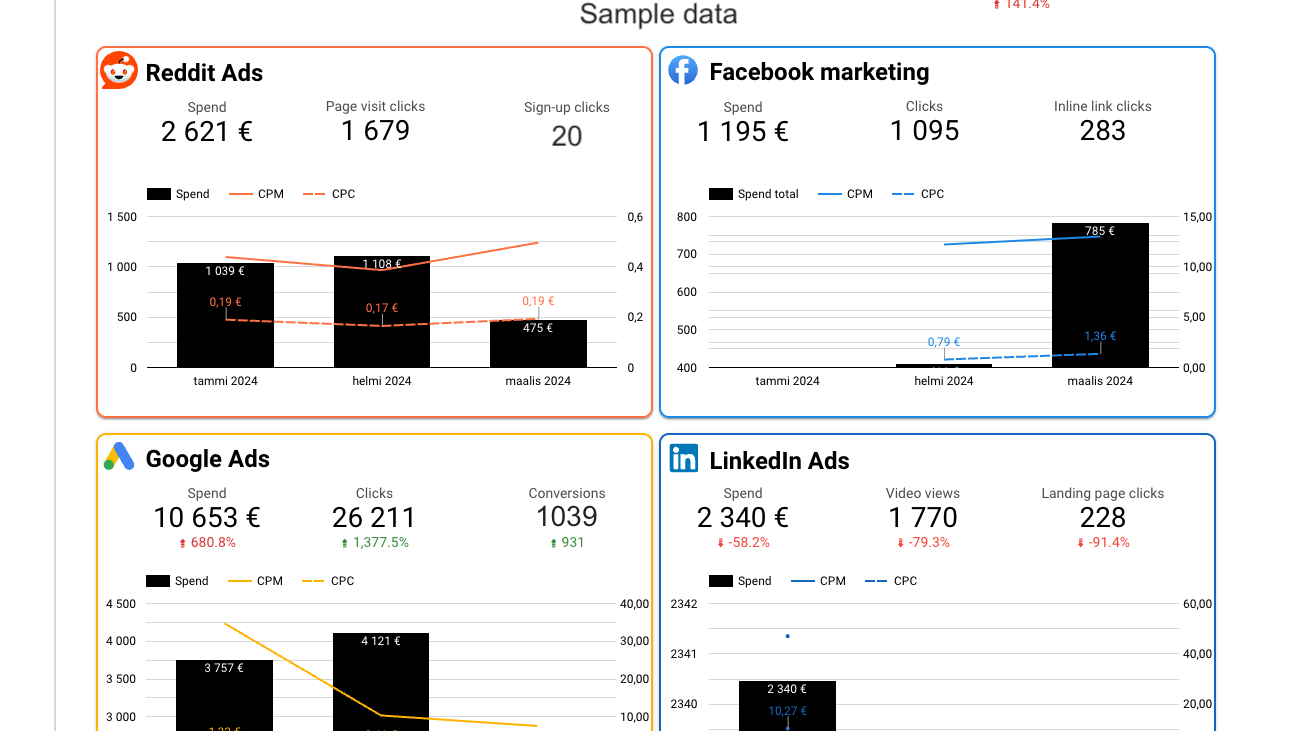
Combine data from multiple sources
QuickBI has over 300 data connectors for marketing, CRM, e-commerce, finance, HR and other purposes. Connecting multiple data sources allows combining data from different sources into a single report or comparison.
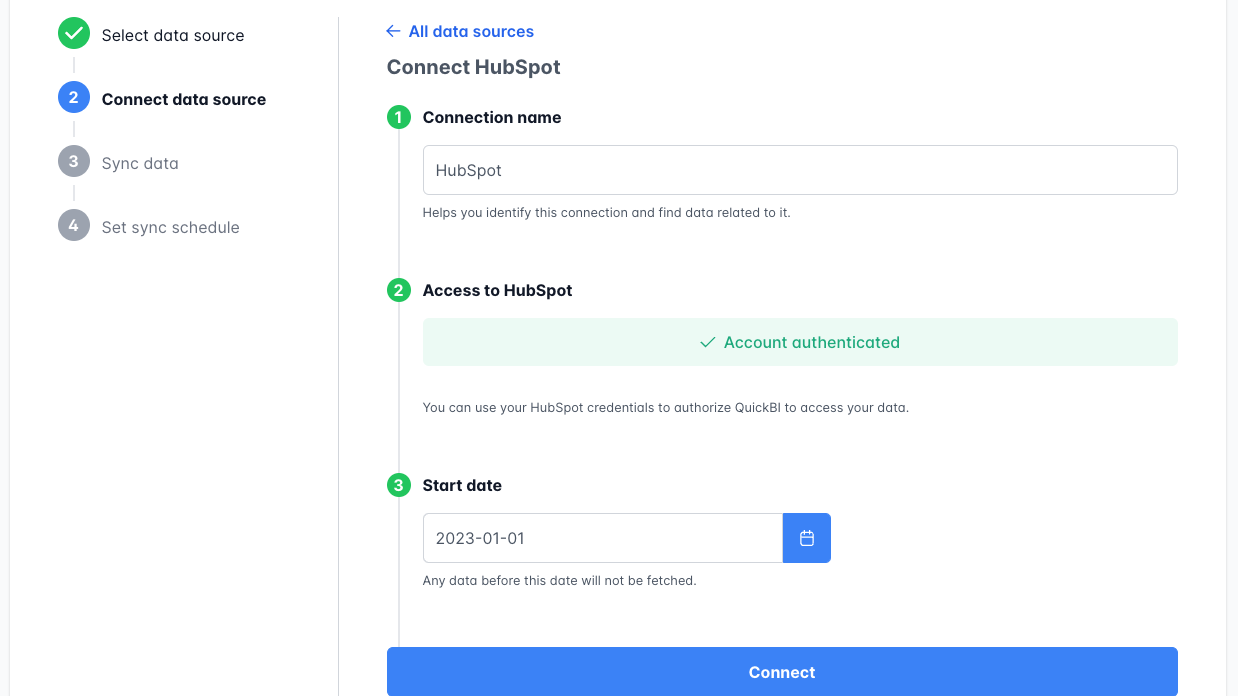
Quick, no-code setup
Quickly connect your data sources by authenticating the source with your login credentials. After that, just choose which data you want to sync with QuickBI and you're ready!
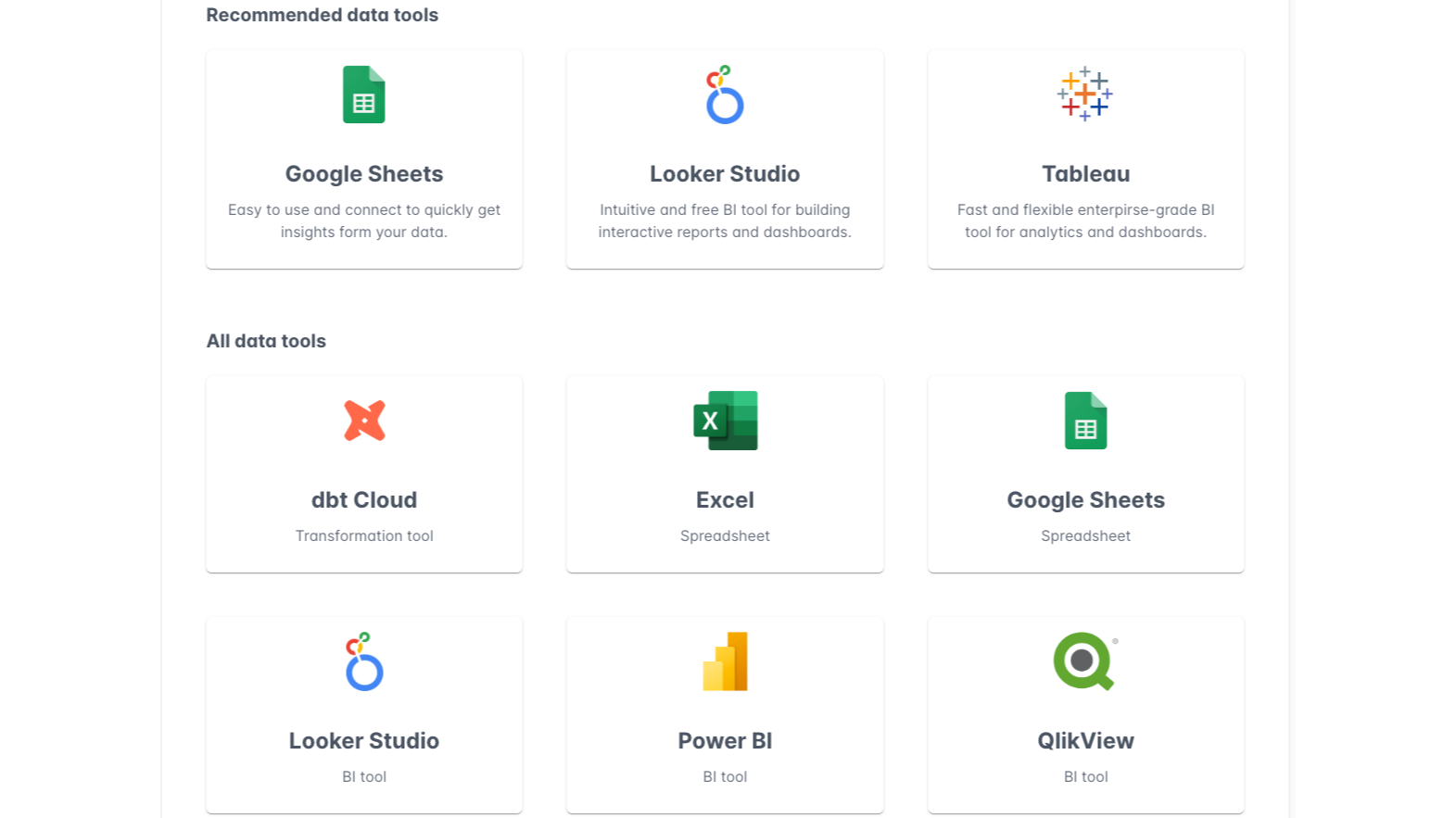
Analyze and visualize with the data tool you're familiar with
Use any BigQuery compatible data tool as a destination for your data. You can easily connect QuickBI to Tableau, Google Sheets, Power BI, Looker Studio or other data tools and start analyzing and visualizing your data.
App-Funktionalität
Datenaustausch
Companies | ||
Contact lists | ||
Contacts | ||
Deal pipelines | ||
Engagements | ||
Forms | ||
Owners | ||
Tickets | ||
Deals | ||
Contacts Properties | ||
Companies Properties |
Rezensionen
Basic
99 €
/MonatFree 30-day trial
1 data source
Data updated weekly
12 months of historical data
Google BigQuery data warehouse
Basic
99 €
/MonatFree 30-day trial
1 data source
Data updated weekly
12 months of historical data
Google BigQuery data warehouse
* Die hier angegebenen Preise dienen nur zu Illustrationszwecken. Alle Preise enthalten keine Steuern, Sonderangebote, Rabatte oder sonstigen Preisvarianten. Bitte wenden Sie sich direkt an den Partner, um aktuelle und korrekte Preisinformationen zu erhalten. HubSpot übernimmt keine Verantwortung für Preisinformationen, die von unseren Partnern bereitgestellt werden. Letzte Aktualisierung der Preisinformationen: 11.08.2025
Weitere Infos
Erhält heute Aufmerksamkeit

Fortnox
Wandeln Sie Geschäfte in Fortnox-Rechnungen um, rufen Sie den Rechnungsstatus ab und verfolgen Sie die Kundeneinnahmen, ohne HubSpot verlassen zu müssen.
Microsoft SharePoint & OneDrive
Verknüpfen Sie Dateien und Ordner aus SharePoint und OneDrive mit CRM-Datensätzen und automatisieren Sie die Dateiverwaltung mithilfe von Workflows.
