

Setka Editor
Erstellt von - Setka
Installationen - <10 Installationen
Anforderungen
HubSpot-Produktversion HubSpot-Account-Berechtigungen - Erforderliche Account-Berechtigungen anzeigen
Zugriffstyp Geteilt Setka Editor-Abonnement - Produktversionen: Free oder Pro Team
Übersicht
1/5
Design without limits
Setka Editor transforms the content creation process, so you can arrange text, images, and other visual elements into beautiful layouts — without having to code.
Publish unforgettable content
Branded style and reusable templates ensure a consistent look and feel on every published post for better brand recall and awareness — all in a couple of clicks.
Convert your audience
Intentional layout and blog design enhance readability and user experience while boosting conversion rates and KPIs like social shares, scroll depth, and time spent on-page.
Streamline creative workflows
Quality image sourcing, quick commenting, and live help right within the Setka Editor interface allows for optimized collaboration across editorial and design teams.
Funktionen
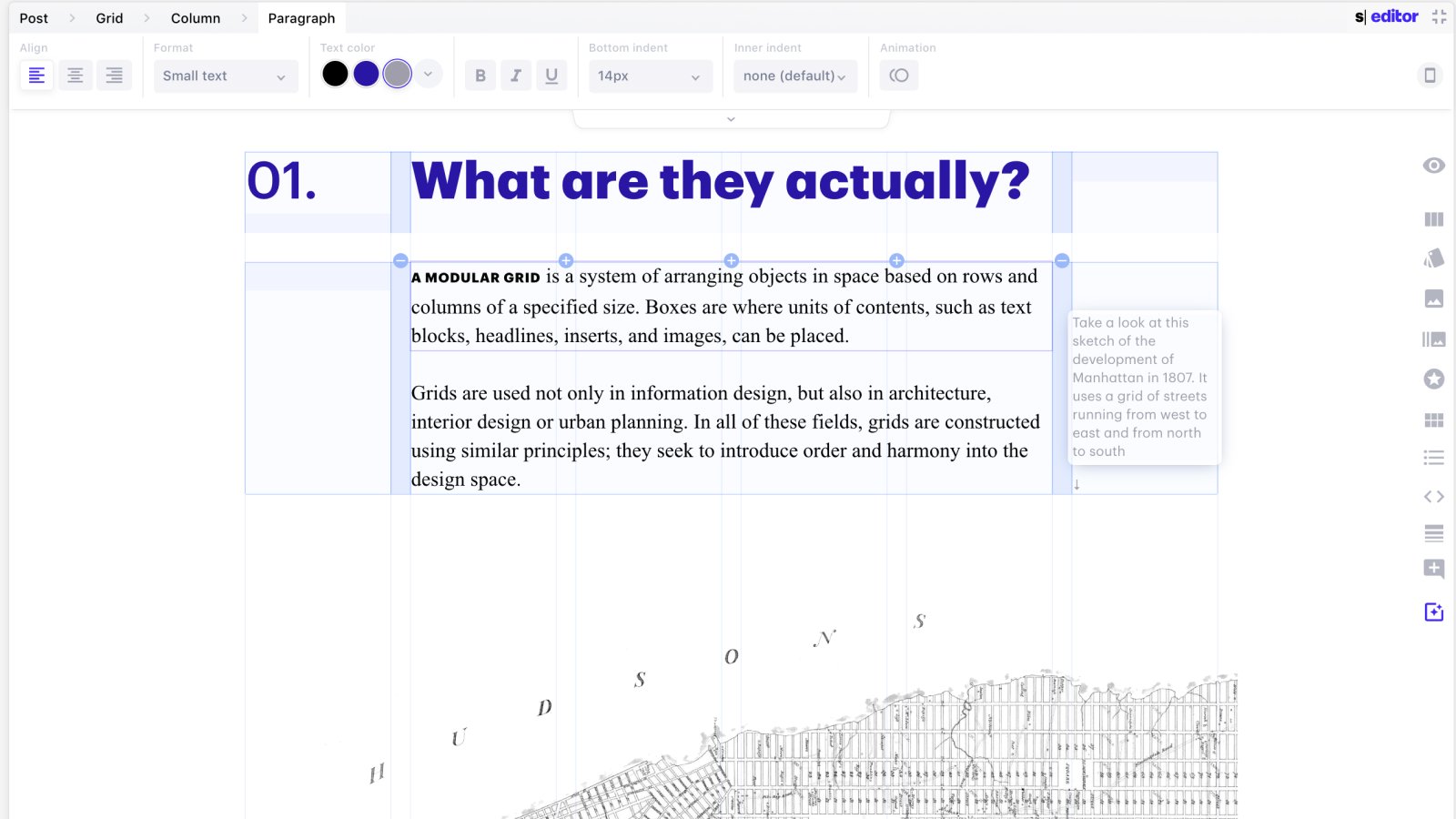
Publish unforgettable daily content to HubSpot
Setka transforms the content creation process, so you can arrange text, images, and other visual elements into beautiful layouts — without having to code. Branded style and reusable templates ensure a consistent look and feel on every published blog post, eBook or landing page on HubSpot
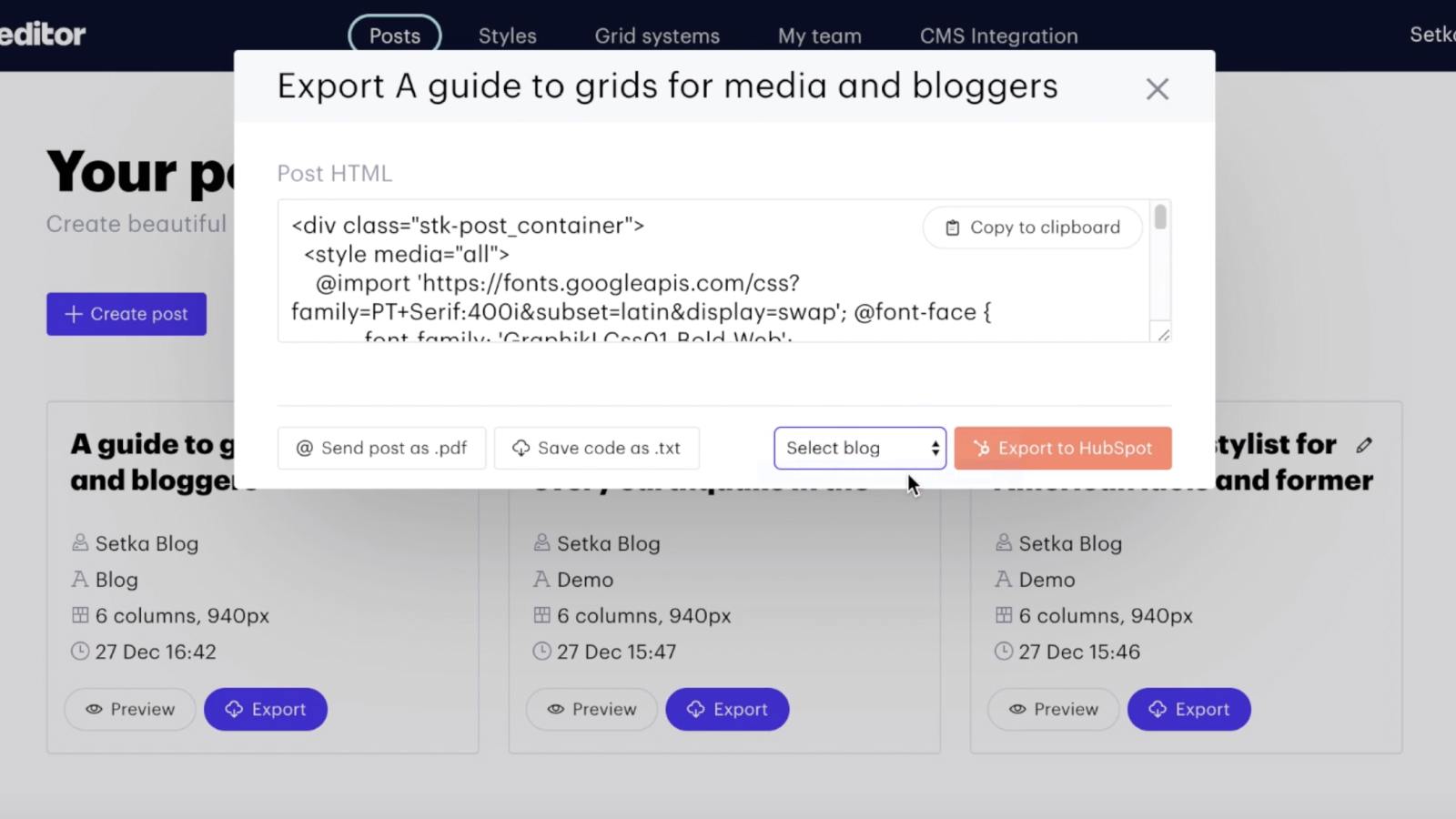
Simple and powerful integration for HubSpot users
Publish your content created in Setka to HubSpot with a single click. Setka automatically creates SEO friendly and mobile optimized posts.
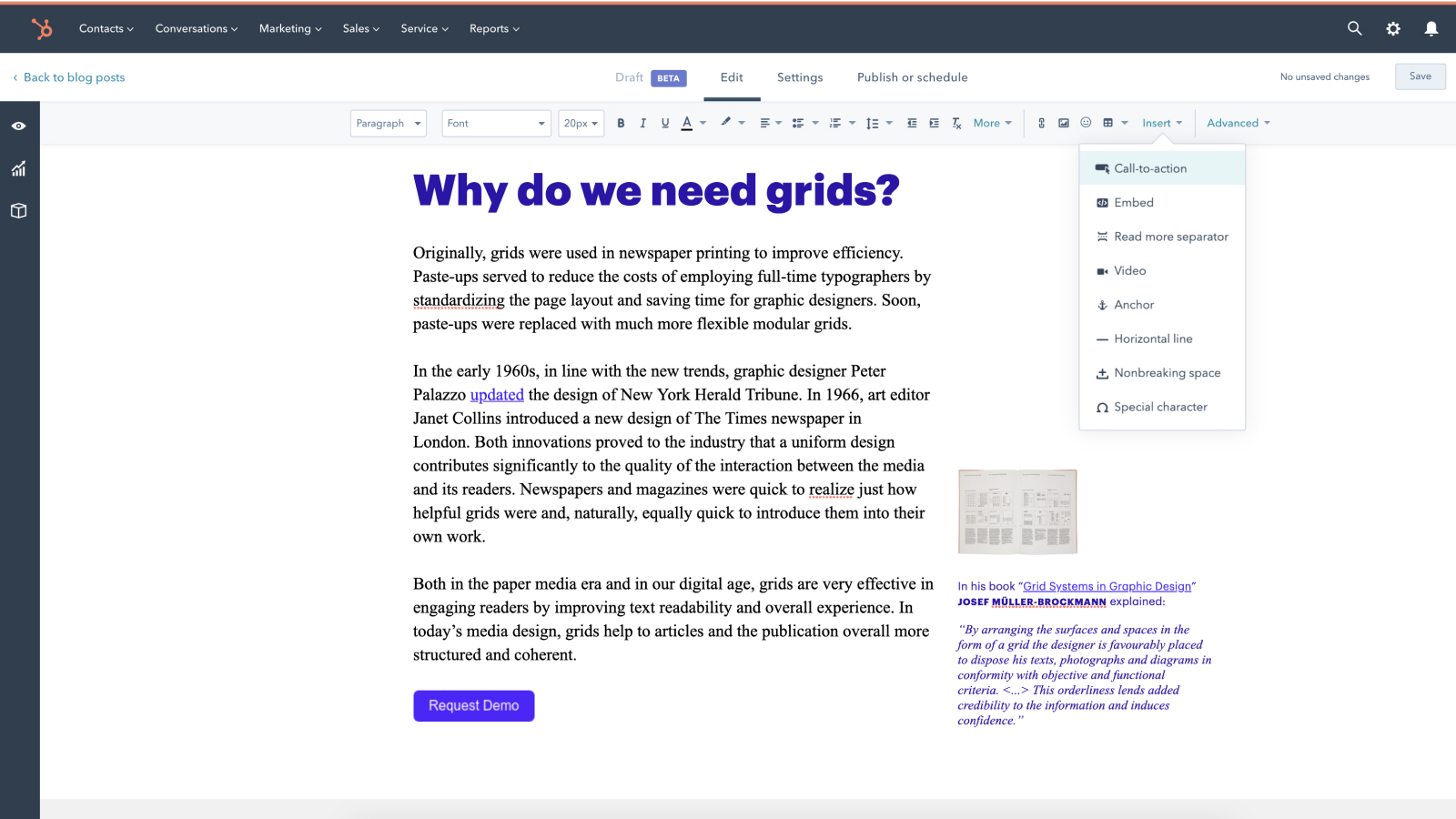
Convert your audience.
Insert CTA right in a post to better convert the audience. All the necessary data will be sent to HubSpot CRM.
App-Funktionalität
Datenaustausch
Post | ||
Blogs |
Rezensionen
Free
0 $
For small teams that are getting started with Content Marketing and Blogging
All of our standard features
Grids
SEO friendly posts
System fonts
Free
0 $
For small teams that are getting started with Content Marketing and Blogging
All of our standard features
Grids
SEO friendly posts
System fonts
* Die hier angegebenen Preise dienen nur zu Illustrationszwecken. Alle Preise enthalten keine Steuern, Sonderangebote, Rabatte oder sonstigen Preisvarianten. Bitte wenden Sie sich direkt an den Partner, um aktuelle und korrekte Preisinformationen zu erhalten. HubSpot übernimmt keine Verantwortung für Preisinformationen, die von unseren Partnern bereitgestellt werden. Letzte Aktualisierung der Preisinformationen: 11.08.2025
Weitere Infos
Erstellt von - Setka
Installationen - <10 Installationen
Kategorien Sprachen, in denen diese App verfügbar ist Englisch