
Anforderungen
HubSpot-Produktversion HubSpot-Account-Berechtigungen - Erforderliche Account-Berechtigungen anzeigen
Zugriffstyp Shared Wrike-Abonnement - Produktversionen: Business, Enterprise oder Pinnacle
Übersicht
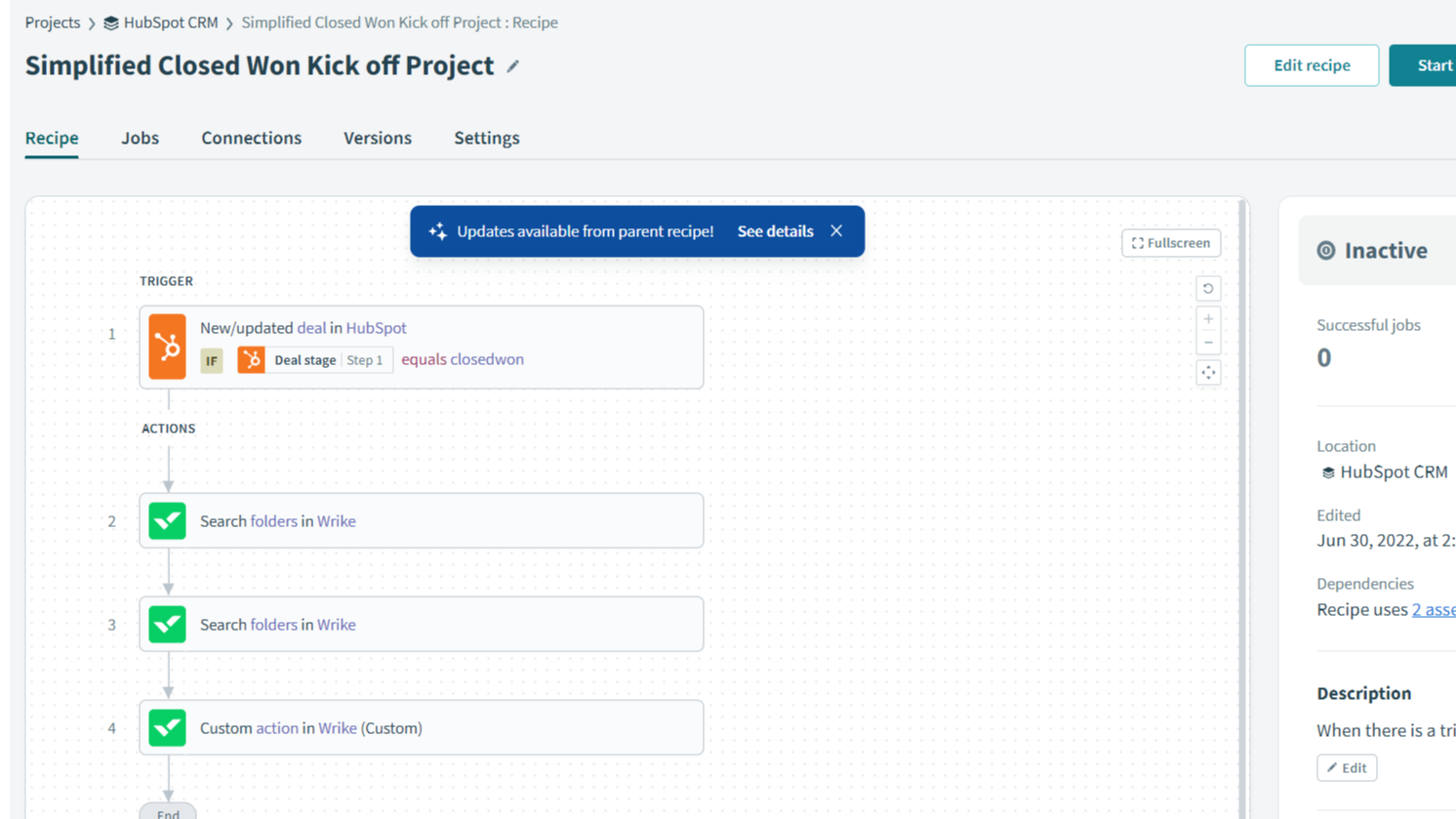
1/4 - Wrike and HubSpot integration through Wrike Integrate.
Wrike is a best-in-class collaborative work management tool that empowers you to deliver stronger project outcomes — on time and under budget. With Wrike, you get an overview of tasks, project lifecycles, and portfolio analytics, all customizable to your work style.
Marketing teams can approve assets, give feedback, and collaborate across departments more effortlessly than ever. No more clunky spreadsheets or outdated files!
For enterprise teams, security and stakeholder engagement is critical. Wrike allows organizations to keep clients in the loop, safely store documents, and efficiently allocate staff and other resources. With these capabilities, your teams can boost their productivity and can collaborate more efficiently.
Customize your Wrike experience with 400+ cloud-based and on-premise app integrations through Wrike Integrate. Connect your existing apps and workflows with pre-made integrations available for popular apps, plus build custom integrations for more advanced users.
With the help of this Wrike.com integration, HubSpot users can create projects from blueprints in Wrike when deals move to the desired state, sync data fields, and automatically receive updates between the two platforms. This app requires a paid subscription to Wrike and an add-on of Wrike Integrate.
Funktionen
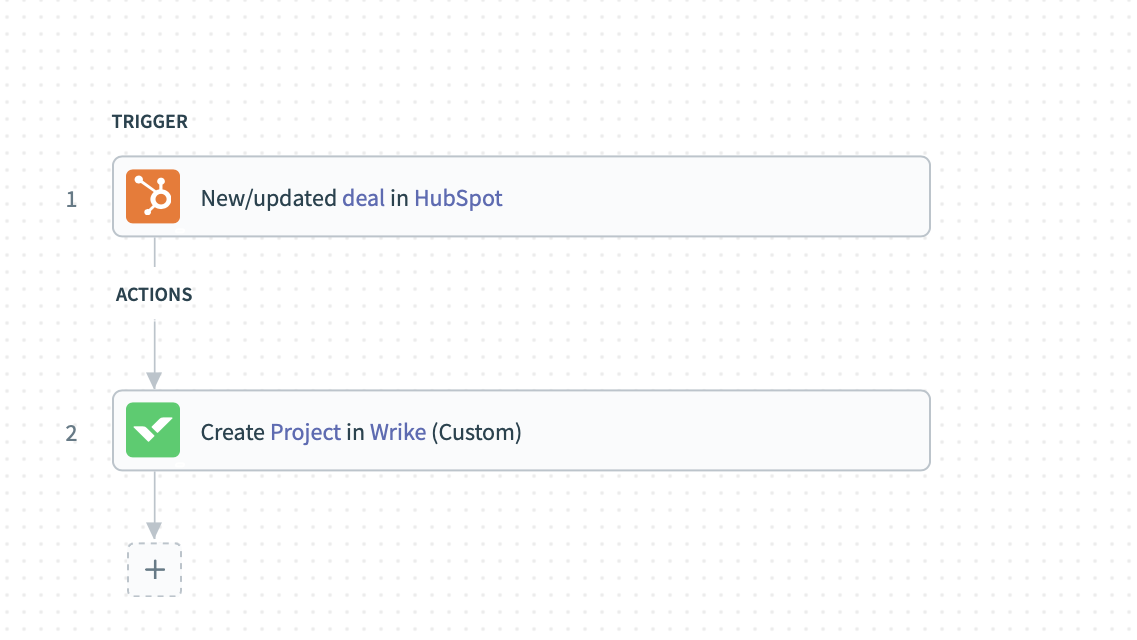
Track new/updated deals from HubSpot
When new deals are created or existing deals are updated in HubSpot, the information of such deals can be synced to Wrike so that sales/project teams can collaborate over those.
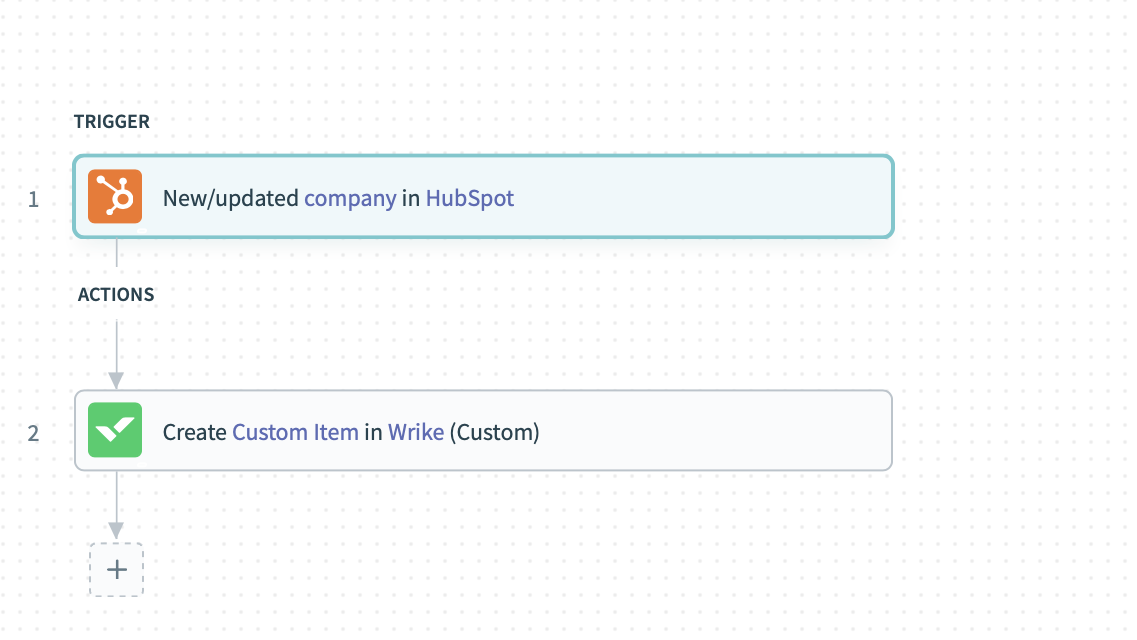
Track new/updated companies from HubSpot
When new companies are created or existing companies are updated in HubSpot, the information of such companies can be synced to Wrike so that those can be associated with projects/tasks.
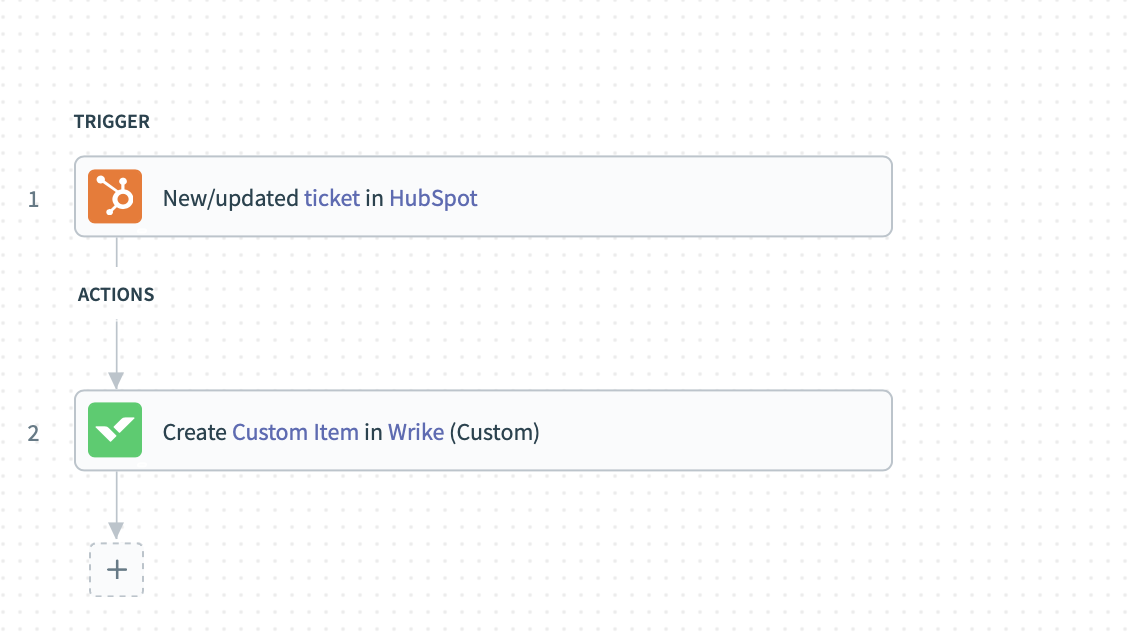
Track new/updated tickets from HubSpot
When new tickets are created or existing tickets are updated in HubSpot, the information of such tickets can be synced to Wrike so that support teams can collaborate over those.
App-Funktionalität
Datenaustausch
Custom Fields | ||
Project/Task Assignee | ||
Projects/Folders/Tasks/CITs | ||
Projects/Folders/Tasks/CITs | ||
Projects/Folders/Tasks/CITs | ||
Tasks/CITs | ||
Tasks/Subtasks |
Rezensionen
Verfassen Sie jetzt die erste Kundenrezension
Business
24,80 $
/MonatFor all teams across an organization
5-200 users
Folder structure & nested projects
Cross-tagging
Project Blueprints
Custom item types
Business
24,80 $
/MonatFor all teams across an organization
5-200 users
Folder structure & nested projects
Cross-tagging
Project Blueprints
Custom item types
* Die hier angegebenen Preise dienen nur zu Illustrationszwecken. Alle Preise enthalten keine Steuern, Sonderangebote, Rabatte oder sonstigen Preisvarianten. Bitte wenden Sie sich direkt an den Partner, um aktuelle und korrekte Preisinformationen zu erhalten. HubSpot übernimmt keine Verantwortung für Preisinformationen, die von unseren Partnern bereitgestellt werden. Letzte Aktualisierung der Preisinformationen: 11.08.2025
Weitere Infos
Erstellt von - Wrike
Installationen - <10 Installationen
Kategorien Sprachen, in denen diese App verfügbar ist Englisch
Am beliebtesten


