

zzBots
Erstellt von - zzBots
Installationen - 20+ Installationen
Anforderungen
HubSpot-Produktversion HubSpot-Account-Berechtigungen - Erforderliche Account-Berechtigungen anzeigen
Zugriffstyp Geteilt zzBots-Abonnement - Produktversionen: Free, Mini, Personal, Pro oder Plus
Übersicht
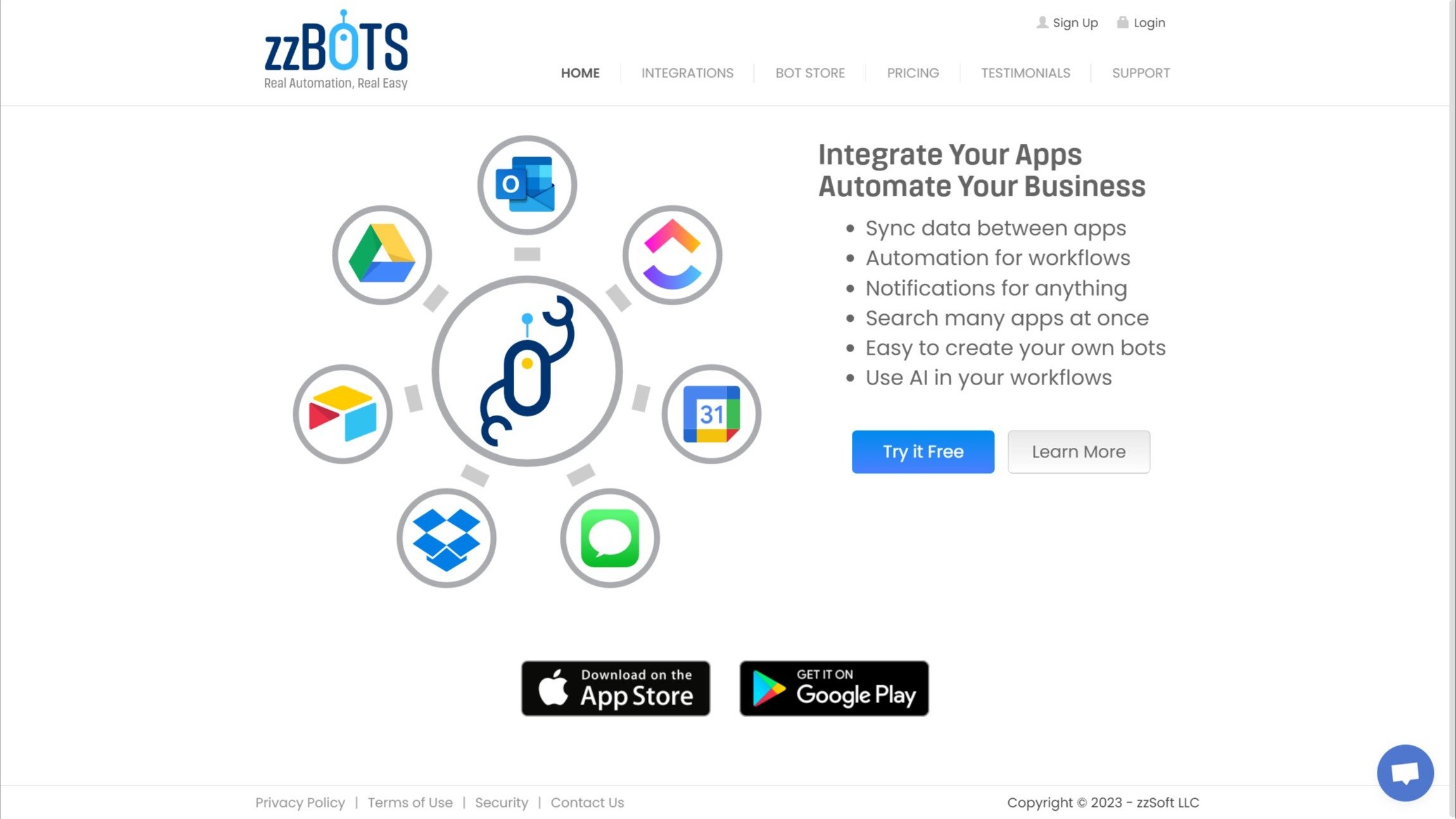
1/5 - Website frontend: Sign Up, Navigate.
zzBots is an easy-to-use software integration platform that helps businesses automate their workflows by syncing data between apps and eliminating manual data entry using pre-built or custom bots.
Funktionen
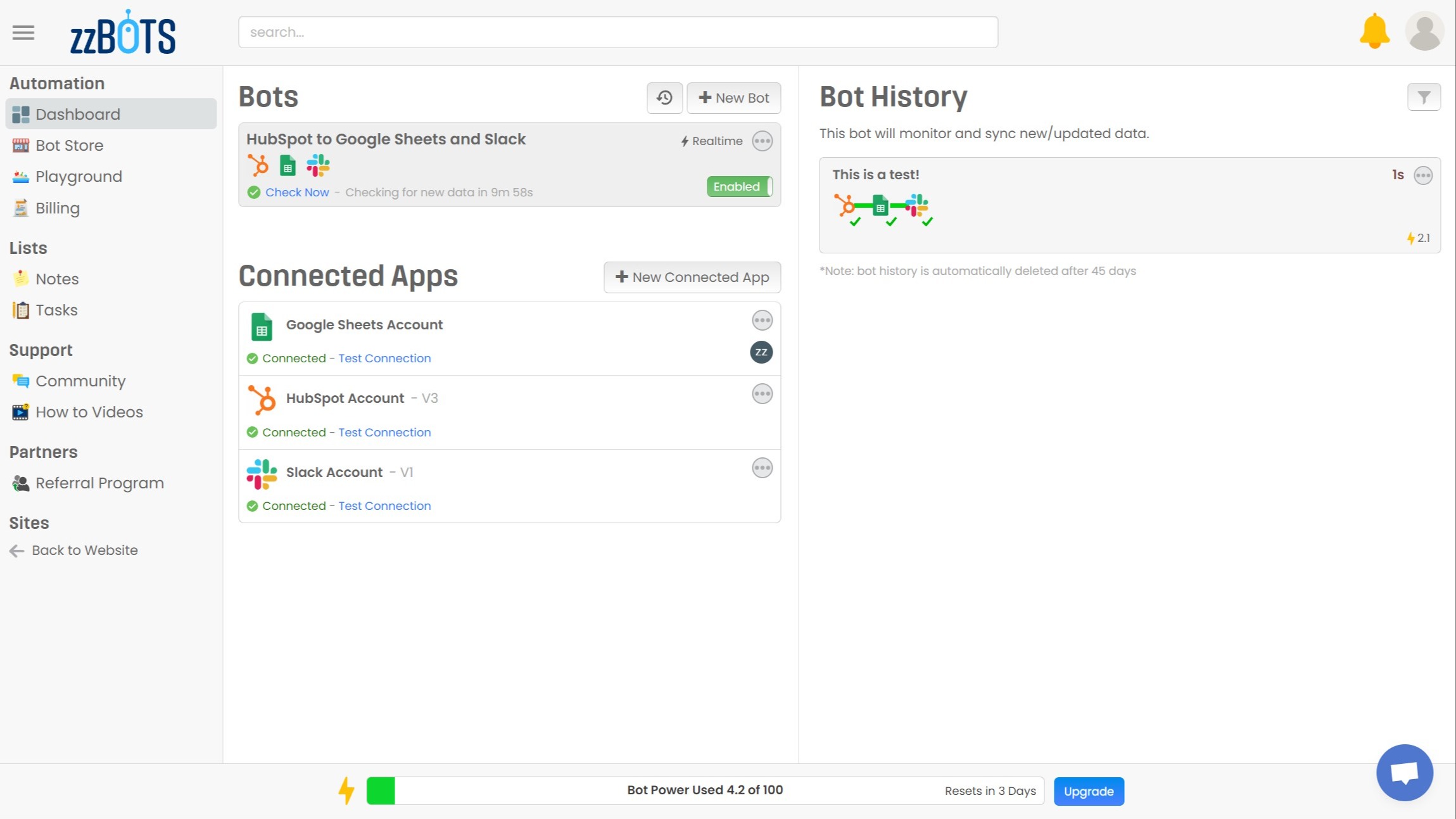
Sync data between apps and automate workflows.
This feature automates data sync and workflows, saving time and enhancing efficiency. For instance, a custom bot can sync HubSpot deals to Google Sheets, updating your team via Slack, eliminating manual entry, and ensuring real-time updates.
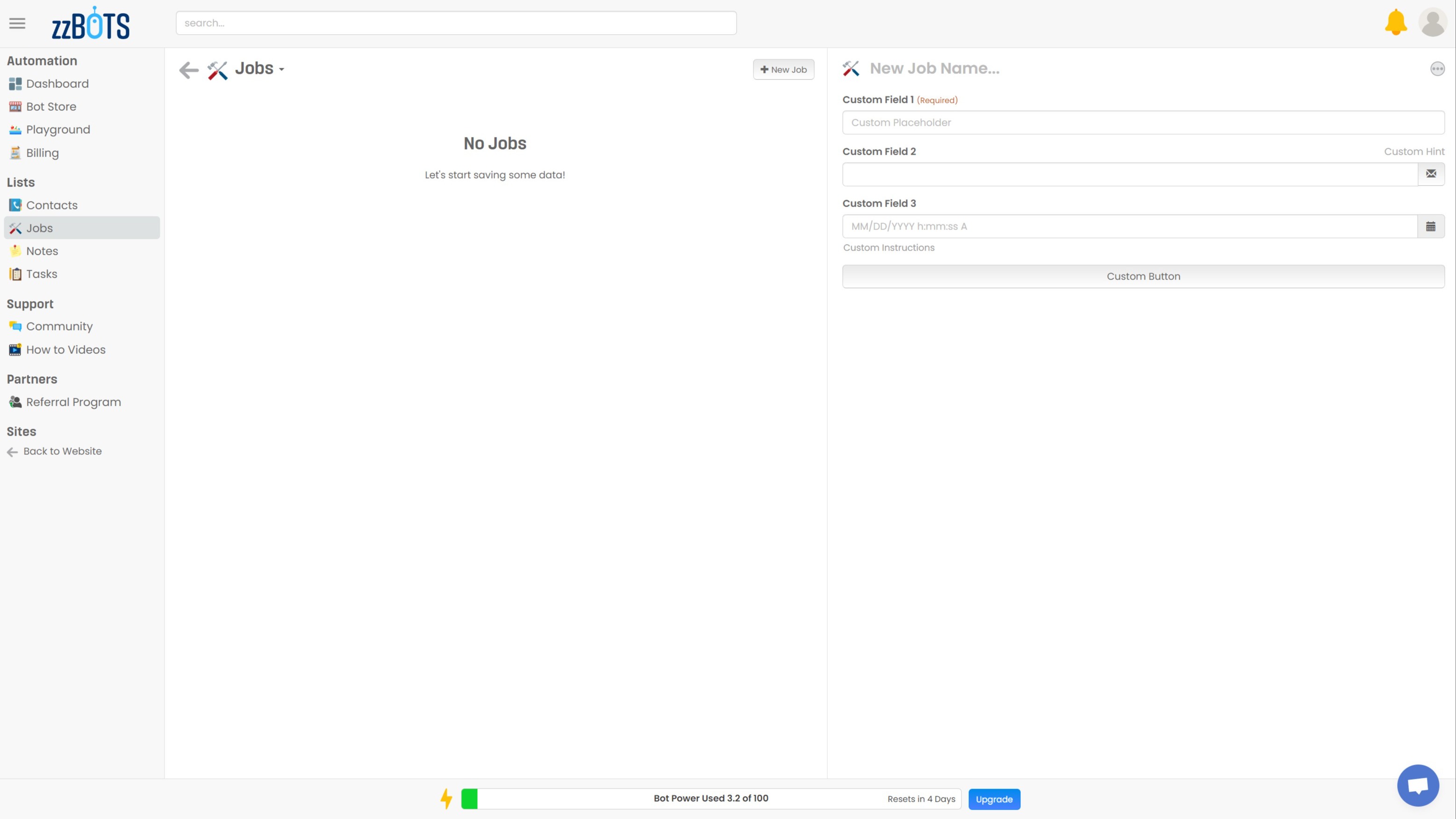
Built-in database with customizable fields
Store, retrieve & manage data in workflows. Flexible fields align with your needs, enhancing automation depth in zzBots.
App-Funktionalität
Datenaustausch
Contacts | ||
Companies | ||
Deals |
Rezensionen
Free
0 $
100 Bot Power
4 Bots
4 Connected Apps
Checks Every 10 min
1 Workspace User
Free
0 $
100 Bot Power
4 Bots
4 Connected Apps
Checks Every 10 min
1 Workspace User
* Die hier angegebenen Preise dienen nur zu Illustrationszwecken. Alle Preise enthalten keine Steuern, Sonderangebote, Rabatte oder sonstigen Preisvarianten. Bitte wenden Sie sich direkt an den Partner, um aktuelle und korrekte Preisinformationen zu erhalten. HubSpot übernimmt keine Verantwortung für Preisinformationen, die von unseren Partnern bereitgestellt werden. Letzte Aktualisierung der Preisinformationen: 04.08.2025
Weitere Infos
Erhält heute Aufmerksamkeit
Jira Sync by IssueLinker
Der Kunde meldet es in HubSpot, die Entwickler sehen es in Jira, und jede Aktualisierung wird in beide Richtungen weitergegeben – ohne Übergabe, ohne Kopieren und Einfügen, ohne Slack-Benachrichtigung.

GitHub Sync by IssueLinker
Der Kunde meldet es in HubSpot, die Entwickler sehen es in GitHub, und jedes Update fließt in beide Richtungen – ohne Übergabe, ohne Kopieren und Einfügen, ohne Slack-Benachrichtigung.
