
Beefree
Design emails and pages without complexities
Exigences
Abonnement HubSpot Autorisations de compte HubSpot - Afficher les autorisations de compte requises
Abonnement à Beefree - Abonnements : Starter, Professional, Business ou Enterprise
Vue d'ensemble
1/6 - Video showing how to connect HubSpot to Beefree and use personalization tokens in email and landing page campaigns
HubSpot + Beefree = A match made in email heaven.
Combine HubSpot’s robust marketing automation with Beefree’s powerful design suite. While HubSpot powers your growth, Beefree empowers your team to create professional, responsive, and on-brand campaigns, 3x faster.
Here is why marketing teams choose Beefree to design their HubSpot campaigns:
360 campaigns in one click: Turn any email into a landing page and vice versa with a single click.
Multilingual design: Use Beefree’s AI Assistant and multilingual design features to localize your campaigns.
Advanced design: Apply merge tags and dynamic content, add custom HTML blocks, create complex layouts, and enhance designs with rounded corners, hover effects, and more.
Built-in workflows: Team-level user restrictions and approval workflows provide a complete system of guardrails, ensuring consistently on-brand and error-free campaigns.
And the best part? Export your designs from Beefree to HubSpot in just one click.
Fonctionnalités
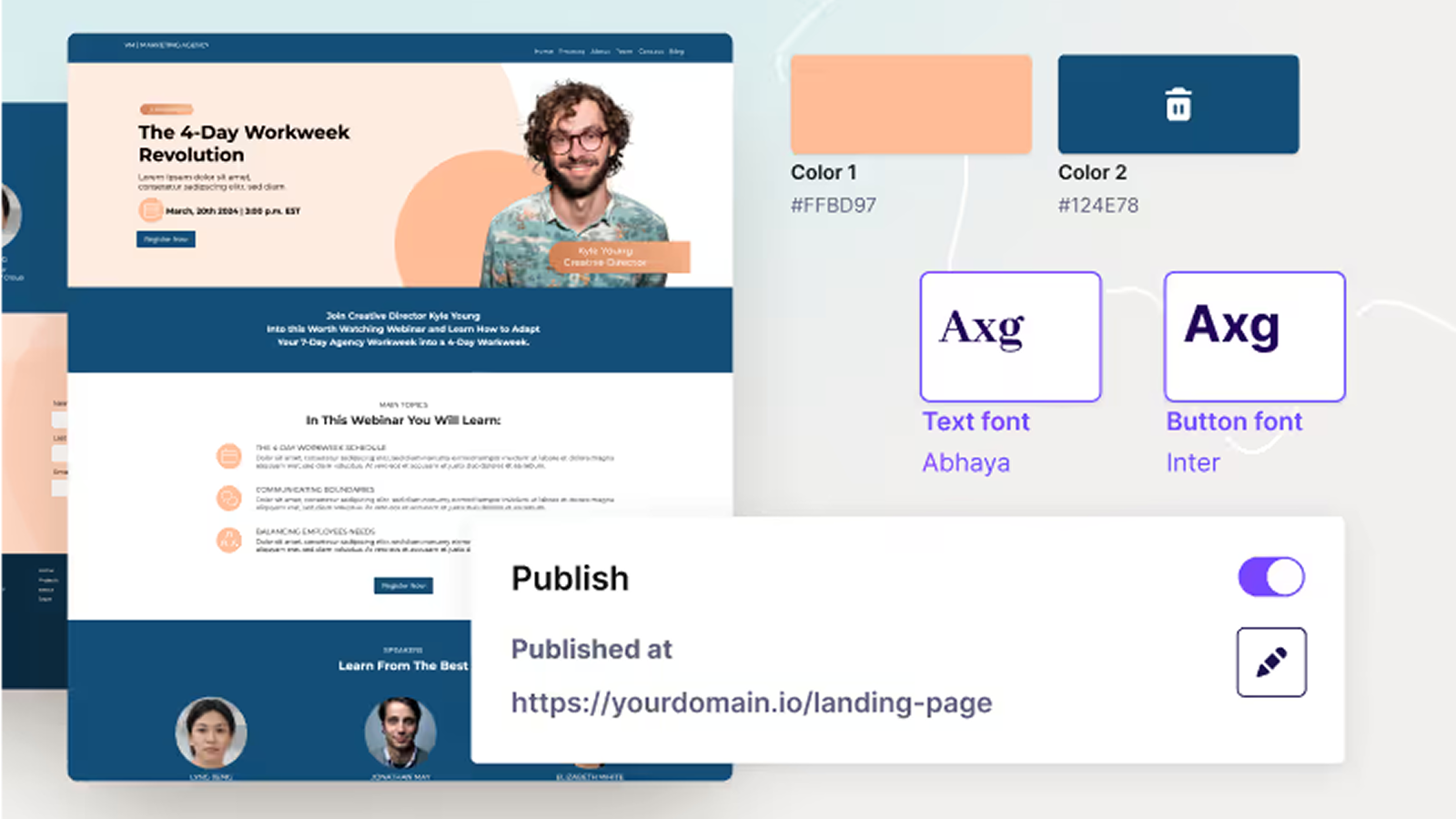
Safeguard your brand with granular controls:
Empower your entire organization to design campaigns faster without breaking brand guidelines. Set granular controls for fonts, colors, and more. Plus, set user permissions to control who can and cannot make edits to your style guidelines.
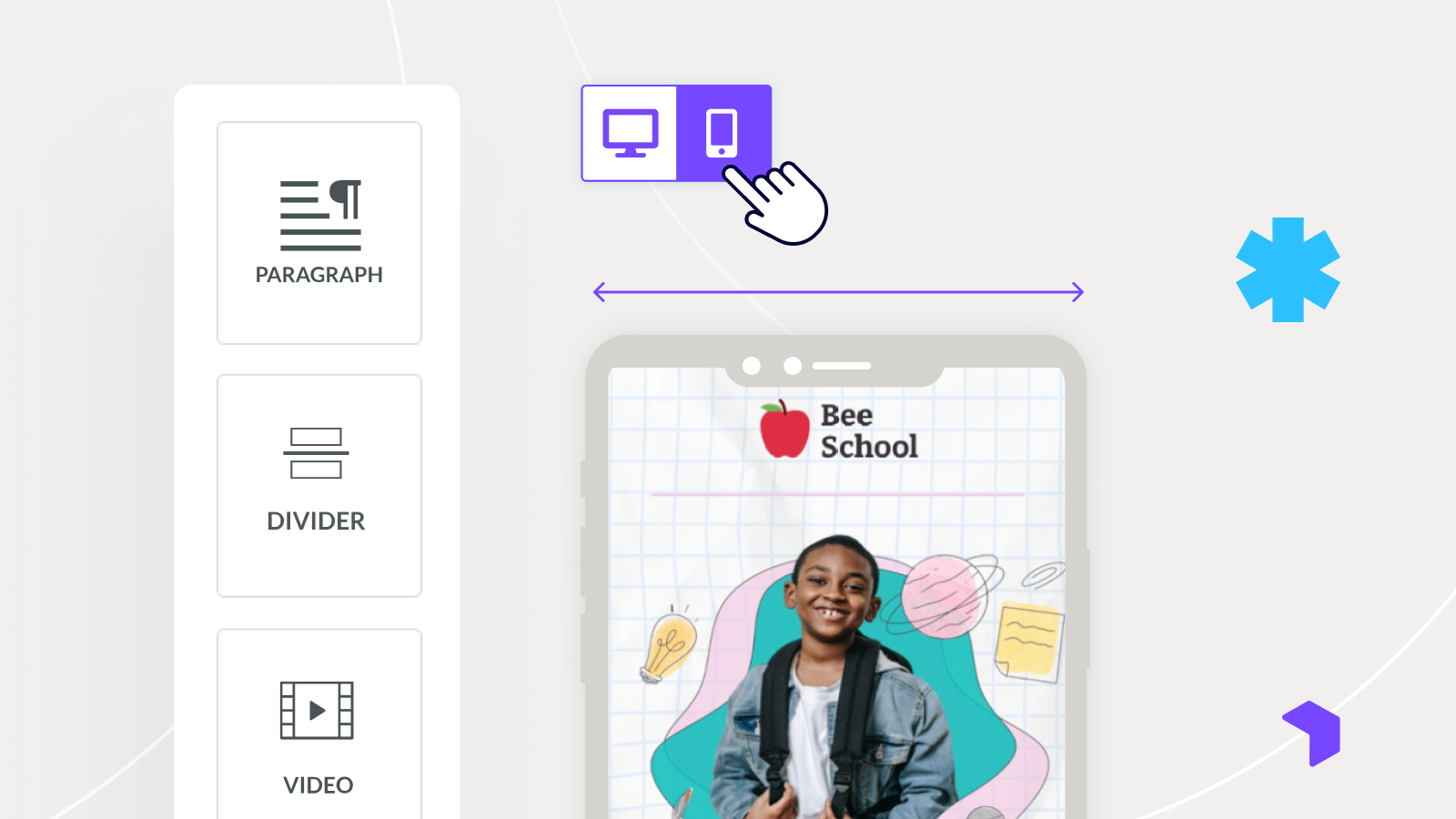
Optimize every campaign for mobile
Don't just hope for the best. Use Beefree's Mobile Design Mode to fine-tune exactly how your emails and pages look on smaller screens. Adjust padding, hide elements, or reverse column stacking without writing a line of code.
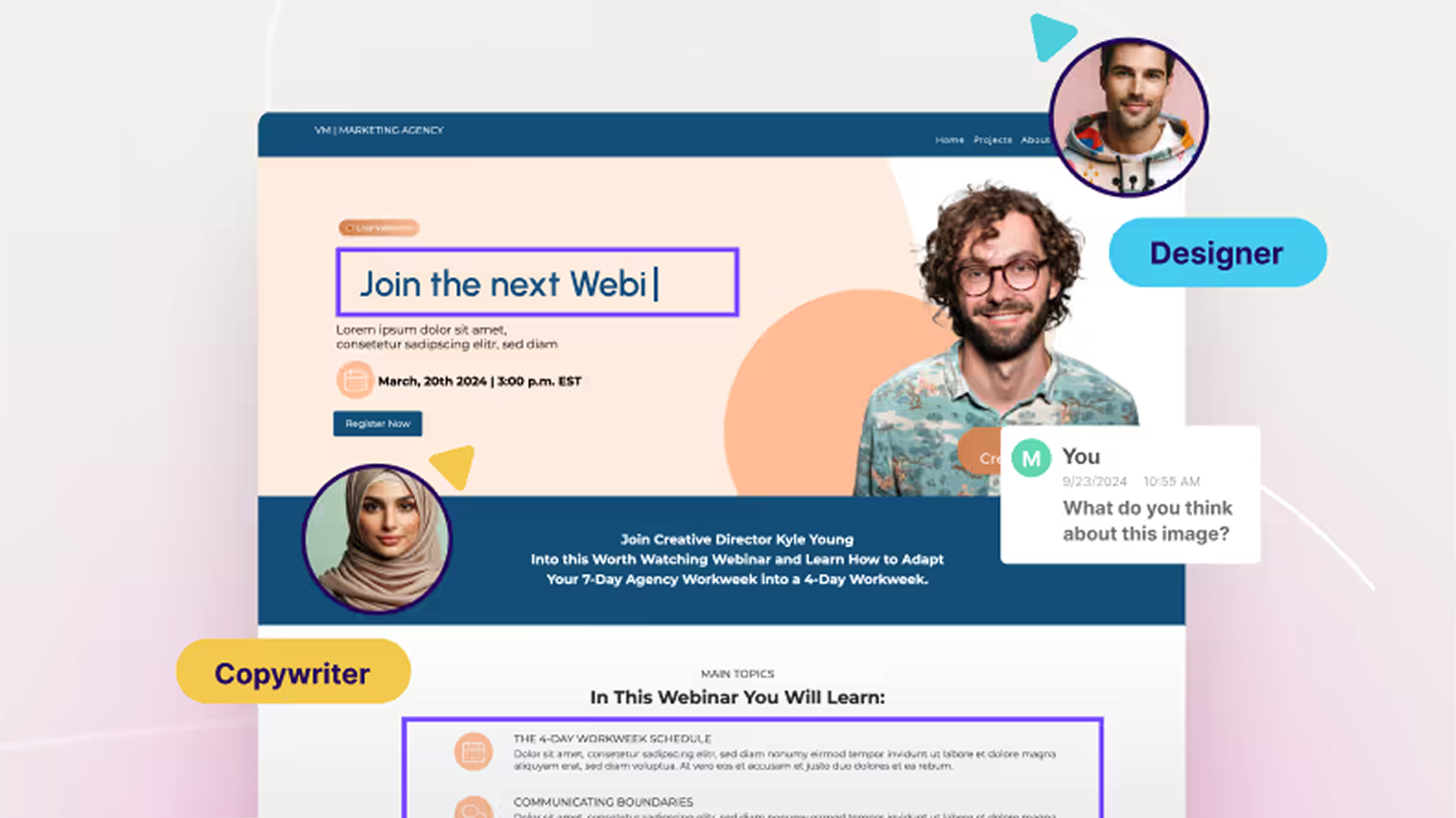
Collaborate without the cost
Beefree allows your entire Sales, Marketing, and Design team to comment, review, and approve designs in one place for a fraction of the cost.
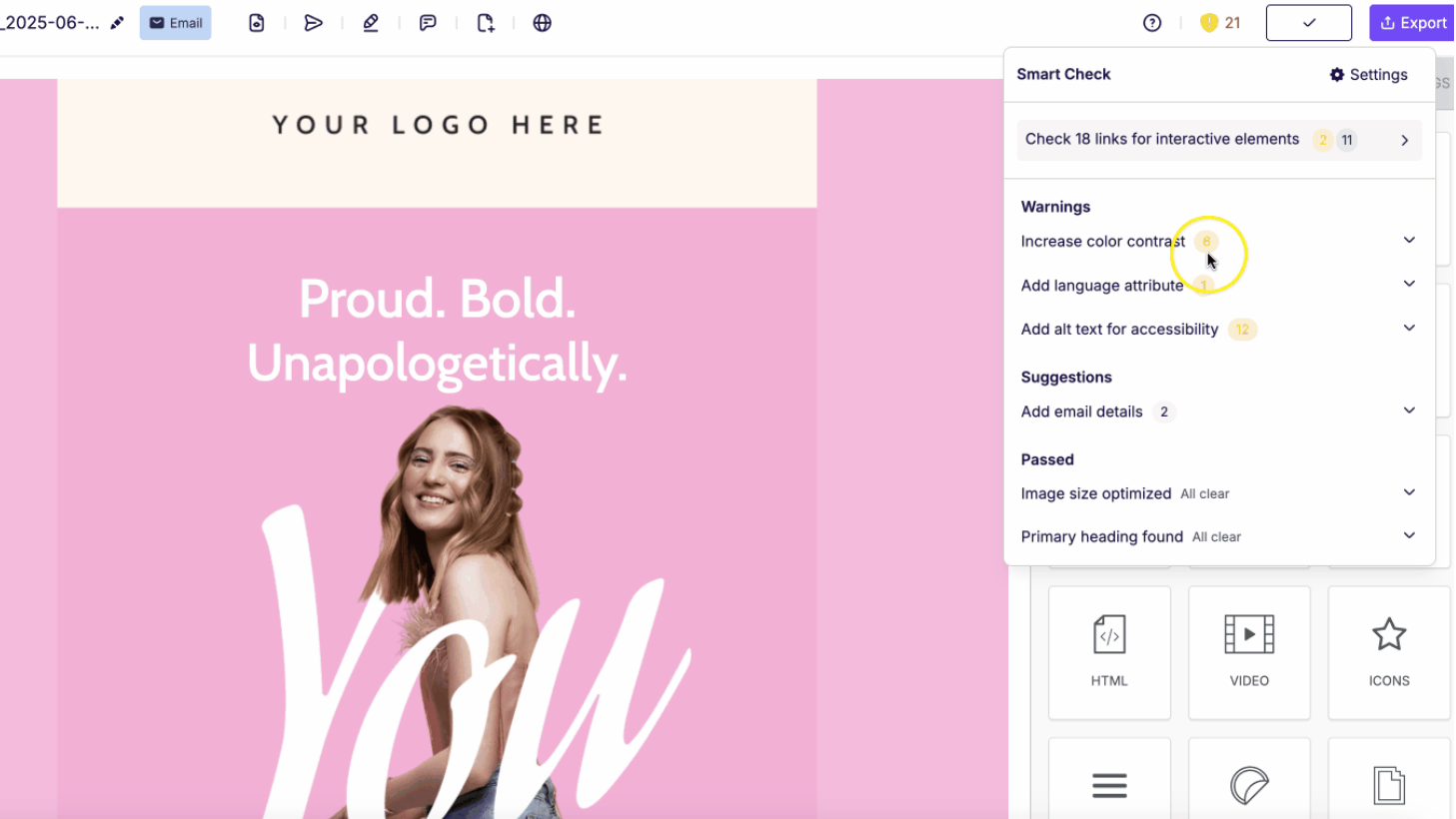
Ensure error-free campaigns with built-in QA
Stop worrying about costly mistakes and hit the send button with confidence. Beefree’s Smart Check is a powerful, built-in quality assurance tool that automatically scans your emails and pages, ensuring every asset is optimized, accessible, and ready for your HubSpot campaigns.
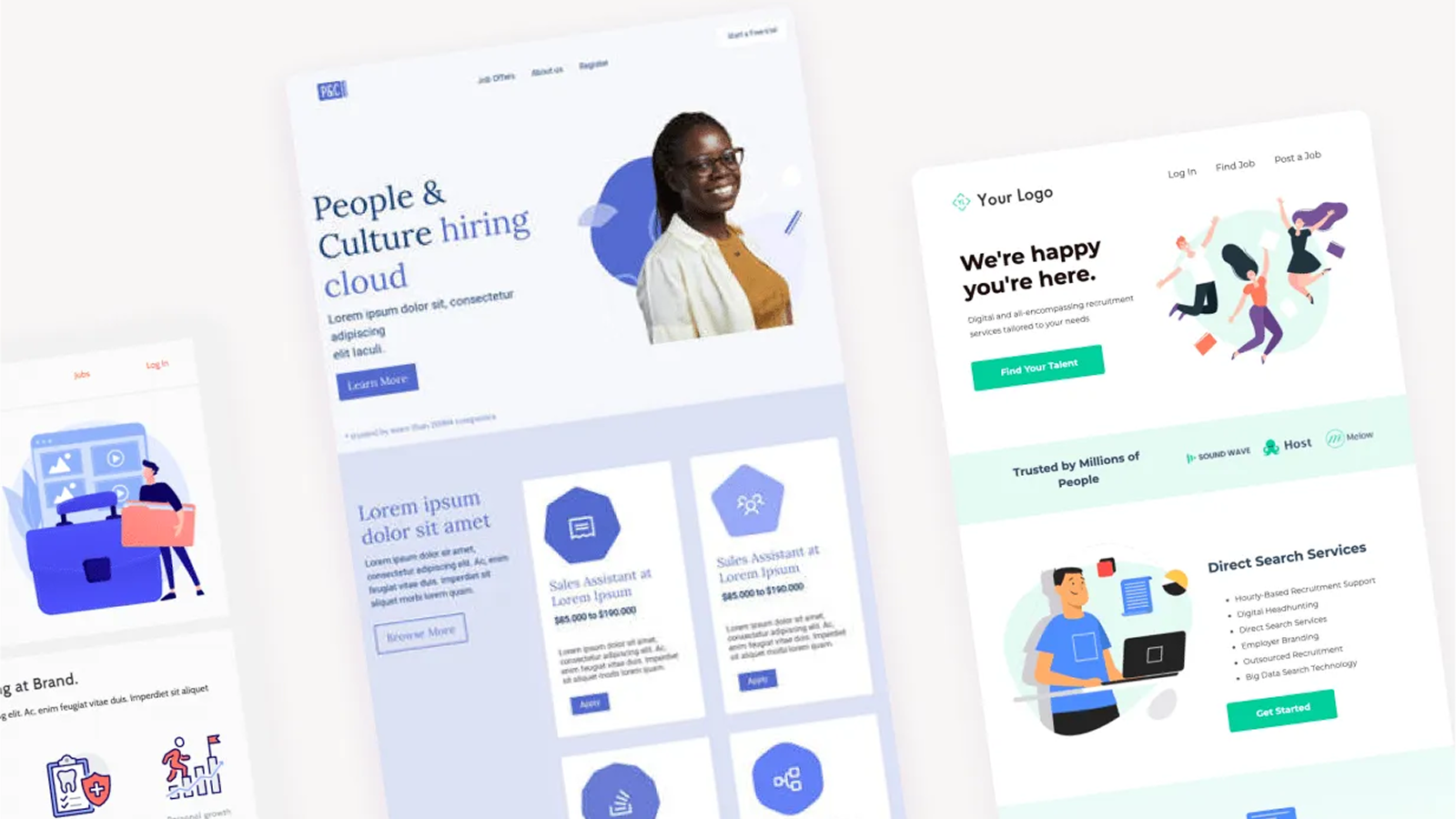
Ditch the bland templates
Access a library of 2,000+ modern, responsive templates that are ready to use. Skip the generic starting points and launch campaigns with professional design from day one.
Fonctionnalité de l'application
Données partagées
Email Template | ||
Page Template |
Avis
4,2
23
4,2
23
- 27 janv. 2026
Un excellent outil de conception déçu par une mauvaise intégration de HubSpot qui sacrifie l'accessibilité et l'interactivité à l'attrait visuel
Tout ce qui n'est pas disponible dans le constructeur d'emails HubSpot est transformé en image, ce qui est moins accessible pour les lecteurs d'écran et rend plus difficile l'interactivité des emails. C'est dommage, parce que je veux juste être capable de construire ce que je peux dans BeeFree sur HubSpot afin que je puisse intégrer complètement les deux flux de travail et capturer les analyses correctement.
Capture l'aspect propre et net d'un email BeeFree dans HubSpot
Convertit une grande partie du contenu réel en images non interactives et peu accessibles.
Ihrke, L.
- 27 août 2025
Grand fan.
Il fonctionne comme prévu, ce qui est très bien. Je suis un grand fan de Beefree.
En principe, il n'y a pas de problème. Fonctionne à chaque fois comme prévu.
Je n'en ai pas encore rencontré.
Tom, S.
Tarification
Starter
0 $US
Great for occasional projects
Everything you need to get started
Mobile design mode
export up to 6 emails per month to your favorite sending platform
over 1,500 free templates
more
Starter
0 $US
Great for occasional projects
Everything you need to get started
Mobile design mode
export up to 6 emails per month to your favorite sending platform
over 1,500 free templates
more
* Les prix mentionnés ici sont uniquement présentés à titre indicatif. Tous les prix n'incluent pas les taxes, les offres spéciales, les réductions ni les autres facteurs pouvant affecter les tarifs. Vous devez contacter le partenaire pour obtenir les tarifs les plus récents. HubSpot n'assume aucune responsabilité pour les informations de tarification fournies par ses partenaires. Dernière mise à jour des prix : 16/04/2025
Informations supplémentaires
Nouveautés

Dialer Sync (dialer.io)
Easily sync Dialer.io calls to HubSpot!