

Optiverse
Exigences
Abonnement HubSpot Autorisations de compte HubSpot - Afficher les autorisations de compte requises
Type d'accès Partagé Abonnement à Optiverse - Abonnement : Free
Vue d'ensemble
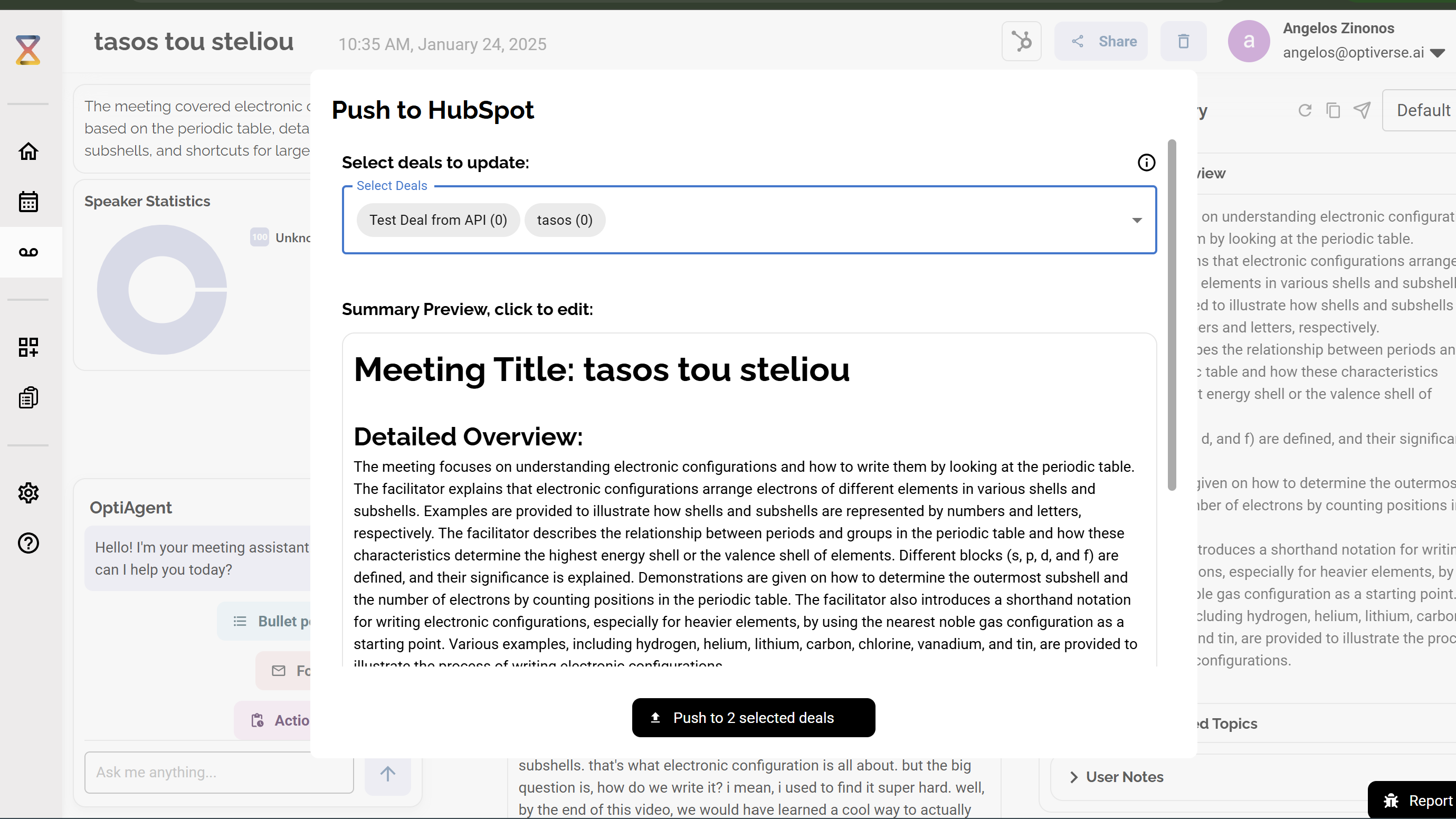
1/5 - Manual push of meeting summaries to the deals of your preference
When having online meetings, whether on Zoom, Teams, or Meets, we create a summary with key points of what was discussed in the Optiverse site. With this integration, you can push this information of that meeting to the deals of your choice. In addition you have the option to customize automations so you can have this meeting information be send automatically to the deals and contact notes to the people that were present in the call or even create a HubSpot contact for the participants that are not already part of your contacts.
Fonctionnalités
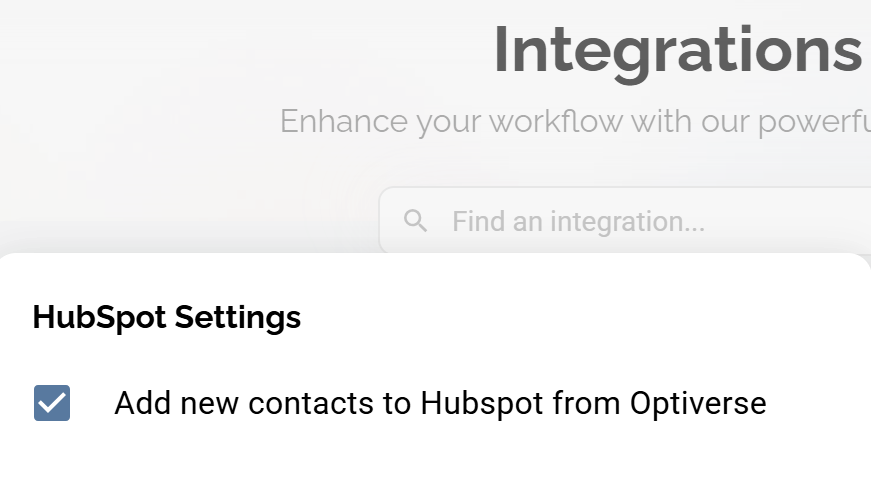
Add meeting Participants To Your HubSpot Contacts
Automatically after a meeting create contacts if they dont already exists in your HubSpot Account
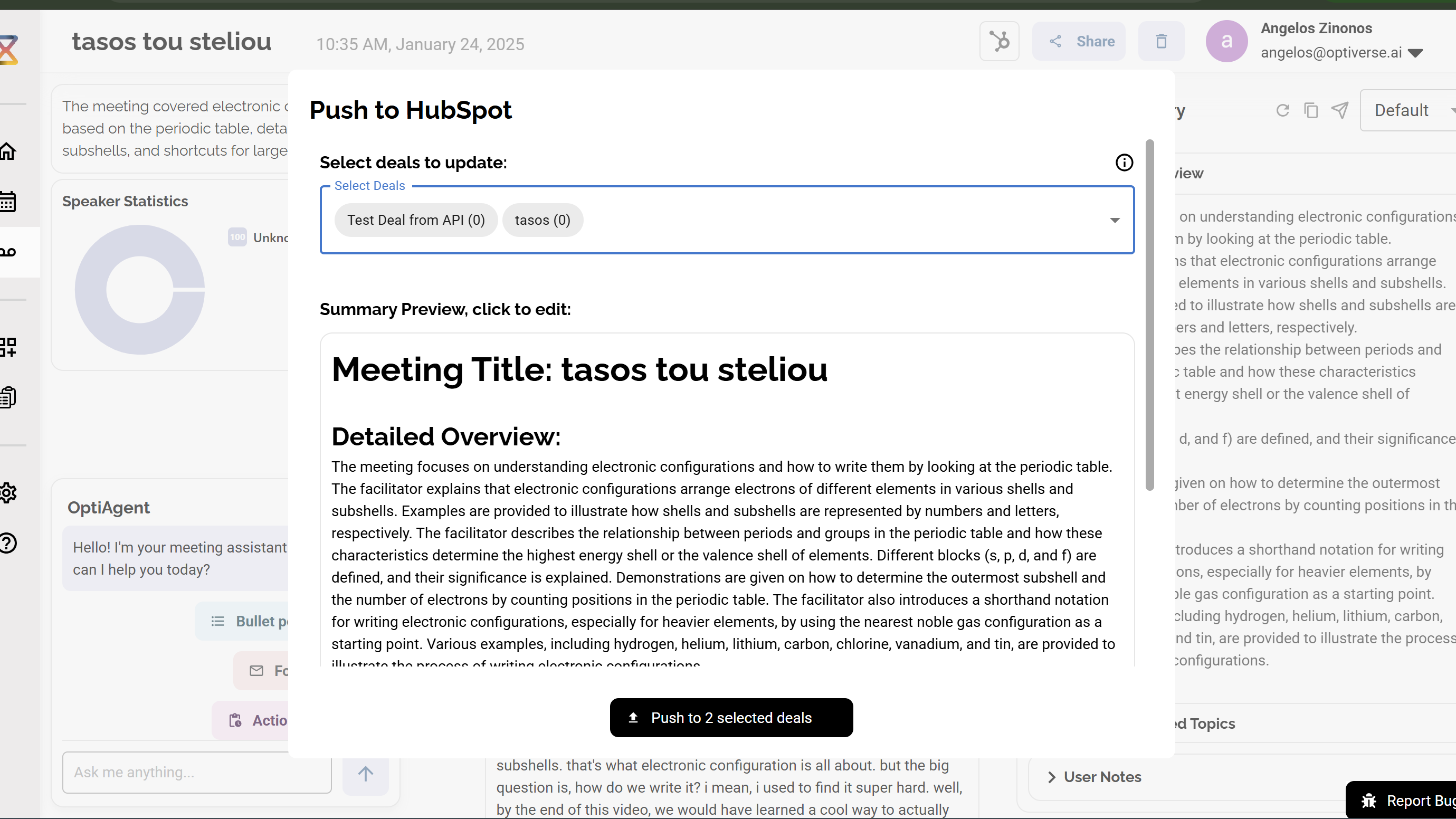
Automatically Push Meeting Summaries to Deals
Automatically send the summary of the meeting to all the deals that you share with the participants of the meeting. Also have the option to manually select which deals you want to push the summary too independent from participants
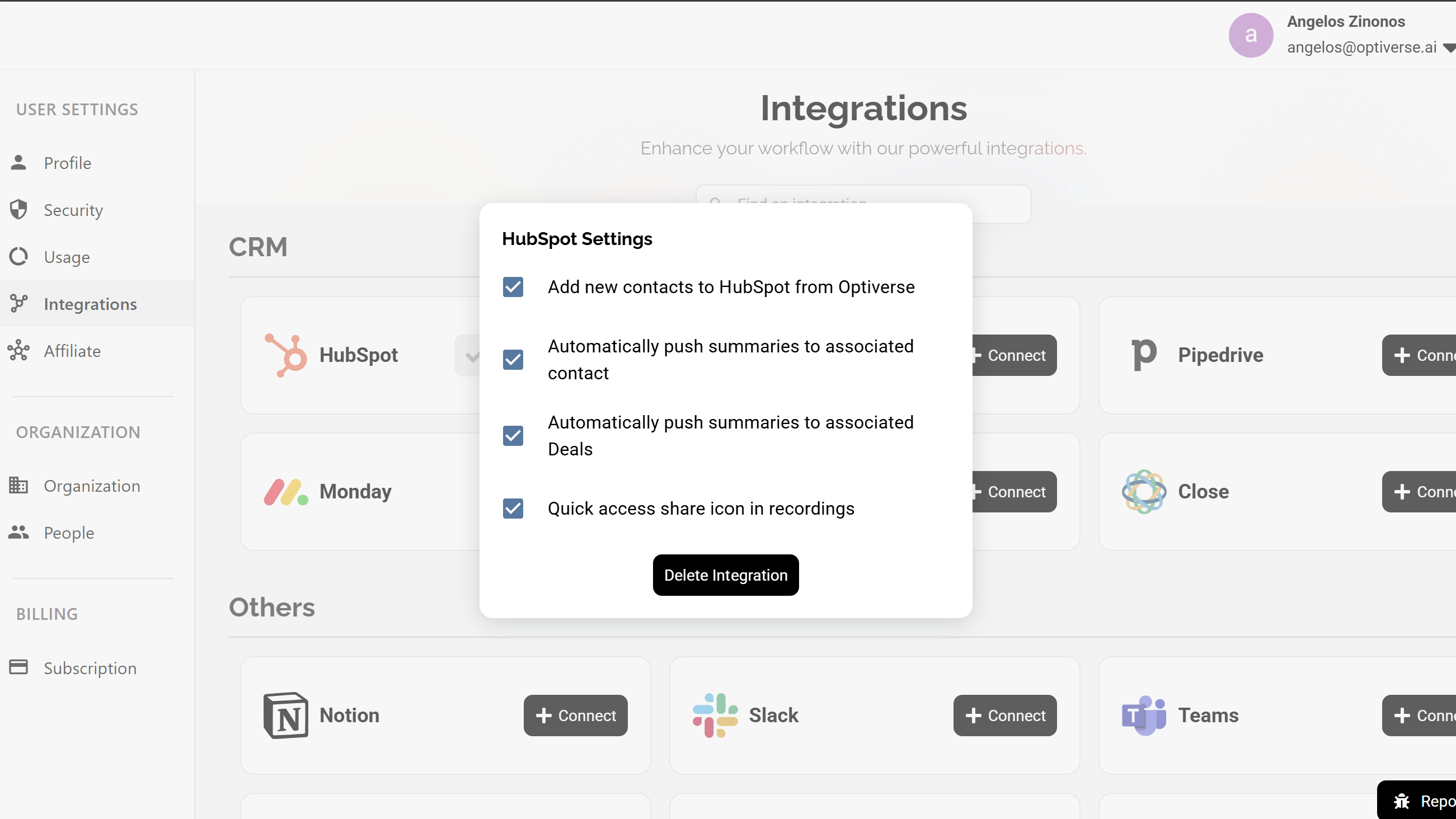
Automatically Push Summaries to Contact Activity
Automatically send the meeting summary after a meeting to the matching contacts based on the participants of the meeting
Fonctionnalité de l'application
Données partagées
Meeting Notes | ||
Meeting Notes | ||
Emails | ||
Summaries | ||
Information On Your Deals | ||
Information On Your Contacts |
- 27 avr. 2025
Gerber, S.
- 27 mars 2025
Temps 3 accélérer mon flux de travail
En tant que développeur, j'ai beaucoup de réunions et la plupart d'entre elles se font avec des clients ou des vendeurs. Cela m'a permis de garder une trace de toutes les réunions que j'ai eues avec mes clients et de ce dont nous avons discuté, directement depuis HubSpot, pour chaque contact et chaque affaire.
Entièrement automatisé, aucune interaction n'est nécessaire après l'authentification
Zinonos, A.
Tarification
Free
0 CHF
Free
0 CHF
* Les prix mentionnés ici sont uniquement présentés à titre indicatif. Tous les prix n'incluent pas les taxes, les offres spéciales, les réductions ni les autres facteurs pouvant affecter les tarifs. Vous devez contacter le partenaire pour obtenir les tarifs les plus récents. HubSpot n'assume aucune responsabilité pour les informations de tarification fournies par ses partenaires. Dernière mise à jour des prix : 11/08/2025
Informations supplémentaires
Créé par - Optiverse
Installation - 70+ installations
Catégories Langues dans lesquelles cette application est disponible Allemand ,Anglais ,Espagnol ,Français ,Italien etPortugais