
-1.png)
WhatsApp Automation
Send Automated WhatsApp Messages From Within HubSpot
Créé par - Niswey
Installation - 20+ installations

Rising
Exigences
Abonnement HubSpot Autorisations de compte HubSpot - Afficher les autorisations de compte requises
Type d'accès Shared Abonnement à WhatsApp Automation - Abonnement : Simple Plan
Vue d'ensemble
1/5
Deliver great customer experience by allowing your support and sales executives to interact with their customers on WhatsApp. Use WhatsApp Automation to sync your WhatsApp API account with HubSpot and:
- Use the custom workflow action "Send WhatsApp Message" to Send Automated Alerts and Notifications to Customers on WhatsApp and provide updates and information in a quick and efficient manner.
- Use WhatsApp messages based workflow triggers to generate automatic tickets for your support executives and enable them to provide the best experience to your customers.
- Accelerate your Sales Process by automating responses to messages using the custom workflow action and creating tasks for sales members.
- Ensure Security by providing verification and authentication codes to customers during login via fast and secure, WhatsApp messages.
Fonctionnalités
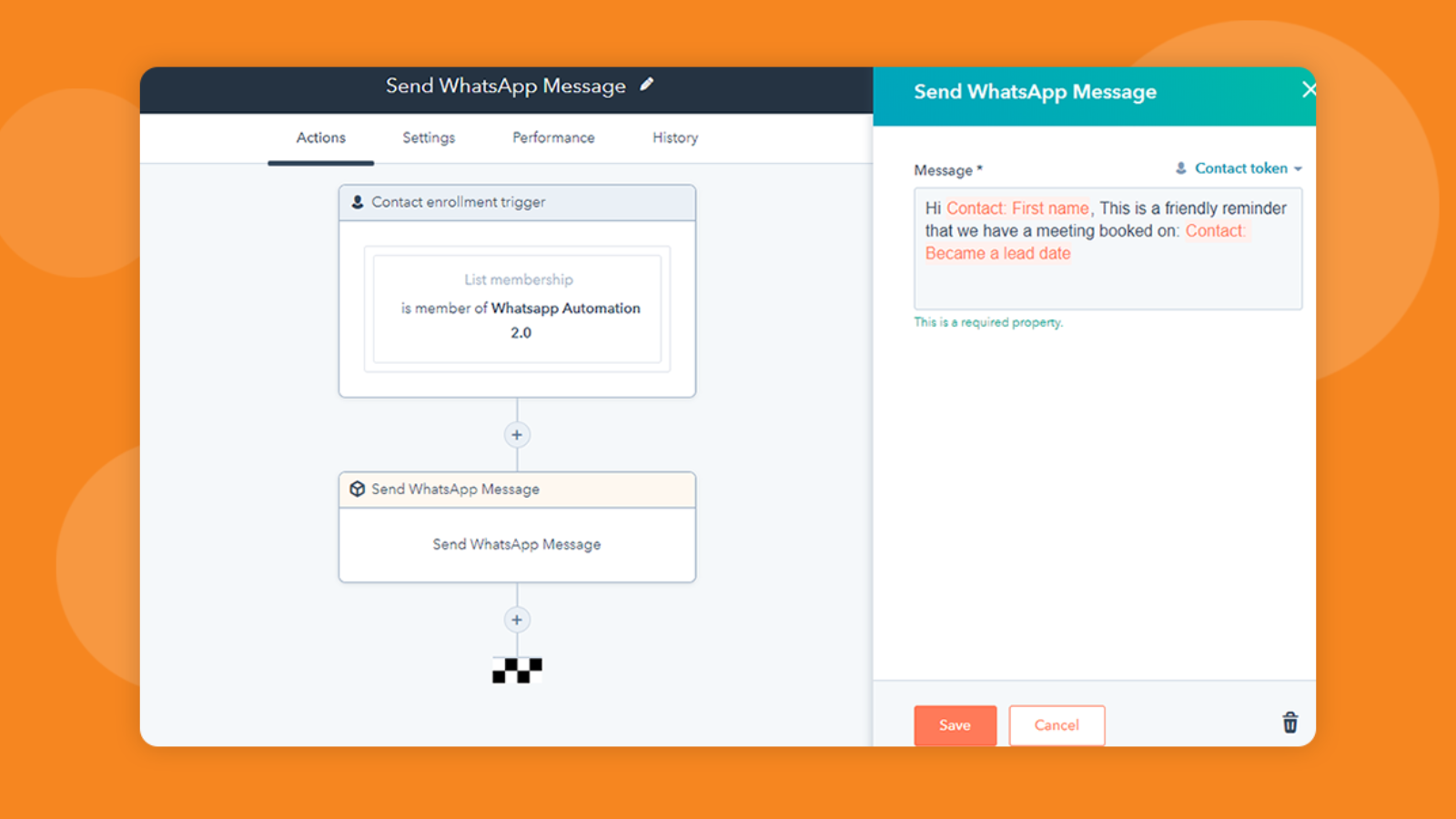
Send Automated Messages
Automate WhatsApp messages based on triggers or send automated messages to entire lists created in HubSpot. Also, give a personal touch to the automated messages by adding personalisation tokens. Deliver faster, efficient, and better communication.
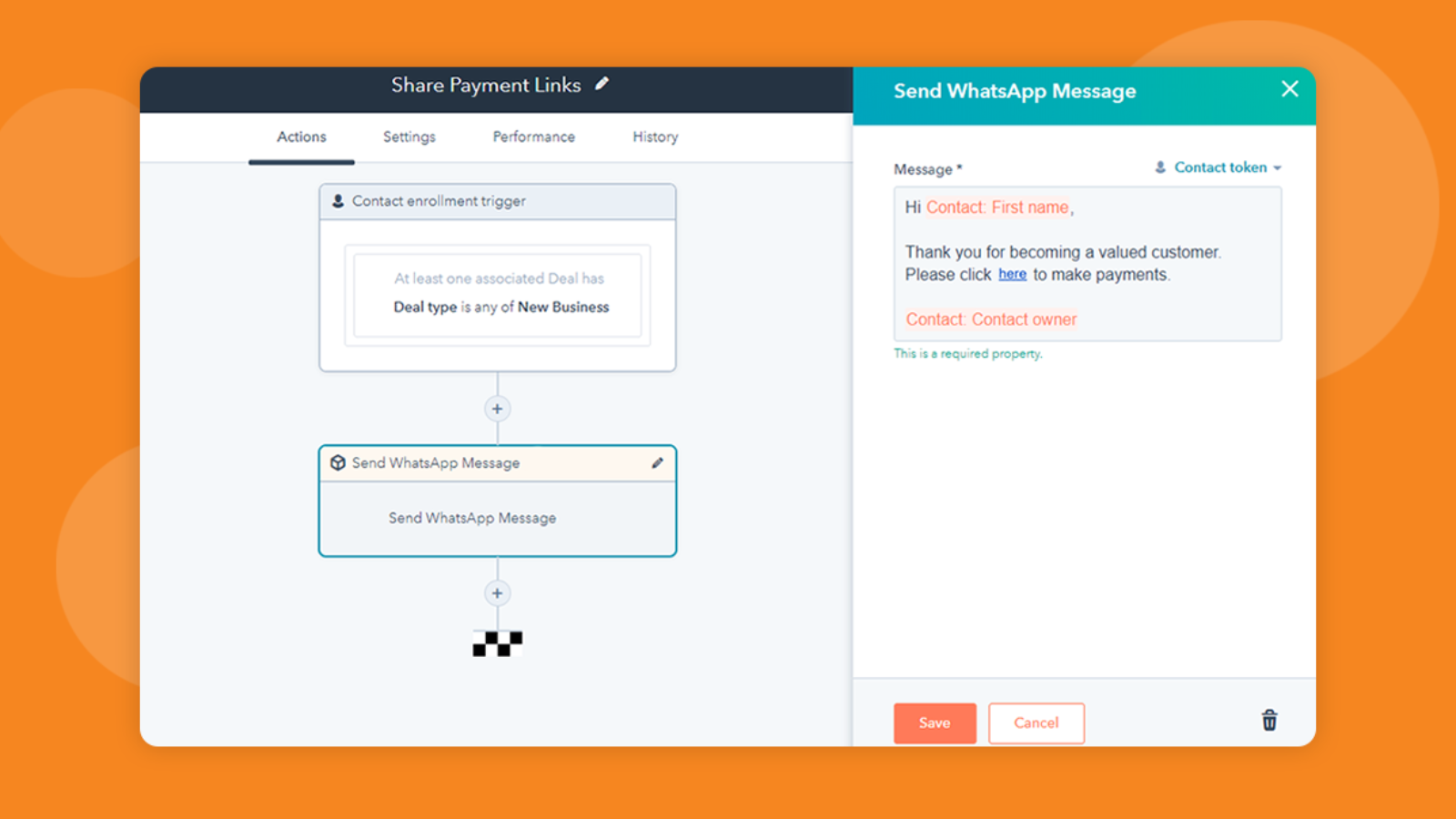
Share Payment Options with Customers through Automated Messages
Automate messages sharing links to payment options by setting purchase triggers in HubSpot workflows. You can also use triggers in workflows to send payment confirmation messages, order confirmations, notifications, and more.
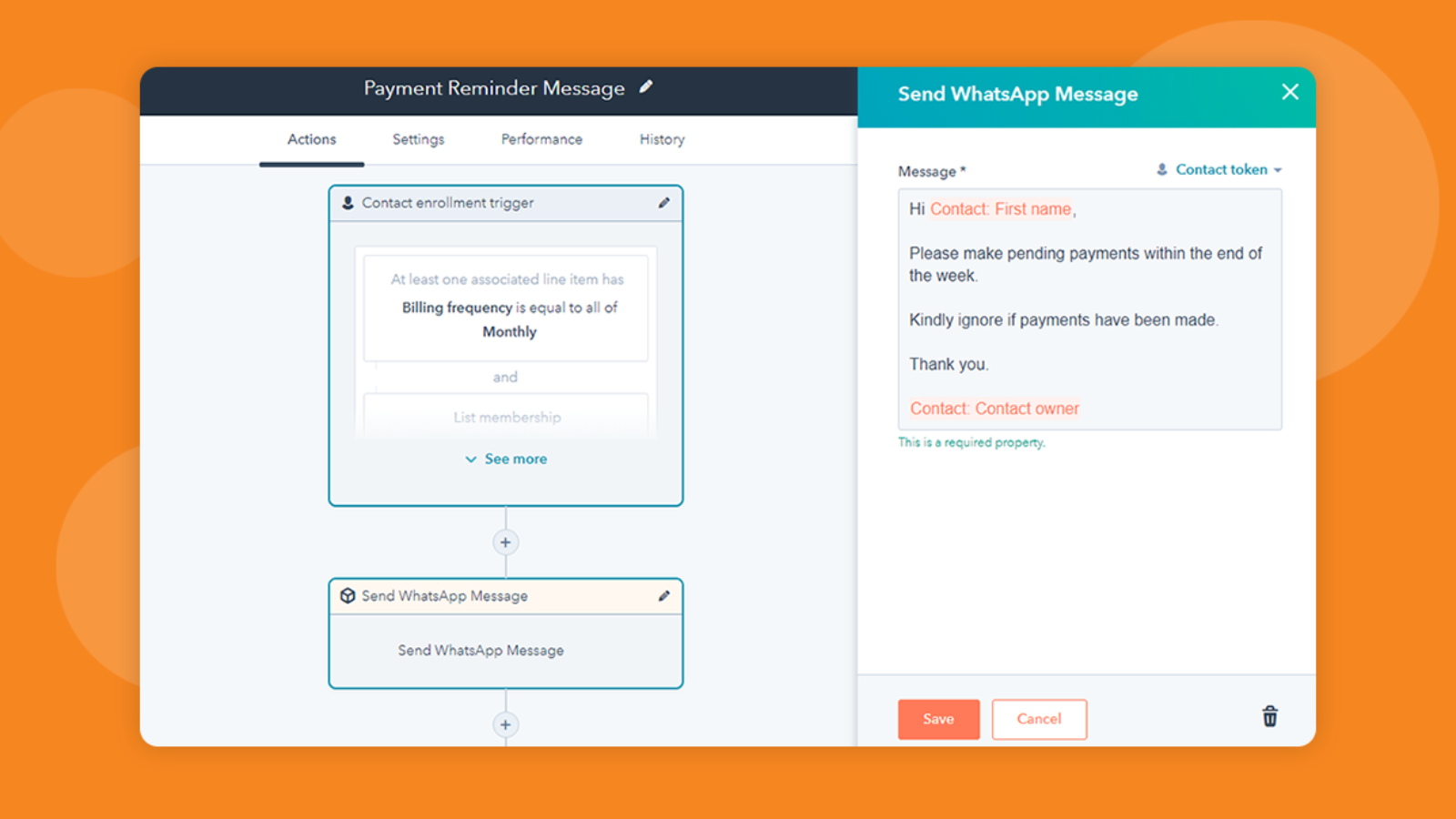
Send Reminder Messages on WhatsApp
Send automated messages to customers reminding them of bills and pending payments. Communicate with the customers on their preferred messaging app and get faster responses.

Generate Tickets and More with WhatsApp Messages Based Triggers
Create support tickets, deals, reminders, tasks, and more by setting WhatsApp messages based triggers in HubSpot workflows. Automate time consuming allotments and deliver faster customer support and follow-ups.

Automate Acknowledgements to Form Submissions
Send instant acknowledgement responses to form submissions through automated WhatsApp messages and keep contacts updated and engaged.
Fonctionnalité de l'application
Données partagées
Activity | ||
Contact | ||
List | ||
Message | ||
Phone |
Avis
Écrivez le tout premier avis
Tarification
Simple Plan
99 $US
/moisOne simple plan, for everyone
Connect up to 5 users - $20 per additional user
Works with the Official WhatsApp Business API only
Send templated messages to a HubSpot list
Send automated status updates
Ability to use all HubSpot Properties as tokens
Use WhatsApp Messages in HubSpot Workflows as Triggers
Use WhatsApp Messages in HubSpot Workflows as Actions
Capture message history (incoming and outgoing)
See interactions on HubSpot Contact Timeline
Simple Plan
99 $US
/moisOne simple plan, for everyone
Connect up to 5 users - $20 per additional user
Works with the Official WhatsApp Business API only
Send templated messages to a HubSpot list
Send automated status updates
Ability to use all HubSpot Properties as tokens
Use WhatsApp Messages in HubSpot Workflows as Triggers
Use WhatsApp Messages in HubSpot Workflows as Actions
Capture message history (incoming and outgoing)
See interactions on HubSpot Contact Timeline
* Les prix mentionnés ici sont uniquement présentés à titre indicatif. Tous les prix n'incluent pas les taxes, les offres spéciales, les réductions ni les autres facteurs pouvant affecter les tarifs. Vous devez contacter le partenaire pour obtenir les tarifs les plus récents. HubSpot n'assume aucune responsabilité pour les informations de tarification fournies par ses partenaires. Dernière mise à jour des prix : 09/08/2025
Informations supplémentaires
Créé par - Niswey
Installation - 20+ installations
Catégories Langues dans lesquelles cette application est disponible Anglais
Les plus populaires


