
bexio
Requisiti
Piano HubSpot Autorizzazioni dell'account HubSpot Nessuna autorizzazione richiesta Tipo di accesso Condiviso Abbonamento bexio - Piani Starter, Pro, Pro+ o Accountants
Panoramica
1/2
Sincronizza Bexio e HubSpot senza dover ricorrere all'inserimento manuale dei dati o a confuse procedure di importazione, dispendiose in termini di tempo.
Ecco i vantaggi della sincronizzazione dati tramite HubSpot:
- Sincronizzazione bidirezionale: i dati vengono condivisi tra Bexio e HubSpot in tempo reale
- Mappature dei campi predefinite: configurazione rapida grazie alle mappature dei campi pronte per l'uso già create per te
- Sincronizzazione della cronologia: sincronizzeremo subito tutti i dati esistenti e gli aggiornamenti in tempo reale
Funzionalità
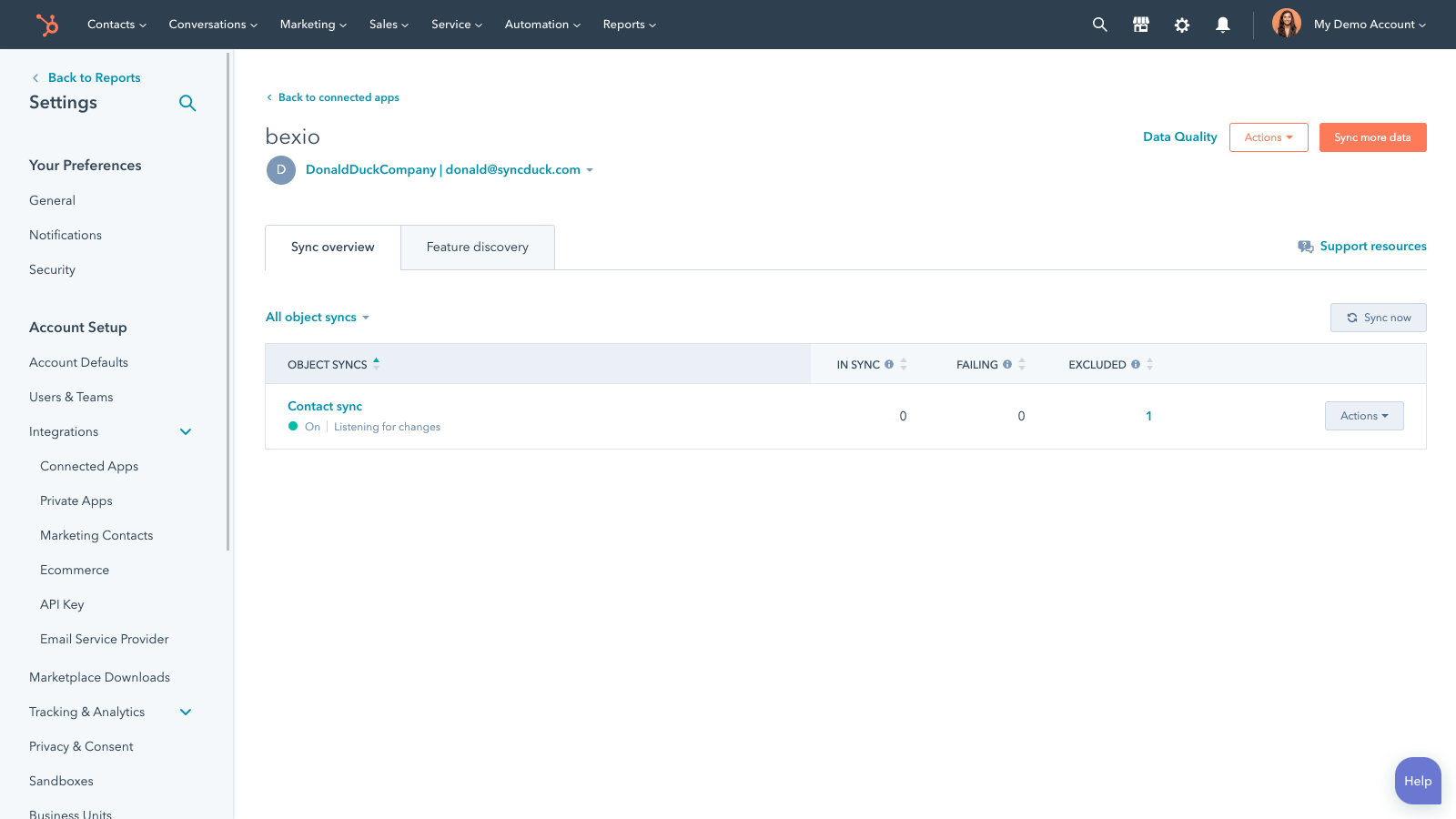
Sync Bexio and HubSpot data
Make manual data entry a thing of the past by syncing contacts, between HubSpot and Bexio. When records are created or updated in either app, that information will be automatically shared with the other one.
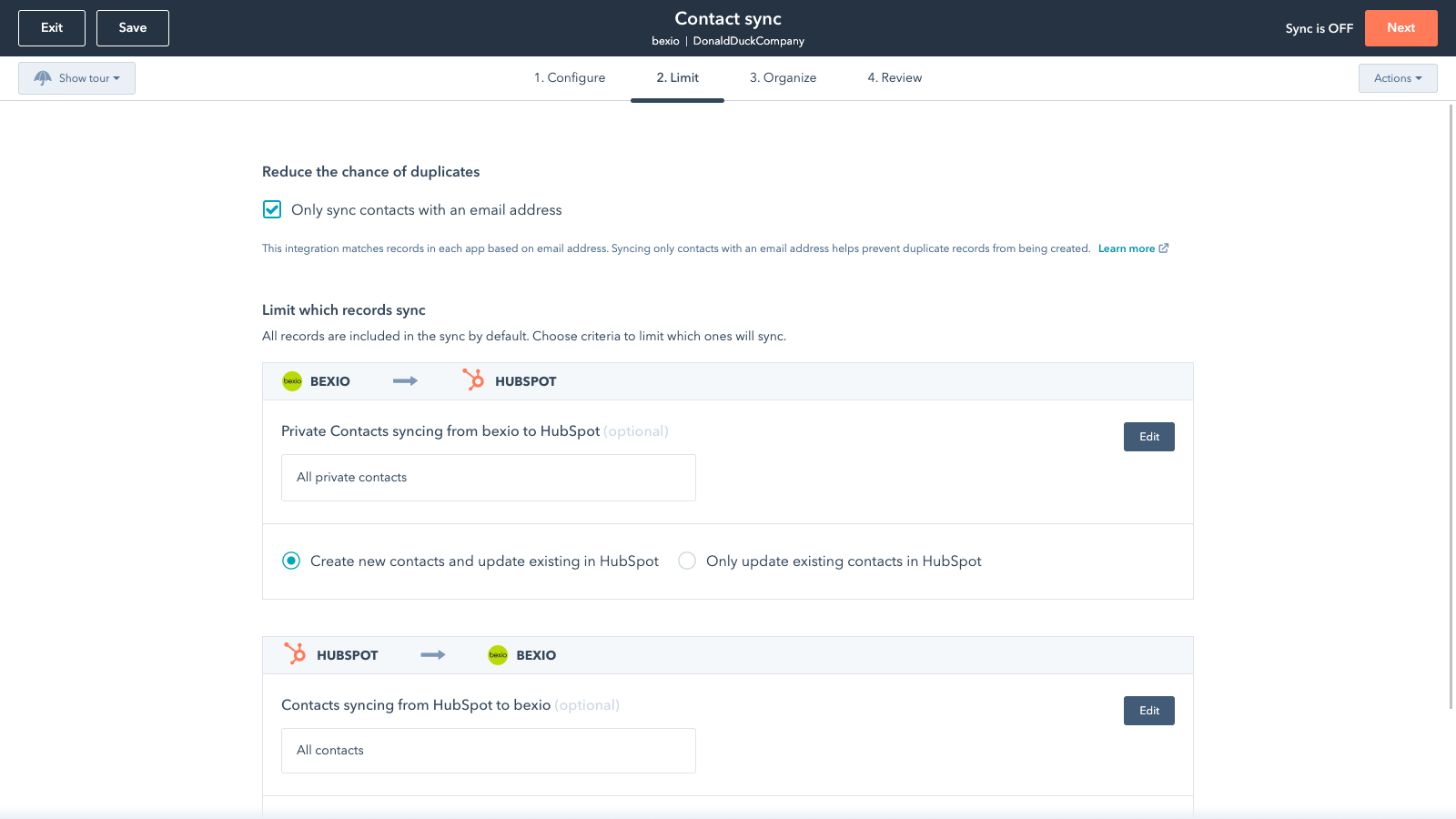
Sync only the data you want
You’re in control of your data. You can set up a one- or two-way sync, which means you can either sync data from only one app to the other or back-and-forth between both apps. You can also add a filter for any Bexio field (like owner or category) or HubSpot list to sync exactly what you want—and nothing you don’t.
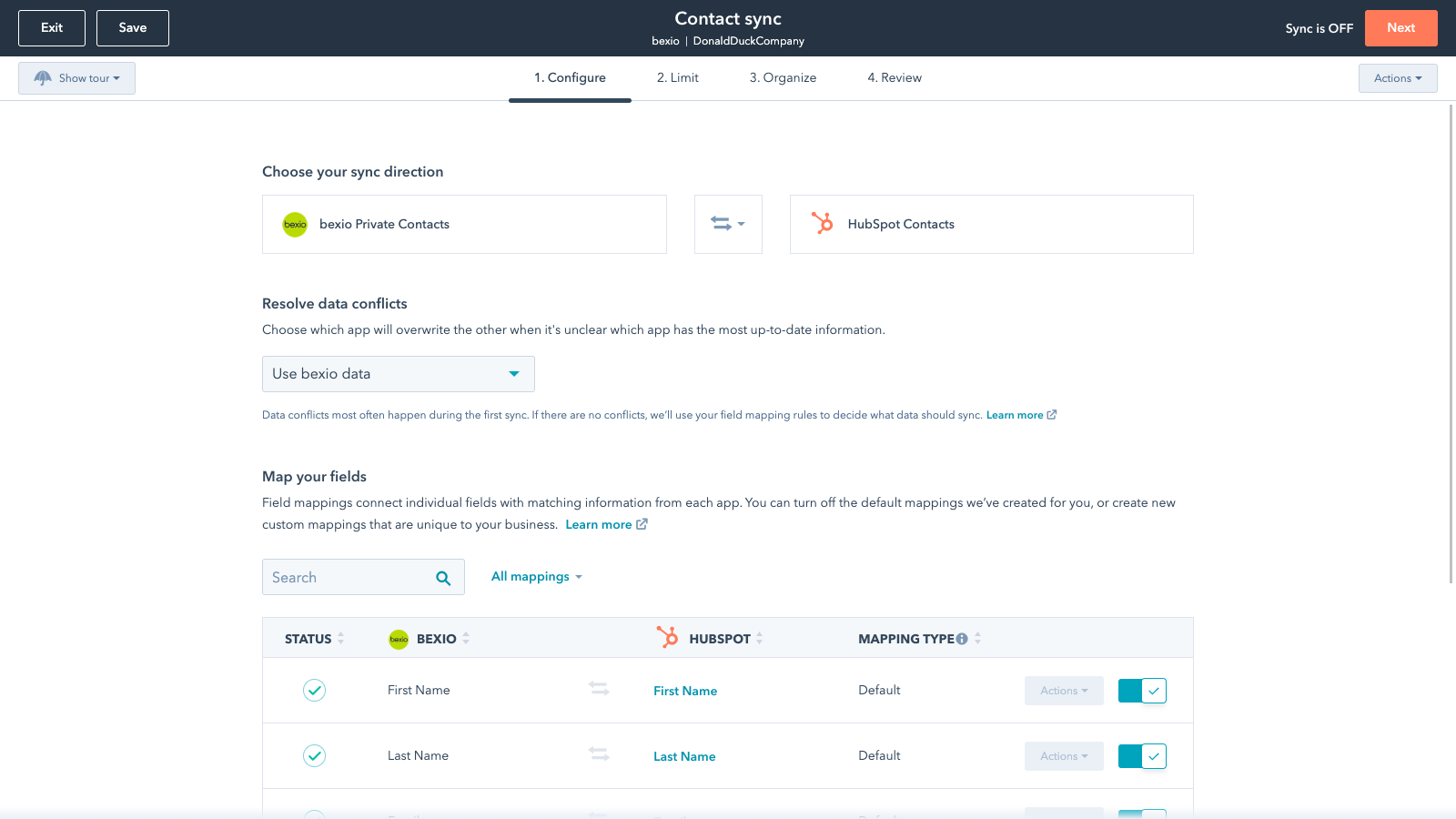
Default field mappings
Field mappings connect matching information in each app—and we’ve already created them for you. Our out-of-the-box default field mappings make set-up quick and keep your data clean and organized. Plus, there are no surprises: You can see exactly which fields come already mapped in the “Shared data” section below.
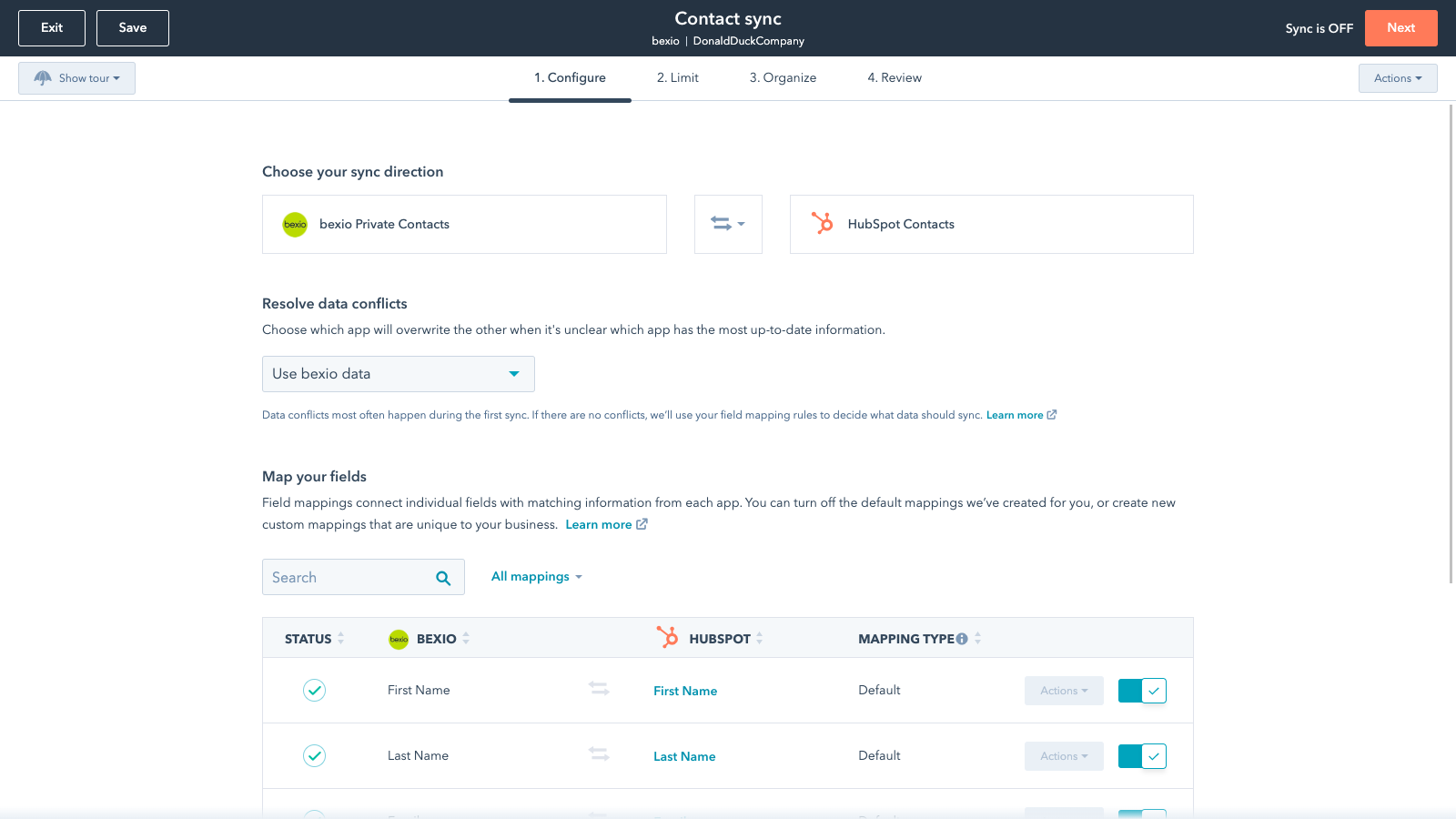
Custom field mappings
Custom field mappings are available with Data Hub Starter or Professional plans. Custom mappings add the flexibility to create your own mappings or make changes to your default ones.
Sync Bexio and HubSpot data
Make manual data entry a thing of the past by syncing contacts, between HubSpot and Bexio. When records are created or updated in either app, that information will be automatically shared with the other one.
Sync only the data you want
You’re in control of your data. You can set up a one- or two-way sync, which means you can either sync data from only one app to the other or back-and-forth between both apps. You can also add a filter for any Bexio field (like owner or category) or HubSpot list to sync exactly what you want—and nothing you don’t.
Default field mappings
Field mappings connect matching information in each app—and we’ve already created them for you. Our out-of-the-box default field mappings make set-up quick and keep your data clean and organized. Plus, there are no surprises: You can see exactly which fields come already mapped in the “Shared data” section below.
Custom field mappings
Custom field mappings are available with Operations Hub Starter or Professional plans. Custom mappings add the flexibility to create your own mappings or make changes to your default ones.
Funzionalità dell'app
Dati condivisi
Ciascun oggetto presenta mappature dei campi che connettono le informazioni corrispondenti di ogni app. Di seguito sono elencate le mappature predefinite. Se desideri apportare modifiche a queste mappature predefinite o crearne di nuove, con Operations Hub Starter e versioni successive hai a disposizione mappature dei campi personalizzate.
Business Contacts | ||
Private Contacts | ||
Invoices |
Recensioni
1,8
12
1,8
12
- 11 feb 2026
App gratuita con gravi problemi di sincronizzazione: indirizzi e scorciatoie non funzionano
Gli indirizzi non vengono più sincronizzati. Generalmente troppo poche opzioni di selezione per la sincronizzazione I link non vengono trasferiti da HubSpot delle aziende e dei contatti associati in Bexio
Gratuito
Wehrli, J.
- 29 dic 2025
Completamente inutilizzabile a causa della sincronizzazione unilaterale dei dati - una perdita di tempo
La sincronizzazione dei dati è solo unilaterale, quindi l'integrazione è inutile.
Grunder, J.
Starter
35 USD
/meseStrumento d'inserimento dati intuitivo per chi ha meno familiarità con il software aziendale
1 utente
E-Banking
Starter
35 USD
/meseStrumento d'inserimento dati intuitivo per chi ha meno familiarità con il software aziendale
1 utente
E-Banking
* I prezzi riportati sono a scopo informativo. I prezzi non includono tasse, incentivi, sconti o altre variabili. Contatta il partner per ricevere il tariffario aggiornato. HubSpot declina qualsiasi responsabilità circa le informazioni di prezzo fornite dai propri partner. Ultimo aggiornamento tariffario: 03/09/2025
Maggiori informazioni
Creazione di - HubSpot
Installazioni - PIù di 500 installazioni
Categorie Lingue in cui è disponibile questa app Francese ,Inglese ,Italiano eTedesco