

Syncito - Orders and Data Sync
開発元 - miniOrange
インストール数 - 30件以上のインストール
評価 5
(3)
必要な条件
HubSpotエディション HubSpotアカウント権限 - 必要なアカウント権限を表示
アクセス権のタイプ 共有 Syncito - Orders and Data Syncの契約内容 - プラン:Starter、またはEnterprise、またはScale
概要
1/6
miniOrange’s Syncito - Data Sync Automation app for HubSpot provides a no-code platform to connect multiple applications to sync the data in real-time with HubSpot and can choose the objects that you want to sync and their associated data.
You can access the app dashboard by visiting this [LINK] and check more information about our app using [LINK].
With the Syncito’s HubSpot Data Sync Automation app, you can sync the following -
Contacts between any HubSpot portals (bi-directional)
Deals between any HubSpot portals (bi-directional)
Customers or users from other connected applications to HubSpot as contacts
Deals or orders or draft orders from other connected applications to HubSpot as deals and its associations
Contacts from HubSpot to other connected applications as users or customers
Deals from HubSpot to other connected applications as deals or orders.
Popular Use Cases -
Sync Contacts and Deals between any HubSpot portals - If you have multiple HubSpot portals and want to keep their customer and deals and its associations' data in sync in real-time you can always have up-to-date and same data at various places which avoids the manual work.
Sync data between e-commerce stores with the HubSpot portal - If you have e-commerce stores built on platforms like Shopify, WooCommerce, Magento, BigCommerce etc and looking to sync the complete customer, order data with HubSpot in real-time, then Syncito - HubSpot Data Sync Automation app helps you in achieving that easily.
Sync data between other CRM (Customer Relation Management) tools and HubSpot - If you have other CRMs as well like Salesforce, and Zoho and want to sync the customer, deals and other data with HubSpot, then Syncito will help you in achieving this easily.
Popular Sync Integration with Syncito HubSpot Data Sync Automation app -
HubSpot Shopify Data Sync
HubSpot WooCommerce Data Sync
HubSpot WordPress Data Sync
HubSpot Salesforce Data Sync (upcoming)
HubSpot WordPress Data Sync (upcoming)
HubSpot Google Sheets Data Sync (upcoming)
HubSpot Pipedrive Data Sync (upcoming)
HubSpot Zoho Data Sync (upcoming)
HubSpot Mailchimp Sync (upcoming)
HubSpot Jira Sync (upcoming)
Apart from the above ones, many more integrations are already in our roadmap to serve all sync integrations.
機能
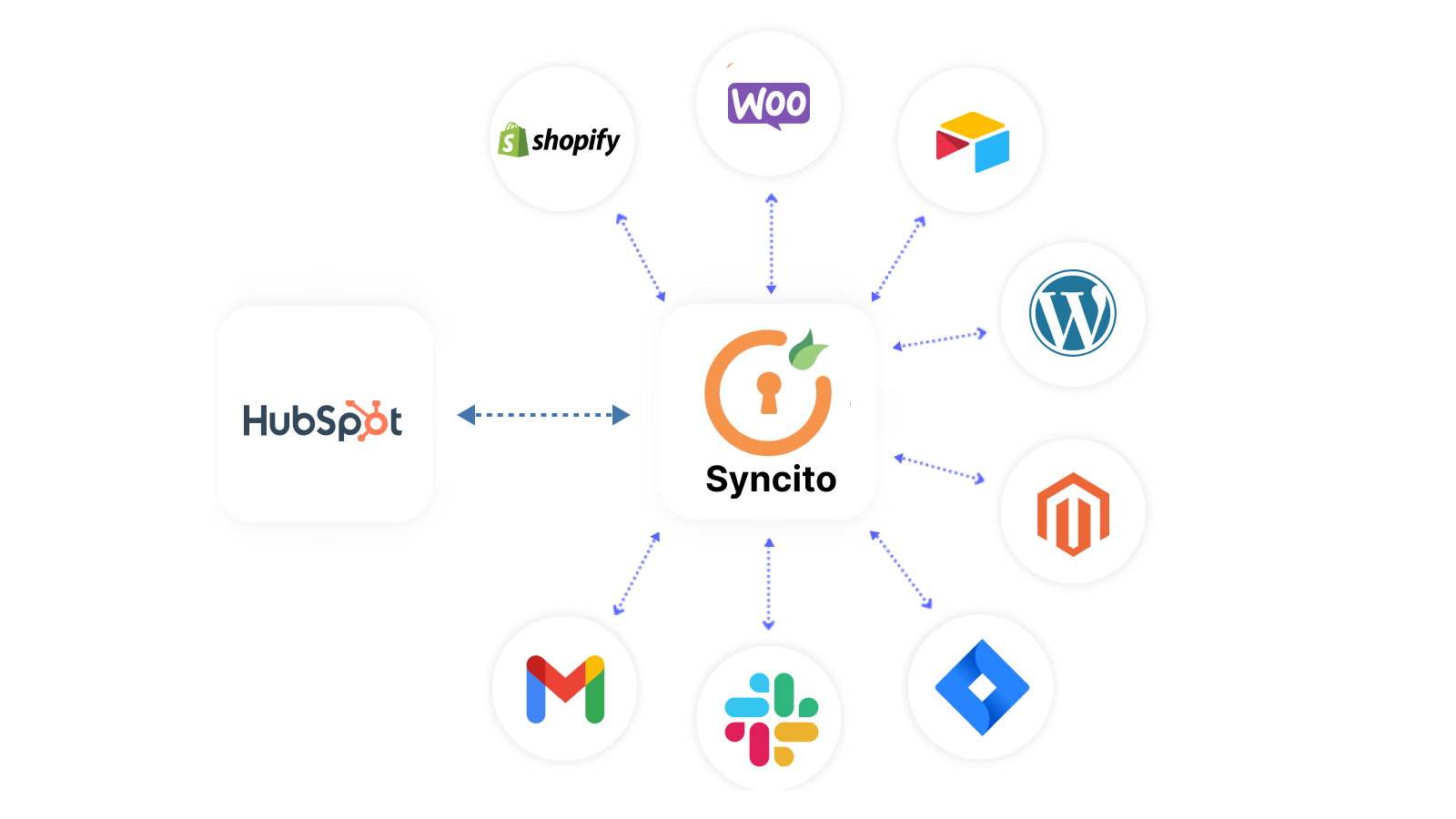
Real-Time Bi-directional Data Sync
Allows you to connect the HubSpot portal and other applications like Shopify, WooCommerce, Salesforce and a lot more to securely sync the data in real-time in both directions.
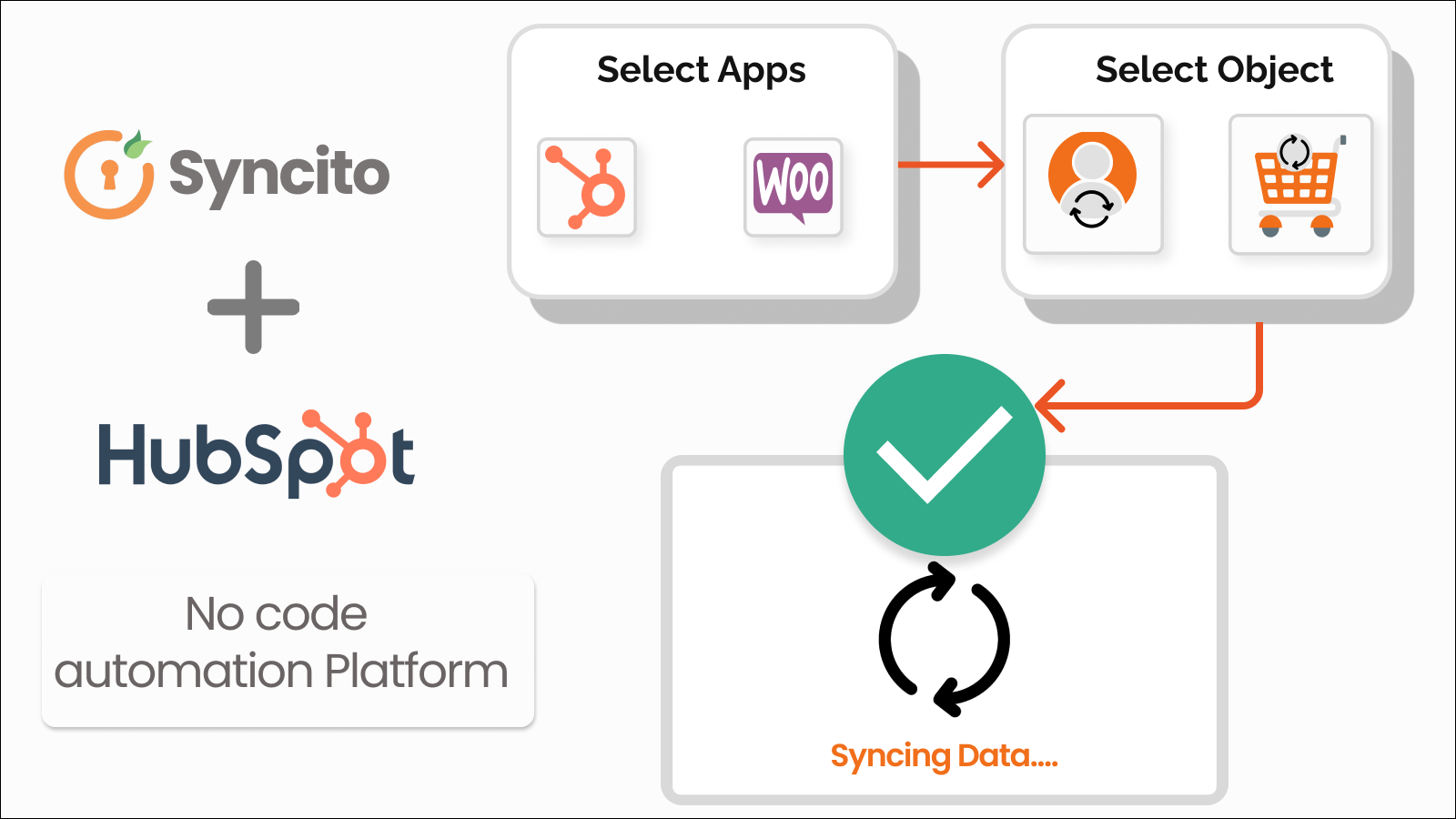
No-Code Data Sync Automation
Allows you to configure the data sync without the need to write any code or prior technical knowledge. You can easily configure the sync within a couple of minutes.
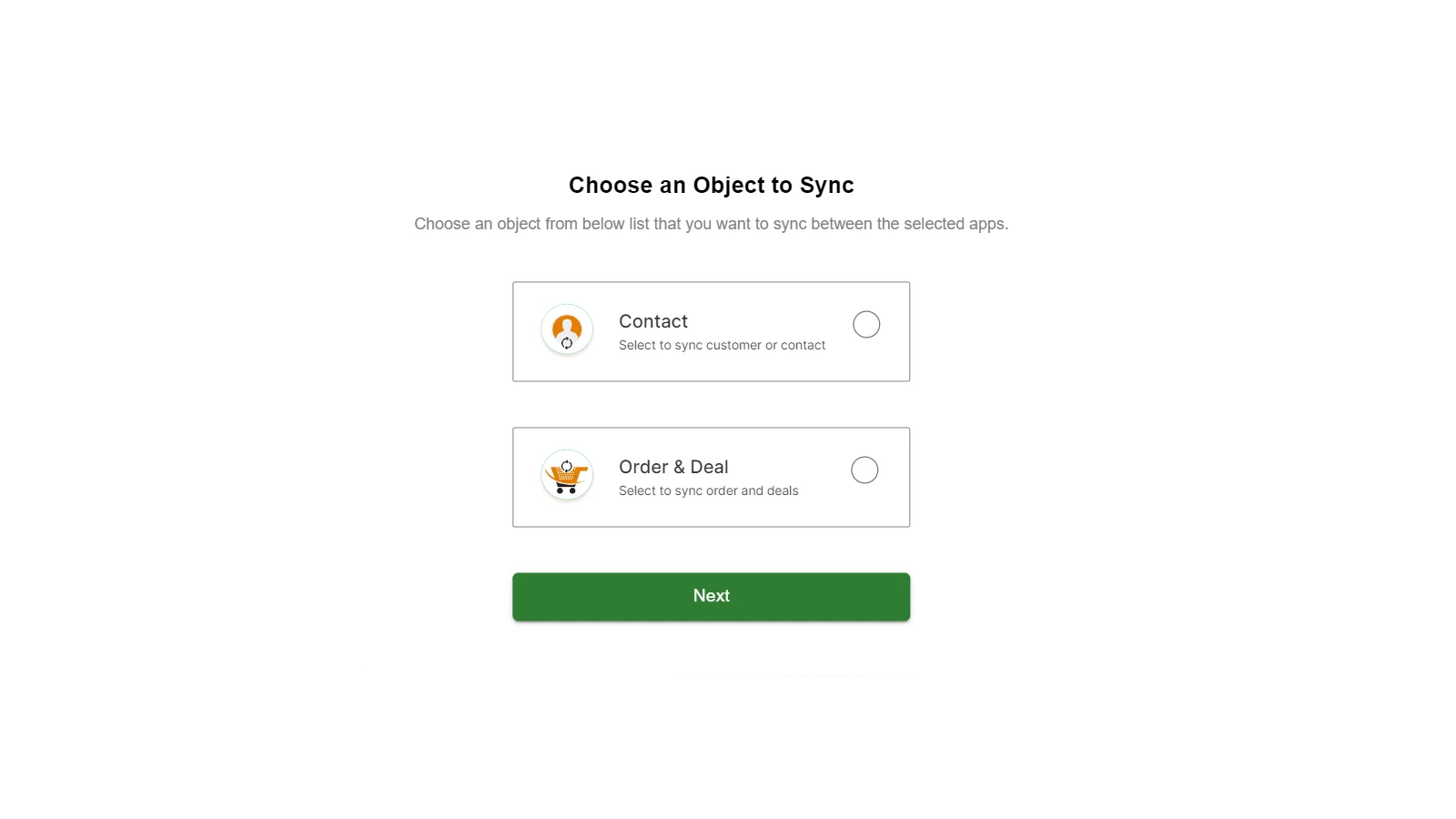
Choose The Data Object to be synced
Allows you to choose the object data from user, customer, contacts, deals, orders, draft orders etc. which you want to sync with HubSpot and other connected applications.
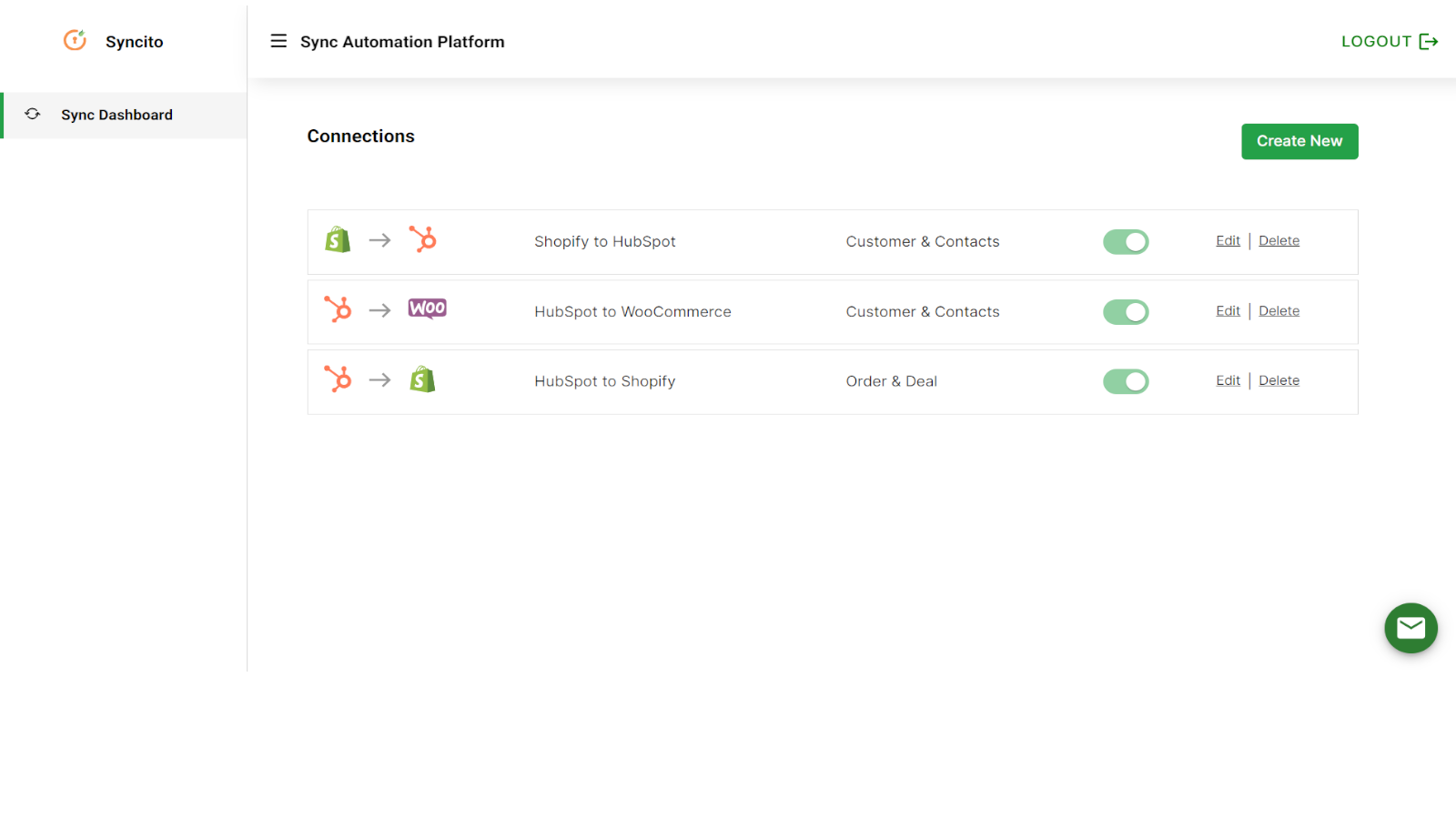
Multiple Sync Connections
You can easily create sync between multiple applications and HubSpot and choose what data you want to sync.
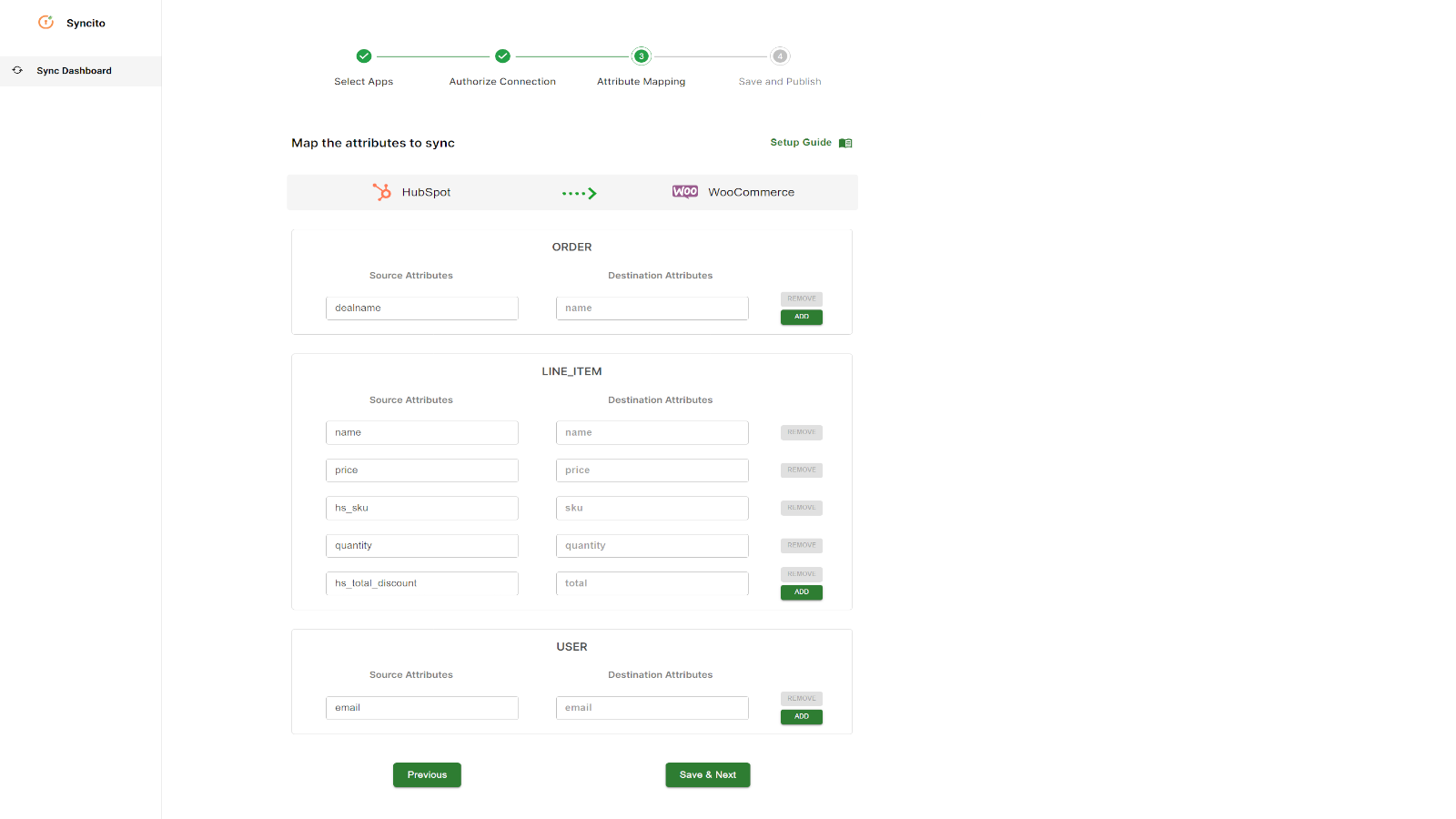
Dynamic Data Properties Configuration
For the chosen object to be synced with HubSpot and other connected applications, you can choose what HubSpot object properties you want to sync along with custom properties.
アプリ機能
共有されるデータ
User | ||
Deal | ||
Product | ||
Deal properties | ||
Product properties |
確認
- 2024年11月18日
Outstanding App with Exceptional Proactive Support!
The Syncito Data Sync & Automation app has been a game-changer for our workflow! It delivers seamless data synchronization, significantly improving our operational efficiency. What truly sets it apart, however, is the proactive support team. We required some special adaptations to meet our unique business needs, and the team not only accommodated our requests but did so in an impressively proactive and efficient manner. Their dedication to ensuring the app aligns perfectly with our requirements exceeded our expectations. Highly recommend this app to anyone looking for reliable and customizable data sync solutions!
Wouters, E.
- 2024年10月16日
Amazing App
I was very satisfied with the set-up support I received from Sagar. Also, the tool works as expected, which helps us create efficient processes.
Sync HubSpot deals with draft order in shopify
Falace, M.
建設&リノベーション
価格
Starter
$29
/月For small business to get started with
Sync up to 100 items
Bi-directional Sync
Real-time sync
Sync with multiple supported applications
Sync user and contact
Sync deals
Sync orders as a deal
Object property mapping
Starter
$29
/月For small business to get started with
Sync up to 100 items
Bi-directional Sync
Real-time sync
Sync with multiple supported applications
Sync user and contact
Sync deals
Sync orders as a deal
Object property mapping
* こちらの価格は参考表示価格です。どの価格にも税、インセンティブ、値引など、価格に関する変動要素は含まれていません。価格に関する正確な最新情報については、この提供元パートナーまでお問い合わせください。HubSpotは、パートナー各社が提供する価格情報について一切の責任を負わないものとします。価格の最終更新:2025/08/11