

Cal.com
Requirements
HubSpot Plan HubSpot Account permissions - View the required account permissions
Access Type Shared Cal.com Subscription - Free plan
Overview
1/2
The Cal.com app is the best way to keep track of meeting attendees in HubSpot. Any booking in your Cal account will create a meeting in HubSpot, and also looks if the attendees are contacts in HubSpot. The Cal app will create them if necessary, and assign the meeting to the correct contact, for users to be able to see when/if a meeting is going to happen.
Features
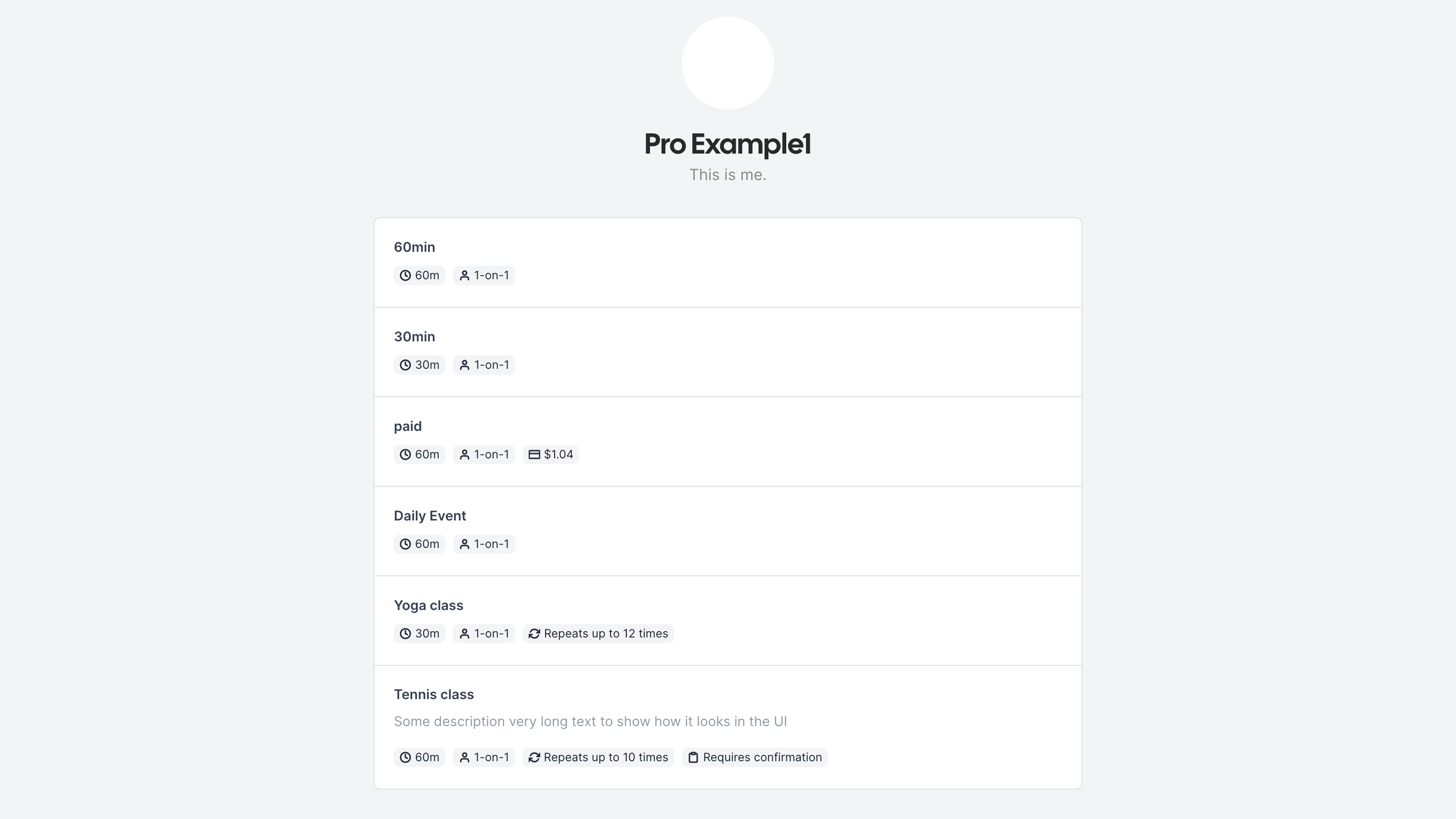
Capture Leads from Events
Cal.com will capture leads from your events booked with your Cal account, and either create or update them based on what is needed.
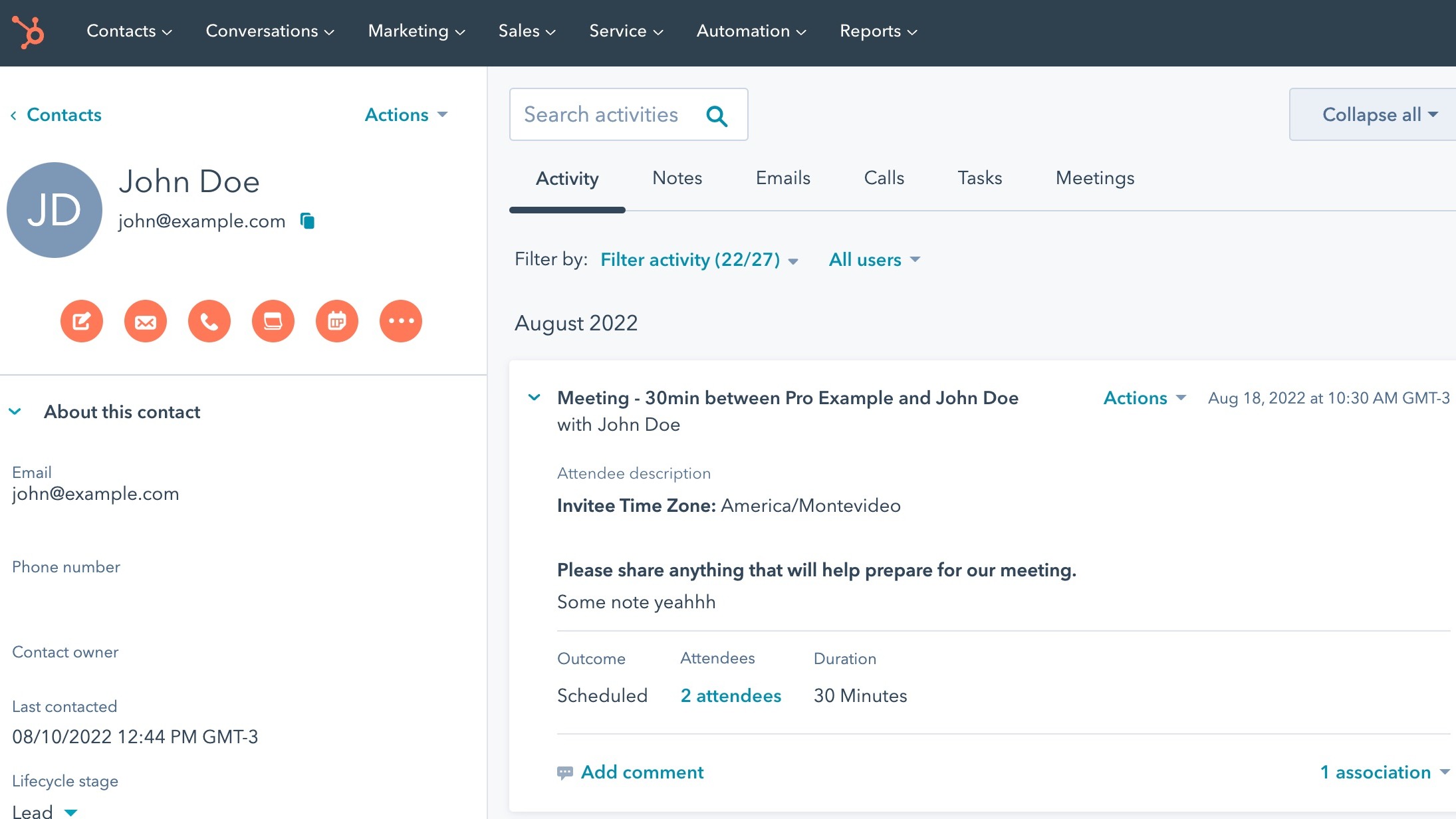
Update Calendar and Contact Activity
Cal will automatically update activity in HubSpot so users can see when a meeting will happen. In tandem, a meeting will also be created on the connected calendar
App Functionality
Shared Data
Attendee | ||
Booking |
Reviews
3.9
14
3.9
14
- May 11, 2026
doesn't work with cal.eu
Doesn't work at all with cal.eu. Cal support suggested that cal.eu was deprecated, but there's no mention of that on Cal website or in HubSpot integration docs about the add-on.
doesn't work
Smiley, R.
- Apr 27, 2026
uncomplicated and intuitive
The Cal.com HubSpot interface saves us a huge amount of resources, work and misunderstandings.
Automatic appointment booking with simple operation and the additional option of moving appointments on both sides. Top!
Very complex and powerful tool ...
Schmidt, T.
Pricing
Free
$0
Free
$0
* The pricing here is for display purposes only. All prices do not include taxes, incentives, discounts, or other pricing variables. You should contact the partner for the most up to date and correct pricing information. HubSpot does not take any responsibility for this pricing information, which is provided by our partners. Pricing last updated: 08/08/2025
New arrivals

Finale Composer
AI-generated web content, built for HubSpot.

Synder
Sync HubSpot invoices to QuickBooks, NetSuite, or Xero — with accrual + revenue recognition
