

Instapage
Create an optimize post-click landing page experiences at scale.

Rising
Requirements
HubSpot Plan HubSpot Account permissions - View the required account permissions
Access Type Shared Instapage Subscription - Create, Optimize, or Convert plans
Overview

1/3 - Find the HubSpot integration under workspace settings
Build high-performing landing pages with Instapage and automatically send every lead to HubSpot — eliminating manual uploads, keeping your CRM up to date, and enabling instant outreach.
This integration helps you build an efficient, revenue-generating tech stack. Right away, your hottest leads flow into HubSpot and can be instantly enrolled in marketing automations and contacted by sales to convert more leads into customers.
Getting started is easy: connect your HubSpot account from within your Instapage workspace settings, then link any Instapage form to HubSpot. Select the right HubSpot account and list, map your form fields to HubSpot properties, and confirm the connection.
Accelerate your workflows and drive more revenue by integrating Instapage and HubSpot today.
Features
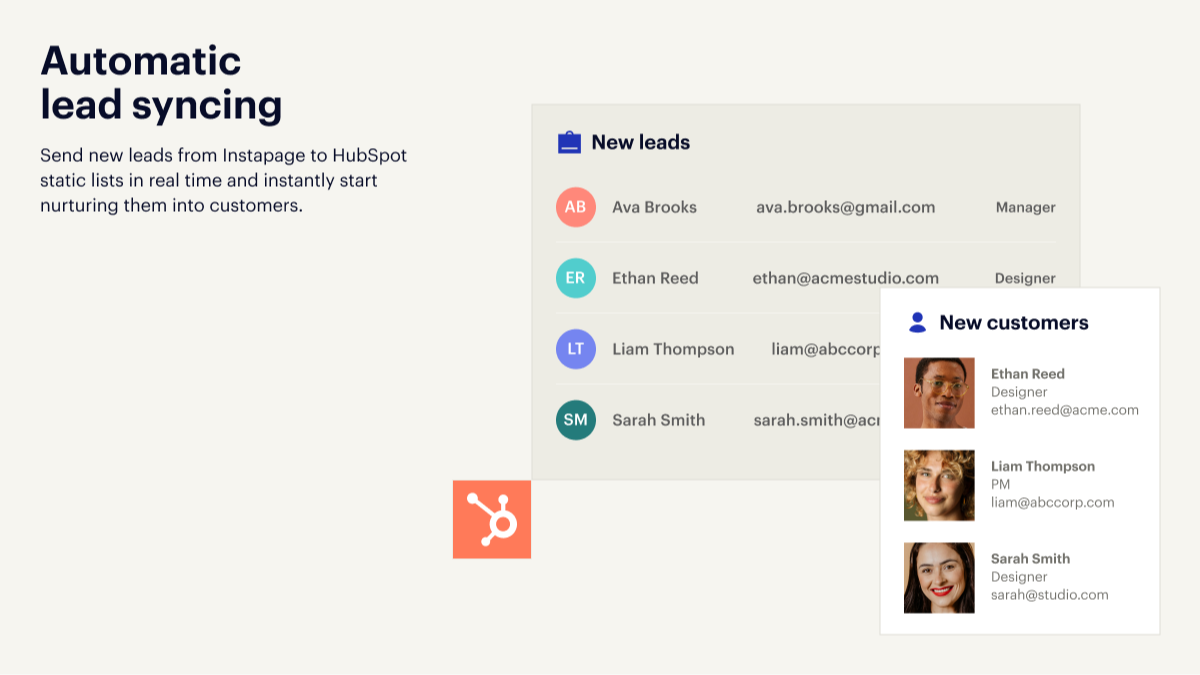
Automatic lead syncing
Send new leads from Instapage to HubSpot static lists in real time and instantly start nurturing them into customers.
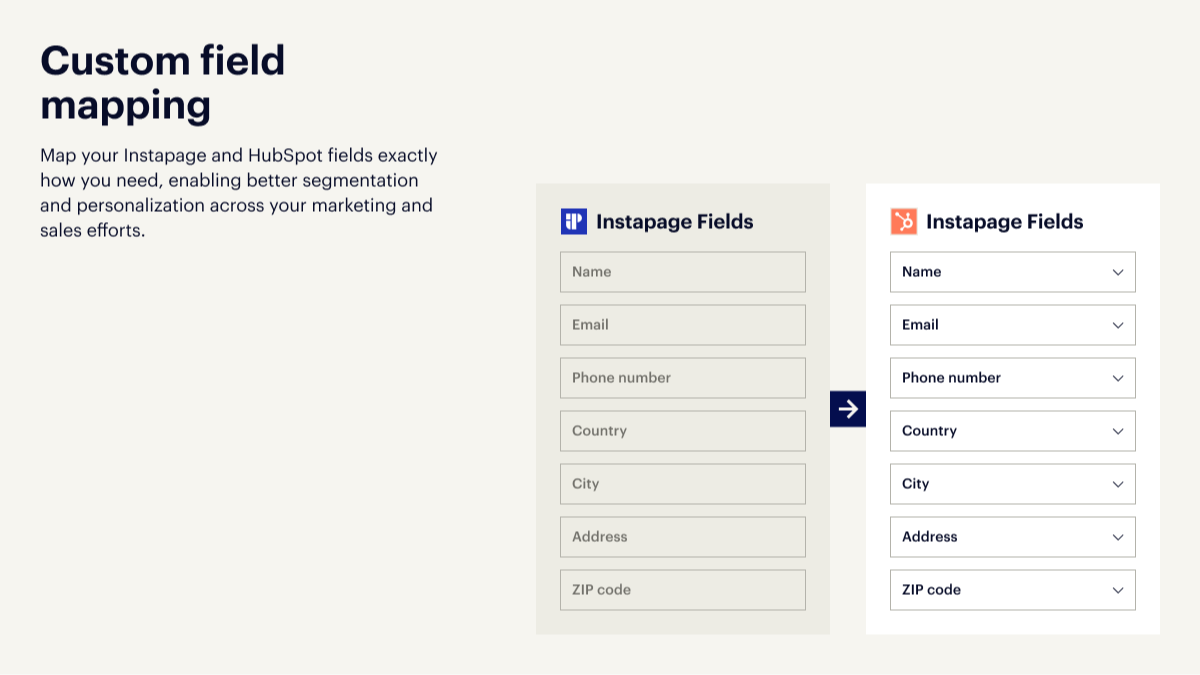
Custom field mapping
Map your Instapage and HubSpot fields exactly how you need, enabling better segmentation and personalization across your marketing and sales efforts.
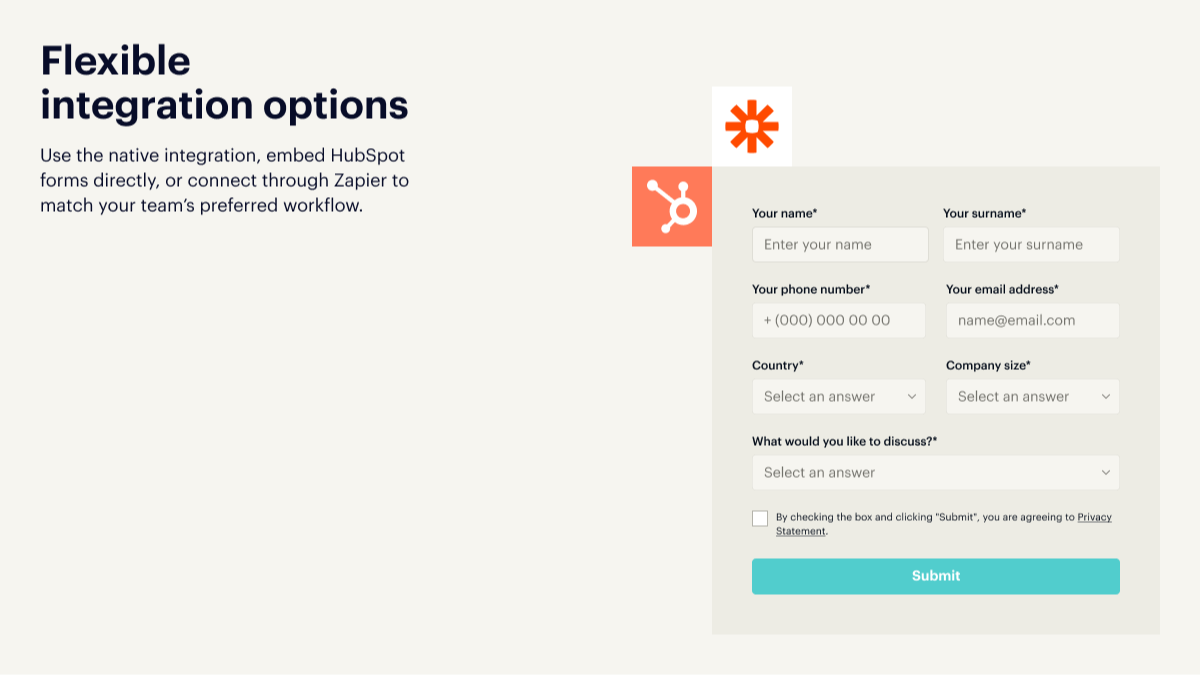
Flexible integration options
Use the native integration, embed HubSpot forms directly, or connect through Zapier to match your team’s preferred workflow.
App Functionality
Shared Data
Leads | ||
Form Fields | ||
Leads |
Reviews
2.4
5
2.4
5
- Nov 15, 2024
Reinertson, K.
- Mar 10, 2023
No form integration
There are no direct integration on HubSpot for form into Instapage. I can't add automatic contact creation in HubSpot generated with Instapage forms
Acquisition
Sommer, B.
Technology - Software - 26 to 50 employees
Pricing
Create
$79
/monthBuild on-brand, pixel-perfect, responsive pages without a developer
#1 drag & drop builder
Reusable page blocks and forms
Real-time visual collaboration
Triggered popups and sticky bars
AI content
Mobile responsiveness
Create
$79
/monthBuild on-brand, pixel-perfect, responsive pages without a developer
#1 drag & drop builder
Reusable page blocks and forms
Real-time visual collaboration
Triggered popups and sticky bars
AI content
Mobile responsiveness
* The pricing here is for display purposes only. All prices do not include taxes, incentives, discounts, or other pricing variables. You should contact the partner for the most up to date and correct pricing information. HubSpot does not take any responsibility for this pricing information, which is provided by our partners. Pricing last updated: 08/09/2025
New arrivals

Mobile Message SMS
Send SMS from HubSpot workflows — from just 1.6c per message

ClientlyBase - Document Collection & File Requests
Request, collect and track client documents directly from HubSpot Deals and Contacts - no email back-and-forth
