

Requirements
HubSpot Plan HubSpot Account permissions - View the required account permissions
Access Type Shared LeadzPipe Subscription - Free, Starter, or Marketer plans
Overview
1/4
Integrate With HubSpot CRM
Automatically sync contact and deal with your HubSpot CRM. Choose the source from a number of platforms to sync lead, sales, page forms, and your payment data.
Track Leads in HubSpot CRM
When lead is pushed to leadzpipe from a selected source, lead is created as a contact in HubSpot. Use Leadzpipe pipe workflow to send your leads from various sources to your HubSpot CRM.
Features
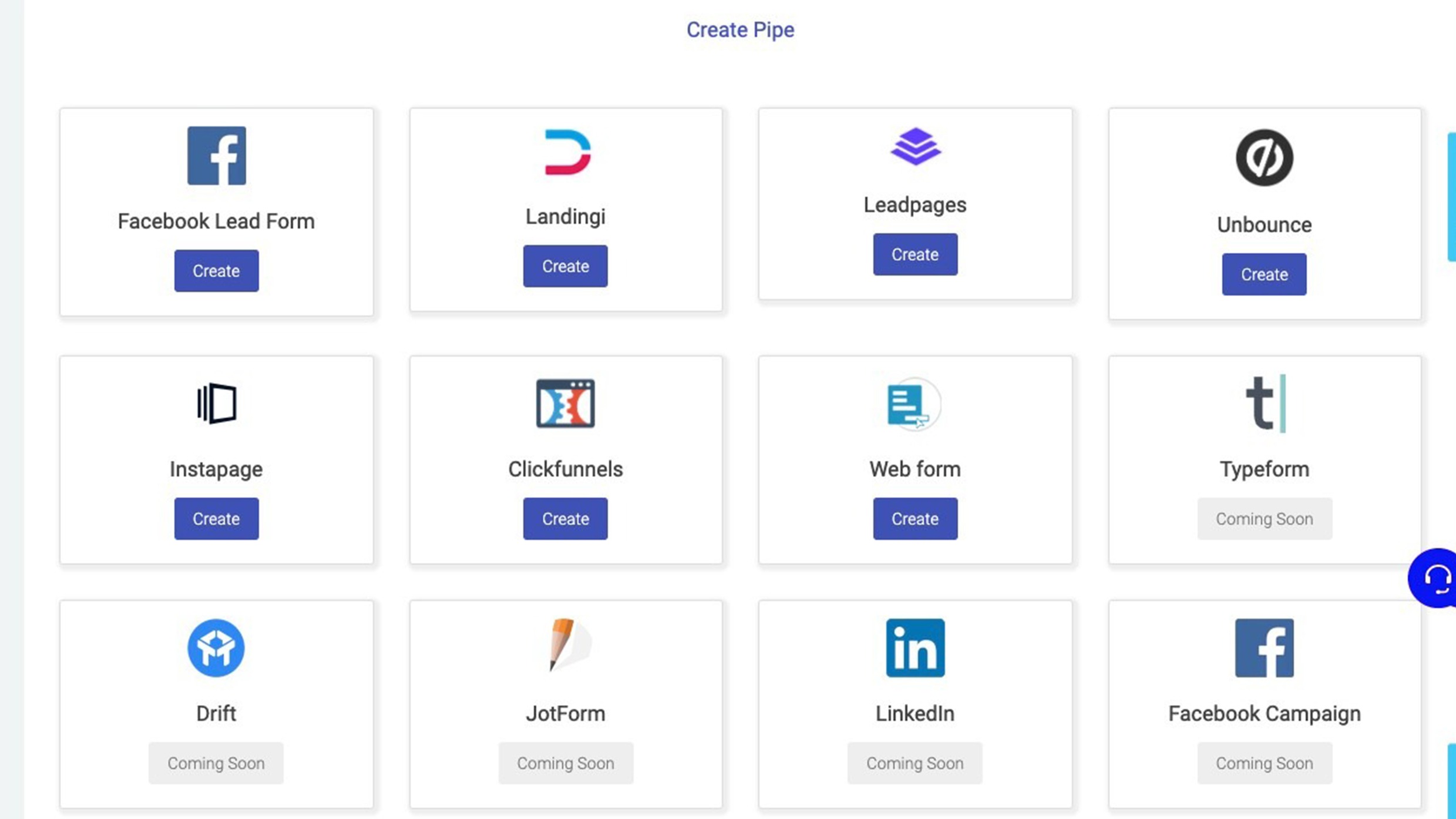
Choose a source
Follow the on-screen instructions for mapping source fields with leadzpipe.
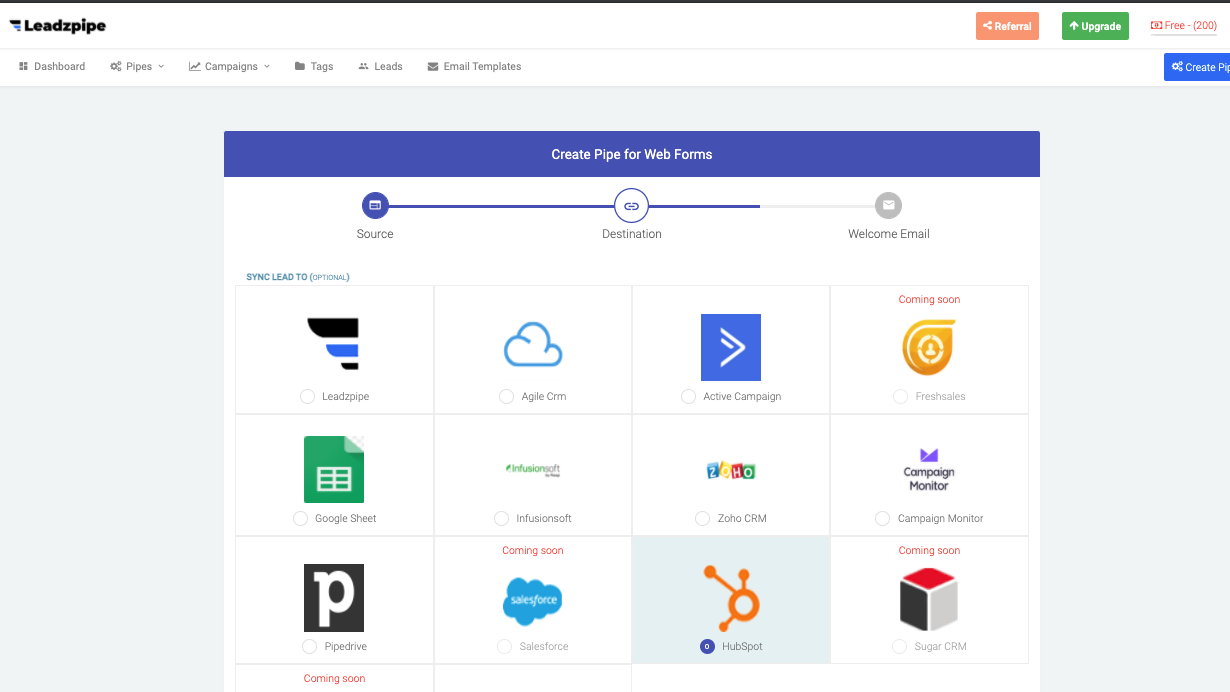
Choose Destination
Choose HubSpot as a destination from the list of destinations

Choose Account/Action And Map Fields
Choose or add a new HubSpot account, and select your action. Map source fields with the destination fields
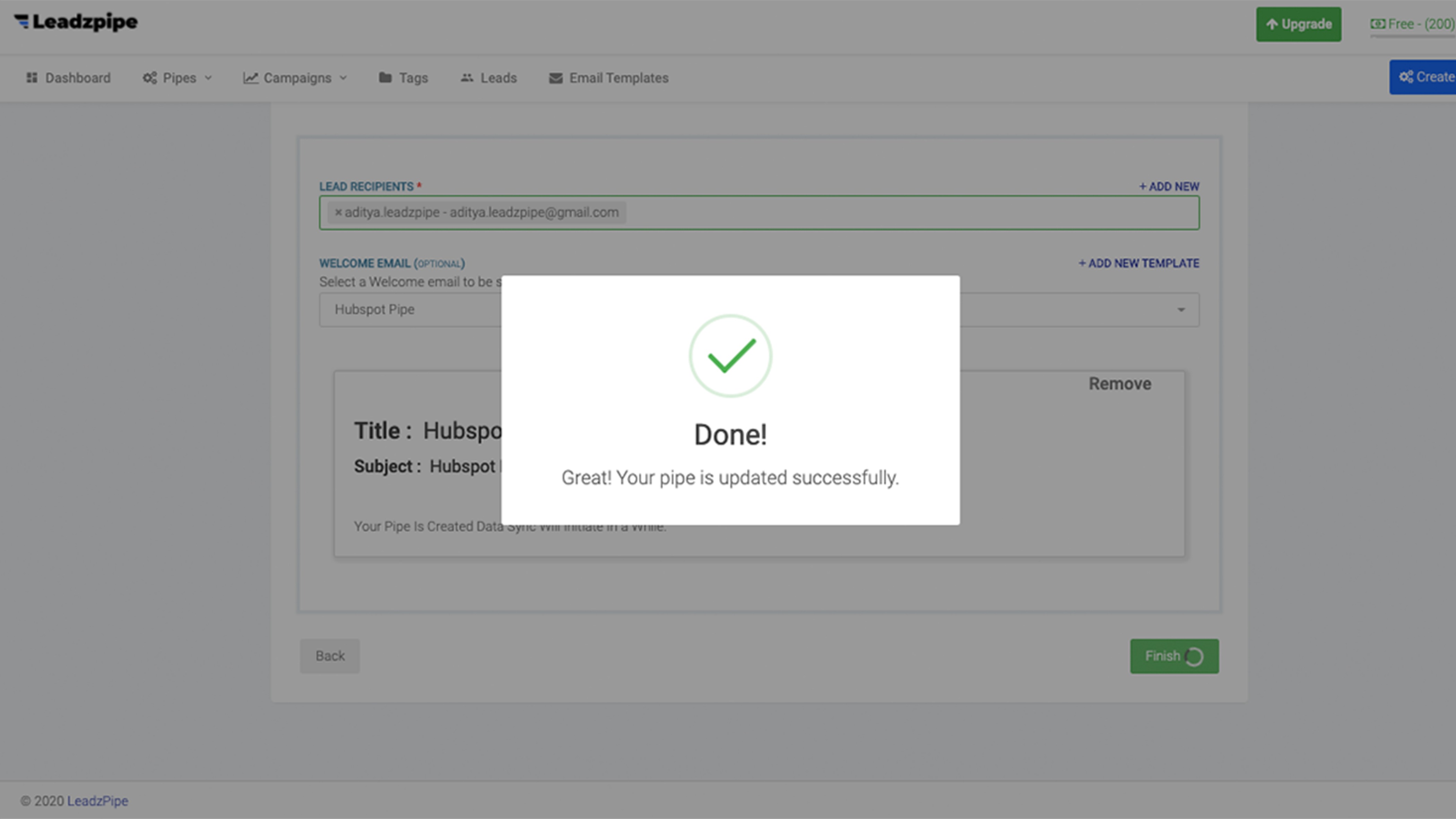
Pipe Creation
Add lead recipient and add an email template click finish. Awesome your pipe created and syncing begins.
App Functionality
Shared Data
Leads |
Reviews
Free
$0
Simple Transparent
Sync lead from multiple sources
Get lead notification in realtime
Integrate with 20+ CRM
Instant auto responder for leads
Facebook ads dashboard
Google ads dashboard
Lead vs spend analytics
Free
$0
Simple Transparent
Sync lead from multiple sources
Get lead notification in realtime
Integrate with 20+ CRM
Instant auto responder for leads
Facebook ads dashboard
Google ads dashboard
Lead vs spend analytics
* The pricing here is for display purposes only. All prices do not include taxes, incentives, discounts, or other pricing variables. You should contact the partner for the most up to date and correct pricing information. HubSpot does not take any responsibility for this pricing information, which is provided by our partners. Pricing last updated: 08/11/2025
Most popular

Gmail
Bring HubSpot to your inbox with the HubSpot integration for Gmail.

Google Calendar
Book meetings quickly and easily with HubSpot and Google Calendar.
