

PrestaShop
Requirements
HubSpot Plan HubSpot Account permissions No permissions required Access Type Shared PrestaShop Subscription - PrestaShop plan
Overview
1/2
You can use PrestaShop with HubSpot in two ways.
Connect PrestaShop as a data source (public beta, all plans). Bring your PrestaShop data into HubSpot without deciding upfront how they map to your CRM. Connect your account, choose what you want to bring in, and preview your data before anything is saved. Then save it to your source library, or sync it to the CRM.
Data Hub Professional and Enterprise users can also build a dataset from it in Data Studio. At this stage, you can sync a source to the CRM. Segments, reports and workflows based on sources are coming soon.Sync with Data Sync by HubSpot. If you want to send data to PrestaShop or keep both sides in sync, choose that when you connect and continue in Data Sync. Here’s what you get with Data Sync by HubSpot:
Two-way sync: Data is shared between PrestaShop and HubSpot in real time. This app can act as a complement to this PrestaShop Integration.
Default field mappings: Set-up is quick with out-of-the-box field mappings already created for you
Historical syncing: Your existing data will sync right away, and updates will sync as they happen
Important note: this app does not sync commerce data. Please install this other PrestaShop's app.
Features
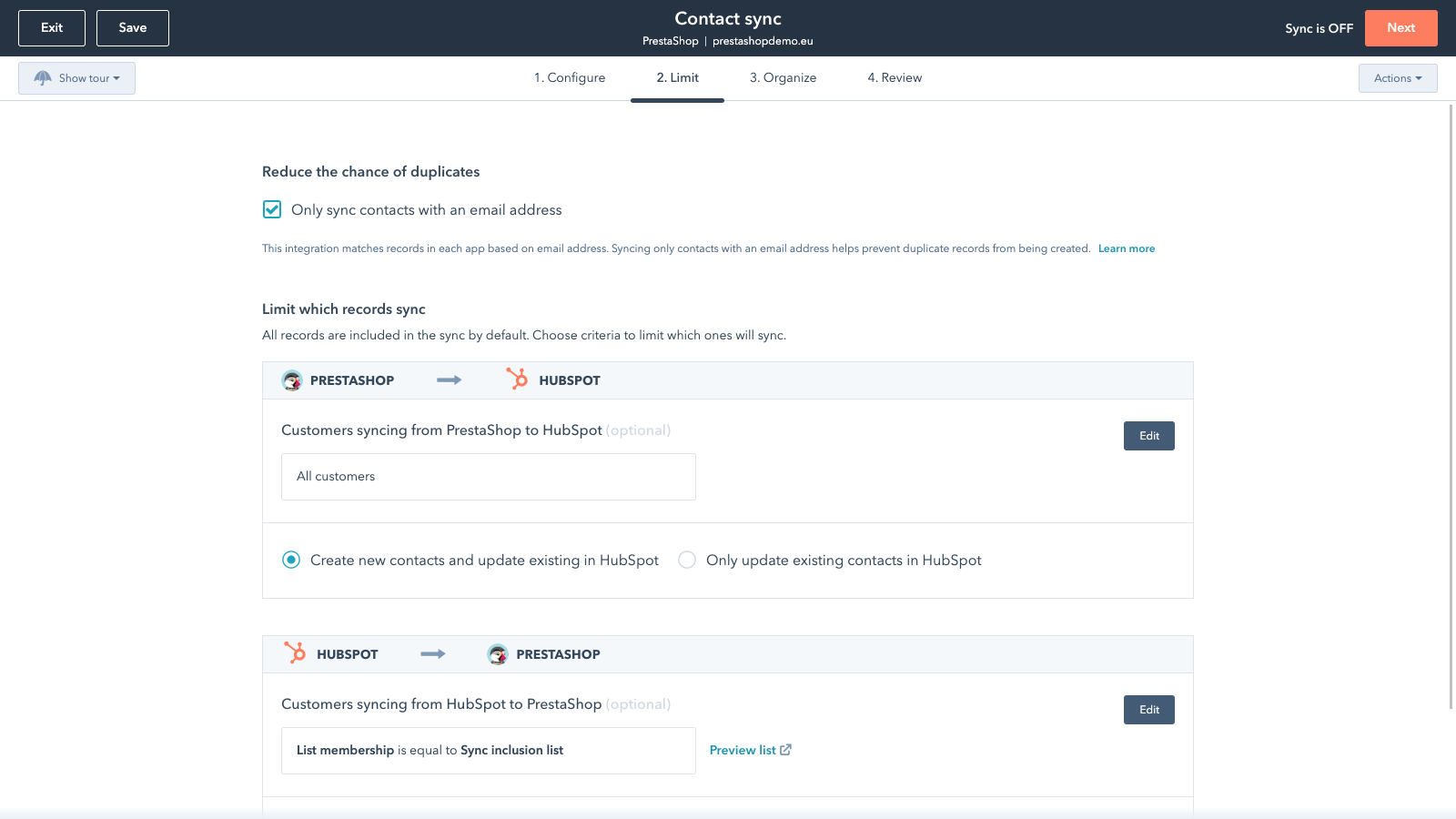
Sync only the data you want
You’re in control of your data. You can set up a one- or two-way sync, which means you can either sync data from only one app to the other or back-and-forth between both apps. You can also add a filter for any PrestaShop field or HubSpot list to sync exactly what you want—and nothing you don’t.
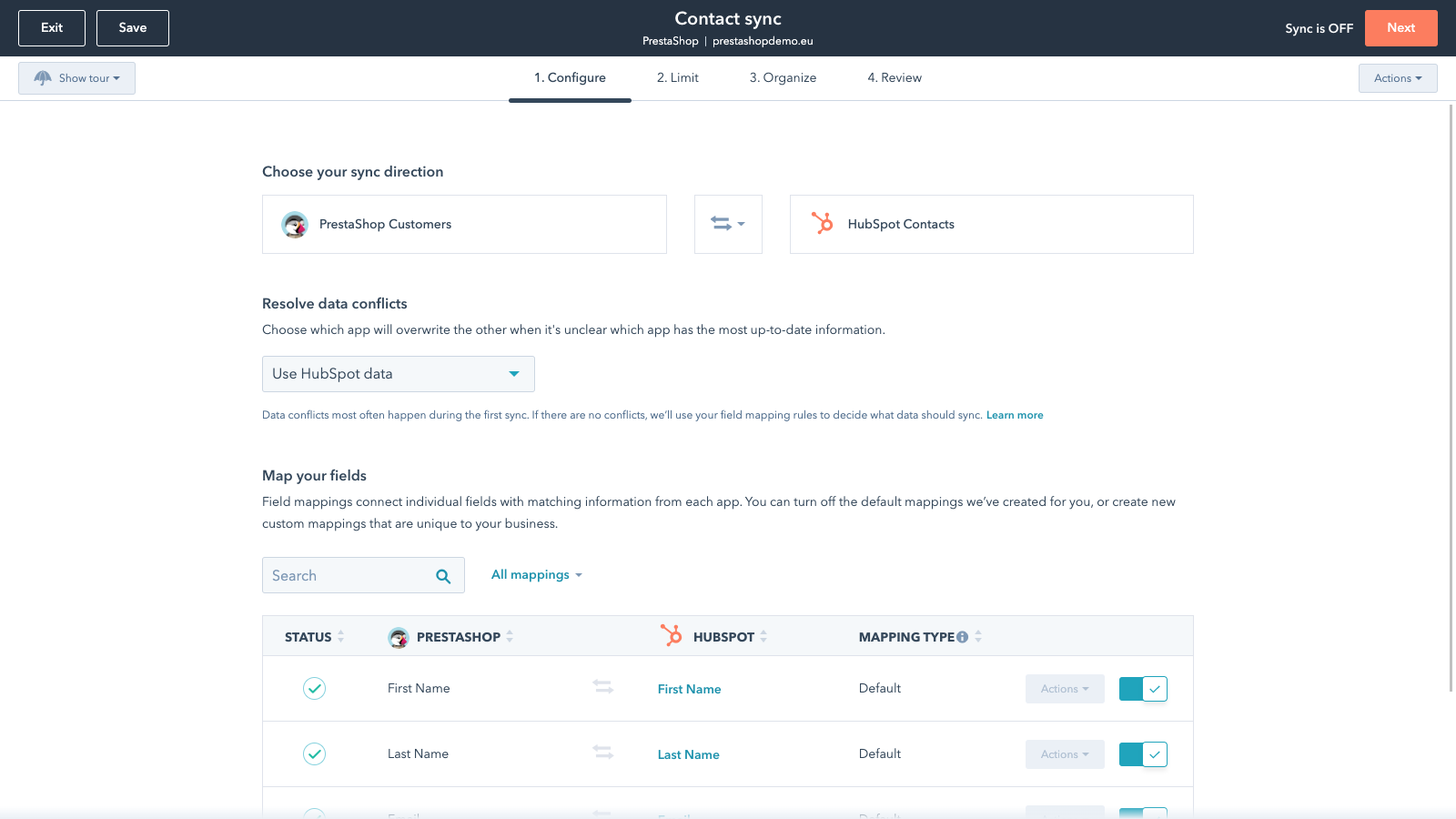
Custom field mappings
It is recommended to use this app with with Data Hub Starter and up as this will unlock custom mappings, which add the flexibility to create your own mappings or make changes to your default ones.
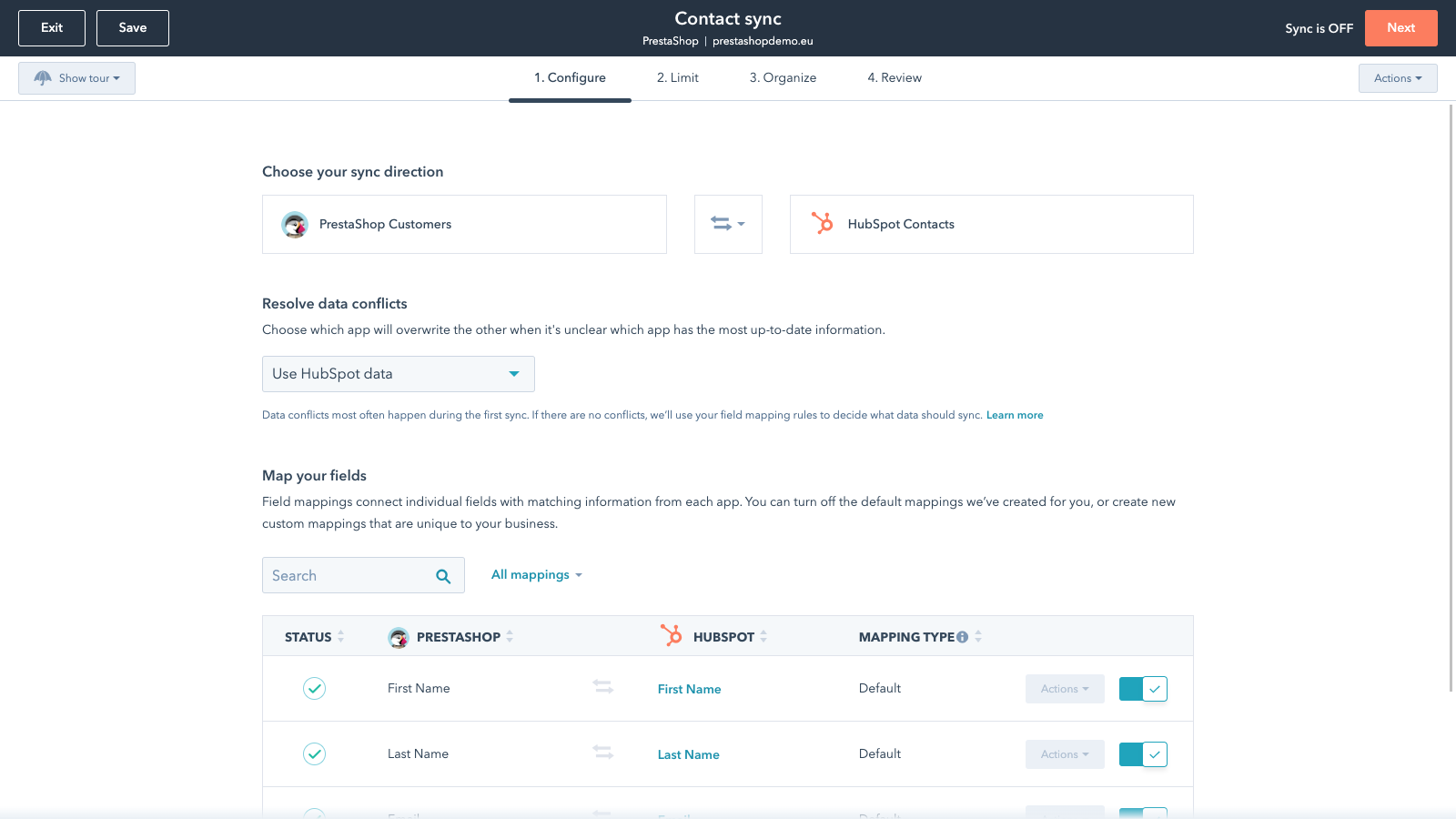
Sync PrestaShop and HubSpot data
Make manual data entry a thing of the past by syncing data (see below) between HubSpot and PrestaShop. When records are created or updated in either app, that information will be automatically shared with the other one.

Connect PrestaShop as a data source
Connect your PrestaShop account, choose the data you want to bring in, and review a preview before anything is saved. Save it to your source library, or sync it to the CRM. If you also need to send data back to PrestaShop or keep both sides in sync, you can choose that at the start of the same flow.
App Functionality
Shared Data
These field mappings apply when you sync with Data Sync. When you connect Constant Contact as a data source, your contacts come in as they are in Prestashop. You only map them to HubSpot properties if you choose to sync the source to the CRM.
This app does not sync commerce data. Please install PrestaShop's app.
Customers |
Reviews
- Jun 16, 2023
Buono ma da migliorare
Si dovrebbero avere le informazioni sugli ordini. Basterebbe anche solo l'informazione del codice ultimo ordine e data ultimo ordine come proprietà del contatto in modo da ottimizzare il servizio clienti.
Vendita online
Configurazione semplice
Nessuno
Di Mare, S.
Technology - Software - 2 to 5 employees
- Mar 1, 2022
Buona idea ma da sviluppare
Buona idea ma ad oggi con la possibilità di tracciare solo email nome e cognome è poco utile.. il costo per l'upgrade delle proprietà personalizzate non è proporzionato ai benefici
gestione catalogo online di prodotti
Cattaruzza, A.
Manufacturing - 51 to 200 employees
Pricing
PrestaShop
$0
PrestaShop is 100% free
No monthly fees.
No commissions on your sales.
PrestaShop
$0
PrestaShop is 100% free
No monthly fees.
No commissions on your sales.
* The pricing here is for display purposes only. All prices do not include taxes, incentives, discounts, or other pricing variables. You should contact the partner for the most up to date and correct pricing information. HubSpot does not take any responsibility for this pricing information, which is provided by our partners. Pricing last updated: 11/16/2026
New arrivals

SignAptly
Send branded documents for e-signature from any HubSpot record, with signed copies saved straight back to the CRM.

Shuttio
Move your CRM into HubSpot from Pipedrive, Salesforce, Attio, Clarify, and over 35+ connectors or CSV, or from HubSpot into Attio, Clarify or Odoo.
