

SnapSign
Built by - Thinkwork LLC
Installs - 200+ installs
Rating 4.3
(12)
Requirements
HubSpot Plan HubSpot Account permissions - View the required account permissions
Access Type Shared SnapSign Subscription - Professional or Business plans
Overview
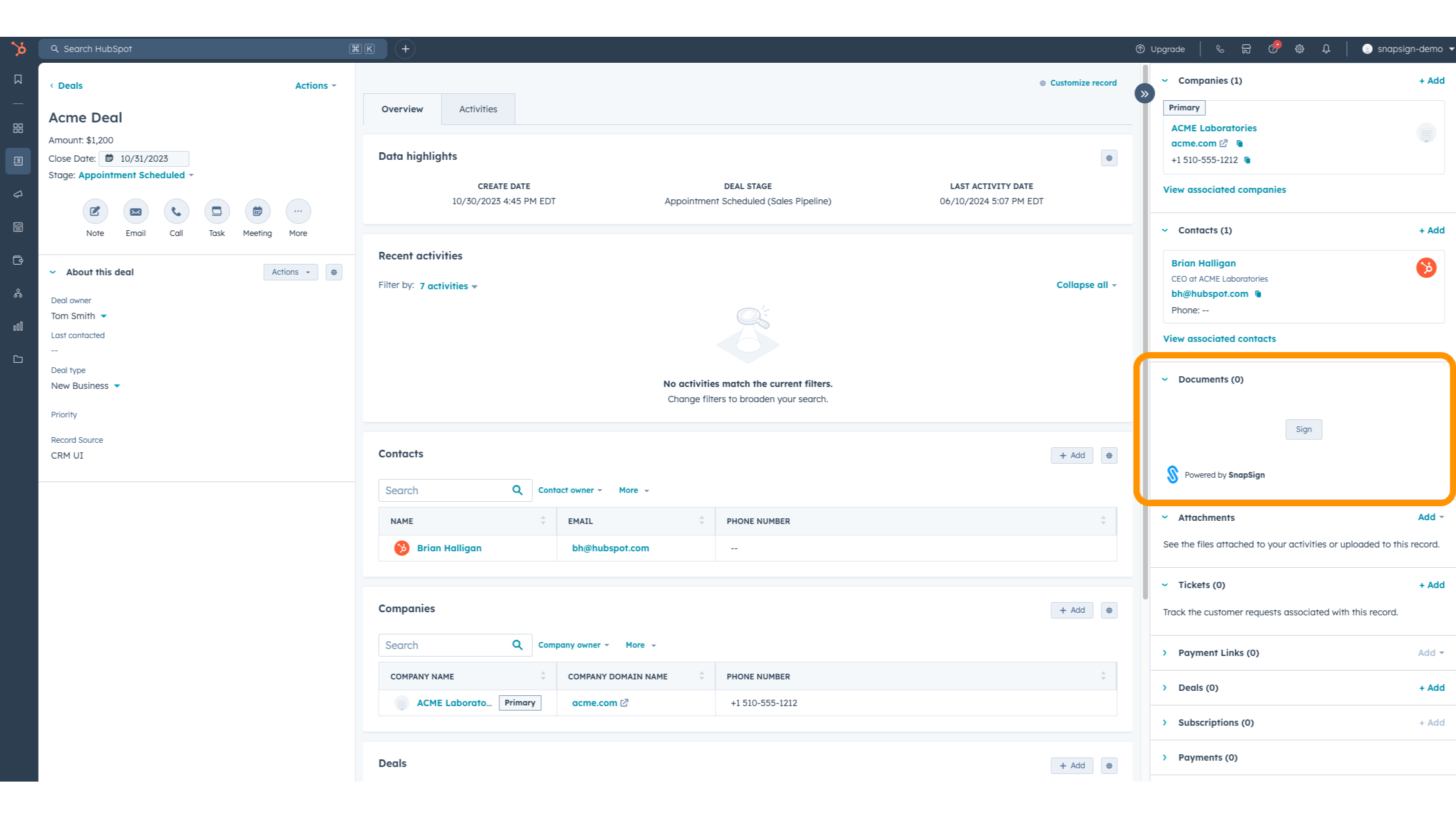
1/1 - A SnapSign panel is added to Company, Contact and Deal pages.
‘Speed to Signature’
Get business done faster - whether it is closing that big deal, onboarding that great new employee or automating any other existing paper-based process - SnapSign can help you realize your business potential.
Improved Productivity
No more wasting your time and money printing, scanning and faxing documents around; and no more chasing down signatures or updates on document status. With SnapSign, now every one of your documents can be signed and managed securely in the cloud. This will free up you and your employees to focus on the things that matter most to your business and not on paperwork.
Leverage HubSpot Investment
With HubSpot you have a single application to help you run your business and now you can extend HubSpot with the power of SnapSign, leveraging your HubSpot investment and data with a fully integrated e-signature solution.
Features
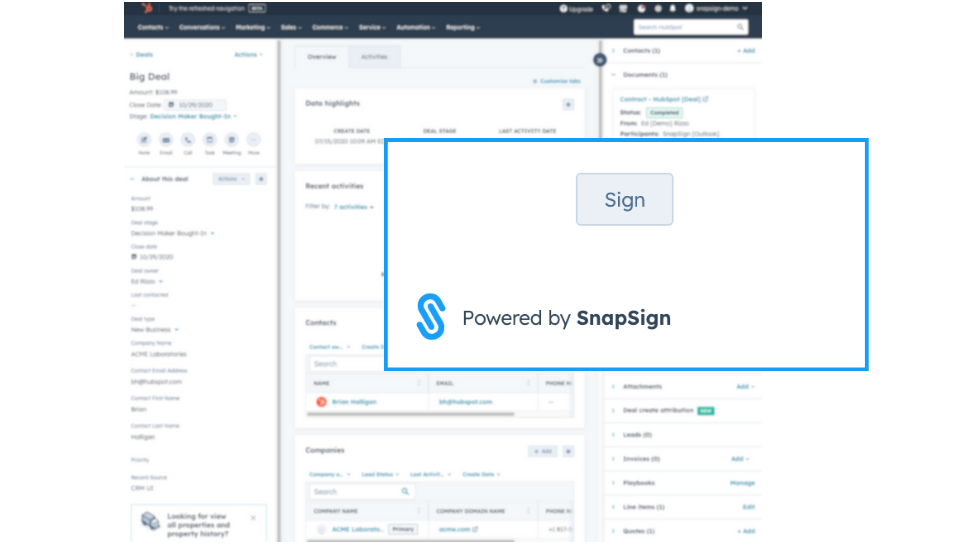
Get Documents eSigned from within HubSpot
SnapSign adds a 'Sign' button that enables you to send contracts or quotes out for signature right from within the HubSpot Company, Contact and Deal pages.
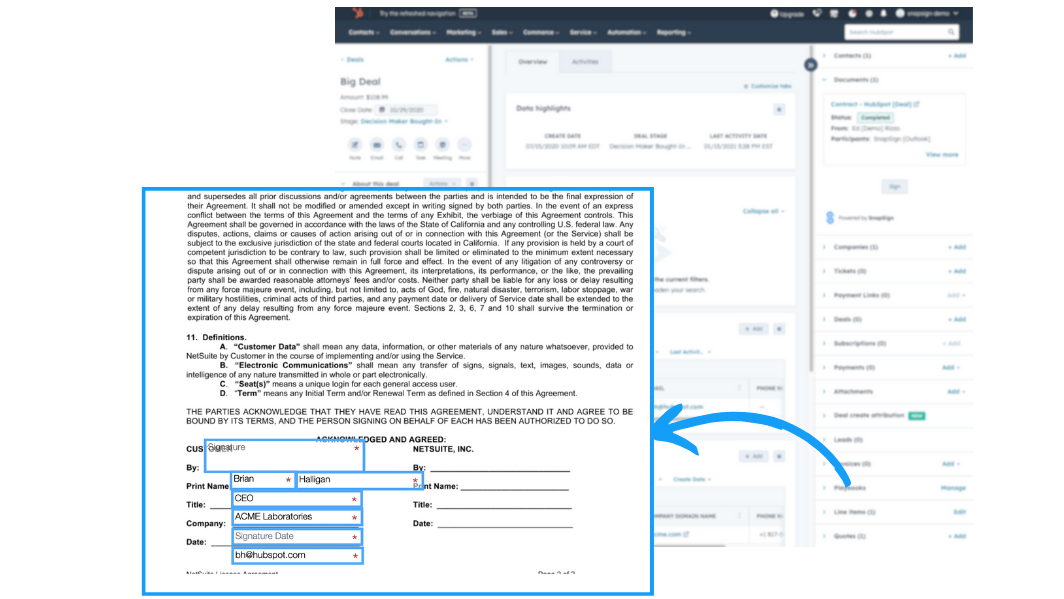
Merge HubSpot data directly into your SnapSign documents
Leverage your HubSpot data to auto-fill fields in your documents – reducing redundancies and helping to eliminate mistakes by sharing your HubSpot data directly with your documents.
-1.png)
Send documents to HubSpot contacts
When sending out documents for signature, no need to remember and retype the names and email addresses of your document participants. Simply select your documents participants right from your HubSpot Contacts with just a click.
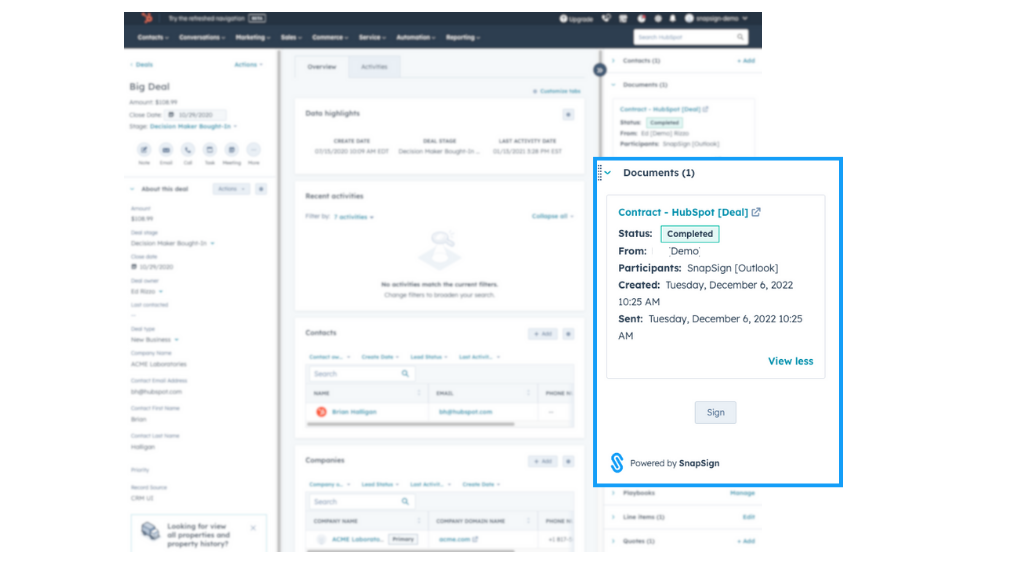
Track SnapSign document progress from within HubSpot records
You can track the status of your document right from HubSpot. Use the SnapSign Card on the HubSpot record to view document status.
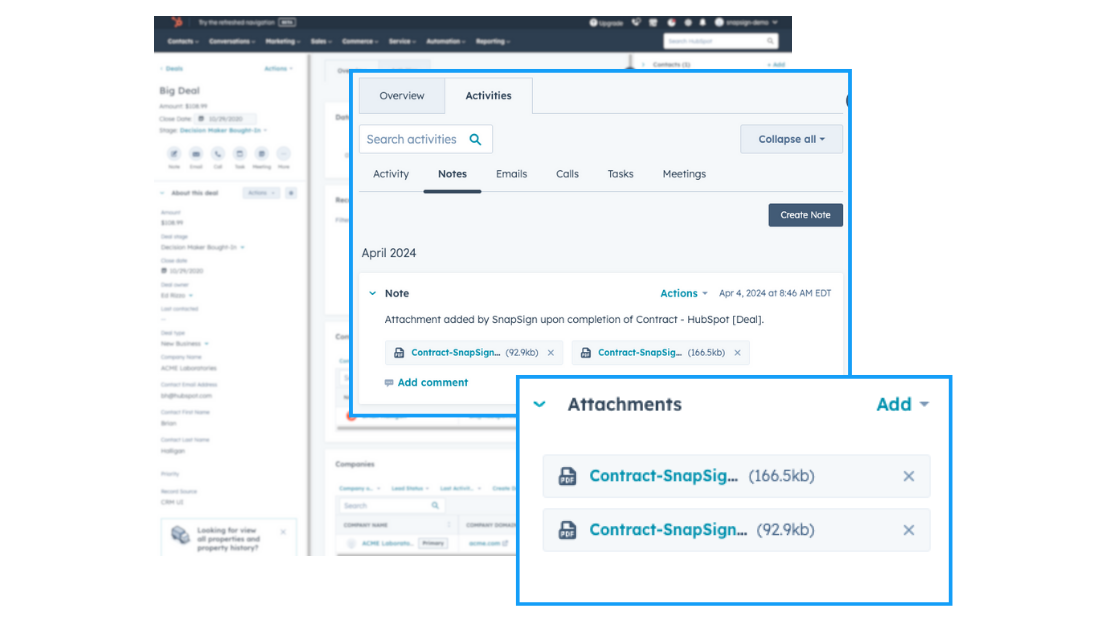
Save completed documents back to HubSpot
When your documents are complete, they can be saved back to the source HubSpot record – keeping your HubSpot records up to date with the latest documents.
App Functionality
Documents | ||
Documents | ||
Documents | ||
Documents | ||
Documents | ||
Documents |
Reviews
4.3
12
4.3
12
- May 14, 2026
Good not great
SnapSign itself is a little clunky compared to other systems. However, it does work well with HubSpot.
Works well with HubSpot.
Their site is clunky and confusing.
Kolidakis, N.
- Nov 21, 2025
Loving the automation and ease of use - perfect e-sign solution with great pricing and seamless deal integration
Great feature & like the fact it auto links to the relative deal so that our users not on a sales plan can have an e-sign in the system
price, automation & ease of use
None so far
Grainger, V.
Pricing
Professional
$9.99
/monthFor individual professionals
Limited to a single user with up to 5 templates.
Professional
$9.99
/monthFor individual professionals
Limited to a single user with up to 5 templates.
* The pricing here is for display purposes only. All prices do not include taxes, incentives, discounts, or other pricing variables. You should contact the partner for the most up to date and correct pricing information. HubSpot does not take any responsibility for this pricing information, which is provided by our partners. Pricing last updated: 08/09/2025
More info
Built by - Thinkwork LLC
Installs - 200+ installs
Categories Languages this app is available in English
Getting attention today

Fortnox
Convert deals to Fortnox invoices, see invoice status, and track customer revenue without leaving HubSpot.
Microsoft SharePoint & OneDrive
Link files and folders from SharePoint & OneDrive to CRM records, and automate file management through workflows.
