

Zapier
Requirements
HubSpot Plan HubSpot Account permissions No permissions required Access Type Shared Zapier Subscription - Free, Starter, or Professional plans
Overview
1/5
Zapier connects HubSpot to over 8,000 apps so you can unify data, improve accuracy, and automate work across your tools without writing code.
Install this app to:
Configure workflows called Zaps to automatically sync, transform, and route data between HubSpot and other apps.
Look up information across multiple tools, schedule actions, and create simple-to-complex process chains that reduce manual work and increase operational efficiency.
Use supported HubSpot data in Zapier to set up custom triggers and actions including filters, scheduling, delaying, looping, summarizing, parsing, transforming, formatting, and more.
Control how information flows between your tools, eliminating repetitive tasks and focusing your team on high-value work.
Features
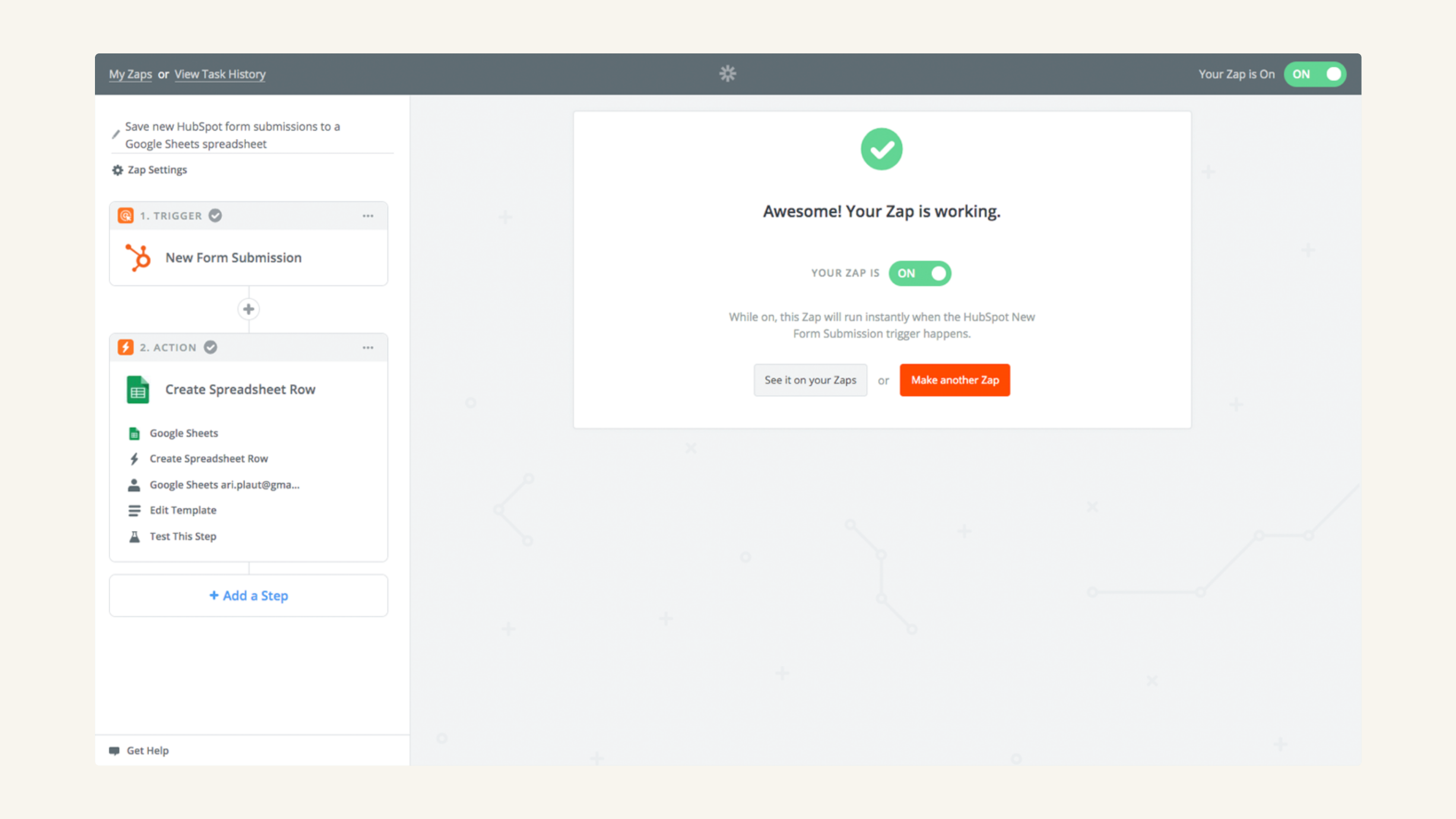
Trigger workflows upon creation of new HubSpot contacts, deals & more
Set up automations that trigger upon the creation of new HubSpot contacts, deals, tickets, products, line items, companies, custom objects, engagements, and more. Additionally, trigger Zaps when deal stages, line items, companies, contacts, products, and more are updated in HubSpot.
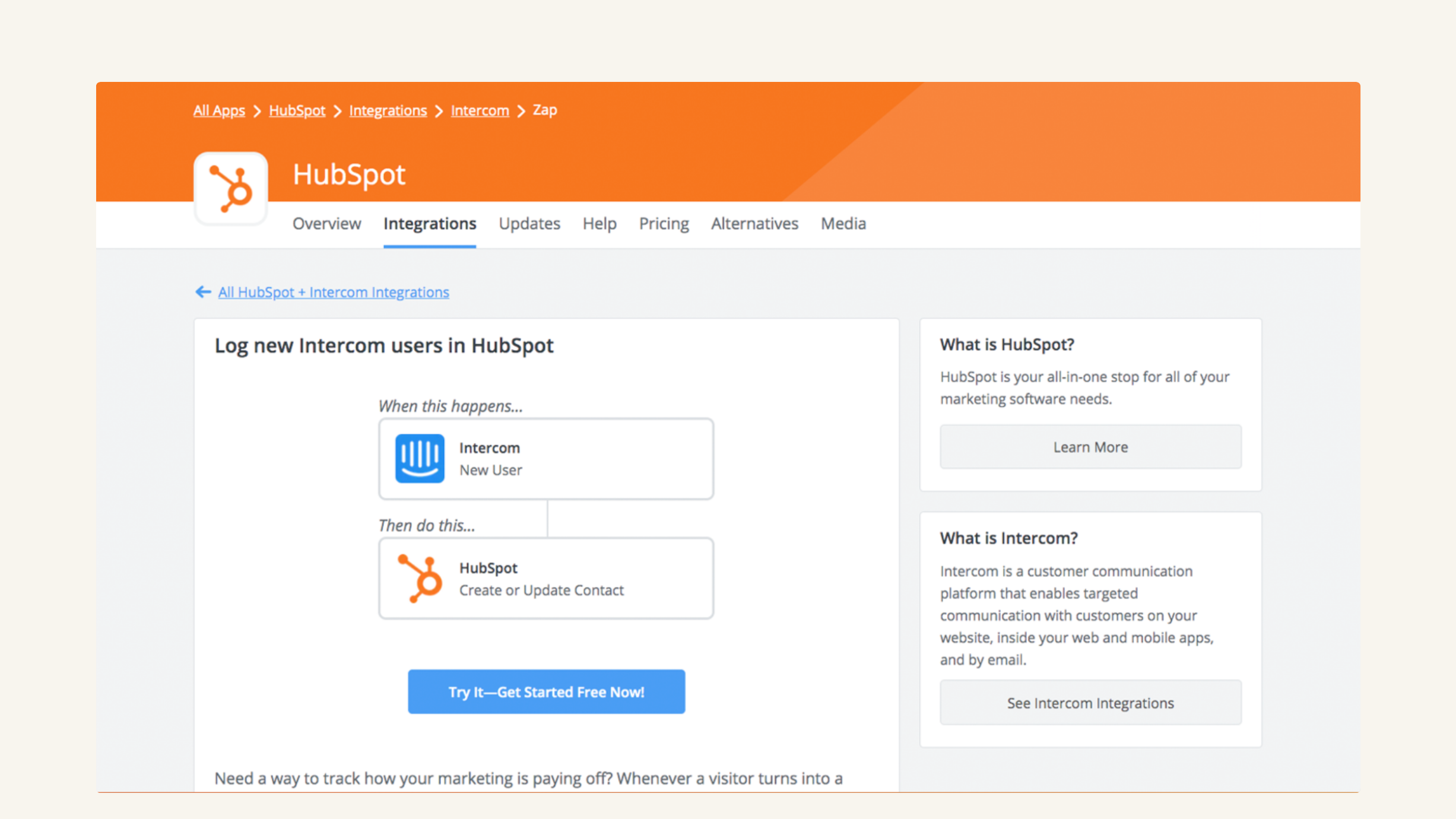
Create and update HubSpot records automatically
Use Zapier to automatically create companies, associations, deals, custom objects, and more in HubSpot. Plus, you can use Zapier workflows to keep your HubSpot records updated as data in your other tools is updated.
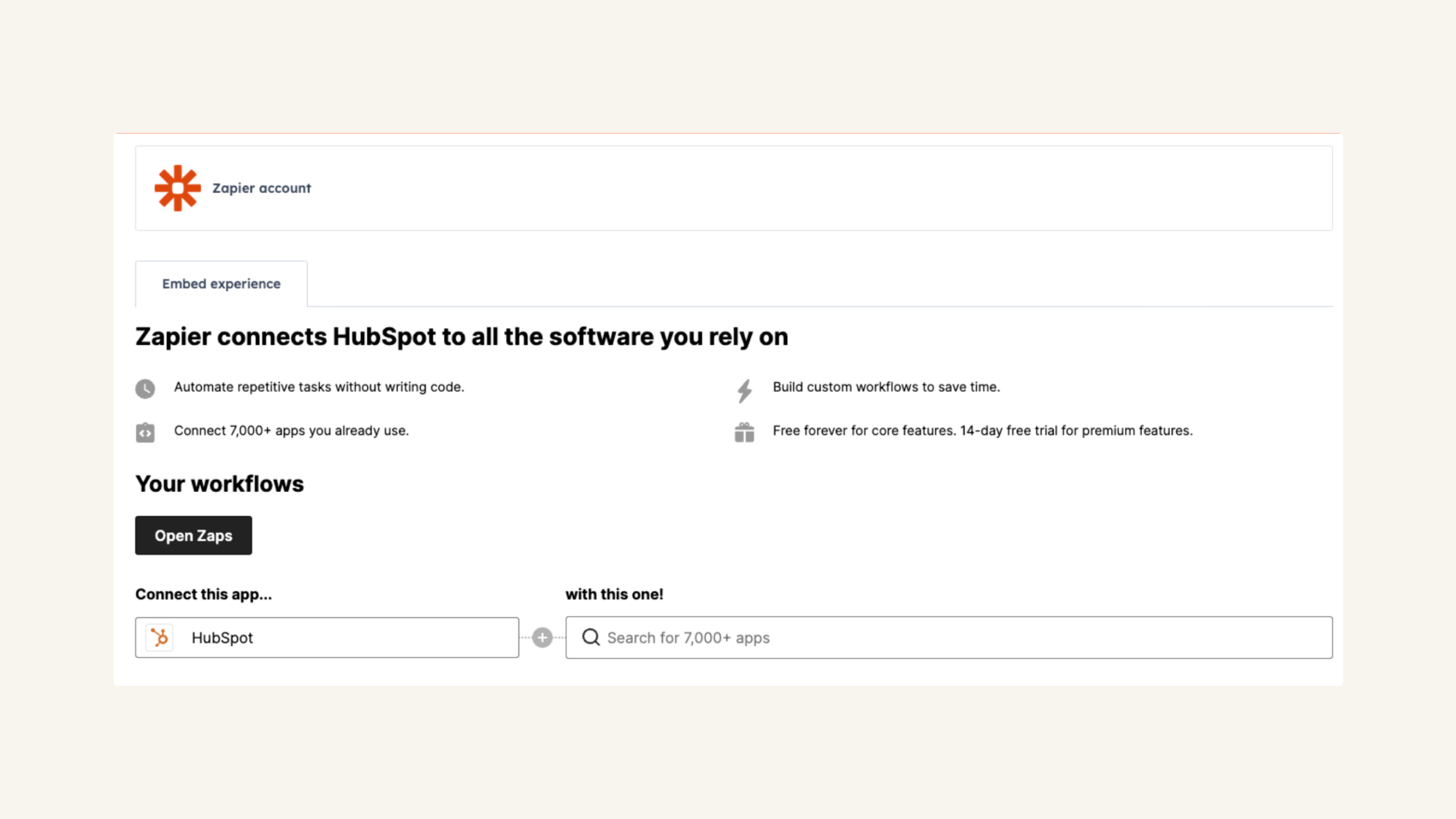
Access Zapier within HubSpot's integrations settings page
You can harness the power of Zapier without navigating away from HubSpot. Discover, edit, and create HubSpot Zaps and control your automations seamlessly.
App Functionality
Shared Data
(varies by connected app) | ||
(varies by connected app) | ||
(varies by connected app) | ||
(varies by connected app) | ||
(varies by connected app) | ||
(varies by connected app) | ||
(varies by connected app) | ||
(varies by connected app) | ||
(varies by connected app) | ||
(varies by connected app) | ||
(varies by connected app) | ||
(varies by connected app) |
Reviews
3.3
388
3.3
388
Users appreciate the integration for automating routine tasks and connecting platforms without code, though some mention challenges with complex field mapping and data synchronization. While a few report occasional setup errors and desire better documentation for troubleshooting, people describe the core workflows as quick to build and valuable for eliminating manual data entry.
- May 28, 2026
Wrenn, A.
- May 18, 2026
Gates, H.
Pricing
Free
$0
Anyone can automate their work. Start with the basics.
5 Zaps
2-step Zaps
Free
$0
Anyone can automate their work. Start with the basics.
5 Zaps
2-step Zaps
* The pricing here is for display purposes only. All prices do not include taxes, incentives, discounts, or other pricing variables. You should contact the partner for the most up to date and correct pricing information. HubSpot does not take any responsibility for this pricing information, which is provided by our partners. Pricing last updated: 01/09/2026
Getting attention today
Google Drive
Link drives, folders, and files to CRM records, automate file and folder management through workflows, and get AI-powered document overviews — all without leaving HubSpot.
Salesforce
An automatic, bi-directional sync between HubSpot and Salesforce.
