
Google BigQuery
Sync data between Google BigQuery and HubSpot — in both directions,…
Built by HubSpot
Installs - 400+ installs
Rating 3
(1)
Requirements
HubSpot Plan HubSpot Account permissions No permissions required Access Type Shared Google BigQuery Subscription - Contact BigQuery plan
Overview
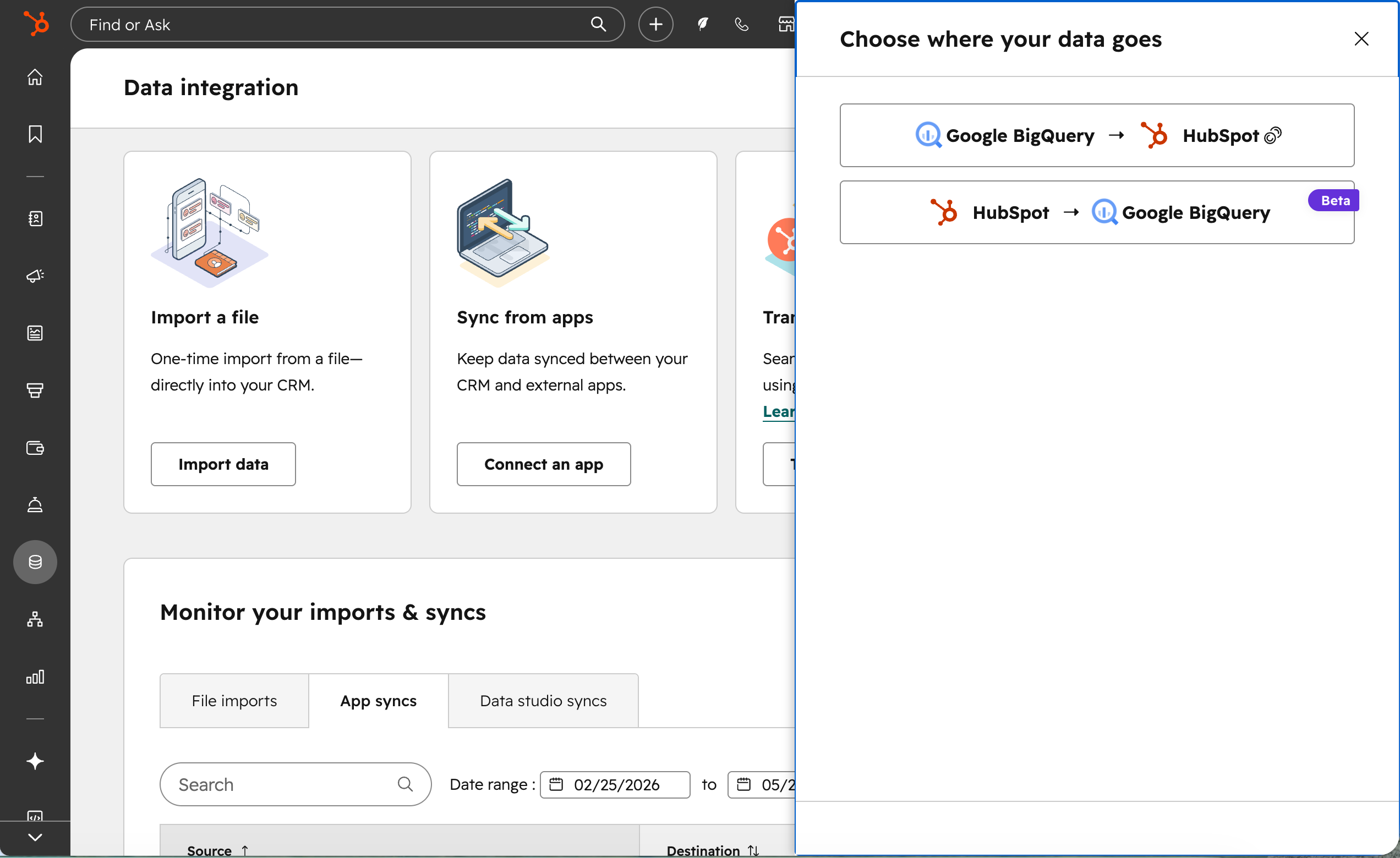
1/4 - Choose your flow of data direction
Google BigQuery and HubSpot, connected in both directions.
Sync BigQuery data into HubSpot CRM
Connect your BigQuery account, select a table or view, map columns to CRM properties, and set a sync schedule. HubSpot syncs your data directly into contact, company, or deal records — no manual exports, no brittle spreadsheet pipelines.
Need to combine, enrich, or filter your data before syncing? Connect BigQuery as a source in HubSpot Data Studio, build a dataset with joins and calculations, and sync to CRM from there.
Export HubSpot data to BigQuery — power your BI and analytics
Export your HubSpot objects — including custom objects — plus events and associations to BigQuery on a schedule you control. Choose what to export, set your sync frequency, and monitor export health directly from the integration. With your HubSpot data in BigQuery, you can connect it to Looker, Tableau, Power BI, Google Data Studio, or any other reporting tool for rich analytics that live outside HubSpot. A significant upgrade over the legacy integration — more reliable, more complete, and built to scale.
One app. One install. Both directions.
This single integration replaces the need for separate data-in and data-out tools. Available to Data Hub Enterprise customers.
Features
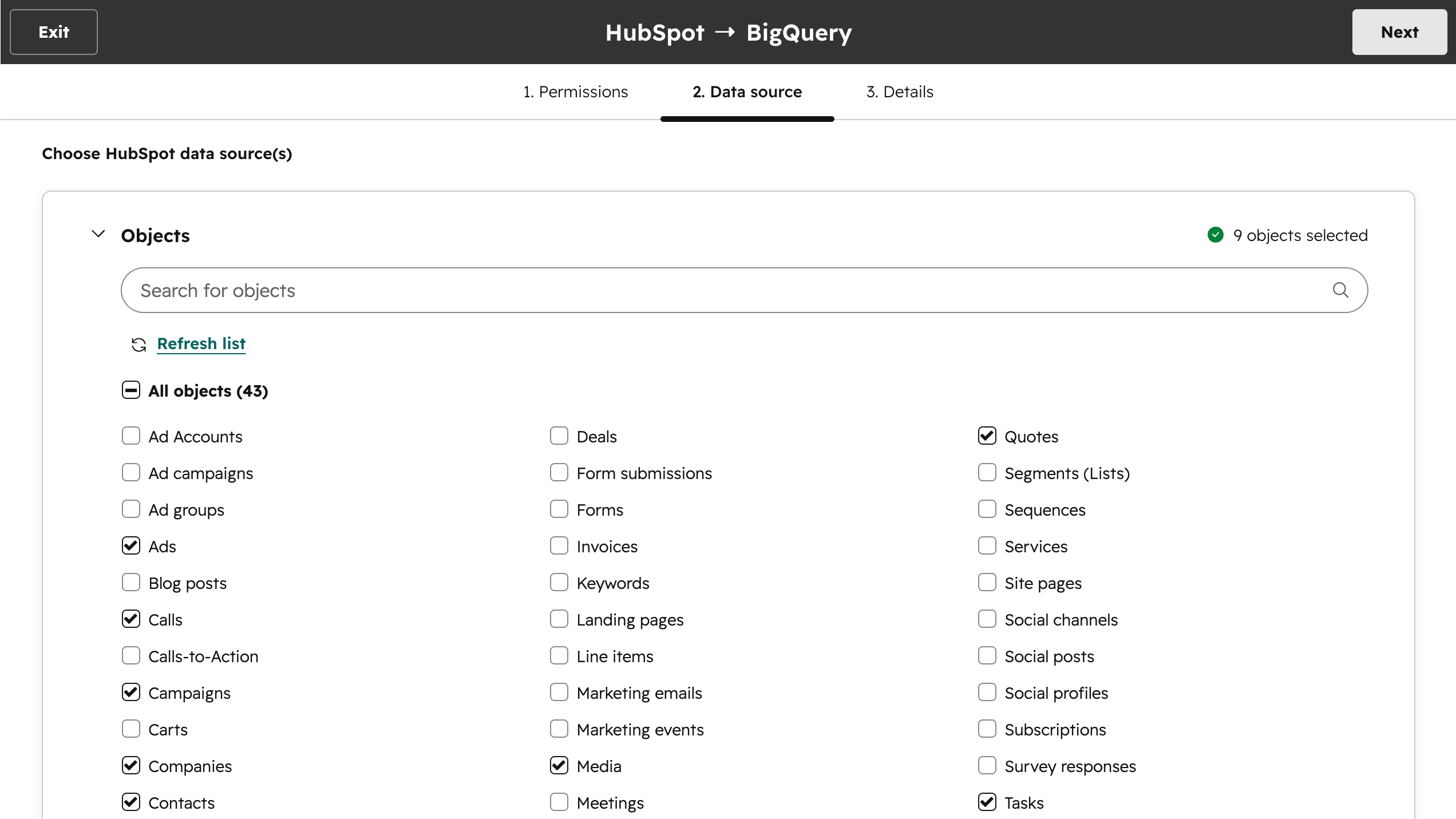
Export to BigQuery
Export HubSpot objects (including custom objects), events, and associations to BigQuery at a frequency you set. With complete HubSpot data in your warehouse, you can power Looker, Tableau, Power BI, or any external BI tool with fresh, reliable data — without manual extracts, middleware, or brittle pipelines.
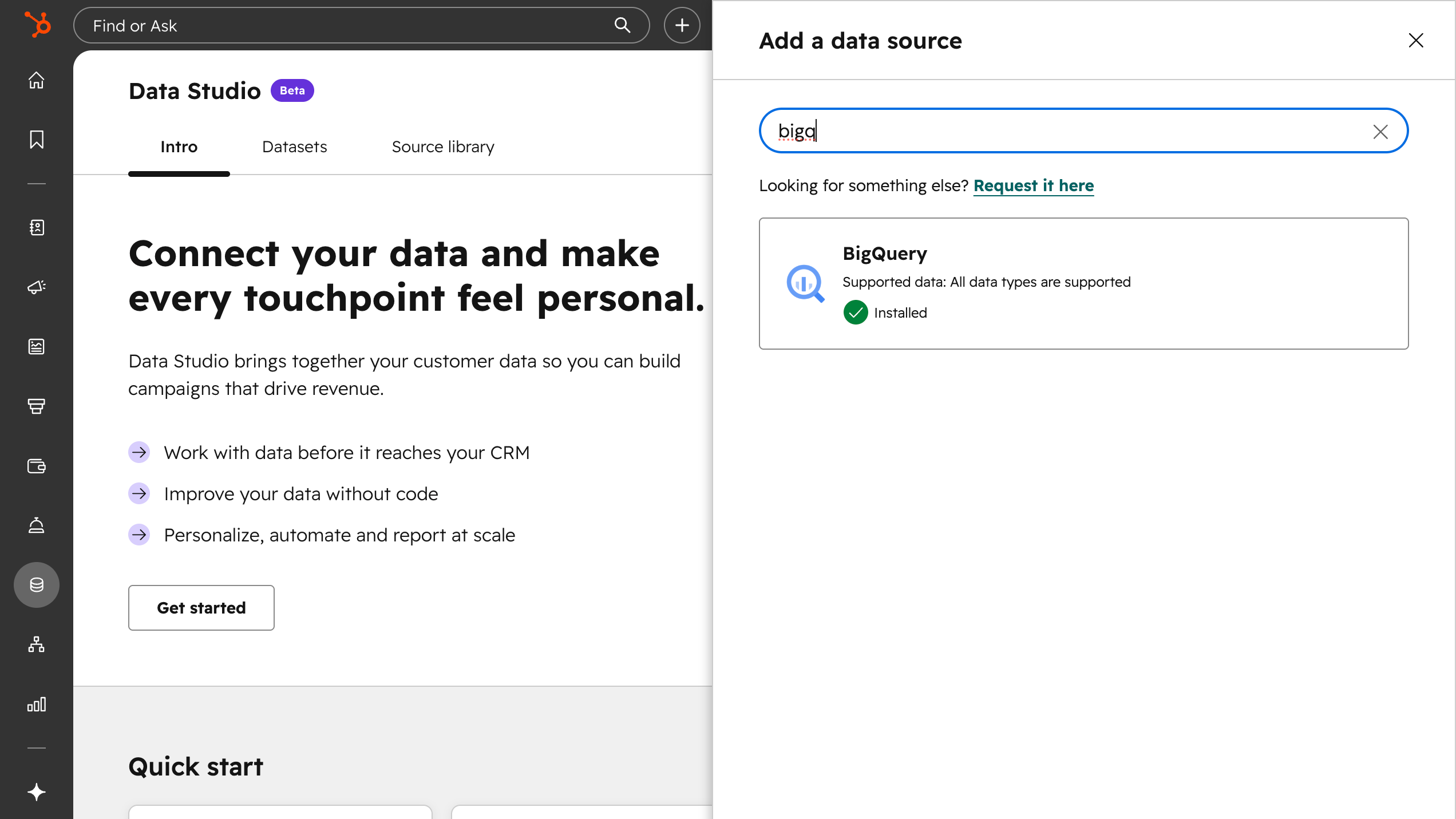
Connect to Data Studio as a source
Use BigQuery as a data source in HubSpot Data Studio. Build datasets that combine BigQuery data with CRM data, apply joins, filters, and custom formulas, then sync enriched records back to the CRM or use them in reports, segments, and workflows.
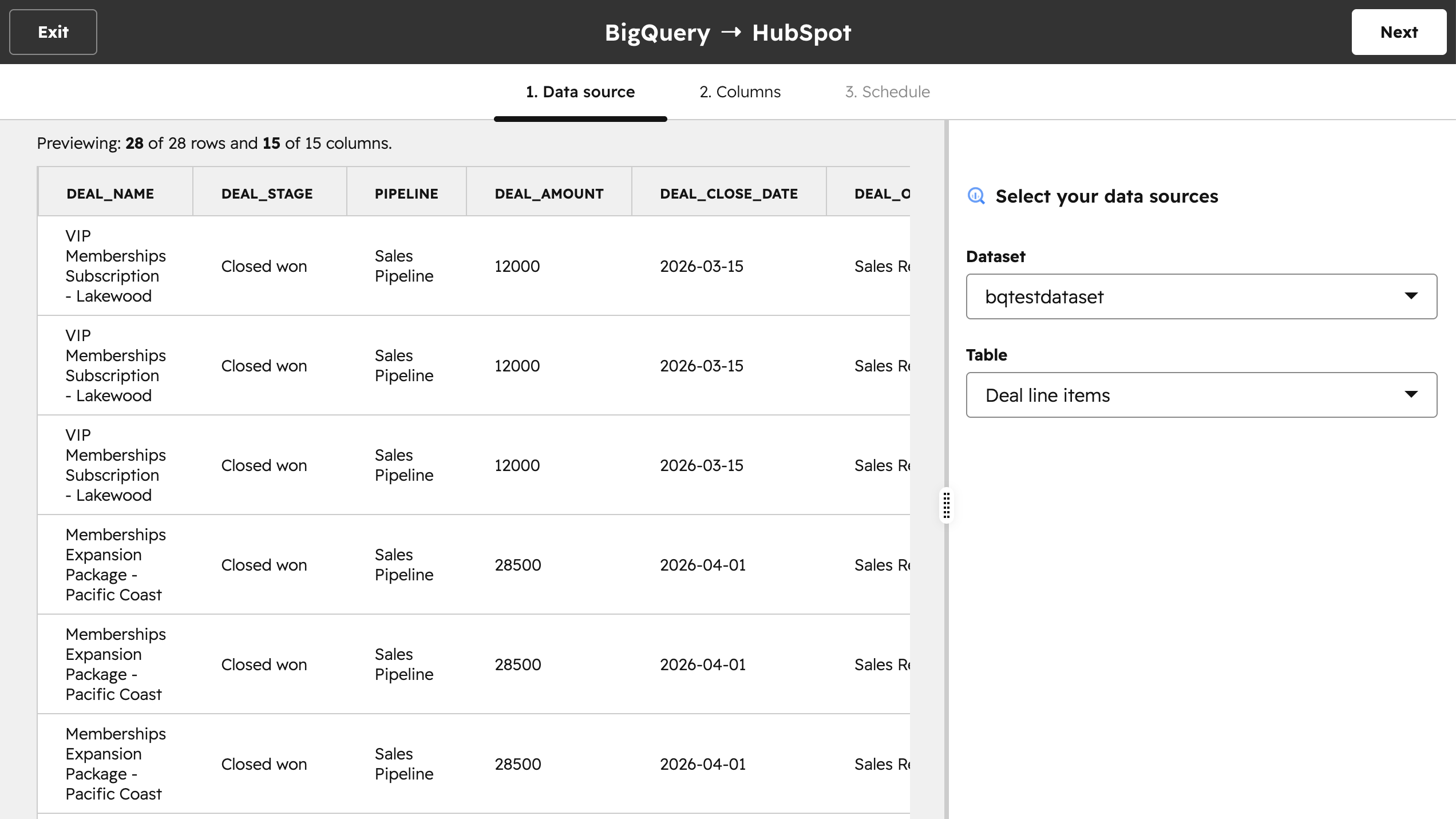
Direct sync to CRM
Connect your BigQuery tables or views directly to HubSpot CRM objects. Map columns to contact, company, or deal properties and set a sync schedule. Your warehouse data lands in HubSpot records automatically
App Functionality
Shared Data
BigQuery tables | ||
Events | ||
Contacts | ||
Companies | ||
Products | ||
Tasks | ||
Tickets |
Reviews
- Mar 31, 2026
Long-awaited integration that works but falls short with limited sync options and costly credit usage
We had been waiting for this integration for quite some time. It works, but could be better.
Easy to set up and run.
1. Once data is in Data Studio, CRM sync frequency is not custom. It can be performed either once a day or once every hour - nothing in between (like 4 times a day) 2. Each CRM sync action costs 25 credits regardless of whether new data is synced or not.
Padinjaraveettil Abdul Gafoor, S.
Pricing
Contact BigQuery
Contact BigQuery
* The pricing here is for display purposes only. All prices do not include taxes, incentives, discounts, or other pricing variables. You should contact the partner for the most up to date and correct pricing information. HubSpot does not take any responsibility for this pricing information, which is provided by our partners. Pricing last updated: 05/27/2026
New arrivals

どこどこJP
Access report of Dokodemo JP is available on HubSpot. Visualize the organizations that accessed the website on HubSpot.

Mobile Message SMS
Send SMS from HubSpot workflows — from just 1.6c per message
