
OpenAI workflow action
Requirements
HubSpot Plan HubSpot Account permissions No permissions required Access Type Shared OpenAI workflow action Subscription - Pricing varies based on model selection plan
Overview
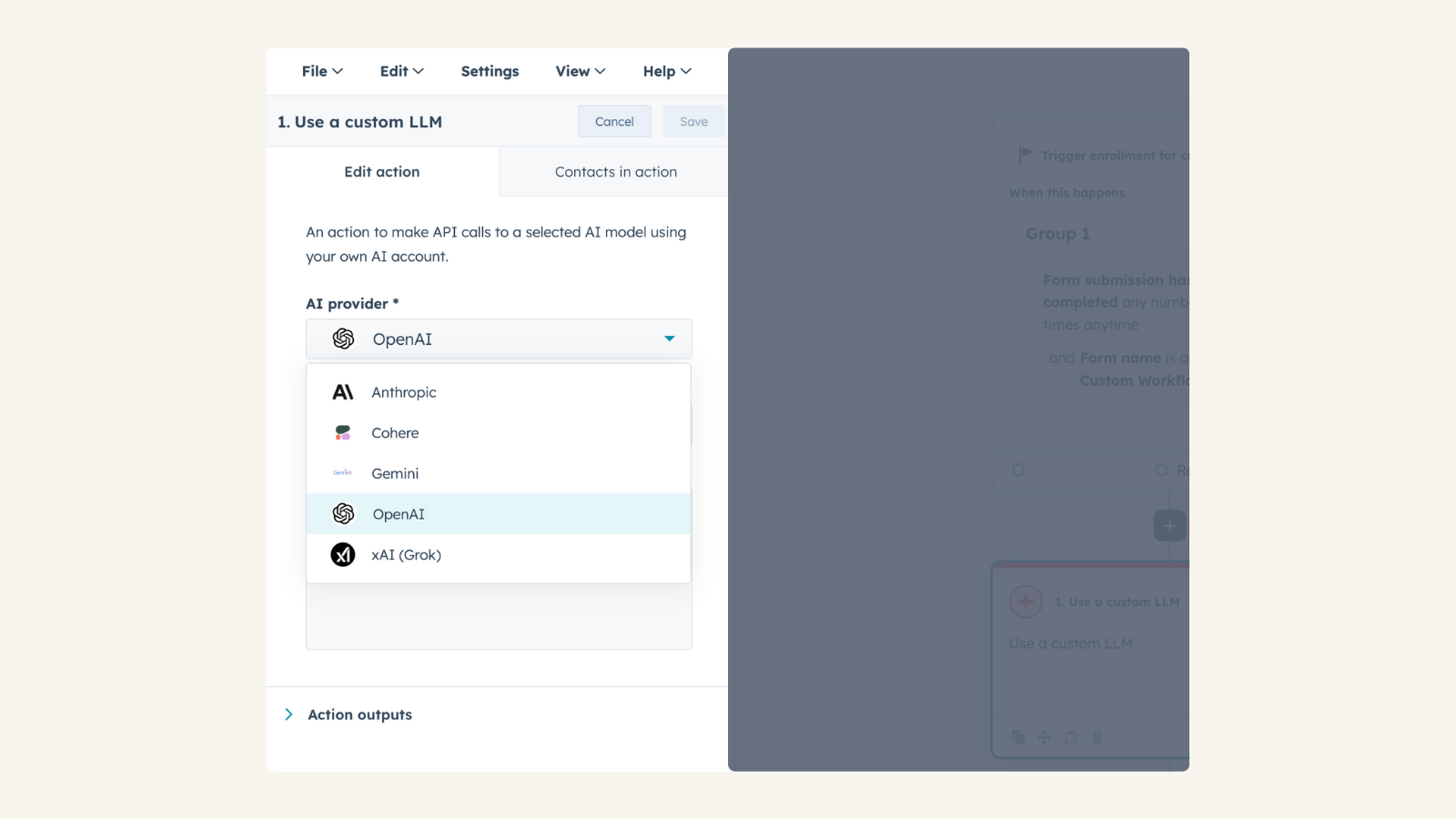
1/2 - Connect your OpenAI account to Use Custom LLM workflow action
Use your own OpenAI account to take actions in HubSpot workflows for automation, content generation, and intelligent decision-making, while maintaining control over model selection, configuration, usage, and costs.
Install this app to:
Use your pre-configured OpenAI account to apply tailored AI expertise to CRM-driven use cases such as summarization, enrichment, classification, and recommendations.
Select any OpenAI model available in your OpenAI project and fine-tune behavior by adjusting parameters such as temperature and reasoning effort.
Maintain full visibility and control over AI usage and costs through your OpenAI subscription, with no data stored by the app, requests are processed directly through OpenAI.
Features
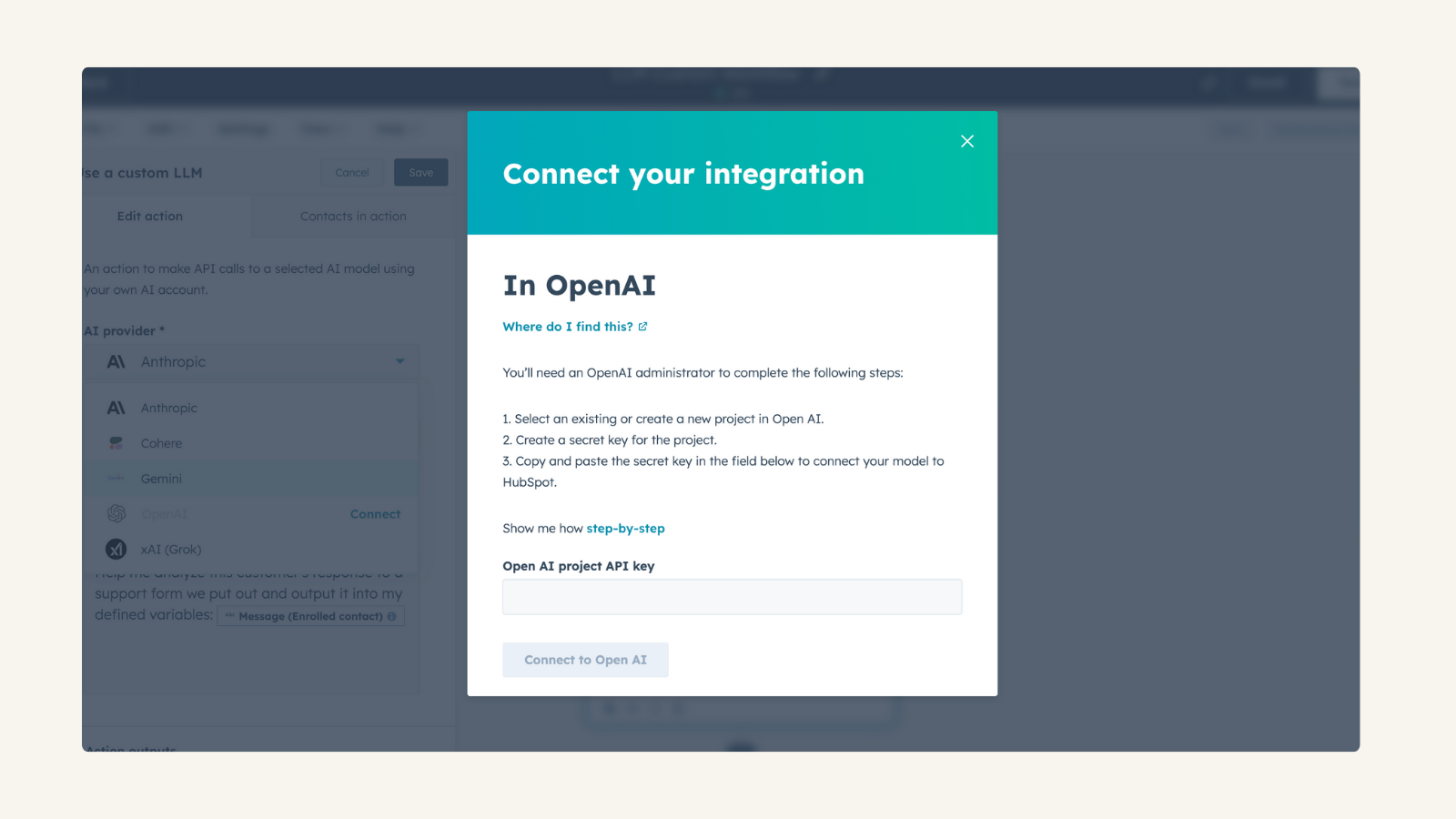
Use Your Own OpenAI Account
Connect your own OpenAI API key, allowing you to monitor and control usage and costs. No data storage—all processing happens directly through OpenAI. Manage AI expenses and usage based on your OpenAI subscription
Use Custom LLM workflow action
Access the native Use Custom LLM Workflow (available for Enterprise tiers) within workflow automation. Combine OpenAI’s conversational capabilities with HubSpot CRM data. Provide OpenAI with custom data and instructions to personalize AI-driven actions.
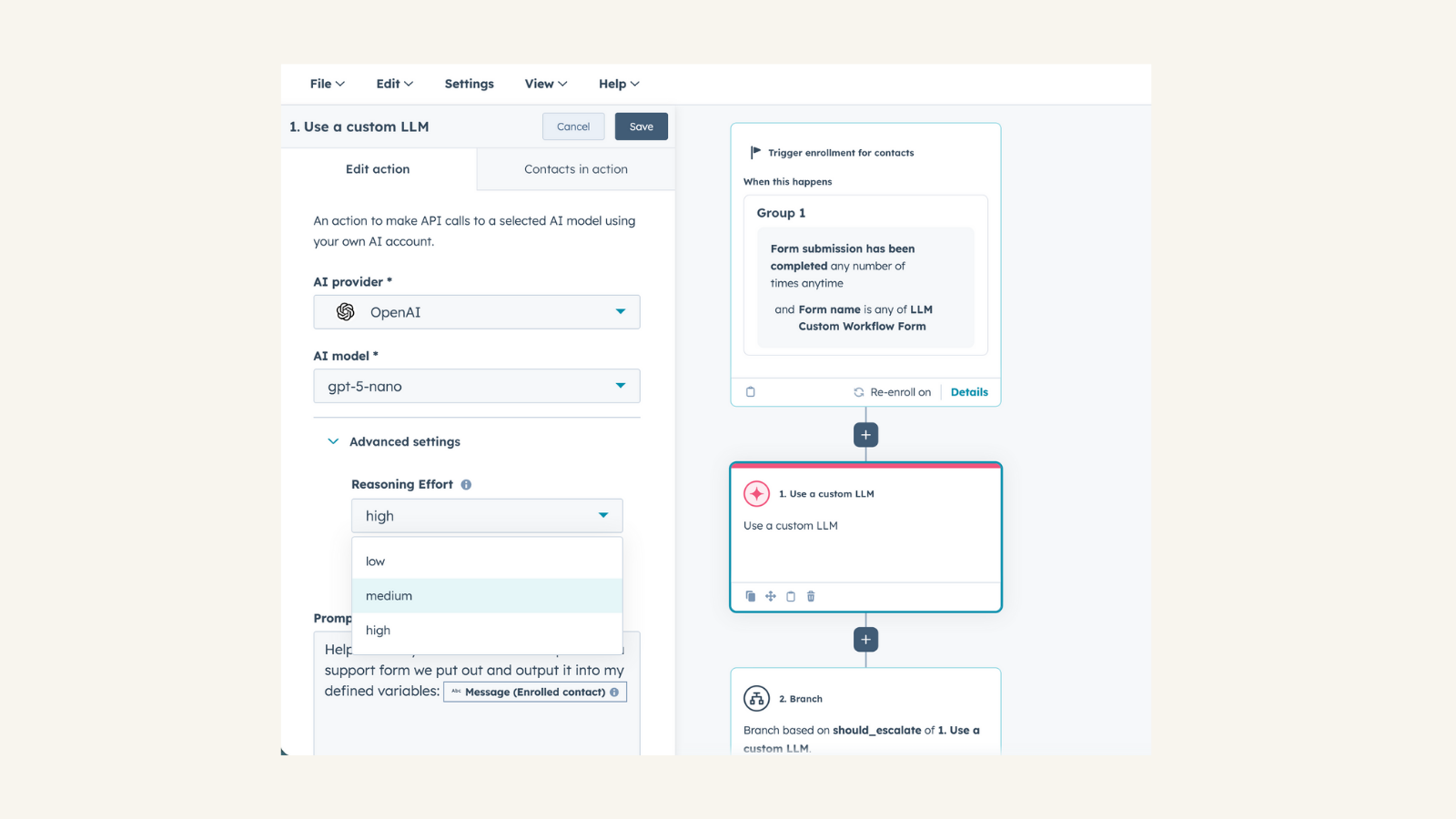
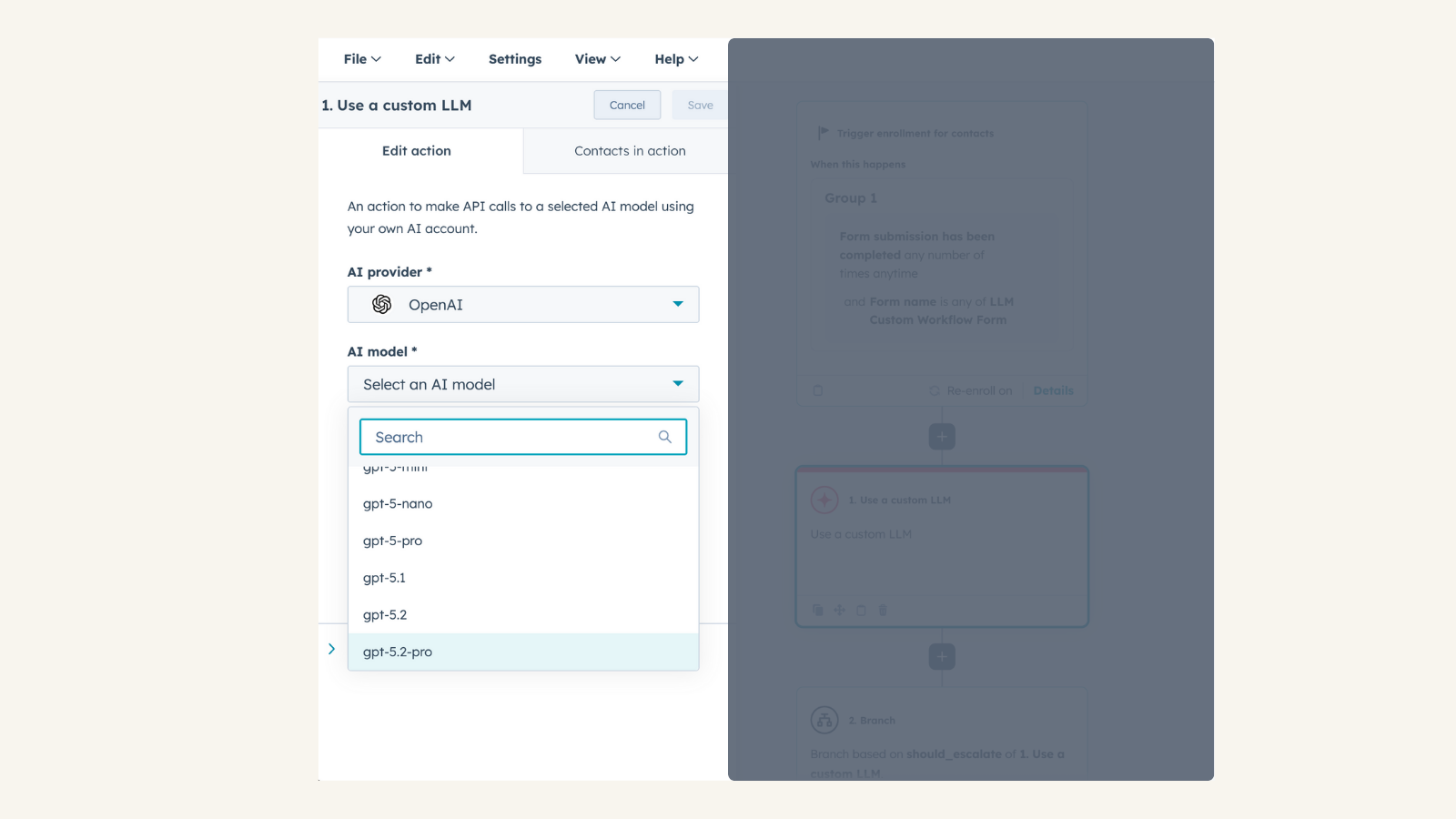
Full Control Over AI Configuration
Select any OpenAI model available in your OpenAI project. Adjust temperature to fine-tune response creativity. Customize reasoning effort for more precise or abstract AI-generated results
App Functionality
Shared Data
Chat |
Reviews
4.5
12
4.5
12
- Apr 27, 2026
Defining Output
When i use the "use a custom LLM" block and i am cloning it -> the outputs are not saved/cloned this is pretty weird since when i clone the whole workflow its saved so yea someone forgot something here... ahh and phone numbers formatted from dataoutputs can't be used to copy it into phone properties -> kind of pointless to have it then defined as an output type if i cant use it..
using openai
state above
Holzer, M.
- Apr 8, 2026
Cai, L.
Pricing
Pricing varies based on model selection
Please visit OpenAI pricing page
Pricing varies based on model selection
Please visit OpenAI pricing page
* The pricing here is for display purposes only. All prices do not include taxes, incentives, discounts, or other pricing variables. You should contact the partner for the most up to date and correct pricing information. HubSpot does not take any responsibility for this pricing information, which is provided by our partners. Pricing last updated: 01/21/2026