

Zapier
Requirements
HubSpot Plan HubSpot Account permissions No permissions required Access Type Shared Zapier Subscription - Free, Starter, or Professional plans
Overview
1/5
Zapier connects HubSpot to over 8,000 apps so you can unify data, improve accuracy, and automate work across your tools without writing code.
Install this app to:
Configure workflows called Zaps to automatically sync, transform, and route data between HubSpot and other apps.
Look up information across multiple tools, schedule actions, and create simple-to-complex process chains that reduce manual work and increase operational efficiency.
Use supported HubSpot data in Zapier to set up custom triggers and actions including filters, scheduling, delaying, looping, summarizing, parsing, transforming, formatting, and more.
Control how information flows between your tools, eliminating repetitive tasks and focusing your team on high-value work.
Features
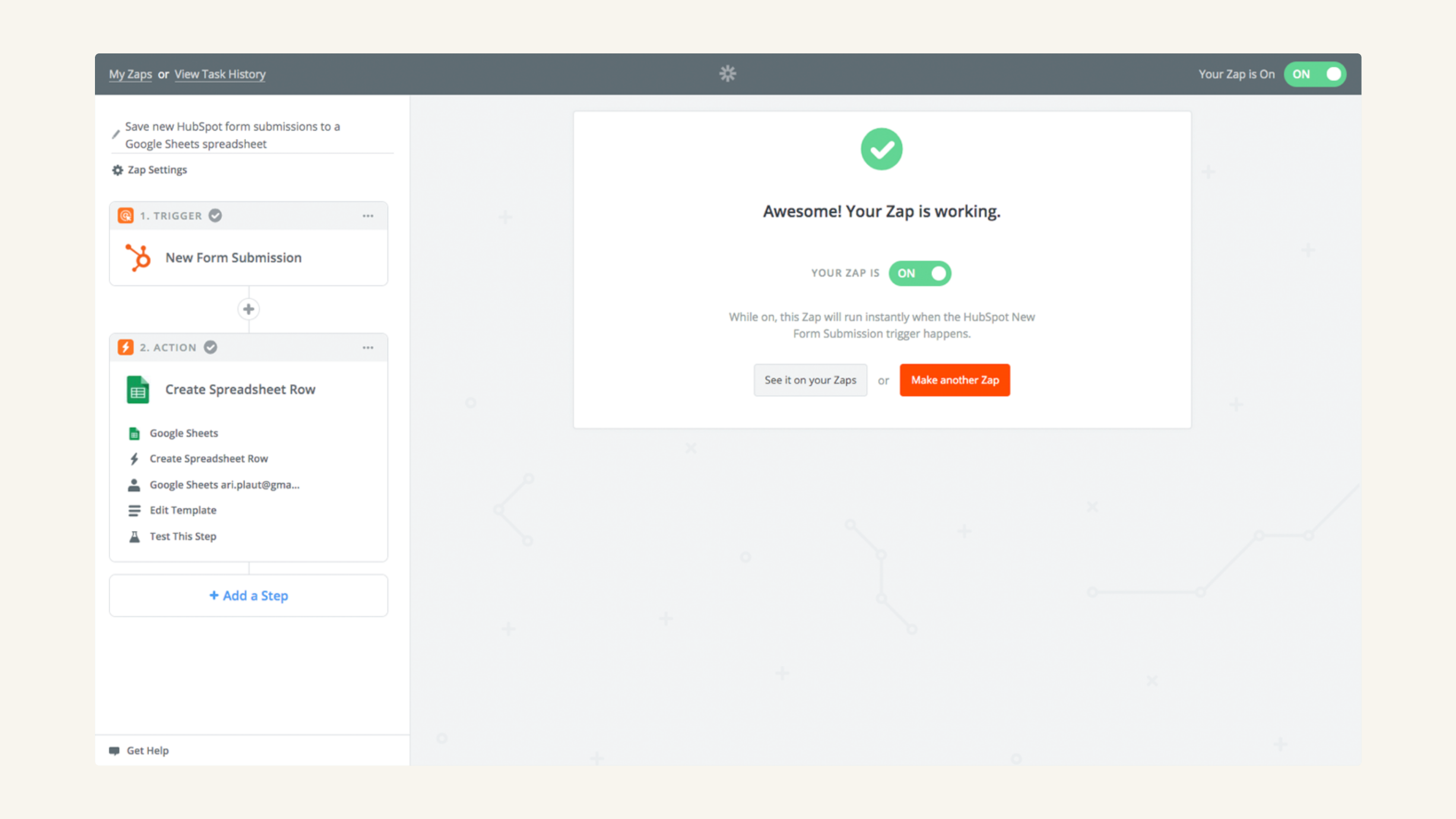
Trigger workflows upon creation of new HubSpot contacts, deals & more
Set up automations that trigger upon the creation of new HubSpot contacts, deals, tickets, products, line items, companies, custom objects, engagements, and more. Additionally, trigger Zaps when deal stages, line items, companies, contacts, products, and more are updated in HubSpot.
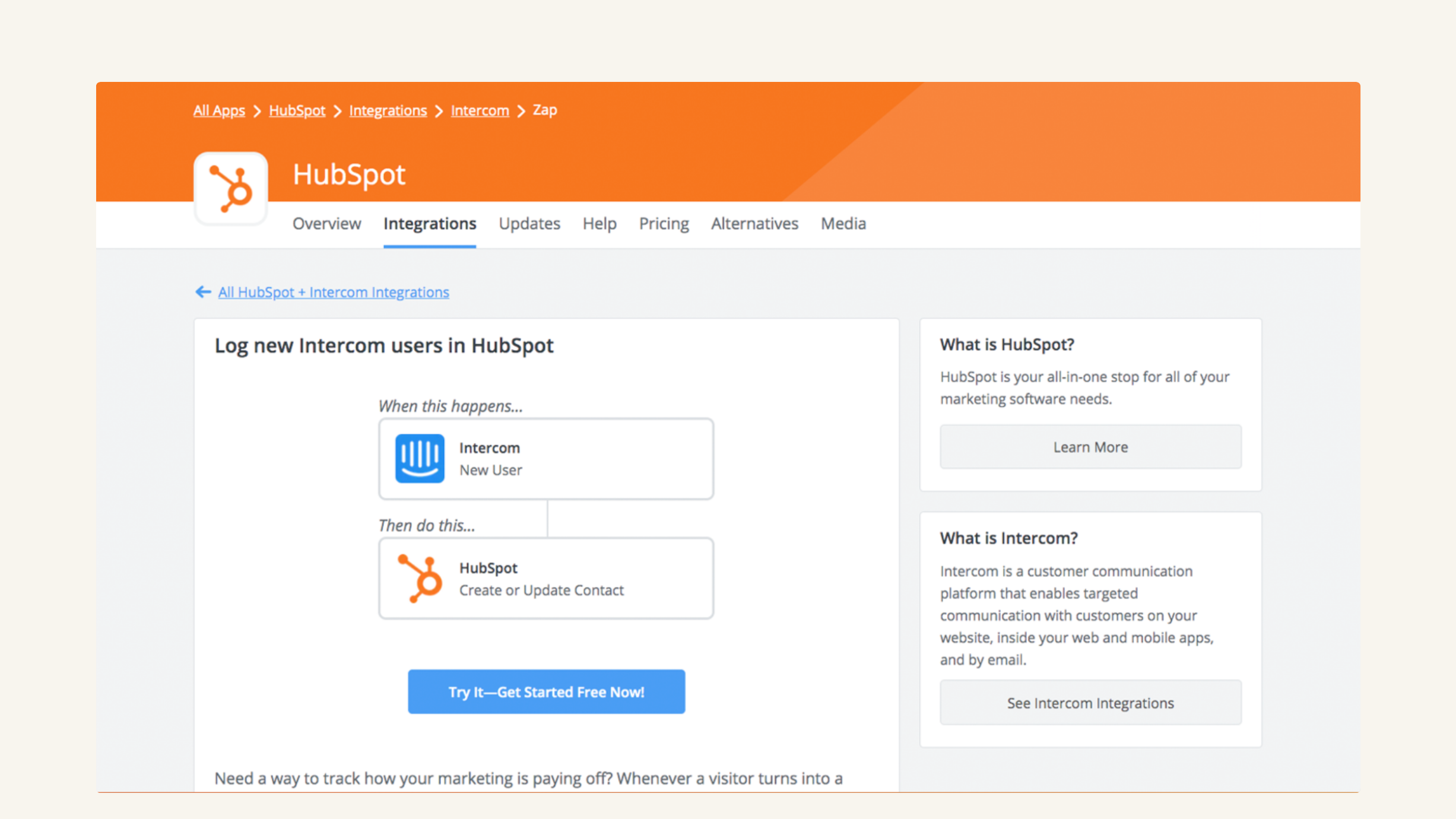
Create and update HubSpot records automatically
Use Zapier to automatically create companies, associations, deals, custom objects, and more in HubSpot. Plus, you can use Zapier workflows to keep your HubSpot records updated as data in your other tools is updated.
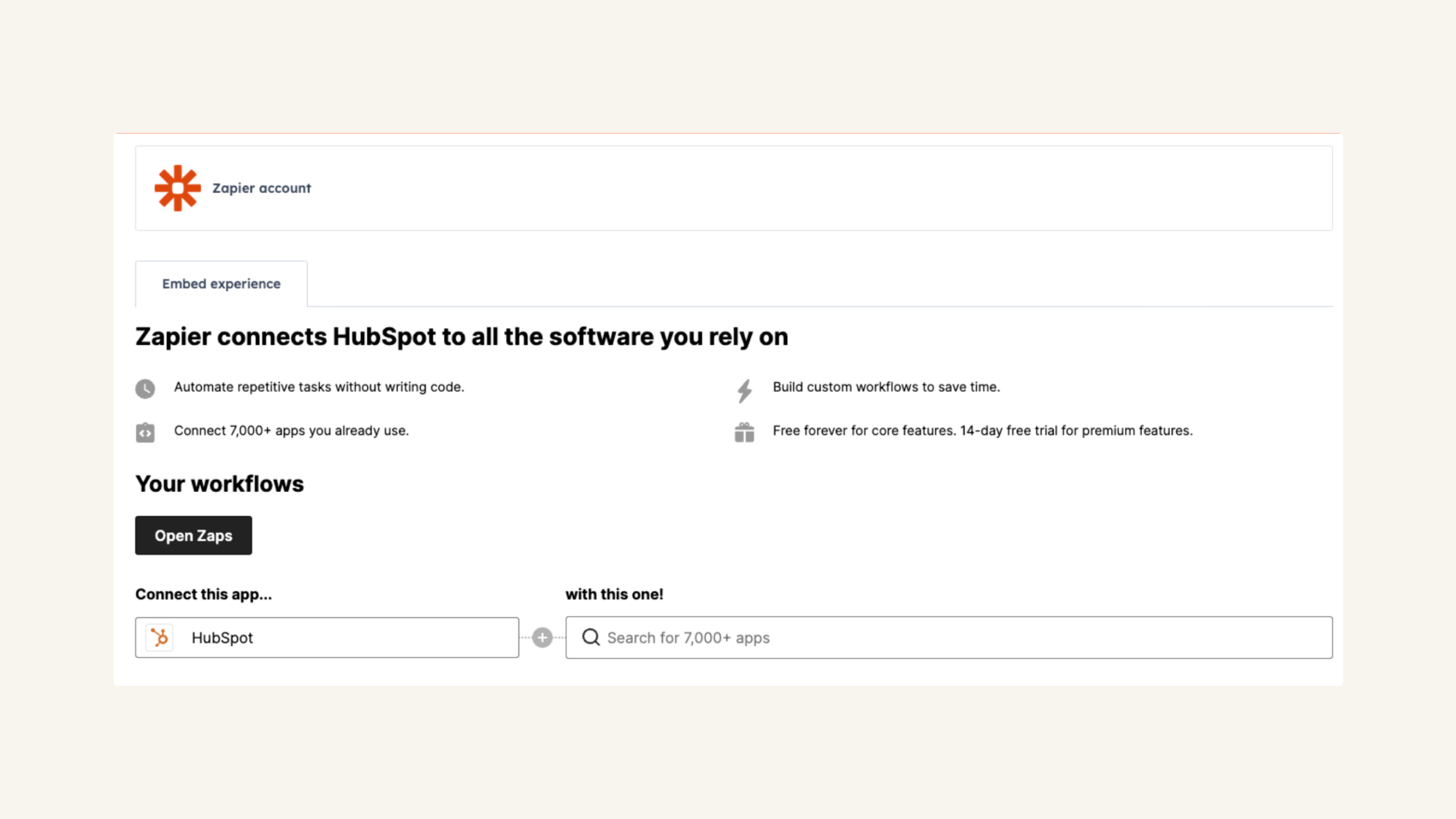
Access Zapier within HubSpot's integrations settings page
You can harness the power of Zapier without navigating away from HubSpot. Discover, edit, and create HubSpot Zaps and control your automations seamlessly.
App Functionality
Shared Data
(varies by connected app) | ||
(varies by connected app) | ||
(varies by connected app) | ||
(varies by connected app) | ||
(varies by connected app) | ||
(varies by connected app) | ||
(varies by connected app) | ||
(varies by connected app) | ||
(varies by connected app) | ||
(varies by connected app) | ||
(varies by connected app) | ||
(varies by connected app) |
Reviews
3.3
390
3.3
390
Users appreciate the integration for automating routine tasks and connecting platforms without code, though some mention challenges with complex field mapping and data synchronization. While a few report occasional setup errors and desire better documentation for troubleshooting, people describe the core workflows as quick to build and valuable for eliminating manual data entry.
- Jun 2, 2026
Using sapier to create cards in trello for new deals
great. This allows us to combine our management software (HubSpot) with our team project tracking software (trello) at an affordable rate.
it worked! that is huge and makes HubSpot and any application more valuable when it can be paired with other apps.
Zapier needing to add additional steps to bridge the gap between HubSpot and other apps means that I have to pay for 3 separate subscriptions. It would be better if HubSpot was easier to associate with other apps like trello.
McKenzie, M.
- May 31, 2026
Loar, M.
Pricing
Free
$0
Anyone can automate their work. Start with the basics.
5 Zaps
2-step Zaps
Free
$0
Anyone can automate their work. Start with the basics.
5 Zaps
2-step Zaps
* The pricing here is for display purposes only. All prices do not include taxes, incentives, discounts, or other pricing variables. You should contact the partner for the most up to date and correct pricing information. HubSpot does not take any responsibility for this pricing information, which is provided by our partners. Pricing last updated: 01/09/2026
New arrivals

DiffSpot
Audit, Compare & Validate HubSpot Portals in Seconds

DemandSense
Revenue attribution that connects LinkedIn ad exposure to Deals in your HubSpot CRM.
