
ReadMe for Breeze
Get answers from ReadMe within Breeze Assistant
Bygget av - HubSpot
Installeringer - 10+ installasjoner
Krav
HubSpot-abonnement HubSpot-kontotillatelser Ingen tillatelse nødvendig Tilgangstype Personlig ReadMe for Breeze-abonnement - Review ReadMe's Pricing Page-abonnement
Oversikt
1/4 - ReadMe for Breeze
Connect ReadMe for Breeze to instantly access your product documentation, API references, and knowledge base content directly within HubSpot.
For Sales Teams:
Find detailed product documentation to answer prospect questions during demos or sales calls
Access API documentation and technical specifications when discussing integrations with technical buyers
Locate feature guides and use cases to share with prospects evaluating your solution
For Customer Support:
Quickly retrieve troubleshooting guides and step-by-step tutorials to resolve customer issues
Access API documentation to help customers with integration questions
Find product release notes and feature updates to inform customers about new capabilities
For Customer Success Teams:
Access onboarding guides and best practices to help new customers get started
Find advanced feature documentation to help customers maximize product value
Locate integration guides and API references for customer implementation projects
For Product Teams:
Search through technical documentation and API specifications for development reference
Access user guides to understand how features are currently documented
Find release notes and changelog information for product planning
For Marketing Teams:
Access accurate product information and feature descriptions for content creation
Find technical specifications and capabilities for competitive positioning
Locate use cases and customer success stories documented in your knowledge base
Instead of switching between HubSpot and your documentation platform, simply ask Breeze Assistant to find the information you need. Get instant answers with direct links to the relevant documentation pages.
Your entire ReadMe knowledge base becomes searchable and accessible right from HubSpot, ensuring your team always has the most up-to-date product information at their fingertips.
Funksjoner
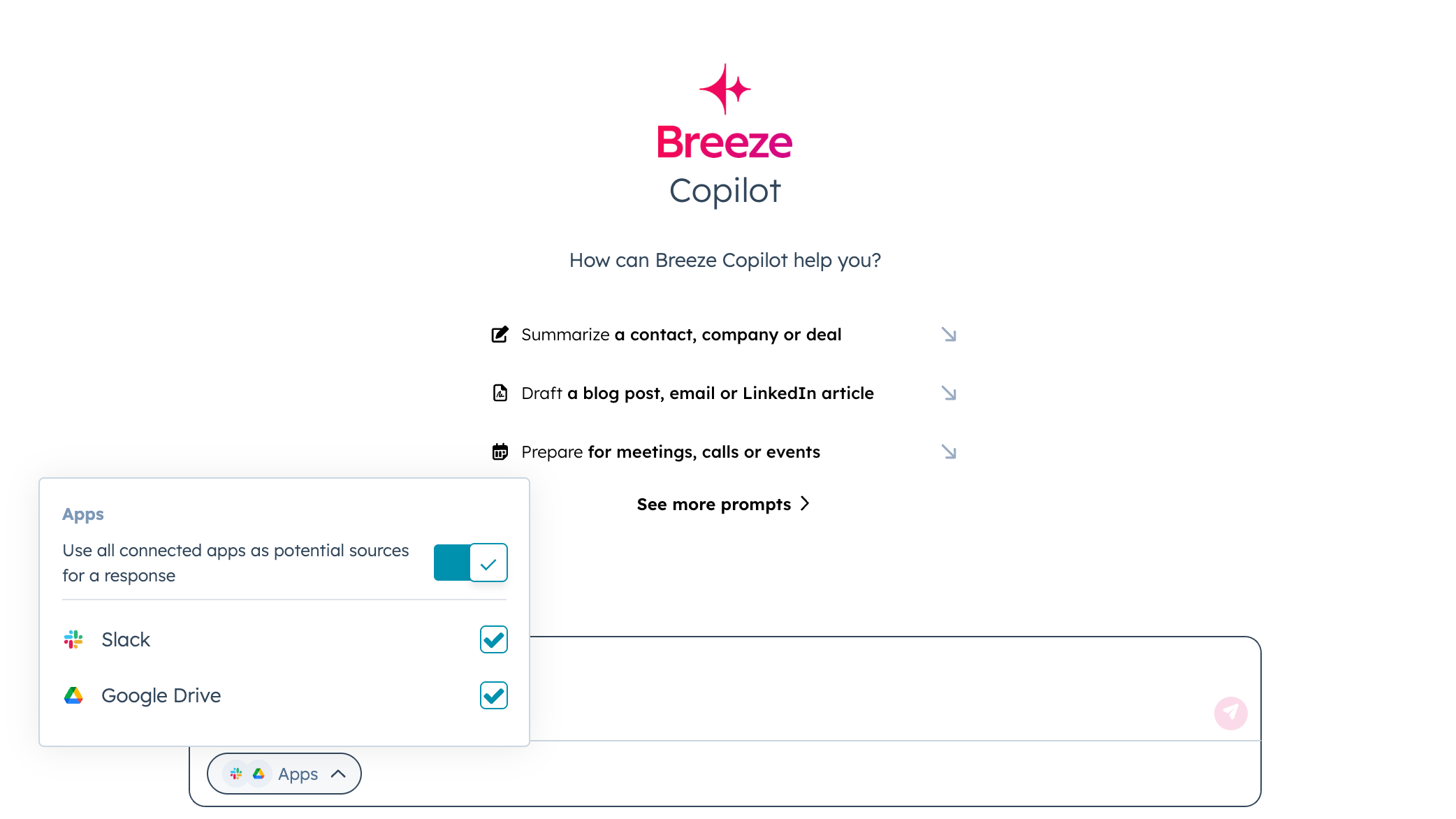
Unified AI Search
Get AI powered answers from all your work applications right inside Breeze Assistant.
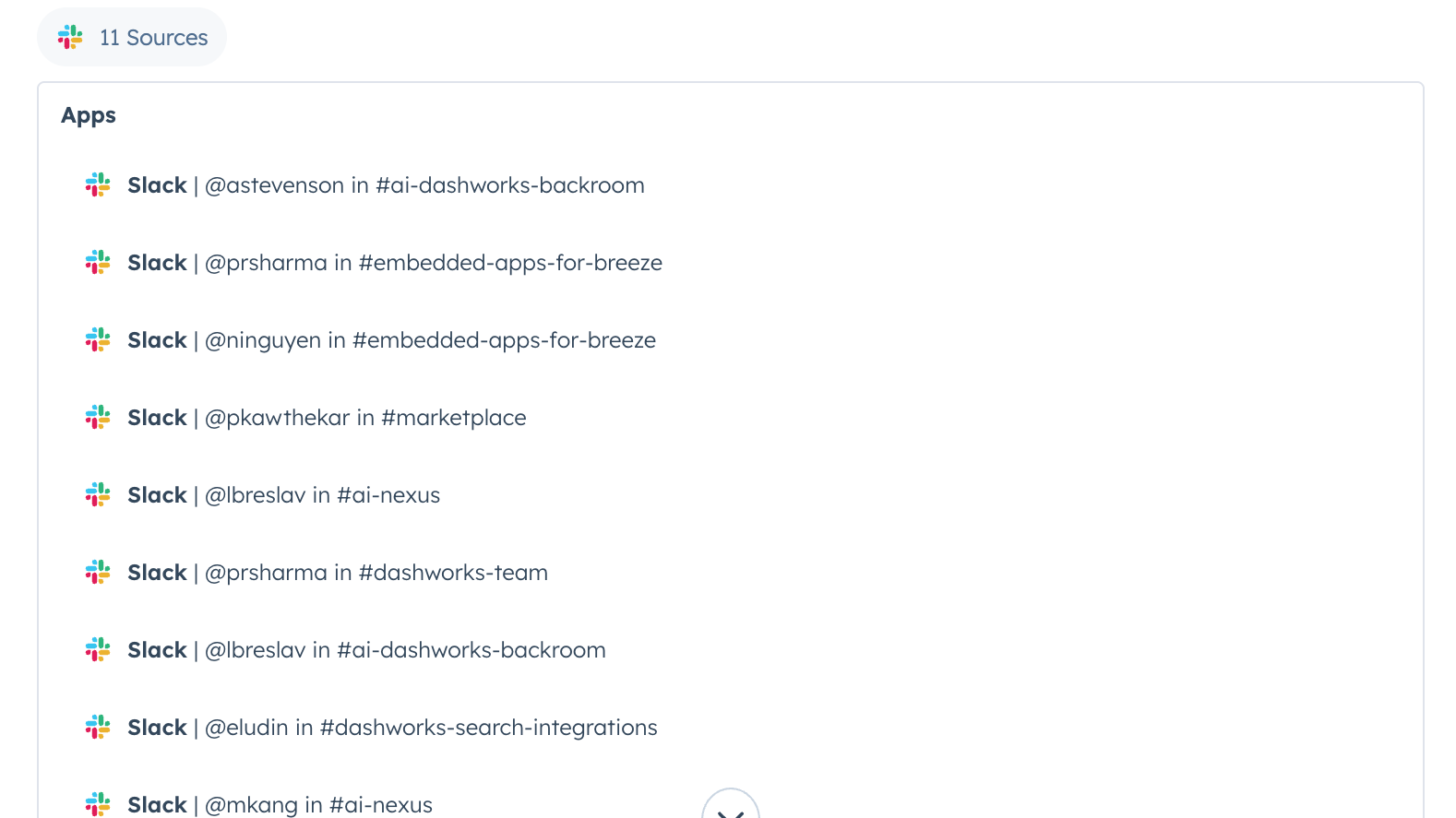
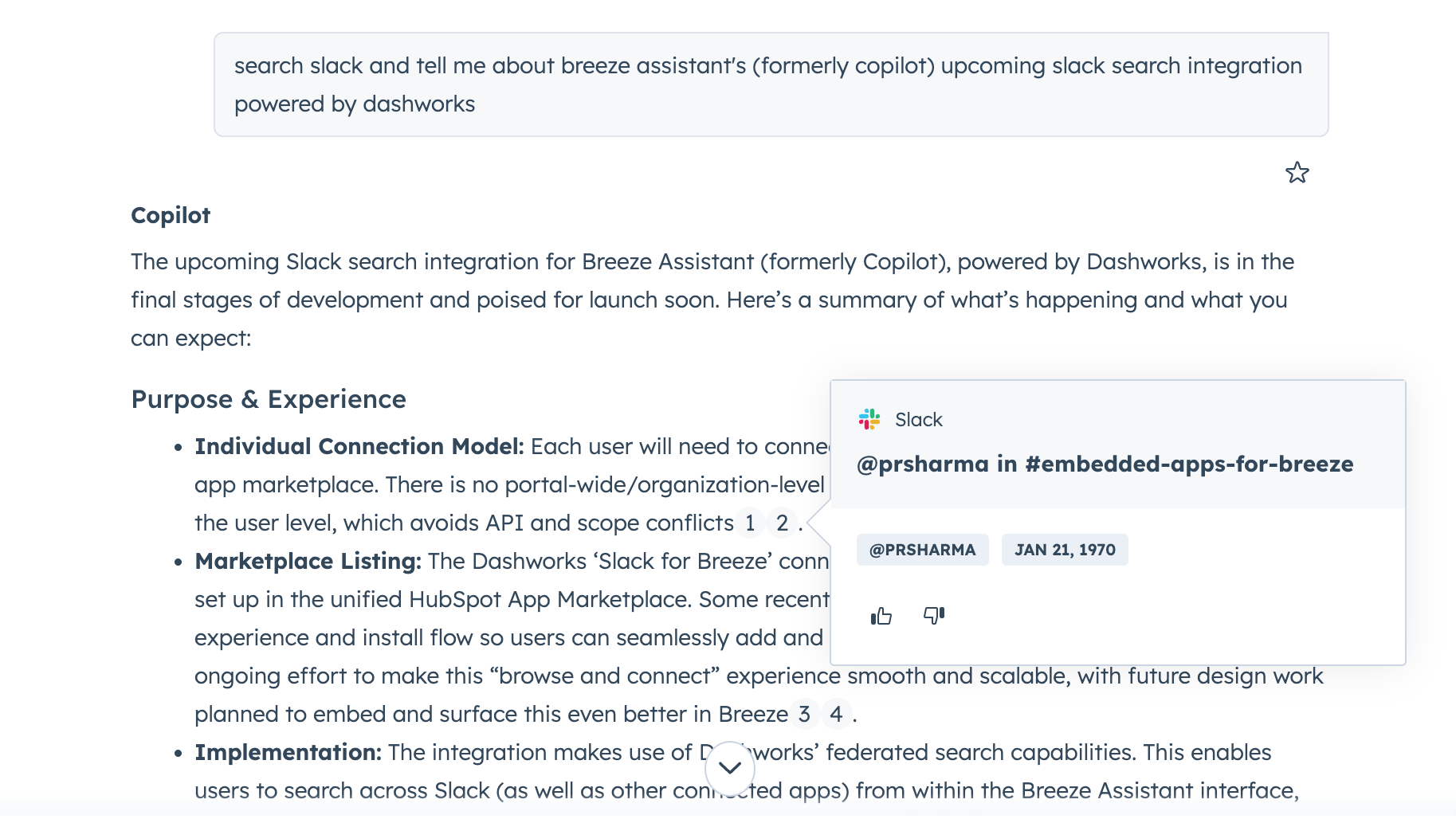
Source Citations
Easily verify answers with inline source citations.
Appfunksjonalitet
Delt data
Messages |
Gjennomganger
Vær den første til å skrive en kundegjennomgang
Review ReadMe's Pricing Page
USD 0
Use the 'See all pricing options' link on the righthand side
Make sure to confirm the HubSpot subscription and the ReadMe subscription needed to install this integration
Note: "Free" is referring to the cost of the integration, not the app subscriptions
Review ReadMe's Pricing Page
USD 0
Use the 'See all pricing options' link on the righthand side
Make sure to confirm the HubSpot subscription and the ReadMe subscription needed to install this integration
Note: "Free" is referring to the cost of the integration, not the app subscriptions
* Prissettingen her er kun for illustrasjonsformål. Prisene inkluderer ikke avgifter, insentiver, rabatter eller andre prissettingsvariabler. Kontakt partneren for å få oppdatert og riktig prissettingsinformasjon. HubSpot tar ikke ansvar for denne prissettingsinformasjonen, som gis av våre partnere. Prissetting sist oppdatert: 28.08.2025
Å få oppmerksomhet i dag