
1/9
Overview
Video Hero, Gallery & Popup Pro gives your HubSpot pages the video they need, set up in the page editor. Drop the module on a page and choose its job. A section shows one video beside your heading, text, buttons or a HubSpot form, and plays it in place, in a popup over the page, or as a silent loop where a GIF used to be. A hero runs a muted background video behind your headline, with an overlay, a pause button and an optional button that opens the full-length video in a popup. A library turns a page into a video gallery: a grid, a slider or a playlist, with category filters, tags, search and sort.
Paste a link from YouTube, Vimeo, Wistia, Vidyard or Loom and the module recognizes the host. You can also upload an MP4 or WebM file, point to any direct MP4 link, or paste embed code.
Pages stay fast. Until a visitor presses play, each video is a cover image and a play button, so nothing loads from the video host, and the cover holds its space so the page doesn't jump as it loads. The hero shows its cover image first and starts the background video once the page has loaded. Visitors who ask for reduced motion or turn on data saving get the cover image, and so do phones unless you add a lighter phone file.
Every video comes with VideoObject structured data in the page source: title, description, cover image, upload date and duration. Chapters you add become key moments in that data, and each one links to its exact second on your page. The transcript sits on the page as text search engines can read, in a panel visitors can open. For a page built around one video, a loading setting keeps the host's player in the page so Google can find the player as well as the data. Uploaded files get both by default.
In a library, each video opens in a popup with previous and next buttons that follow the visitor's filter and search, chapters that jump the player, the transcript, downloadable files and share links. Every video has its own link, and a link can open it at a chosen minute, so sales can send the exact answer. Gate selected recordings behind a HubSpot form: one sign-up unlocks every gated video in that library, and in any library that shares its gate name, for as many days as you set. List a webinar before it runs: its card shows Upcoming with the date in the visitor's time zone, a Register button and Add to calendar links, switches to Live now with a Join button, and becomes the replay once you add the recording.
Uploaded videos take WebVTT caption files, every control works by keyboard and screen reader, and the popup player keeps focus inside until it closes. Every color, size, radius and animation is a field on the Style tab, every word the module prints is a field on the Content tab, and the accent color and fonts come from your theme. In the page editor the module looks the way visitors see it, without autoplay or sound, and notes flag a missing cover image, a link the module doesn't recognize, or a video missing the details Google needs.
What it does not do: it has no hero slides with different text on each slide, it does not play audio-only podcasts, and it does not store analytics or pull view counts from YouTube. It sends play, progress, completion, filter, search and sign-up events to Google Tag Manager for your own reports. The form gate is for lead capture: the video link is still in the page source, so it is not a way to protect paid content. Google decides which videos it shows as video results. Google's guidelines favor a page whose main purpose is one video, so for a video that has to rank, give it a section on its own page and link to it from your gallery.
Features
Background video heroes that load fast
A muted video plays behind your headline and buttons. The cover image shows first and the video starts once the page has loaded. Phones, data savers and reduced-motion visitors see the cover, a pause button is always shown, and a button opens the full video.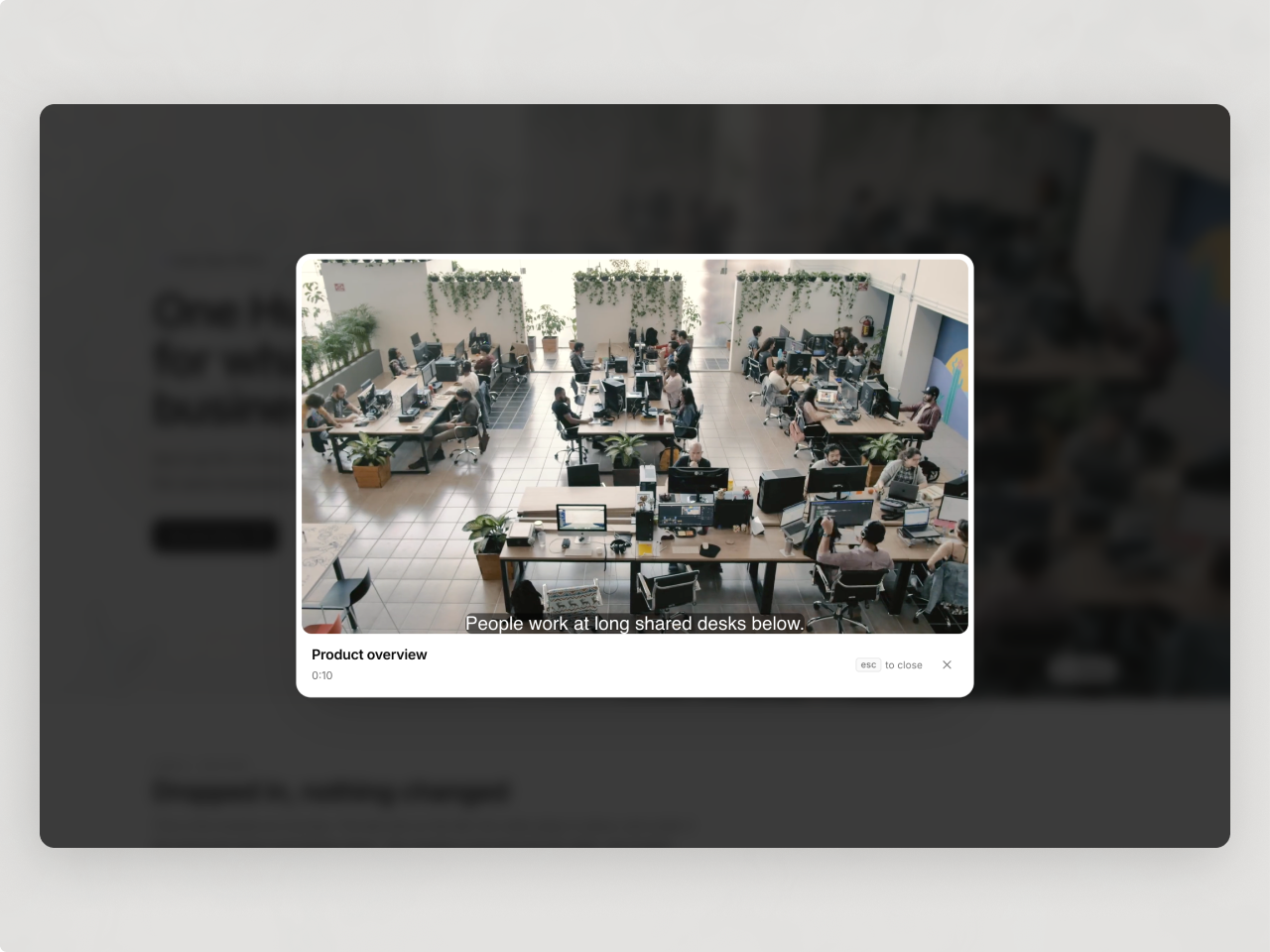
Video galleries visitors can filter and search
Show a grid, slider or playlist with category filters, tags, search and sort. Each video opens in a popup with chapters, transcript, files and previous and next. Gate recordings behind a HubSpot form and list webinars from upcoming to live to replay.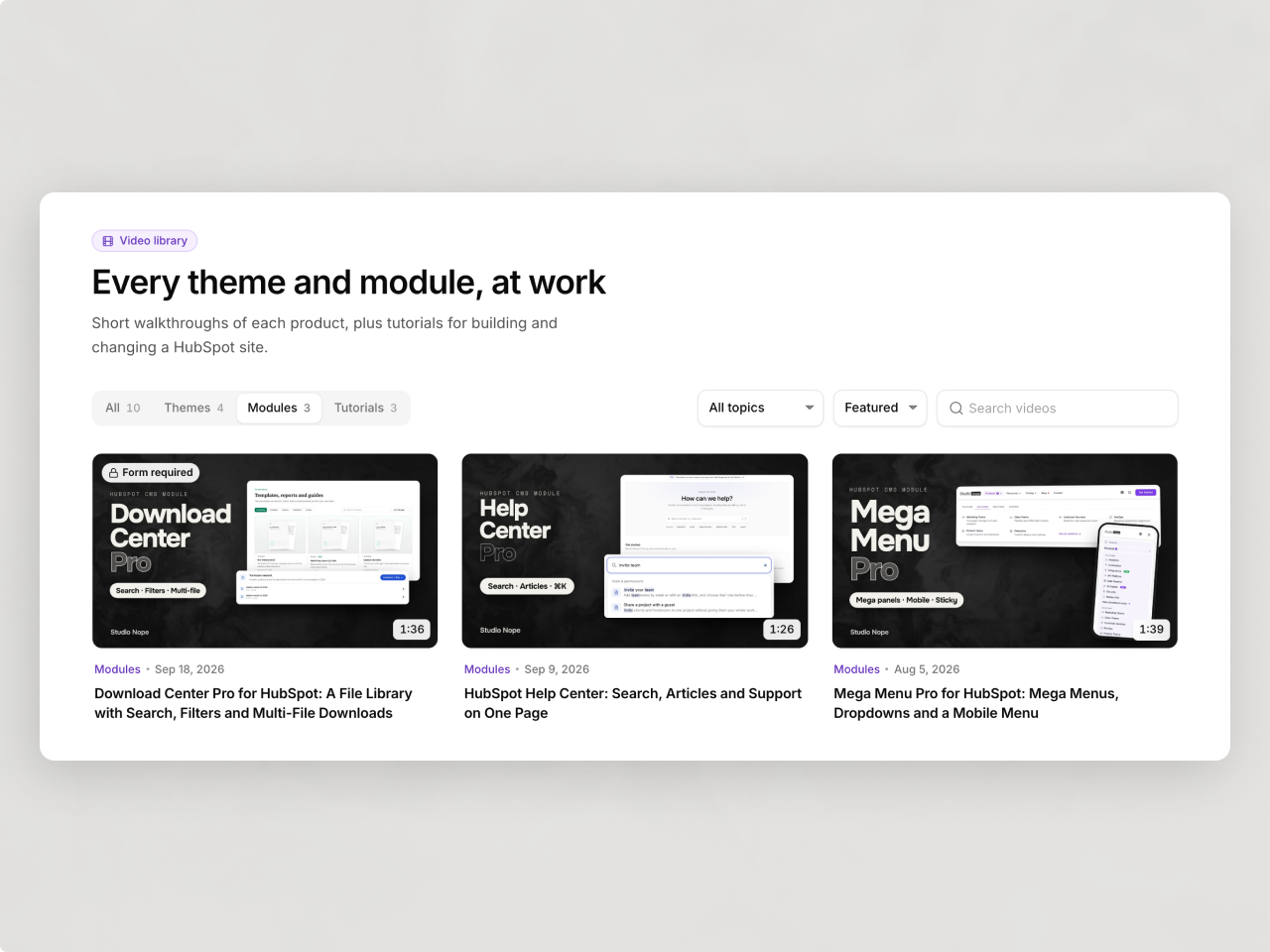
Video data Google can read
Every video carries VideoObject data with its title, cover, date and duration. Chapters become key moments that link to the exact second, and the transcript sits on the page as text. Nothing loads from the video host until a visitor presses play.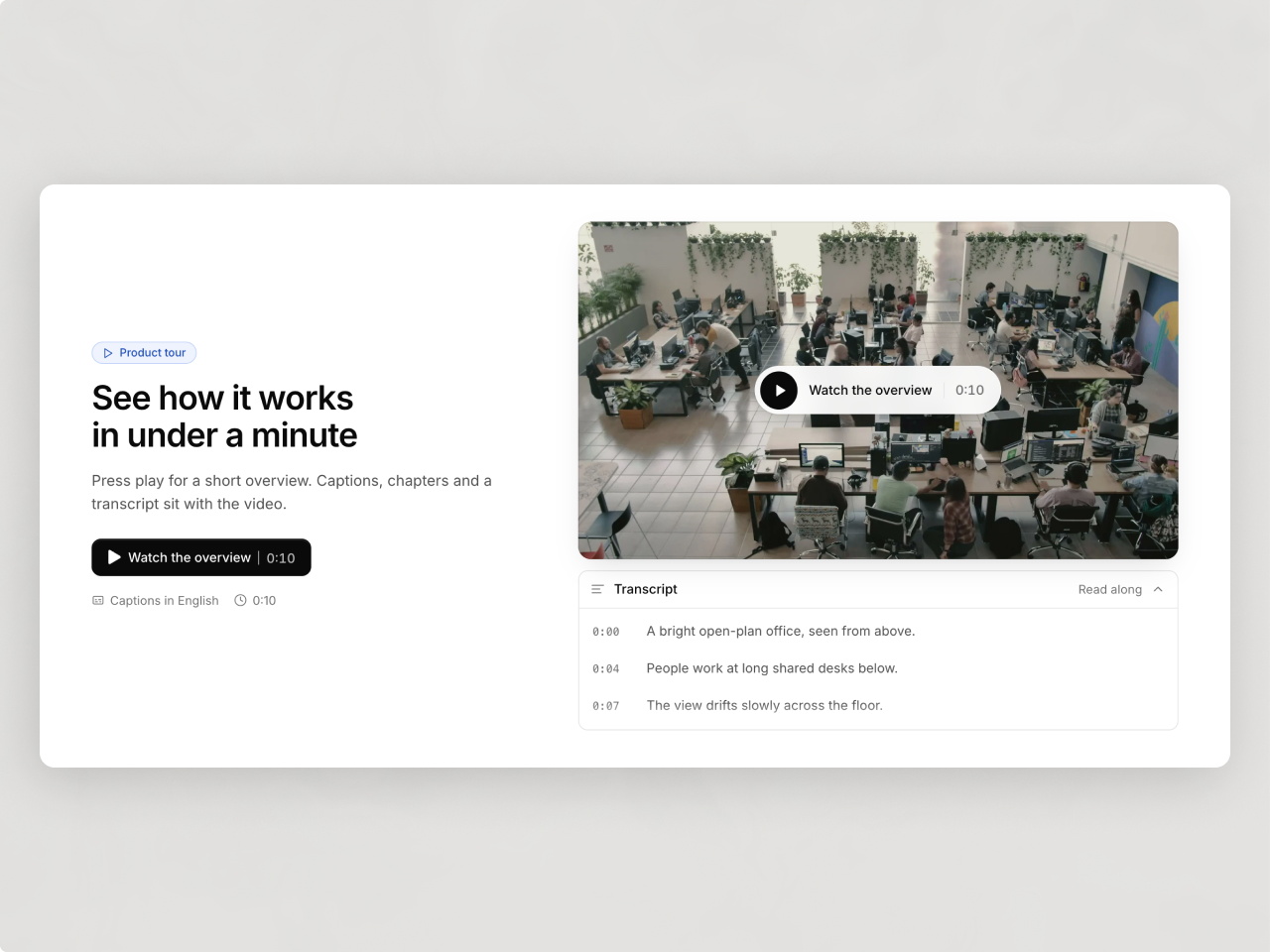
Play in place, in a popup or as a loop
Put a video beside your copy and a HubSpot form and play it right there, in a popup over the page, or as a silent loop where a GIF used to be. An end screen offers your button or form when the video finishes.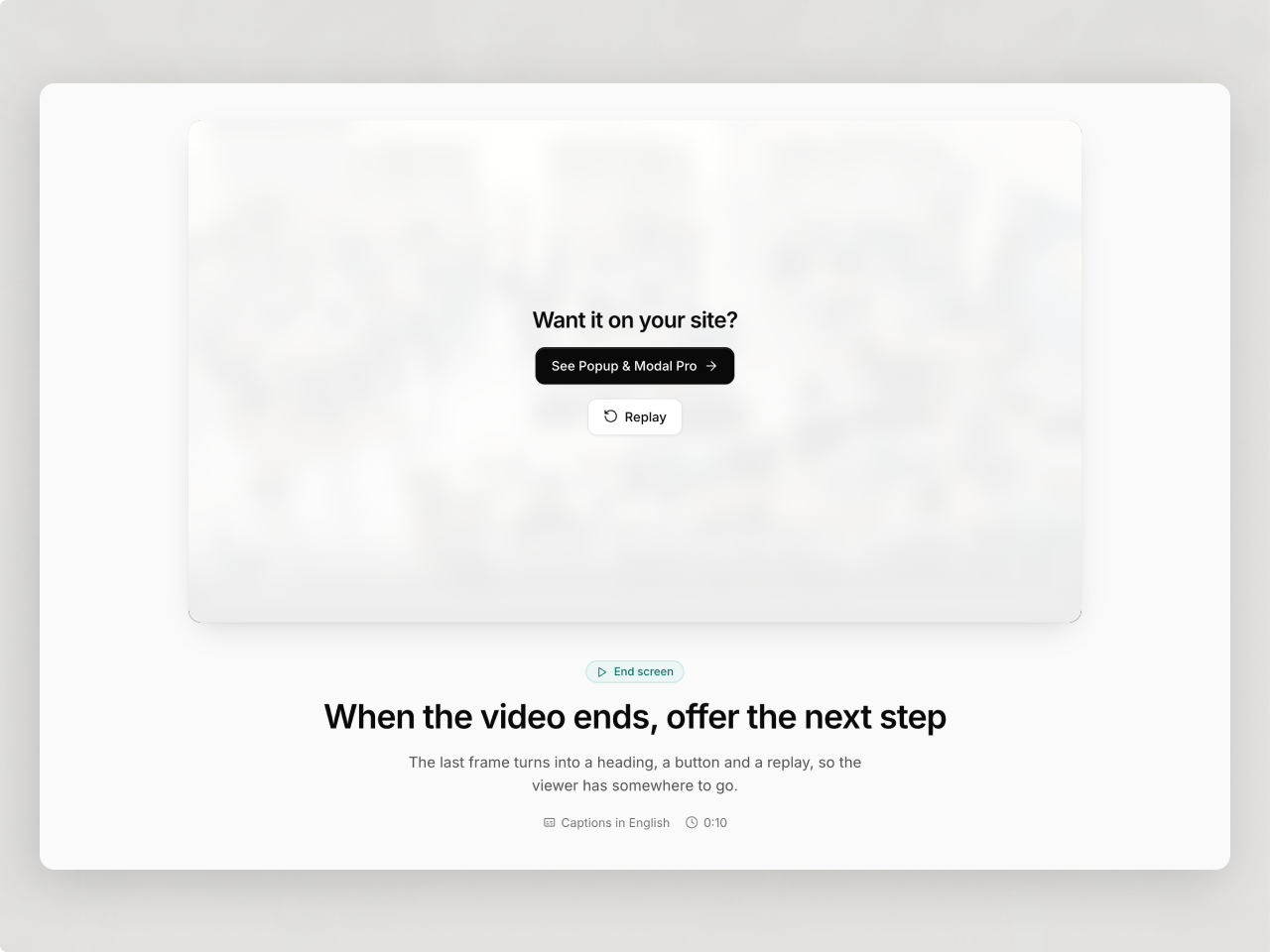
Any host, styled to your theme
Paste a YouTube, Vimeo, Wistia, Vidyard or Loom link or upload a file. Fonts and accent color come from your theme, and every color, size and word is a field in the page editor.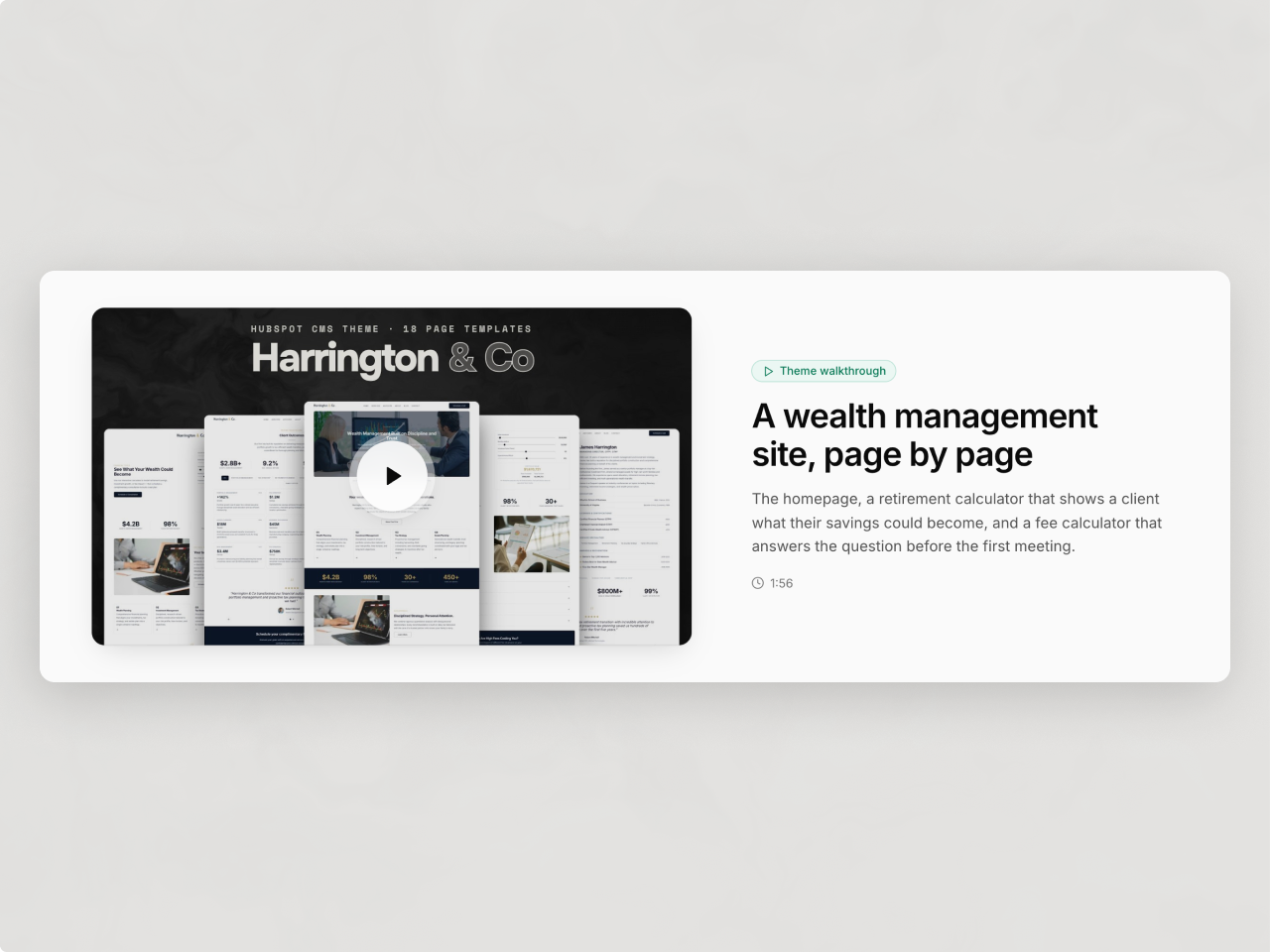
About Module
Total installs Fewer than 10 Created - Nov 2, 2026
Version 1 - Nov 2, 2026
Categories Tags
Requirements
HubSpot Subscription
Contact Studio Nope
Legal Stuff
Please refer to the developer's Privacy Policy and Terms for more information.
Support
Studio Nope
- Romania
Visit website
Studio Nope designs and builds fast, clean HubSpot CMS websites and custom themes for teams that care about performance, editing experience, and reliable tracking.
Unlimited email support
Studio Nope typically responds in
- Monday
9:00 AM - 5:00 PM (EET) - Tuesday
9:00 AM - 5:00 PM (EET) - Wednesday
9:00 AM - 5:00 PM (EET) - Thursday
9:00 AM - 5:00 PM (EET) - Friday
9:00 AM - 5:00 PM (EET)