

Creatio
Anforderungen
HubSpot-Produktversion HubSpot-Account-Berechtigungen Keine Berechtigungen erforderlich Zugriffstyp Geteilt Creatio-Abonnement - Produktversion: Sales Creatio Cloud – Team Edition oder höher
Übersicht
1/2
Synchronisieren Sie Daten zwischen Creatio und HubSpot ohne manuelle Dateneingabe oder umständliche, zeitaufwendige Importe.
Die Datensynchronisierung von HubSpot bietet Ihnen folgende Vorteile:
- Bidirektionale Synchronisierung: Daten werden in Echtzeit zwischen Creatio und HubSpot ausgetauscht.
- Standardfeldzuordnungen: Profitieren Sie von einer schnellen Einrichtung dank vordefinierter Feldzuordnungen, die bereits für Sie erstellt wurden.
- Synchronisierung von Bestandsdaten: Ihre vorhandenen Daten werden sofort synchronisiert. Updates werden synchronisiert, sobald sie auftreten.
Funktionen
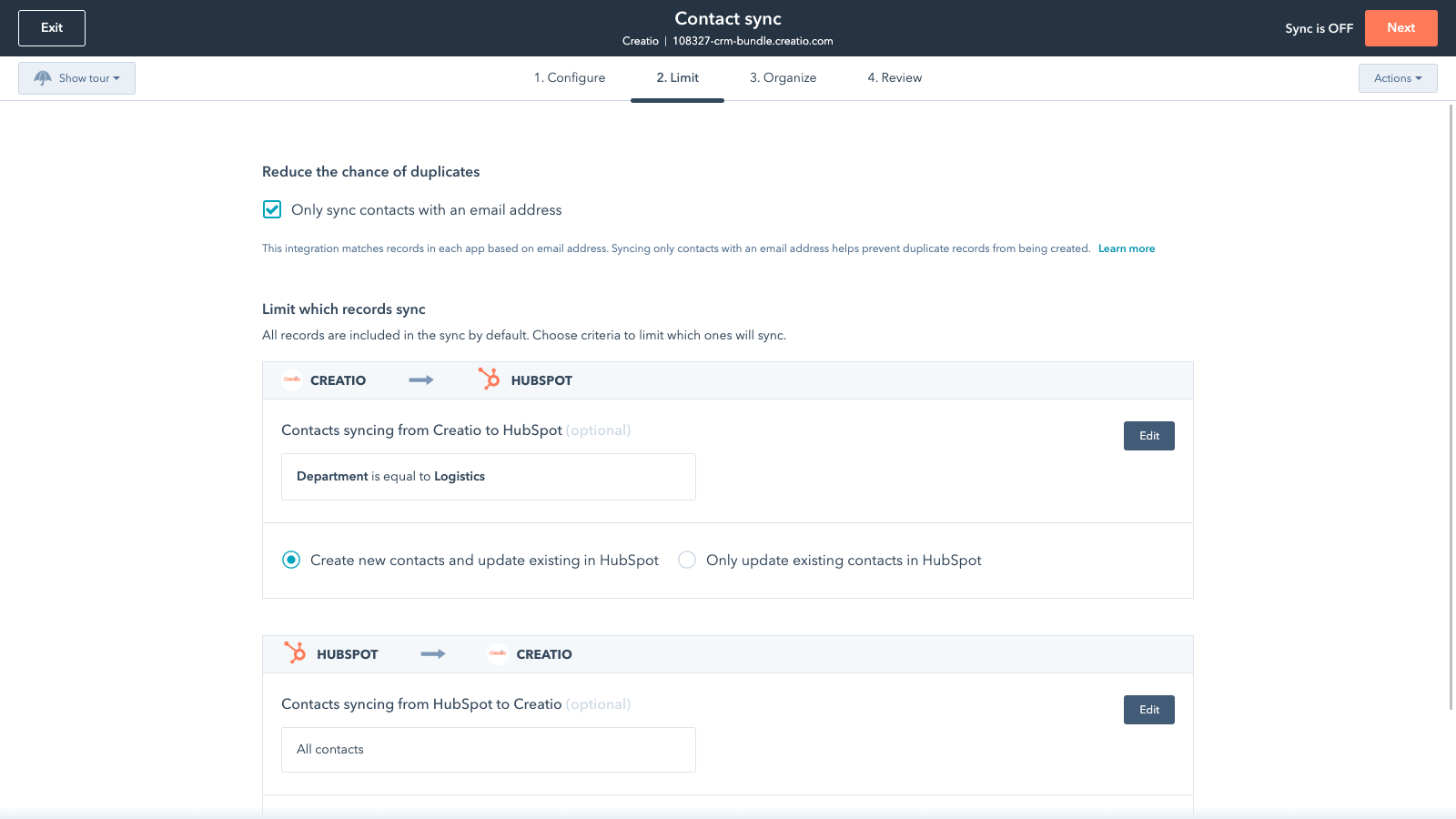
Sync Creatio and HubSpot data
Make manual data entry a thing of the past by syncing data (see below) between HubSpot and Creatio. When records are created or updated in either app, that information will be automatically shared with the other one.
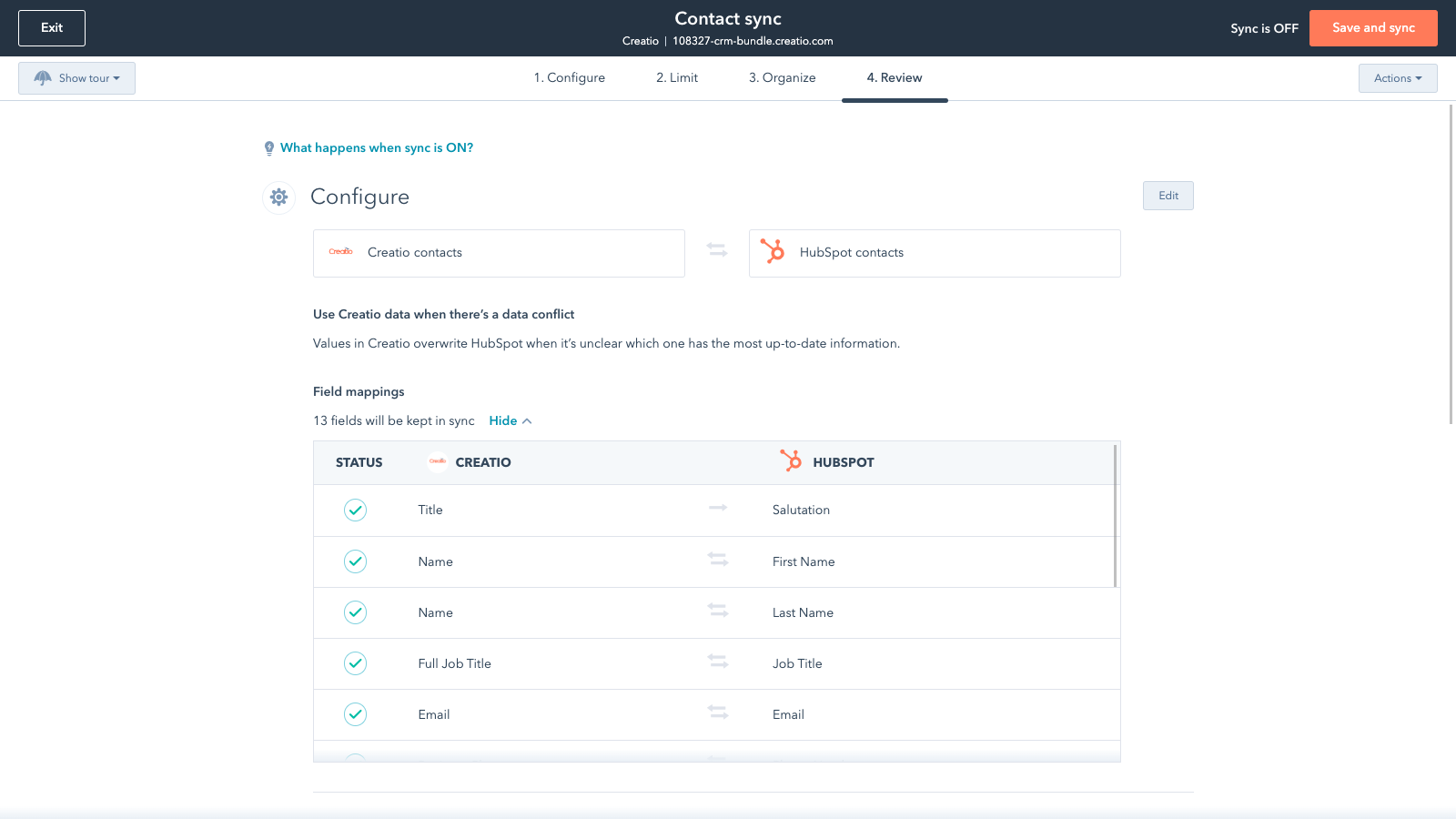
Sync only the data you want
You’re in control of your data. You can set up a one- or two-way sync, which means you can either sync data from only one app to the other or back-and-forth between both apps. You can also add a filter for any Creatio field or HubSpot list to sync exactly what you want—and nothing you don’t.
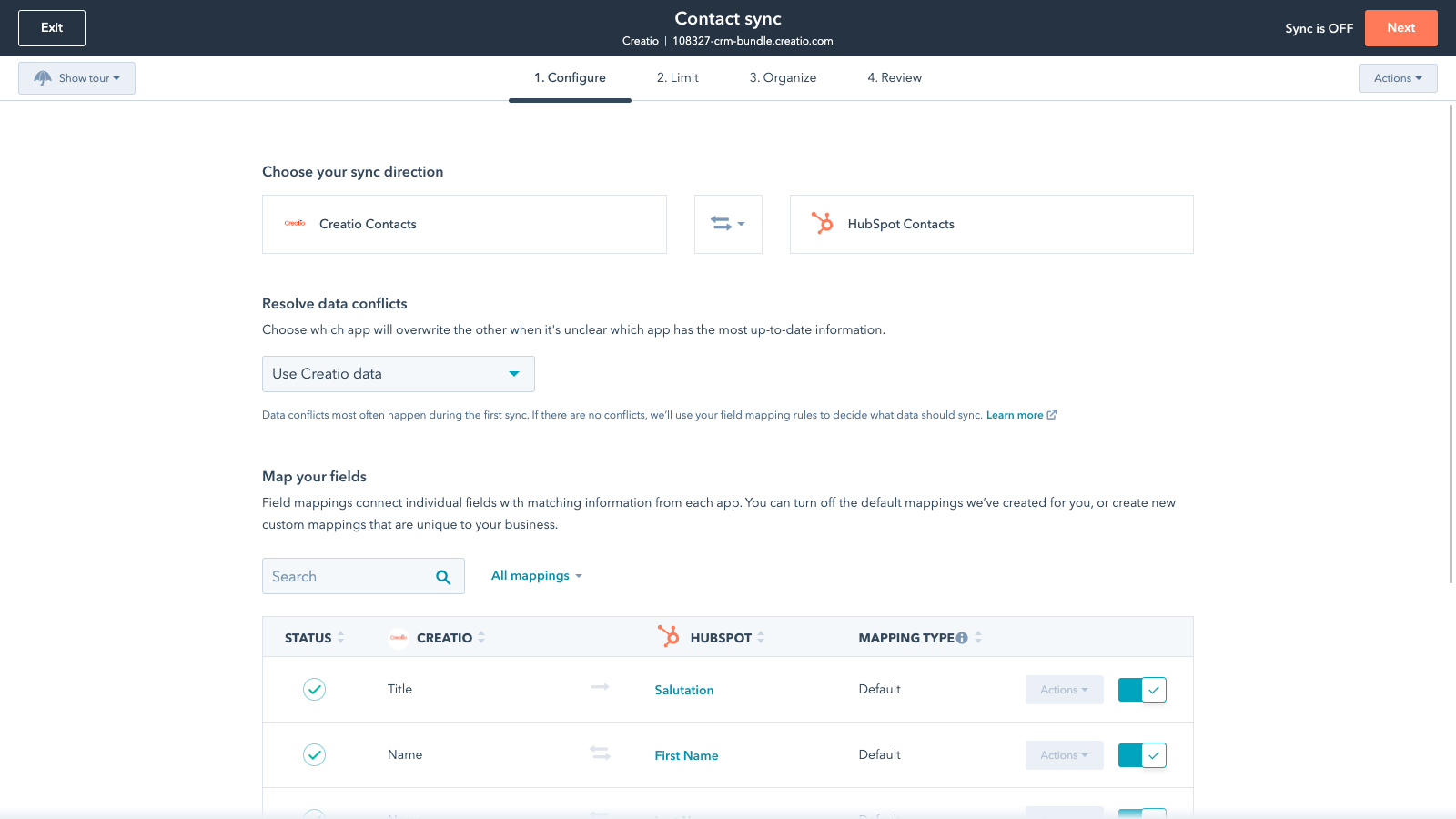
Default field mappings
Field mappings connect matching information in each app—and we’ve already created them for you. Our out-of-the-box default field mappings make set-up quick and keep your data clean and organized. Plus, there are no surprises: You can see exactly which fields come already mapped in the “Shared data” section below.
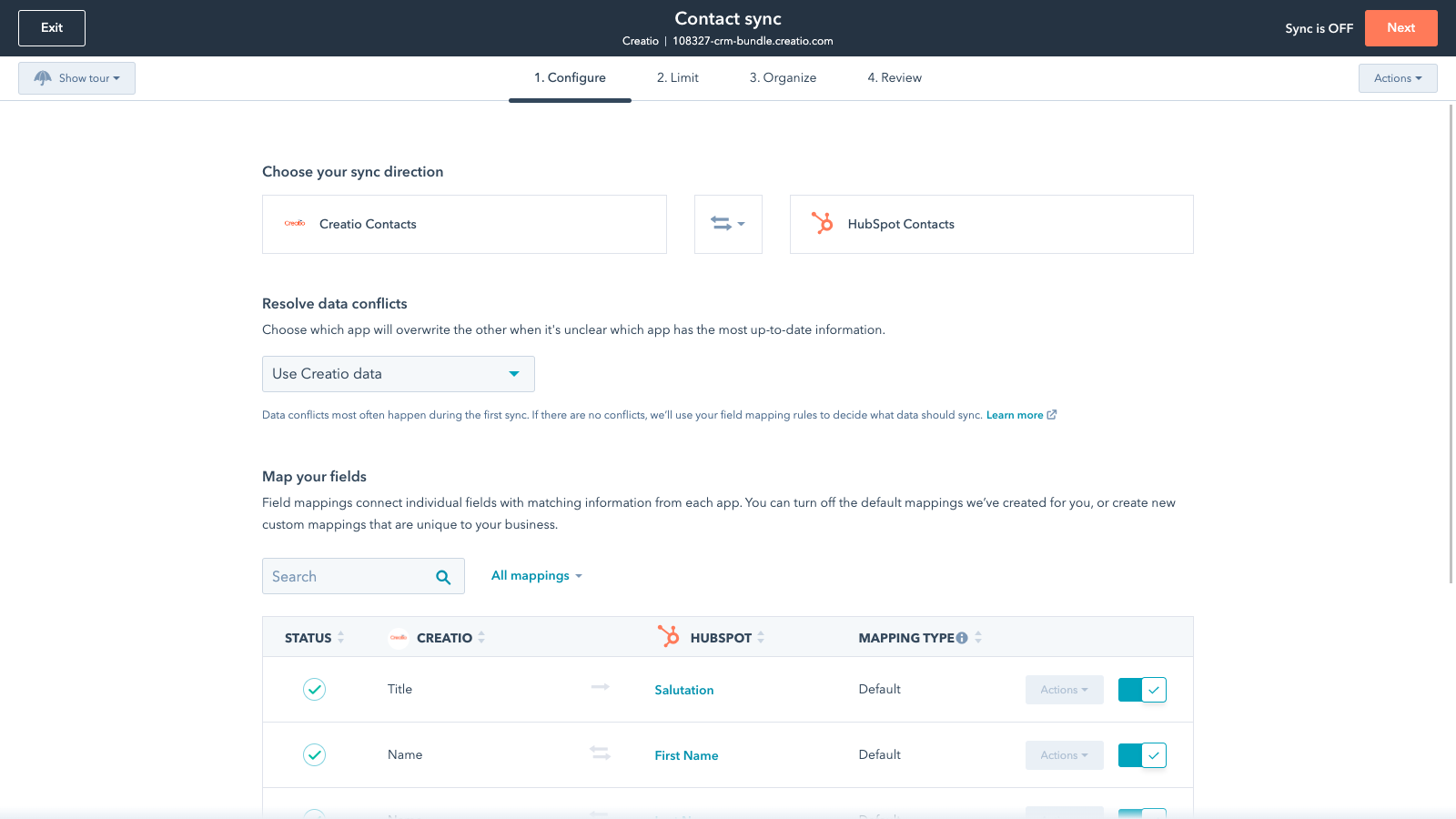
Custom field mappings
Custom field mappings are available with Data Hub Starter and up (paid). Custom mappings add the flexibility to create your own mappings or make changes to your default ones.
App-Funktionalität
Datenaustausch
Each object has field mappings that connect matching information from each app. Default mappings are listed below. If you want to change these default mappings or create your own, custom field mappings are available with Data Hub Starter and up.
Accounts | ||
Contacts |
Rezensionen
- 15. Juni 2022
Plugin ne répondant pas au besoin et ne correspondant pas à sa documentation
Ce plugin ne répond pas au besoin d’interfaçage Créatio/HubSpot et surtout ne correspondent pas à sa documentation
Créatio est le CRM de notre entreprise. Lors de l'achat d'HubSpot il nous a été indiqué qu'il existait un plugin permettant d'échanger les comptes/contacts/leads entre Créatio et HubSpot. Dans la pratique, les leads ne sont pas interfacés entre Créatio et HubSpot, alors que c'est le principal avantage qui a été mis en avant lors de la mise en place de ce plugin.
Impossible d'interfacer les leads entre Créatio et HubSpot, alors que cette fonctionnalité est décrite dans la documentation du plugin...
LAVIGNE, V.
Sales Creatio Cloud – Team Edition oder höher
360 $
/JahrTeam Edition
Andere Tarife verfügbar, siehe Preisoptionen
Sales Creatio Cloud – Team Edition oder höher
360 $
/JahrTeam Edition
Andere Tarife verfügbar, siehe Preisoptionen
* Die hier angegebenen Preise dienen nur zu Illustrationszwecken. Alle Preise enthalten keine Steuern, Sonderangebote, Rabatte oder sonstigen Preisvarianten. Bitte wenden Sie sich direkt an den Partner, um aktuelle und korrekte Preisinformationen zu erhalten. HubSpot übernimmt keine Verantwortung für Preisinformationen, die von unseren Partnern bereitgestellt werden. Letzte Aktualisierung der Preisinformationen: 03.09.2025
Weitere Infos
Erstellt von - HubSpot
Installationen - 10+ Installationen
Kategorien Sprachen, in denen diese App verfügbar ist Englisch
Am beliebtesten

Gmail
Holen Sie HubSpot in Ihren Posteingang – mit der HubSpot-Integration für Gmail

Google Calendar
Buchen Sie schnell und einfach Meetings mit HubSpot und Google Kalender.
