

Creatio
Krav
HubSpot-plan Behörigheter för HubSpot-konto Det krävs inga behörigheter Åtkomsttyp Delade Creatio prenumeration - Sales Creatio Cloud - Team Edition or up plan
Översikt
1/2
Sync data between Creatio and HubSpot without manual data entry or messy, time-consuming imports.
Here’s what you get with Data Sync by HubSpot:
- Two-way sync: Data is shared between Creatio and HubSpot in real time
- Default field mappings: Set-up is quick with out-of-the-box field mappings already created for you
- Historical syncing: Your existing data will sync right away, and updates will sync as they happen
Egenskaper
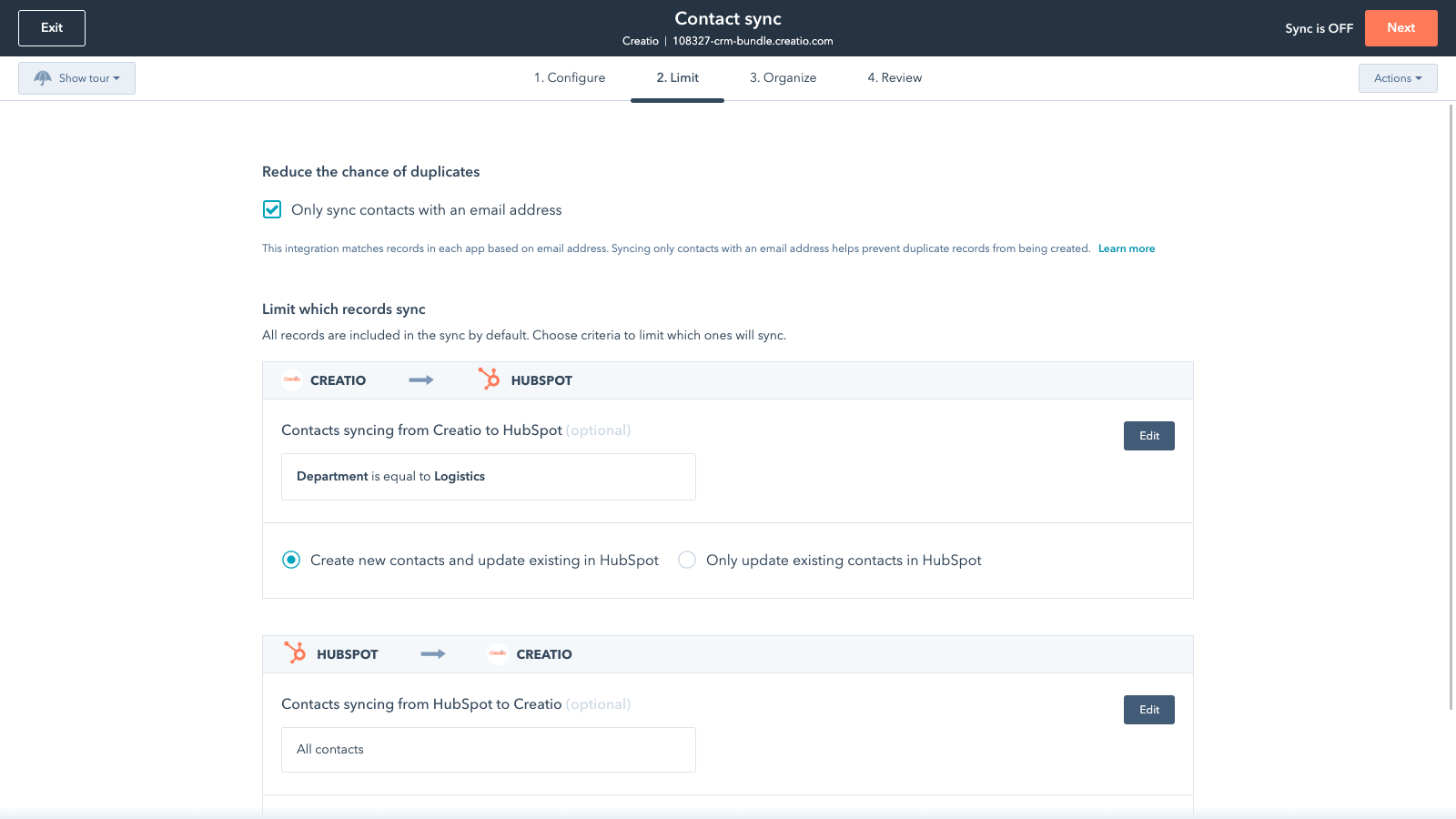
Sync Creatio and HubSpot data
Make manual data entry a thing of the past by syncing data (see below) between HubSpot and Creatio. When records are created or updated in either app, that information will be automatically shared with the other one.
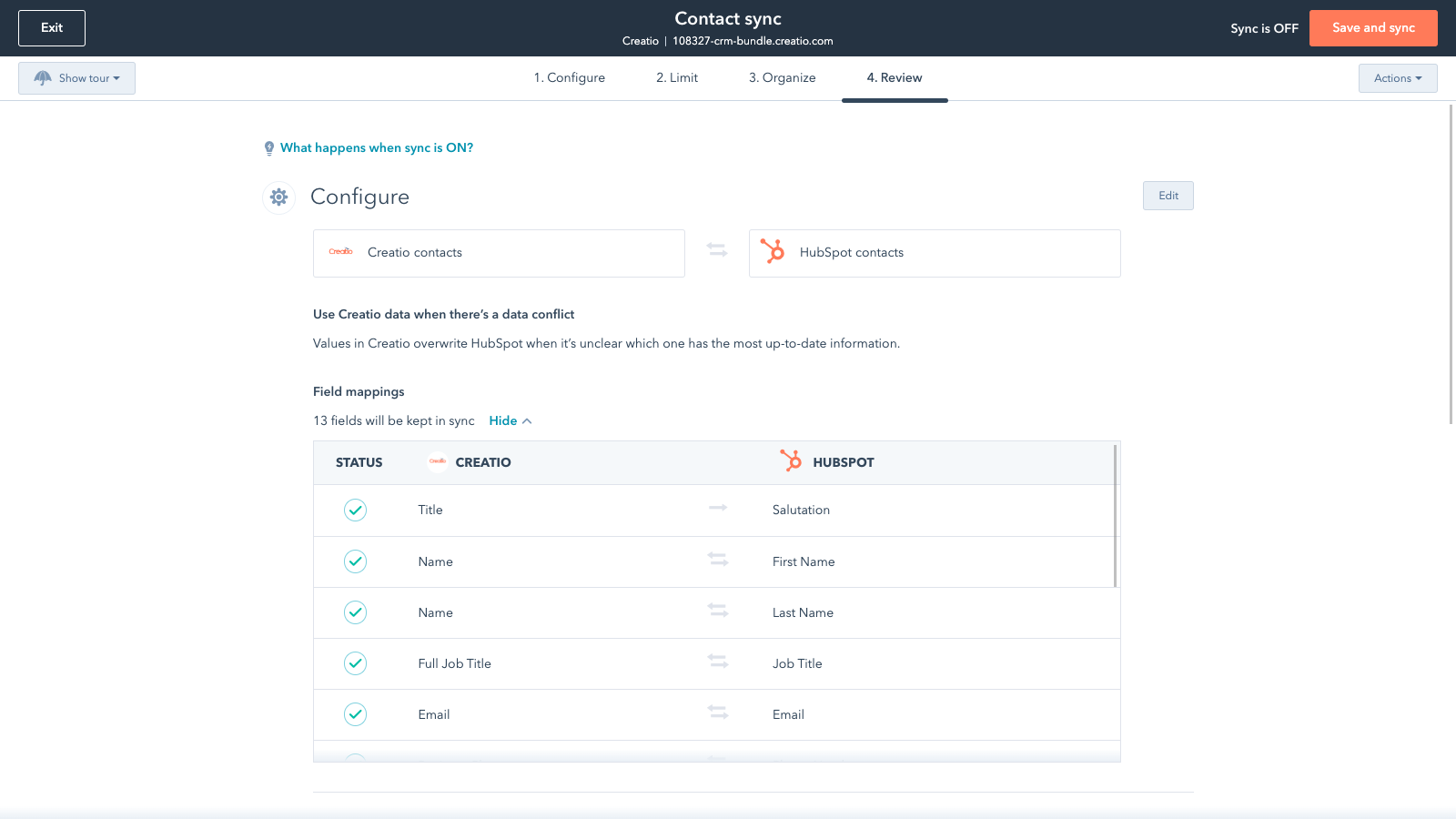
Sync only the data you want
You’re in control of your data. You can set up a one- or two-way sync, which means you can either sync data from only one app to the other or back-and-forth between both apps. You can also add a filter for any Creatio field or HubSpot list to sync exactly what you want—and nothing you don’t.
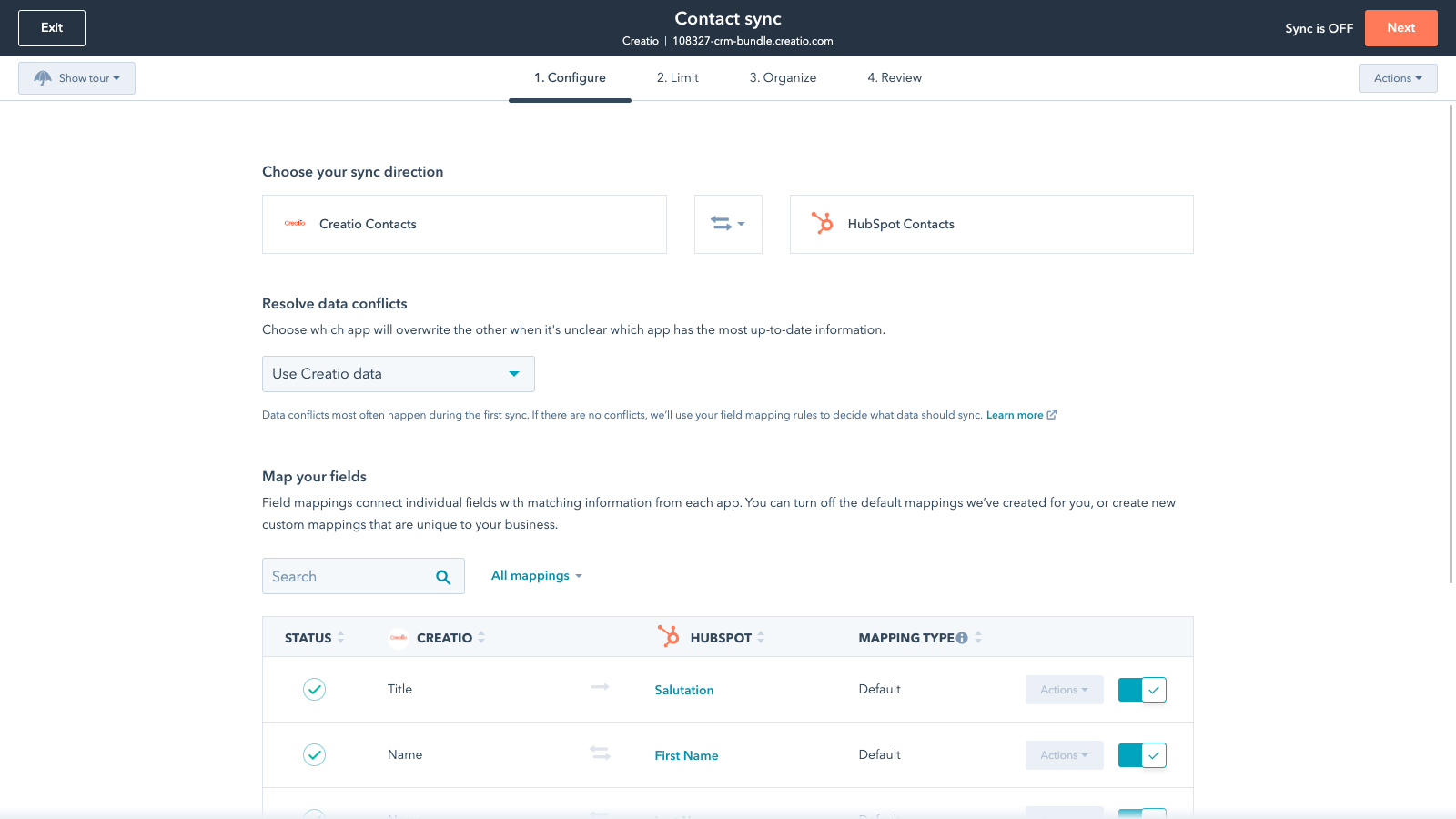
Default field mappings
Field mappings connect matching information in each app—and we’ve already created them for you. Our out-of-the-box default field mappings make set-up quick and keep your data clean and organized. Plus, there are no surprises: You can see exactly which fields come already mapped in the “Shared data” section below.
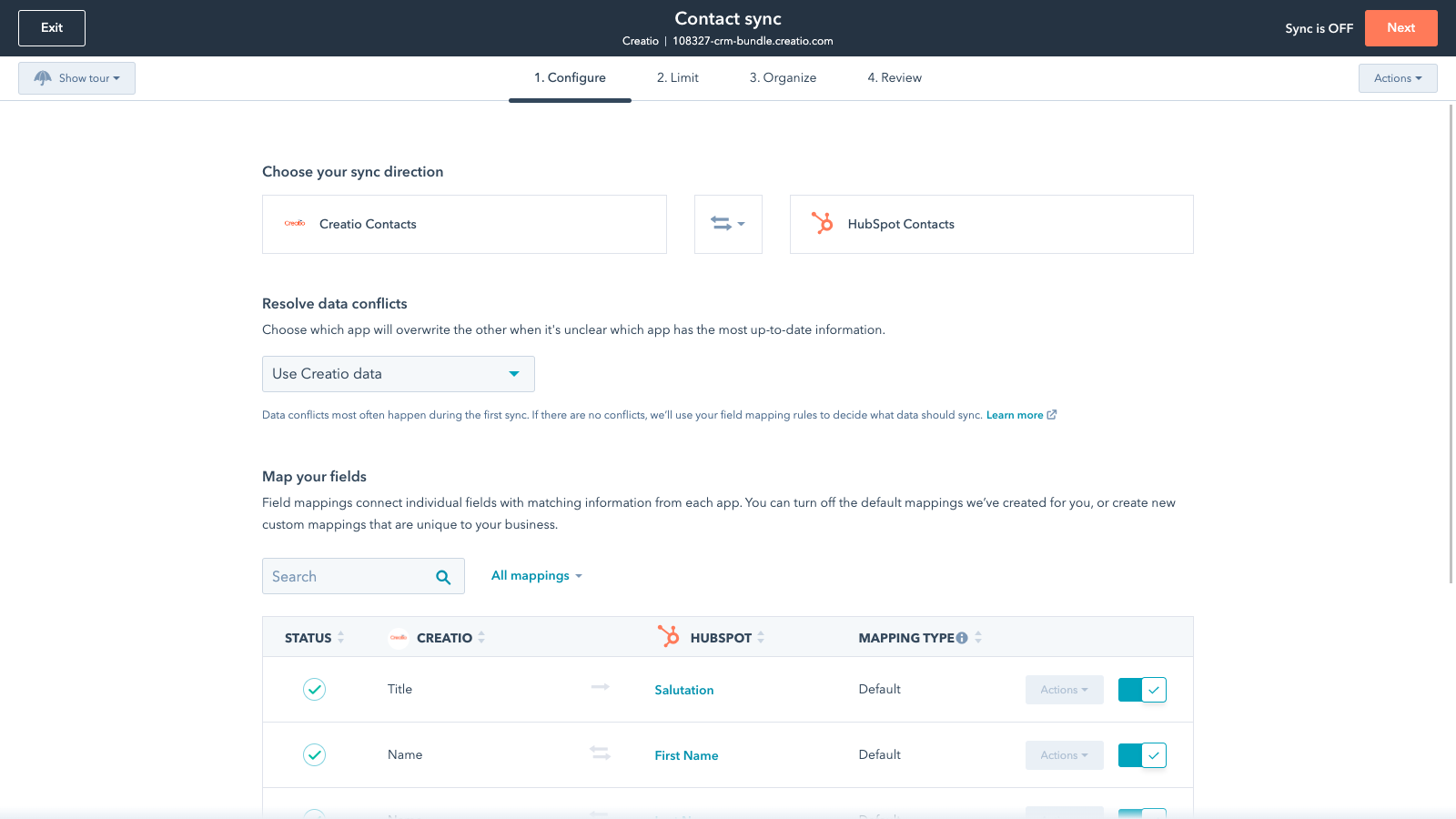
Custom field mappings
Custom field mappings are available with Data Hub Starter and up (paid). Custom mappings add the flexibility to create your own mappings or make changes to your default ones.
Appfunktionalitet
Delade data
Each object has field mappings that connect matching information from each app. Default mappings are listed below. If you want to change these default mappings or create your own, custom field mappings are available with Data Hub Starter and up.
Accounts | ||
Contacts |
Recensioner
- 15 jun 2022
Plugin ne répondant pas au besoin et ne correspondant pas à sa documentation
Ce plugin ne répond pas au besoin d’interfaçage Créatio/HubSpot et surtout ne correspondent pas à sa documentation
Créatio est le CRM de notre entreprise. Lors de l'achat d'HubSpot il nous a été indiqué qu'il existait un plugin permettant d'échanger les comptes/contacts/leads entre Créatio et HubSpot. Dans la pratique, les leads ne sont pas interfacés entre Créatio et HubSpot, alors que c'est le principal avantage qui a été mis en avant lors de la mise en place de ce plugin.
Impossible d'interfacer les leads entre Créatio et HubSpot, alors que cette fonctionnalité est décrite dans la documentation du plugin...
LAVIGNE, V.
Prissättning
Sales Creatio Cloud - Team Edition or up
360 US$
/årTeam Edition
Other plans available, see pricing options
Sales Creatio Cloud - Team Edition or up
360 US$
/årTeam Edition
Other plans available, see pricing options
*Priserna här är endast avsedda som exempel. I priserna ingår inte skatter, incitament, rabatter eller andra prisvariabler. Ta kontakt med partnern för den senaste och mest uppdaterade prisinformationen. HubSpot har inget ansvar för den här prisinformationen, vilken tillhandahålls av våra partner. Priserna uppdaterades senast: 2025-09-03
Nykomlingar

Finale Composer
AI-genererat webbinnehåll, utvecklat för HubSpot.

Synder
Synkronisera HubSpot-fakturor med QuickBooks, NetSuite eller Xero – med periodiseringsprincipen och intäktsredovisning
