
1/5
Overview
The Before After Comparison module provides an interactive way to showcase visual transformations and highlight differences between two images. It allows visitors to compare images using smooth horizontal or vertical interactions. Users can choose between drag-based and hover-based comparison modes based on their preferred experience. The interactive slider makes it easy to reveal the before and after content with precise control. A smooth animated handle provides a polished and intuitive comparison experience. The module also includes customizable labels to clearly identify each image. Subtle parallax movement adds depth and enhances the overall visual interaction. Touch support allows visitors to interact with the comparison seamlessly on mobile and tablet devices. Images are displayed within a flexible, full-width comparison area for maximum visual impact. Responsive styling ensures the module adapts effectively to different screen sizes. The module is ideal for showcasing design changes, photo edits, renovations, transformations, product results, and other visual comparisons.
Features
Horizontal Drag Comparison
Let visitors compare images horizontally using a smooth draggable slider. Ideal for showcasing transformations, redesigns, edits, and visual improvements.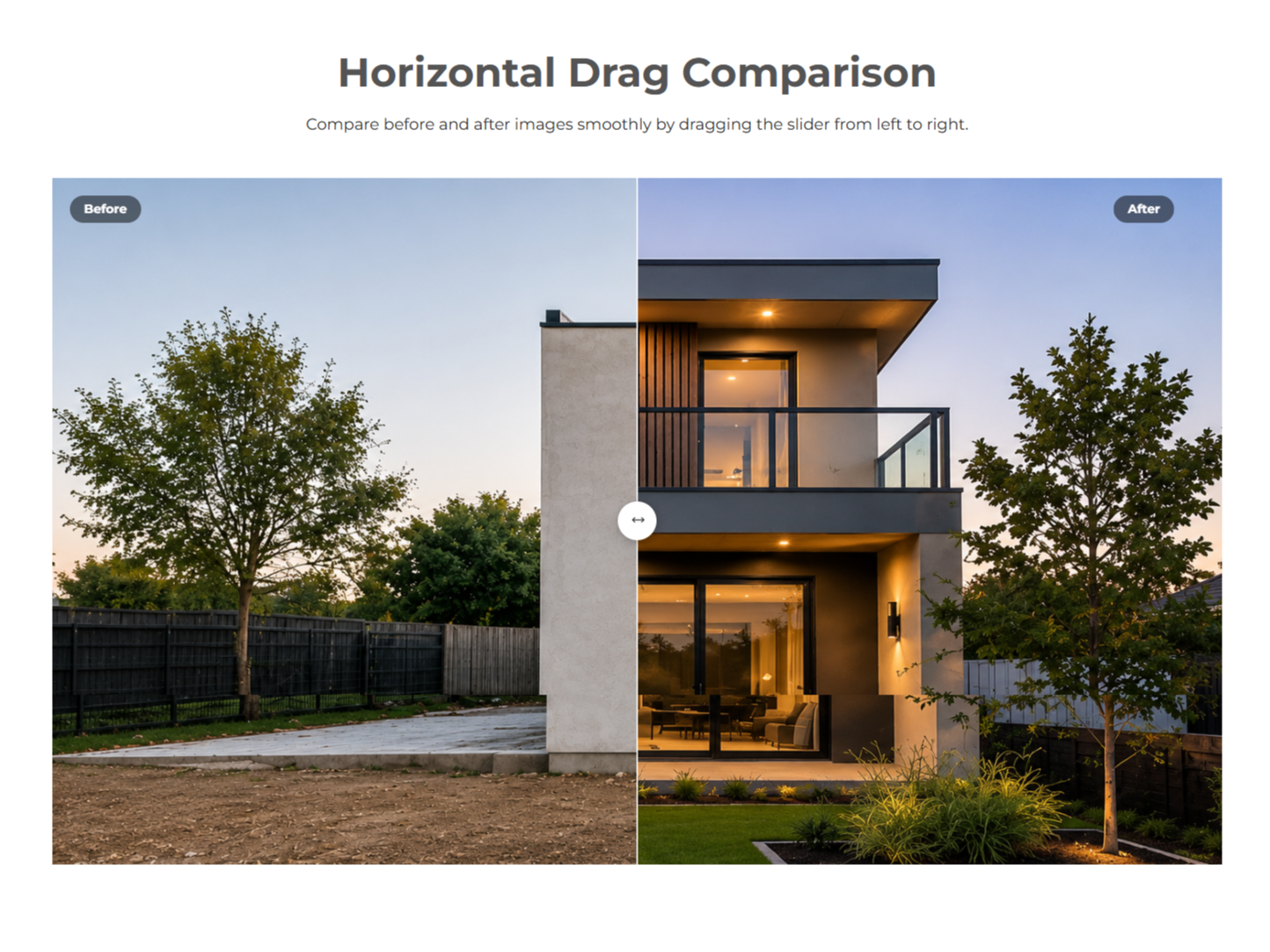
Vertical Drag Comparison
Compare images vertically with an intuitive top-to-bottom slider. This layout provides a different and engaging way to present visual changes.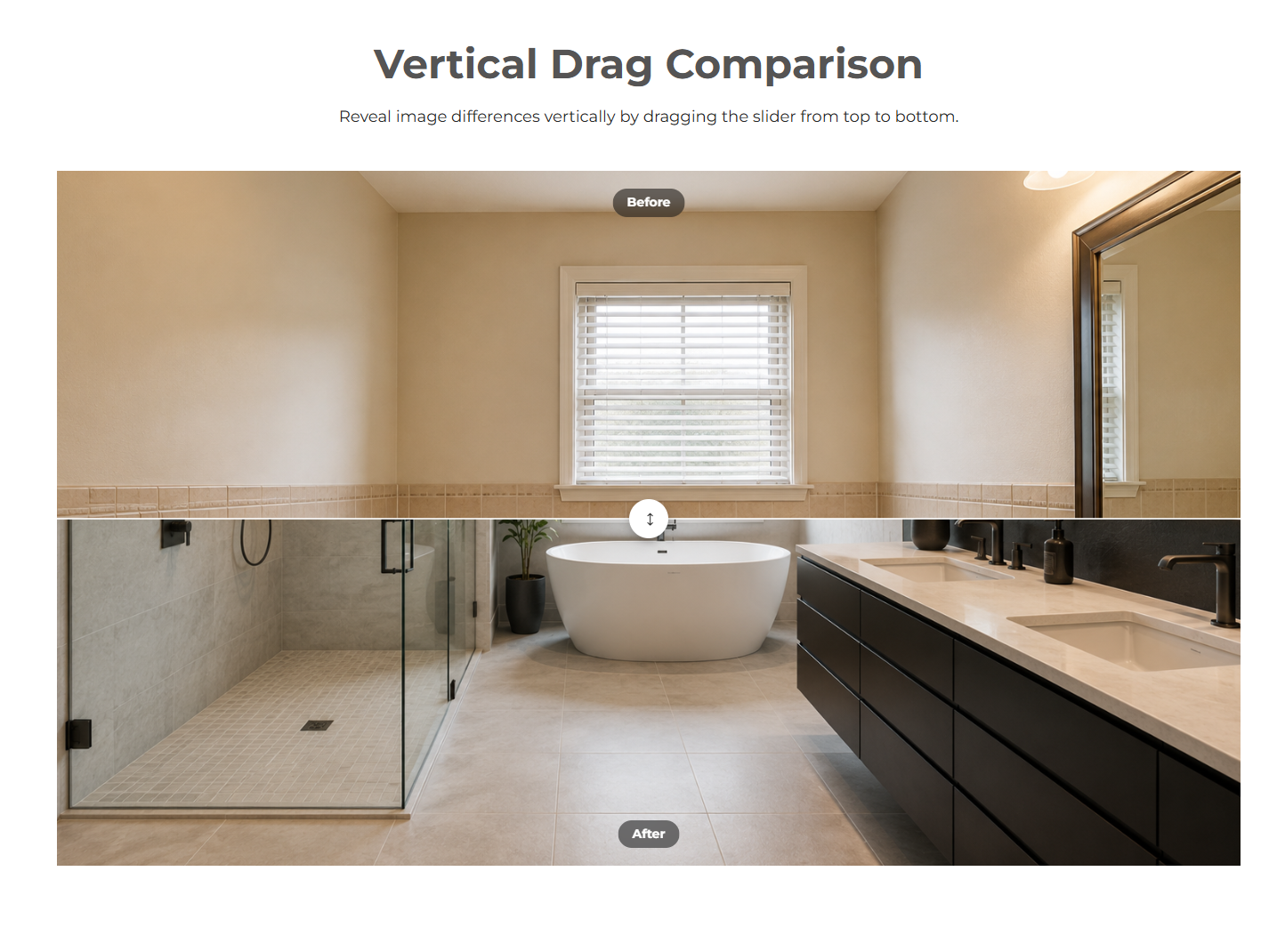
Horizontal Hover Comparison
Enable automatic image comparison as users move their cursor across the module. Perfect for quick visual previews without requiring a click or drag.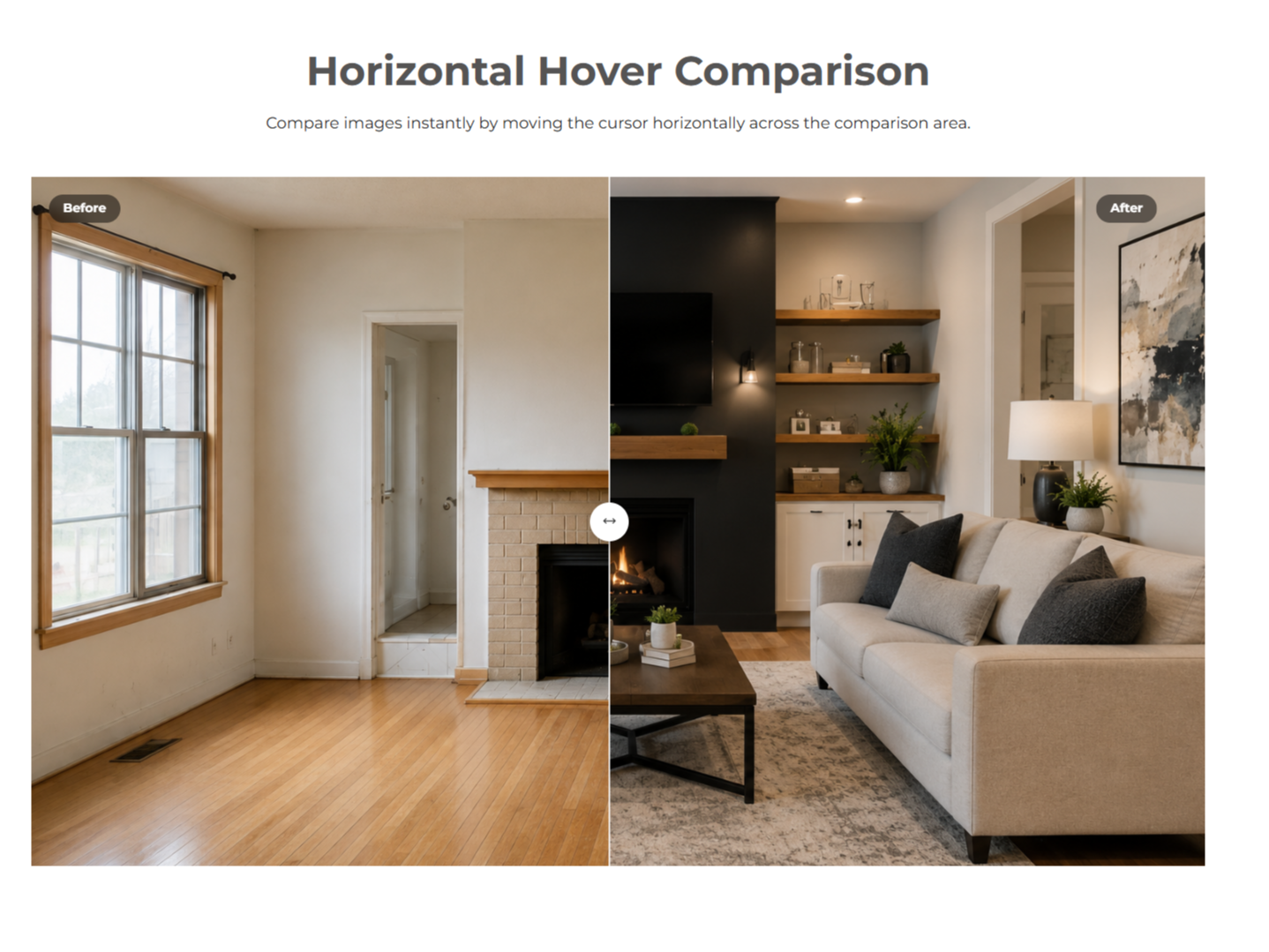
Vertical Hover Comparison
Enable automatic vertical image comparison as users move their cursor across the module. Perfect for quick visual previews without requiring a click or drag.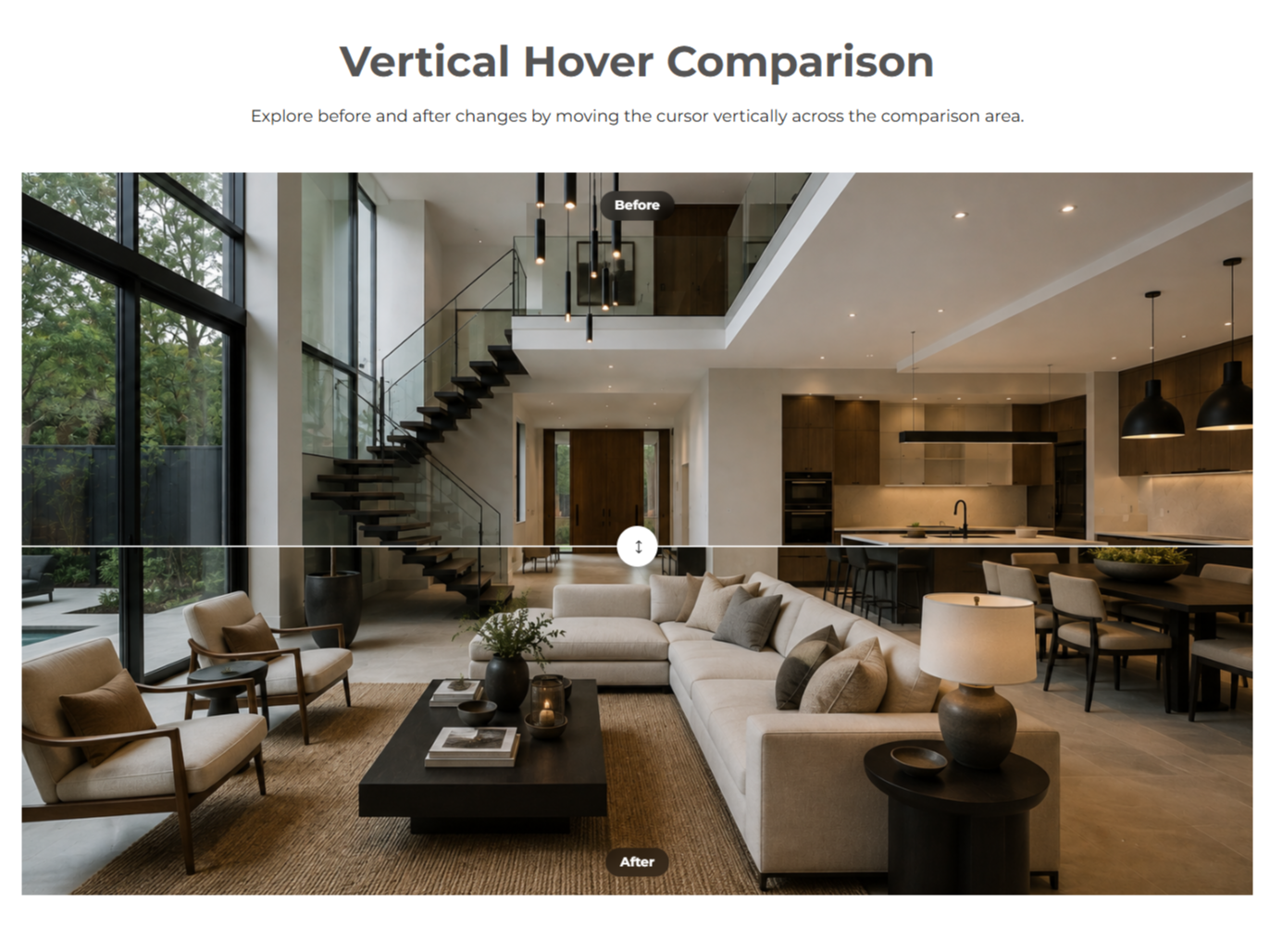
Responsive Design
The comparison module adapts seamlessly across desktop, tablet, and mobile devices. Dedicated responsive styling options ensure a consistent and user-friendly experience on every screen size.-1.png)
About Module
Total installs Fewer than 10 Created - Aug 10, 2026
Version 1 - Aug 10, 2026
Categories Tags
Requirements
HubSpot Subscription Works with all HubSpot plans
Contact Crowdvolley It Solutions
Legal Stuff
Please refer to the developer's Privacy Policy and Terms for more information.
Support
Crowdvolley It Solutions
- Sector 74, Sahibzada Ajit Singh Nagar, Punjab 140308, India
Visit website
A top-notch HubSpot asset provider. We're just "you" on the provider side of the equation. This is a human-to-human business, so it's all about delivering a good experience to you.