

Monday.com
Creazione di HubSpot
Installazioni - PIù di 700 installazioni
Valutazione 2
(1)
Requisiti
Piano HubSpot Autorizzazioni dell'account HubSpot Nessuna autorizzazione richiesta Tipo di accesso Condiviso Abbonamento Monday.com - Piano Review Monday.com Pricing Page
Panoramica
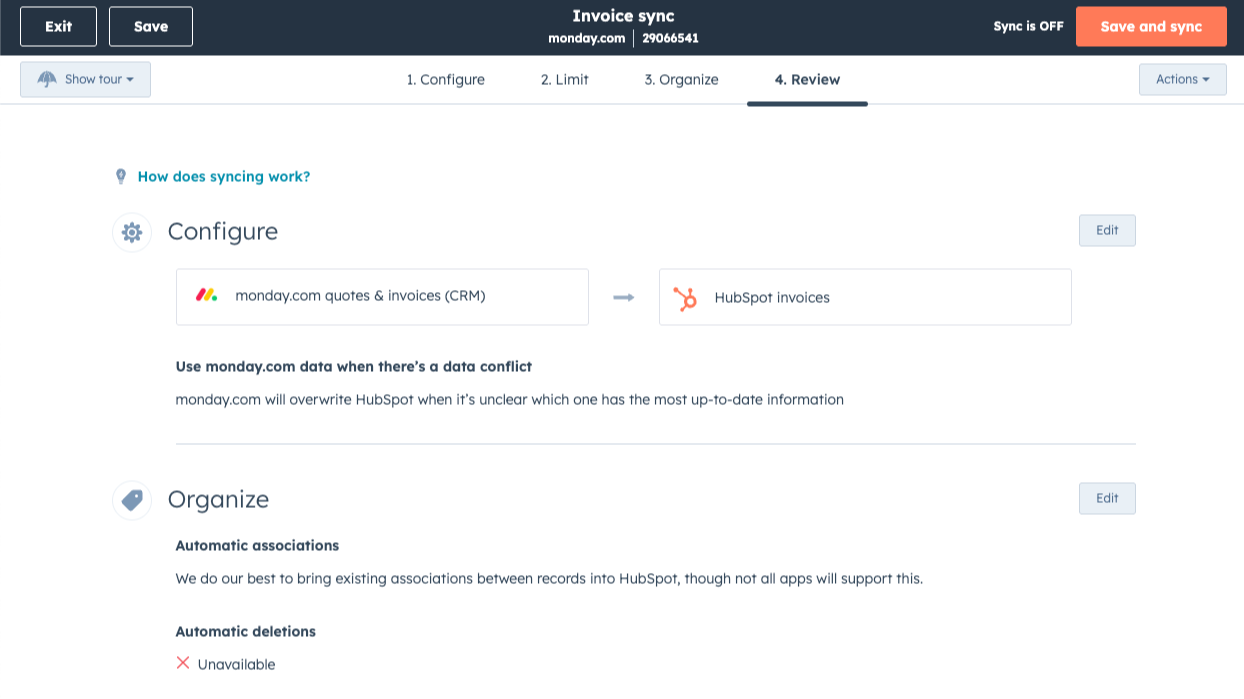
1/1 - Sync runs in the background to keep your databases up-to-date
Sync data between monday.com and HubSpot without manual data entry or messy, time-consuming imports.
Here’s what you get with Data Sync by HubSpot:
Two-way sync: Data is shared between Monday.com and HubSpot in real time
Default field mappings: Set-up is quick with out-of-the-box field mappings already created for you
Historical syncing: Your existing data will sync right away, and updates will sync as they happen
Funzionalità
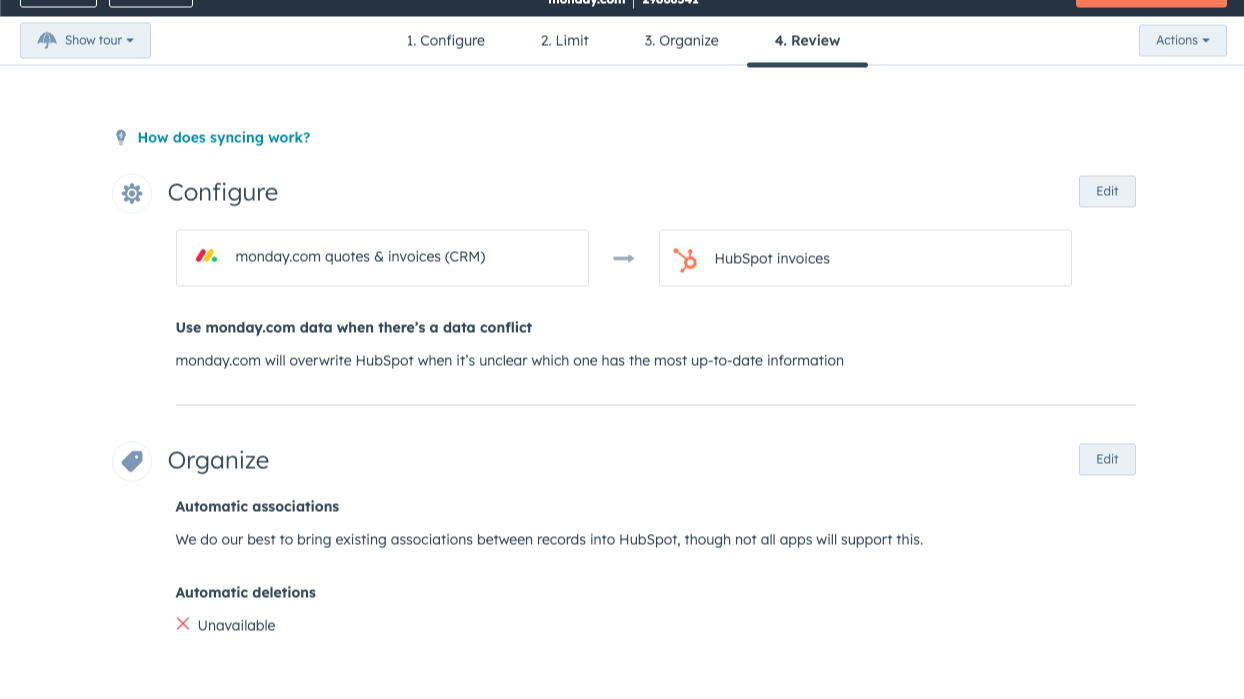
Sync monday.com and HubSpot data
Make manual data entry a thing of the past by syncing data (see below) between HubSpot and monday.com. When records are created or updated in either app, that information will be automatically shared with the other one.
Data Hub Starter or up required
Custom field mappings are available with Data Hub Starter or up. It is however possible to install the sync and see if field mappings will work out for your use case without a subscription to Data Hub!
Sync monday.com and HubSpot data
Make manual data entry a thing of the past by syncing data (see below) between HubSpot and monday.com. When records are created or updated in either app, that information will be automatically shared with the other one.
Sync only the data you want
You’re in control of your data. You can set up a one- or two-way sync, which means you can either sync data from only one app to the other or back-and-forth between both apps. You can also add a filter for any field (like XXX or YYY) or HubSpot list to sync exactly what you want—and nothing you don’t.
Default field mappings
Field mappings connect matching information in each app—and we’ve already created them for you. Our out-of-the-box default field mappings make set-up quick and keep your data clean and organized. Plus, there are no surprises: You can see exactly which fields come already mapped in the “Shared data” section below.
Custom field mappings
Custom field mappings are available with Data Hub Starter or Professional plans. Custom mappings add the flexibility to create your own mappings or make changes to your default ones.
Funzionalità dell'app
Dati condivisi
Each object has field mappings that connect matching information from each app. This app requires Data Hub Starter or up to activate the sync.
Items |
Recensioni
- 18 giu 2025
Gratuito ma difettoso: la sincronizzazione iniziale funziona, ma gli aggiornamenti non vengono portati a termine
Ero davvero entusiasta quando ho visto il rilascio della sincronizzazione dei dati. Finora utilizzavamo un'applicazione di terze parti per sincronizzare i ticket da HubSpot a Monday.com, che costava circa 300 sterline al mese. Quando l'integrazione è stata rilasciata, ho subito collegato una nuova scheda di prova. La sincronizzazione iniziale è stata molto semplice e ha funzionato. Anche un paio di aggiornamenti con l'aggiunta di nuovi campi hanno funzionato. Tuttavia, ogni volta che è stato aggiornato qualcosa in HubSpot, l'aggiornamento non è stato sincronizzato con monday.com. Ho seguito tutte le istruzioni del Knowledge Hub ma ancora non funziona. Quindi per ora continuiamo a utilizzare la costosa terza parte. Sarebbe fantastico se HubSpot/Monday trovasse una soluzione che funzioni. La somma che paghiamo per HubSpot e Monday è frustrante dover pagare per un'altra applicazione.
È gratuito e copia tutto perfettamente
Non sincronizza gli aggiornamenti
Collins, S.
Review Monday.com Pricing Page
0 USD
Use the 'See all pricing options' link on the righthand side
Make sure to confirm the HubSpot subscription and the Monday.com subscription needed to install this integration
Note: "Free" is referring to the cost of the integration, not the app subscriptions
Review Monday.com Pricing Page
0 USD
Use the 'See all pricing options' link on the righthand side
Make sure to confirm the HubSpot subscription and the Monday.com subscription needed to install this integration
Note: "Free" is referring to the cost of the integration, not the app subscriptions
* I prezzi riportati sono a scopo informativo. I prezzi non includono tasse, incentivi, sconti o altre variabili. Contatta il partner per ricevere il tariffario aggiornato. HubSpot declina qualsiasi responsabilità circa le informazioni di prezzo fornite dai propri partner. Ultimo aggiornamento tariffario: 03/09/2025
Maggiori informazioni
Creazione di HubSpot
Installazioni - PIù di 700 installazioni
Categorie Lingue in cui è disponibile questa app Inglese
Più popolari

Gmail
Portare HubSpot nella casella di posta in arrivo con l'integrazione per Gmail

Google Calendar
Prenota riunioni in modo semplice e rapido con HubSpot e Google Calendar.
