

Unito Two-Way Sync

Rising
Requisiti
Piano HubSpot Autorizzazioni dell'account HubSpot - Visualizza le autorizzazioni dell'account richieste
Tipo di accesso Condiviso Abbonamento Unito Two-Way Sync - Piani Basic, Pro o Business
Panoramica
1/2
Unito enables you to sync deals, tasks, and tickets between HubSpot and some of the world’s most popular work management tools. Each two-way integration can sync important information back and forth between HubSpot and other tools to keep your data updated in real-time.
Currently, Unito integrates with Airtable, Asana, ClickUp, Exel, GitHub, GitLab, Google Calendar, Google Sheets, Jira, Mailchimp, monday.com, Notion, Pipedrive, Salesforce, Stripe, Trello, Zendesk, and more.
Guide to setting up Unito
Follow these step by step guides to connect HubSpot with Asana or Google Sheets.
Here’s how you can enable better cross-team collaboration and improve your sales and support workflow:
Two-way sync
Enjoy full, bi-directional syncing for HubSpot tasks, deals and tickets including all associated fields. Customizable rules let you sync historical work, filter out specific data, and more.
Deepest integrations on the market
Go beyond the more common one-way automations with a fully-customizable two-way integration for tasks, deals, and tickets including all associated fields.
Intuitive Interface
Unito is code-free with a point-and-click interface so that anyone on your team can get started in minutes, no technical expertise required.
Security
We use the OAuth standard to access your tools and we don’t store your data. Unito is also SOC 2 certified.
And much more
Visit Unito to learn more about our two-way HubSpot integration.
Funzionalità
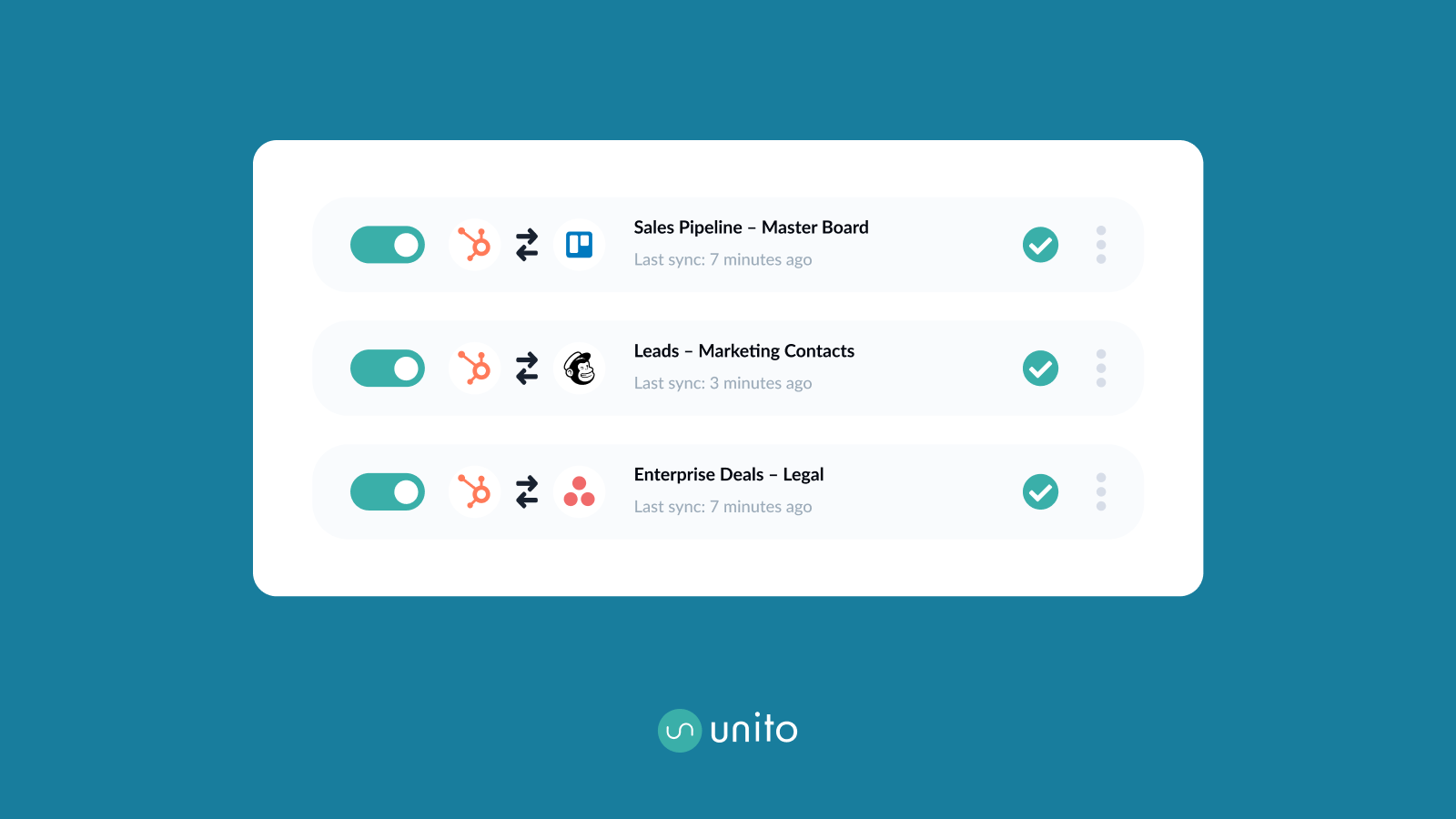
Automate deals, tasks, and tickets across tools
Unito turns the details of your tasks, deals, and tickets into mappable fields that sync with work items in your other apps and tools. You can assign tasks in other tools from HubSpot; Populate spreadsheets or build live reports based on the latest deals; set up a ticket escalation queue with Jira or GitLab; and more.
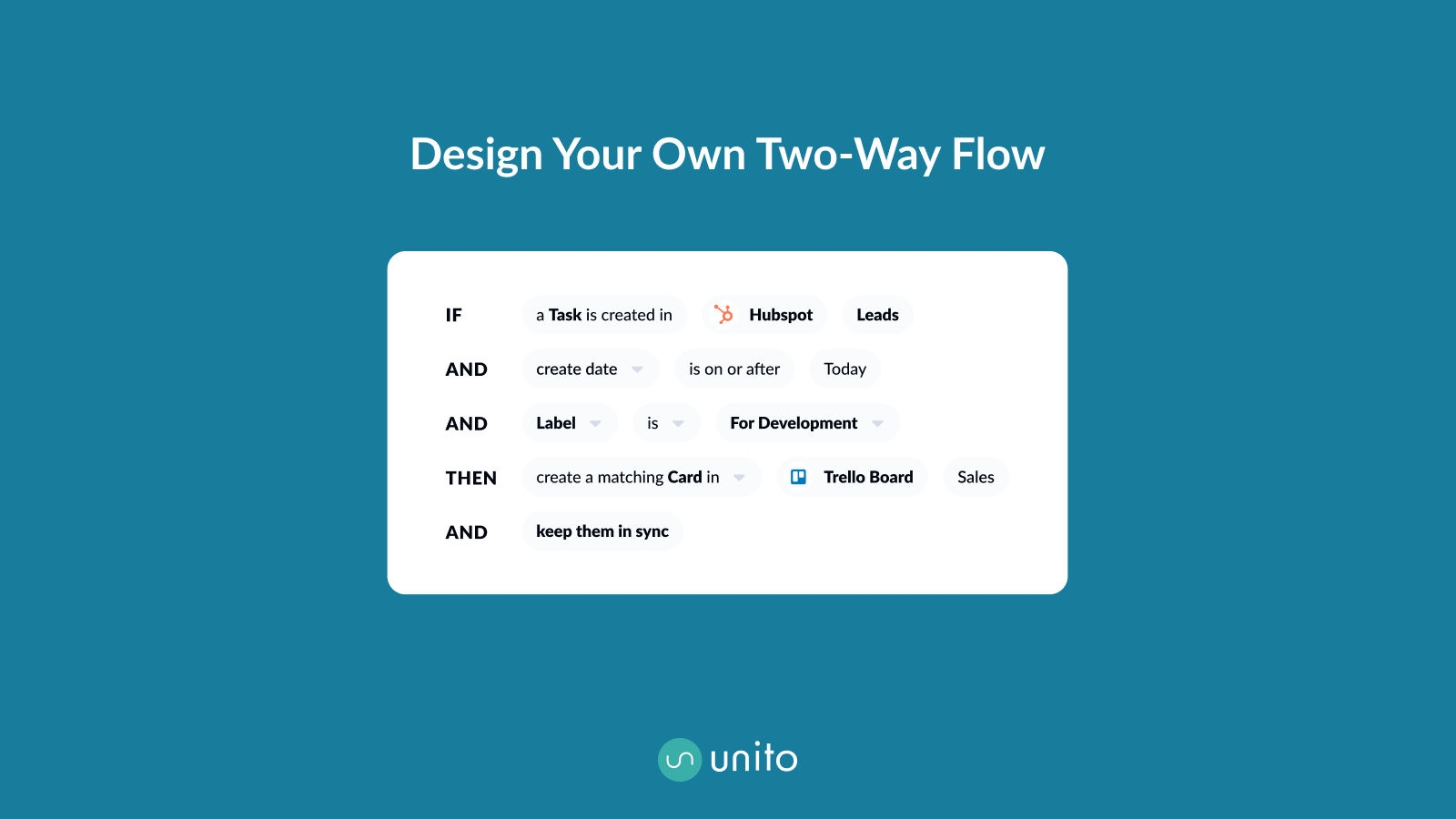
Improve communication across tools
Share your sales pipeline with other teams, provide visibility into ongoing work, or help other teams plan initiatives more efficiently.

Simple yet secure
Unito’s code-free interface enables anyone on your team to set up a workflow in just a few clicks. The platform is SOC2 certified and each connected tool goes through an OAuth2 protocol in order to appear in a Unito workspace.
Funzionalità dell'app
Dati condivisi
Tasks | ||
Deals | ||
Tickets |
Recensioni
3,5
19
3,5
19
- 13 mar 2025
Non è di facile utilizzo
Unito non è intuitivo, è stato difficile da configurare e non ha inviato i dati a HubSpot
Nessuno
D, D.
- 28 ago 2024
Greate experience
A self-explanatory sync tool and I was able to do a lot of customization on different ticket pipelines Their free trial model is great, gives you enough room to test the feature capabilities, and the support usually answers in 1 or 1/2 business days when you are on the free trial plan. The sync happens every 4 hours on the free plan but for the create issue happens immediately which is amazing.
Creating Jira Tasks and Production bugs on a specific stage on a specific workflow pipeline
Zero code knowledge is required and amazing customization
The attachments are not synced with Jira
Abbas, A.
Tecnologia: software - 51 - 200 dipendenti
Basic
99 USD
/meseStreamline your personal workflow
Sync 1 tool with every other
Unlimited changes
Basic fields
Self-serve support
15-minute updates
Basic
99 USD
/meseStreamline your personal workflow
Sync 1 tool with every other
Unlimited changes
Basic fields
Self-serve support
15-minute updates
* I prezzi riportati sono a scopo informativo. I prezzi non includono tasse, incentivi, sconti o altre variabili. Contatta il partner per ricevere il tariffario aggiornato. HubSpot declina qualsiasi responsabilità circa le informazioni di prezzo fornite dai propri partner. Ultimo aggiornamento tariffario: 09/08/2025