

Google Sheets Connector

요구 사항
HubSpot 요금제 HubSpot 계정 권한 - 필수 계정 권한 보기
액세스 유형 공유됨 Google Sheets Connector 구독 - Starter Free, Basic, Pro 또는 Max 플랜
개요
1/8
⭐️⭐️⭐️⭐️⭐️ 4.9/5 Stars
🏵️ HubSpot Certified App
🛡️ SOC 2 Type II Compliant
Effortlessly sync your HubSpot data with Google Sheets using Superjoin. Whether you're pulling data or setting up 2-way sync, Superjoin makes it fast, easy, and accurate, so you can focus on growing your business, not managing data.
HubSpot-Specific Advantages
Work with Big Data, No Limits: We’ve unlocked up to 250,000 rows per sync, so you never have to worry about hitting HubSpot’s API limit of 10k rows.
Complete object associations: From Contacts to Deals to Custom Objects, Superjoin understands and connects every object in your HubSpot data automatically.
Preview Before You Pull: See a live preview of your data before it lands in Sheets. No more guesswork, no more surprises.
Custom calculated fields: Need to track MRR, lead scores, or custom metrics? Create and save formulas once and reuse them anytime.
Save Your Queries, Save Your Time: No need to go through the hassle of creating queries all over again. Just save complex queries and run them again anytime or share with your team.
Automate Complex Workflows: Tie your imports and exports to our flexible Apps Script automations, so your data gets where it needs to go, no clicks required.
Core Features
2-Way Sync That Just Works: Move data back and forth between HubSpot and Google Sheets with complete control and accuracy.
Schedule It and Forget It: Set up automatic data refreshes in your desired frequency - hourly, daily, weekly or monthly - to keep your Sheets and HubSpot in sync, hands-free.
Get Notified When It Matters: Get alerts in Slack or via email when your data changes, like pipeline updates or new meeting thresholds.
Collaborate without chaos: Share any query with your team and manage their access so you have complete control.
Connect More Than Just HubSpot: Superjoin also works with tools like MySQL, Chargebee, Salesforce, Linkedin Ads, Google Analytics, Jira, Shopify, and more - so you can build a full picture.
Use ChatGPT in Sheets: Clean, transform and analyze data using Superjoin's AI Copilot right inside Google Sheets.
Popular Use Cases
Clean and Merge Duplicate Records: Use Sheets + ChatGPT formulas to identify and clean duplicates across Contacts or Companies, and sync the corrected data back to HubSpot.
Build GTM Dashboards in Google Sheets: Create real-time GTM reporting by combining HubSpot data with campaign performance, sales activity, and CRM pipeline data - all auto refreshed on a schedule.
Add Complex Calculated Metrics to Your HubSpot Data: Create custom fields like weighted pipeline value, lead score, or ARR in Sheets, and push them back to HubSpot for workflow triggers or rep visibility.
Multi-Source Revenue Forecasting: Bring in historical sales performance from HubSpot, layer in data from your billing system (like Stripe or Chargebee), and generate weighted forecasts in Google Sheets—automatically refreshed and shared with leadership.
Trusted by Teams that move fast
#1 Product of the Day on Product Hunt
Certified App on the HubSpot Marketplace
Built and Certified for Privacy and Security
Trusted by high-growth teams and global innovators like Truecaller, HYROX, Kintsugi, and Crowdcube.
Why Choose Superjoin?
Because businesses run on spreadsheets and moving fast shouldn’t mean breaking your data. Superjoin isn’t just a connector, it’s the control center for your HubSpot data. It’s built for operators who need power and flexibility: large-scale syncs, deep customizations, and automation that actually saves time. You've already outgrown basic tools like Coefficient, Zapier, or Supermetrics - Take your next big step up with Superjoin.
기능
-1.png)
Import HubSpot data to Google Sheets
Arrange, Filter and Sort your data before bringing it to Sheets with our powerful Data Preview feature.
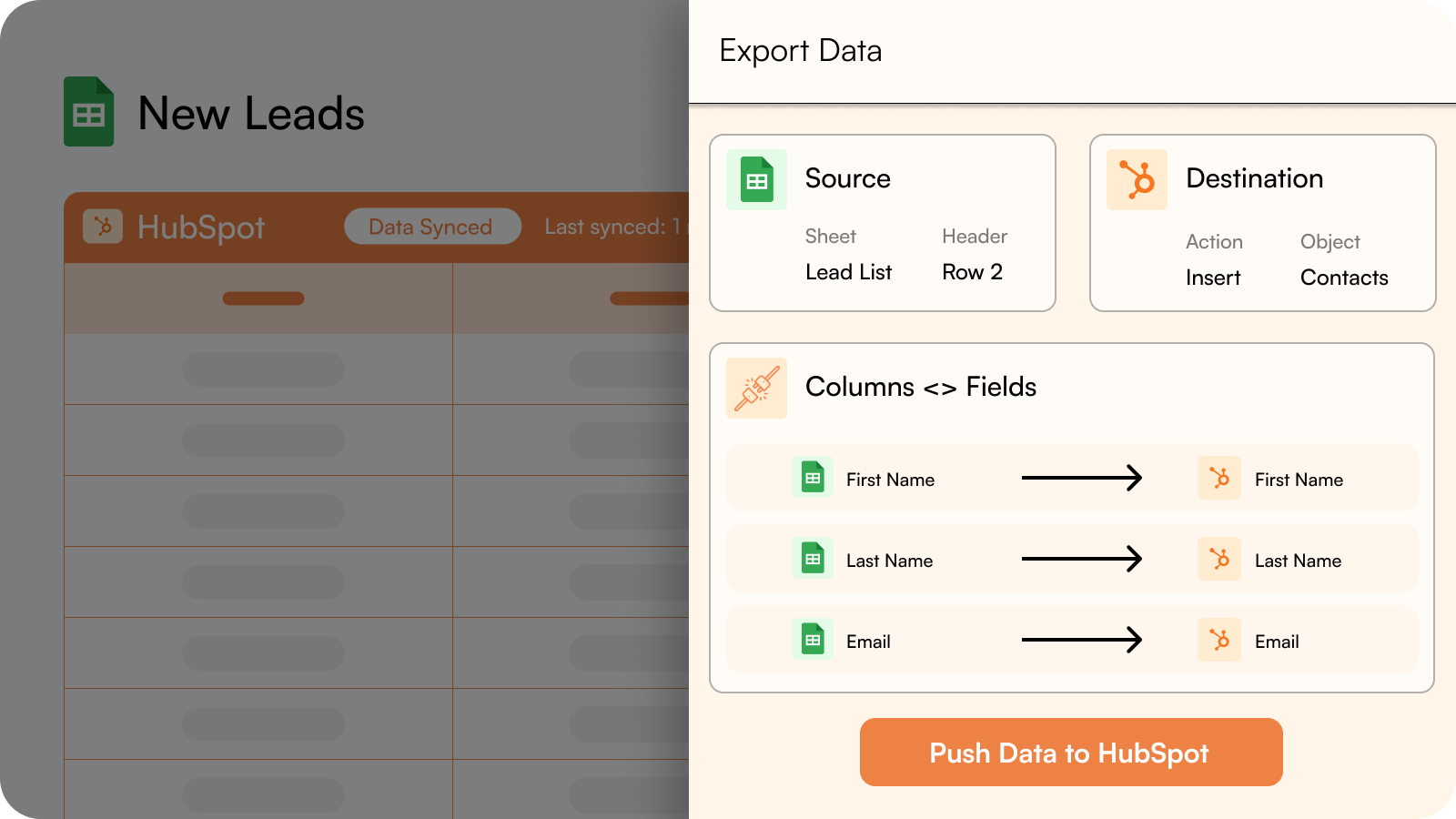
Export data from Google Sheets to HubSpot.
Insert fresh data into HubSpot from your Google Sheet or make bulk updates to existing HubSpot data.
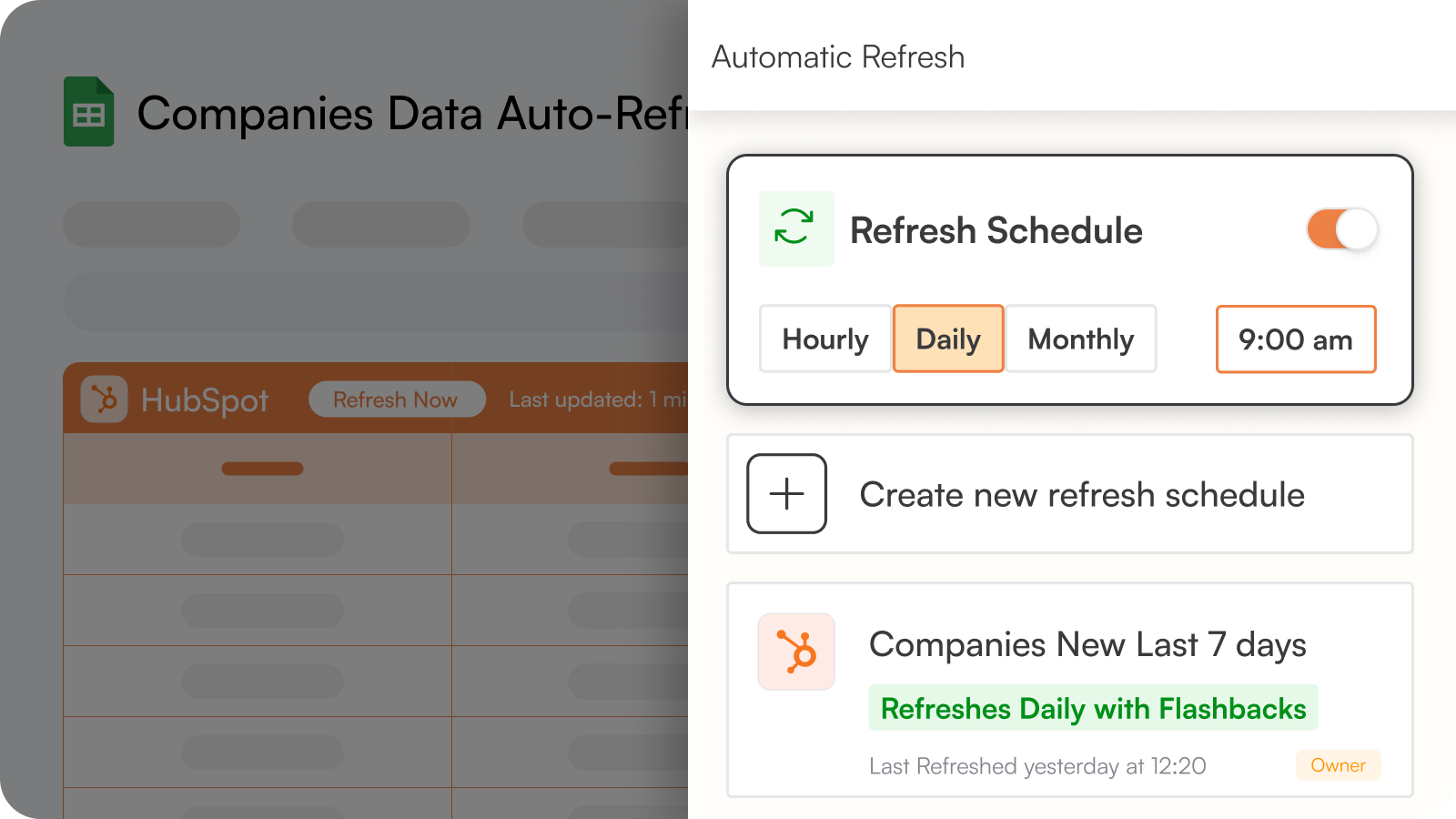
Automate your Import/Export processes by setting up Refresh Schedules
Set up automatic data refreshes in your desired frequency - hourly, daily, weekly or monthly - to keep your Sheets and HubSpot in sync, hands-free.
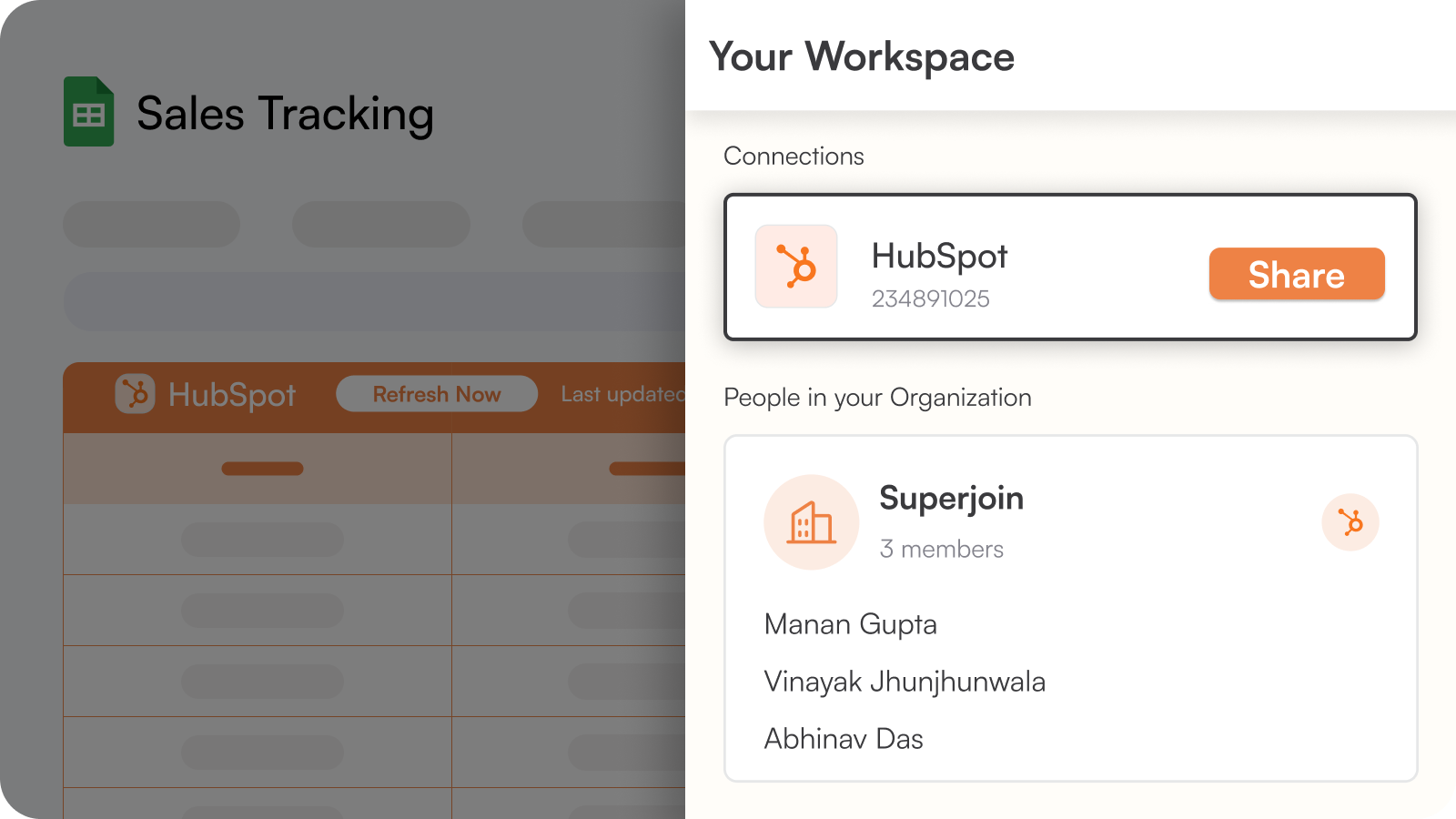
Collaborate with your Colleagues and external Partners
Share any query with your team and manage their access so you have complete control.
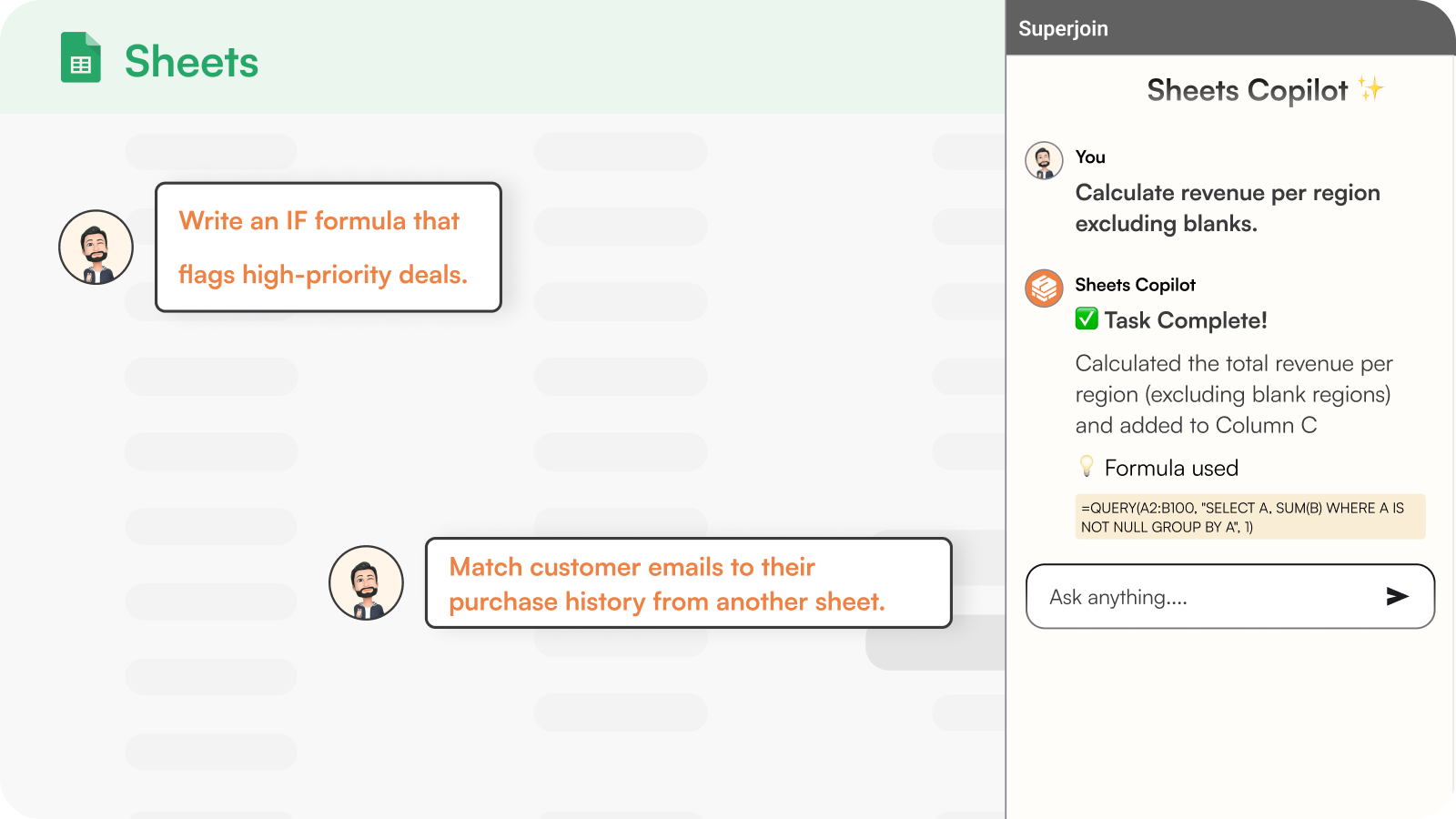
Use ChatGPT in Sheets
Clean, transform and analyze data using Superjoin's AI Copilot right inside Google Sheets. Reduce your grunt work by 90%.
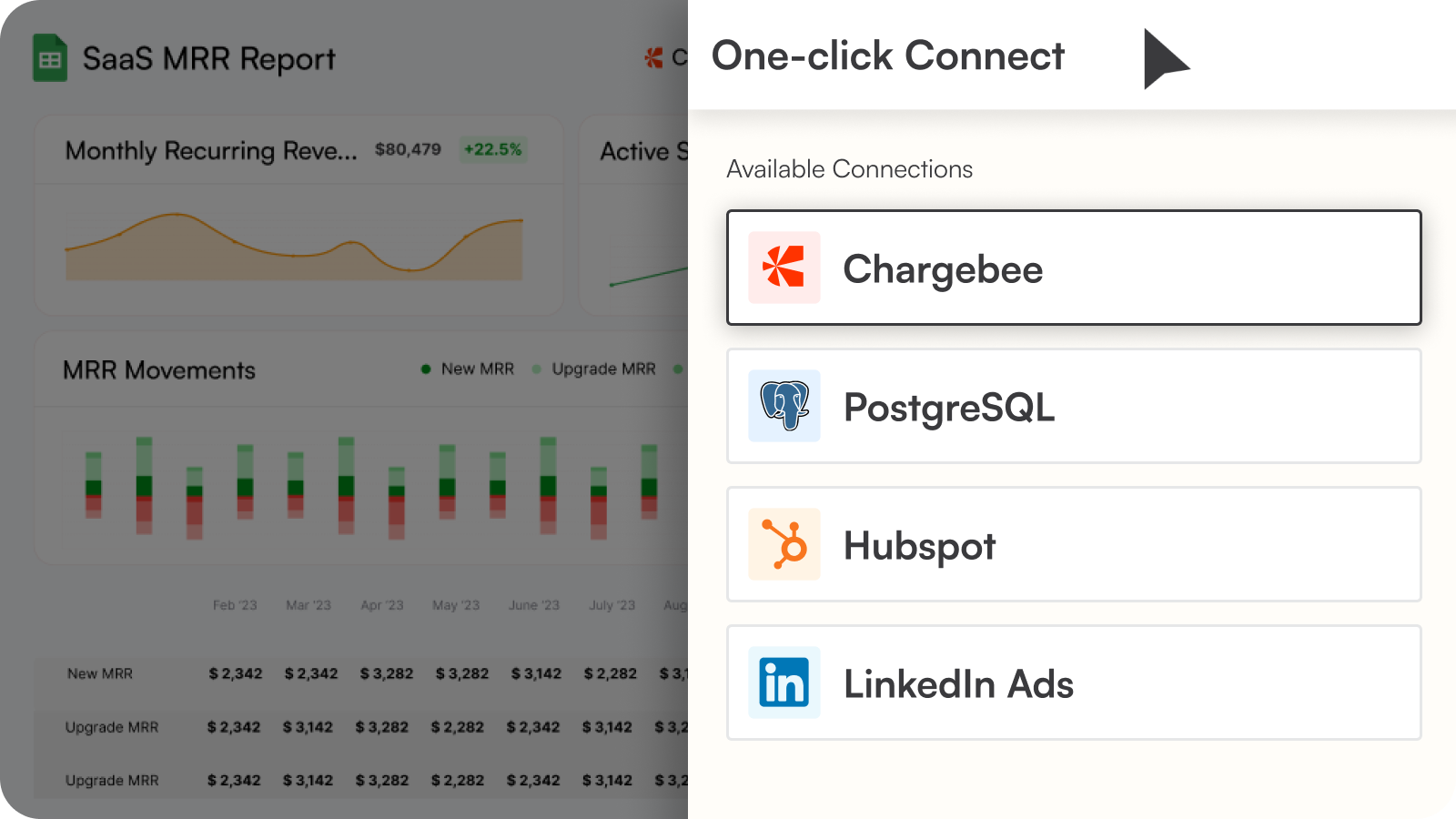
We have more integrations!
Superjoin can also connect more tools like MySQL, Chargebee, Salesforce, Linkedin Ads, Google Analytics, Jira, Shopify, and more - with your Google Sheets so that you can build extensive reports that provide you the complete picture.
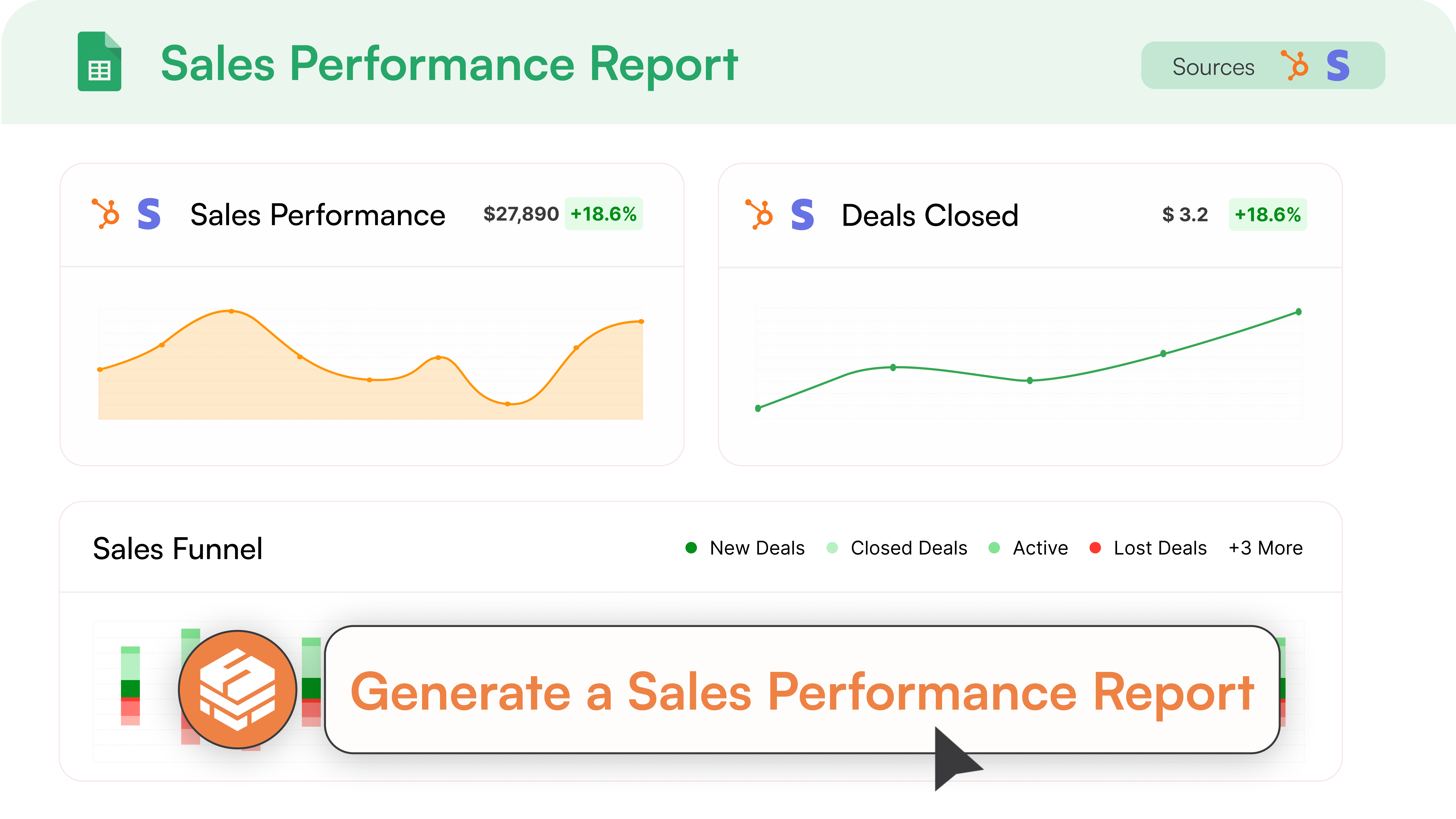
Sales Performance Analytics & Reporting
Build comprehensive sales analytics and HubSpot reporting to track your team's performance. Monitor pipeline progression, forecast revenue, and create automated sales reporting workflows with advanced data integration capabilities.
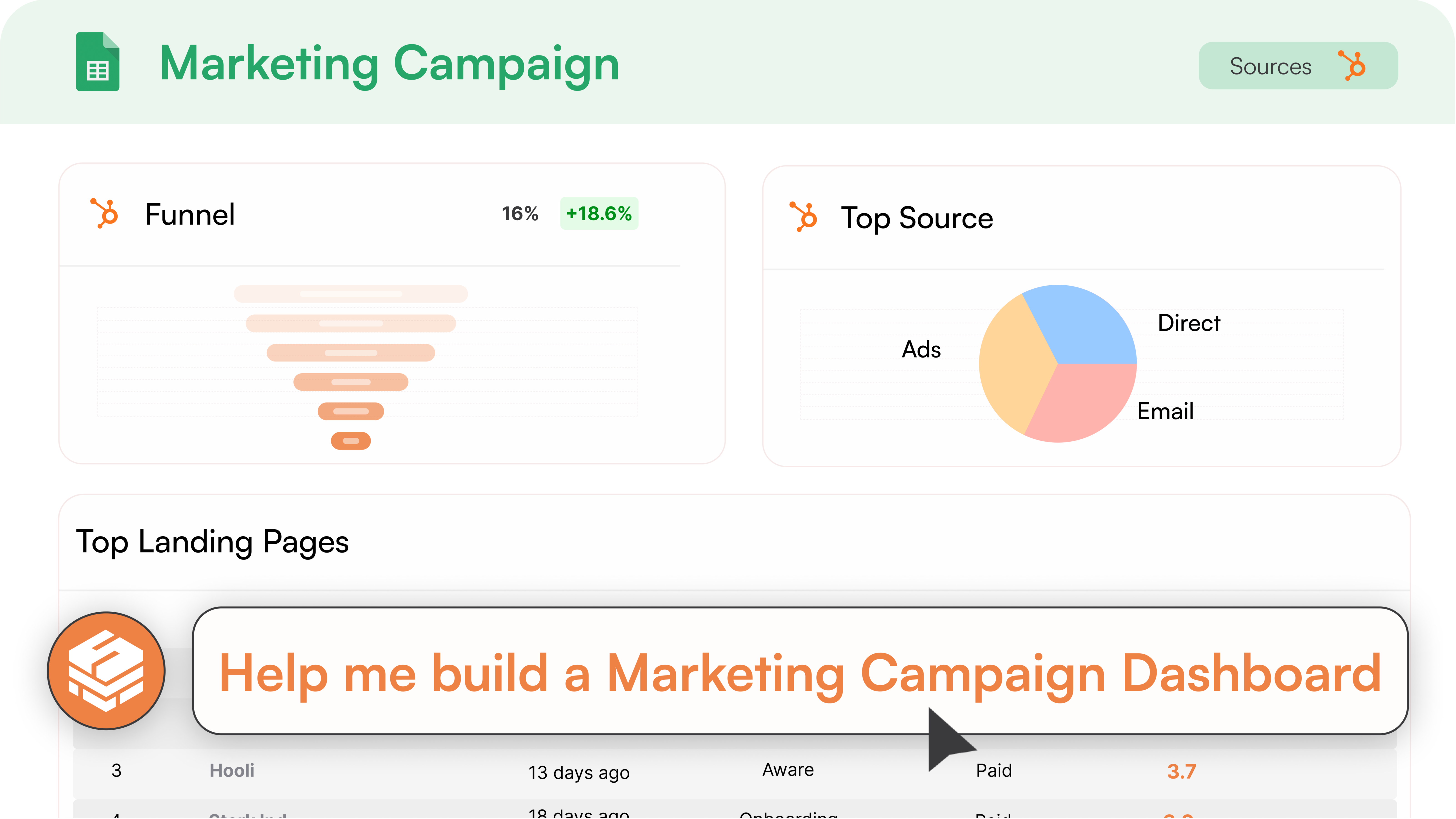
Marketing Campaign Analytics
Create powerful marketing analytics using your HubSpot data. Track campaign performance, lead attribution, and ROI with automated HubSpot reporting and workflow automation that provides actionable insights.
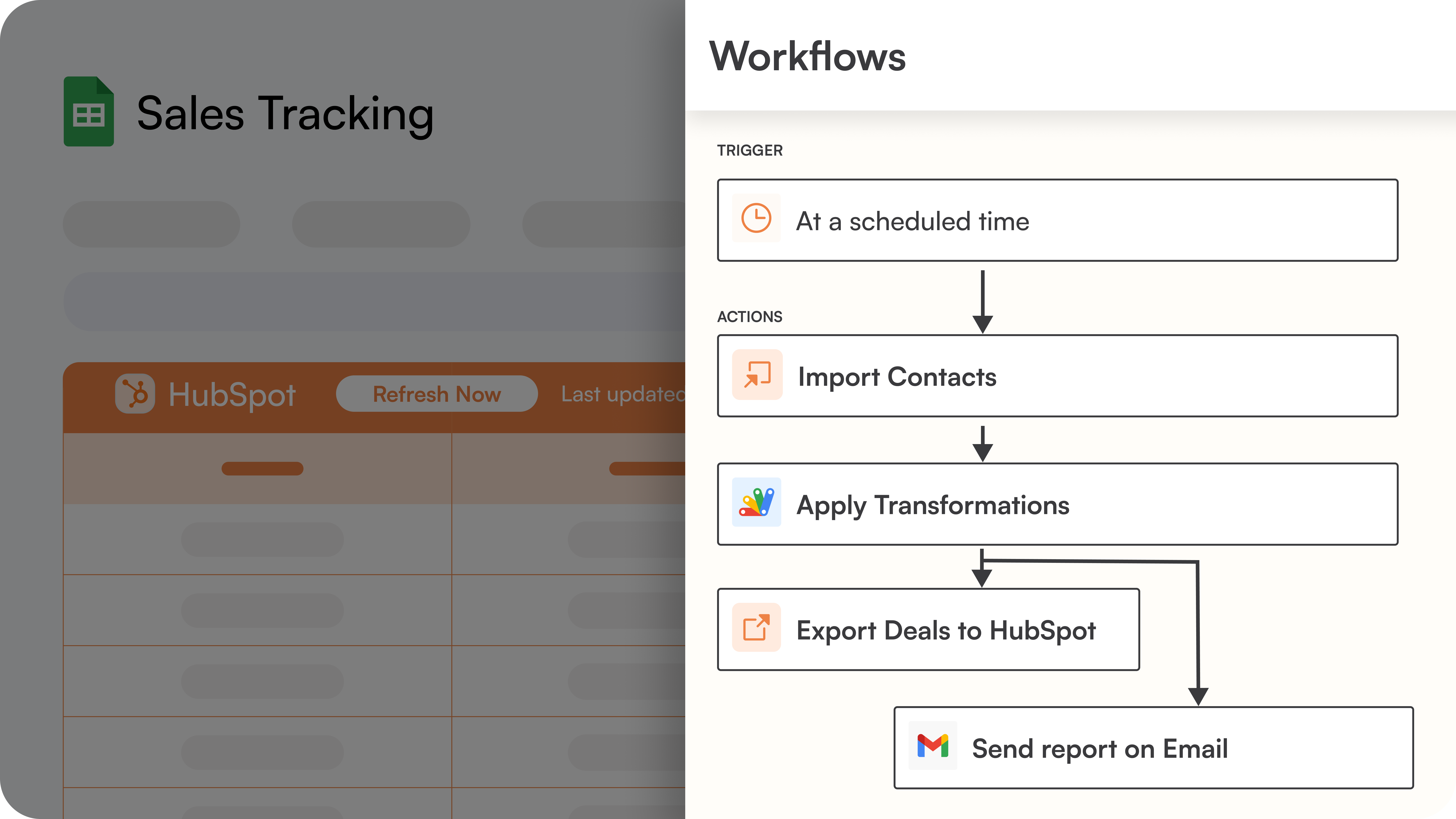
Advanced Workflow Automation
Design advanced workflow automation that processes HubSpot data through multiple steps and exports insights back to your system. Automate complex data integration workflows including lead scoring and HubSpot reporting processes.
앱 기능
공유 데이터
Companies | ||
Contacts | ||
Deals | ||
Tickets | ||
Quotes | ||
Custom Objects | ||
Goals | ||
Products | ||
Engagements | ||
Tasks | ||
Notes | ||
Calls | ||
Emails | ||
Meetings | ||
Postal Mail | ||
Line items | ||
Owners | ||
Contact Properties | ||
Company Properties | ||
Deal Properties | ||
Carts | ||
Payments | ||
Leads | ||
Orders | ||
Subscriptions | ||
Invoices | ||
CRM Associations | ||
Contact Lists | ||
Discounts | ||
Fees | ||
Taxes | ||
Marketing Email Analytics | ||
Owners | ||
Analytics |
리뷰
4.8
24
4.8
24
- 2026년 4월 7일
자동 통합을 사용하려면 비용을 지불해야 합니다. Google의 무료 자동화를 사용하는 것이 좋습니다.
작동하지 않음
간편한 연결
통합을 수행하려면 정보를 수동으로 보내거나 비용을 지불해야 합니다. 비용을 지불하는 것보다 Google의 자체 자동화 기능을 사용하는 것이 더 쉽습니다.
Estúdio Design, É.
- 2026년 1월 31일
최고의 Google 스프레드시트 커넥터
제가 사용해본 가장 간단한 구글 스프레드시트 커넥터. 놀라운 가격과 합리적인 데이터 한도의 요금제. 비용 절감 외에도 Superjoin의 직원들 덕분입니다. 그들은 모두 작은 주류 회사를 마치 조니워커처럼 대했습니다. 고객 지원팀은 다른 CRM의 지저분한 CRM 데이터를 HubSpot 에코시스템으로 마이그레이션하는 데 도움을 주었습니다. 토요일에 말이죠. 아브히나브와 사가르는 정말 대단했습니다.
원활한 Google 스프레드시트 및 HubSpot 데이터 흐름, 고객 지원, 요금제
Siddiqui, R.
가격 책정
Starter Free
US$0
For ad-hoc data needs
Free Forever
1 HubSpot account
Manual Data Refresh
Import from HubSpot to Google Sheets 5000 row limit.
Export from Google Sheets to HubSpot with a 500 row limit
5 AI messages/day
Starter Free
US$0
For ad-hoc data needs
Free Forever
1 HubSpot account
Manual Data Refresh
Import from HubSpot to Google Sheets 5000 row limit.
Export from Google Sheets to HubSpot with a 500 row limit
5 AI messages/day
* 여기에 표시된 가격은 표시 목적으로만 사용됩니다. 모든 가격에는 세금, 인센티브, 할인 또는 기타 가격 변수가 포함되어 있지 않습니다. 가장 최신의 정확한 가격 정보를 알고 싶다면 파트너에게 연락해야 합니다. HubSpot은 파트너가 제공하는 이 가격 정보에 대해 어떠한 책임도 지지 않습니다. 마지막 가격 업데이트 날짜: 2026.01.09.