

Surfe

Leading
Requirements
HubSpot Plan HubSpot Account permissions - View the required account permissions
Access Type Shared Surfe Subscription - Essential, Pro, or Free plans
Overview
1/5
Surfe seamlessly integrates HubSpot into your sales workflow, bringing your CRM to where your sales happen.
Access and edit your HubSpot records directly while on LinkedIn. Move effortlessly, think efficiently, and respond promptly to foster better relationships.
Thanks to Surfe, you will be able to:
- Visualize your HubSpot contacts on LinkedIn without disrupting your workflow.
- Effortlessly update a contact's key information in HubSpot (such as name, company, address, seniority, etc.) while browsing your prospect's LinkedIn profile.
- Receive notifications for any changes in your contacts' information on LinkedIn to keep your CRM up-to-date.
- Efficiently manage your to-do list in your browser by creating tasks from any location, all seamlessly saved within your HubSpot CRM.
- Streamline deal management, configure pipelines, and filter accounts on-the-go in a list-view format.
- Easily update contact relationships through simple notes on their LinkedIn profiles, automatically synchronized with the contact's notes in HubSpot.
- Sync your LinkedIn conversations with prospects directly into your contact's notes.
- Tag prospects from LinkedIn to track the sales process and add them to specific workflows.
- Leverage our smart message template feature, eliminating the need for manual copying and pasting from spreadsheets.
Join over 4500 trusted companies like Google, Amazon, Uber, Spendesk, AB Tasty, Sastrify, Rokt, who rely on us.
Get started for free - Ready in 30 seconds with no setup required.
Features
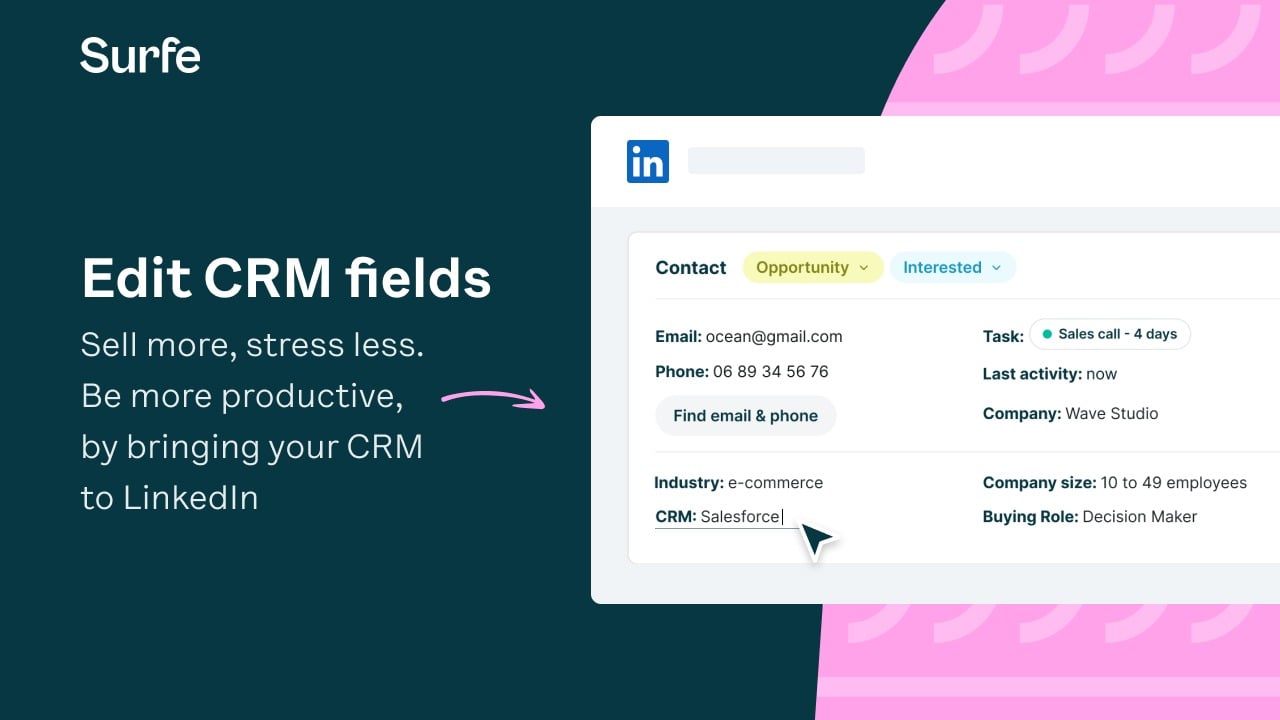
Embed HubSpot CRM fields in LinkedIn and edit from there
Be more productive, by bringing & editing your HubSpot fields in LinkedIn: Surfe embeds your HubSpot CRM in LinkedIn, meaning no need to switch tabs for getting or editing CRM information.
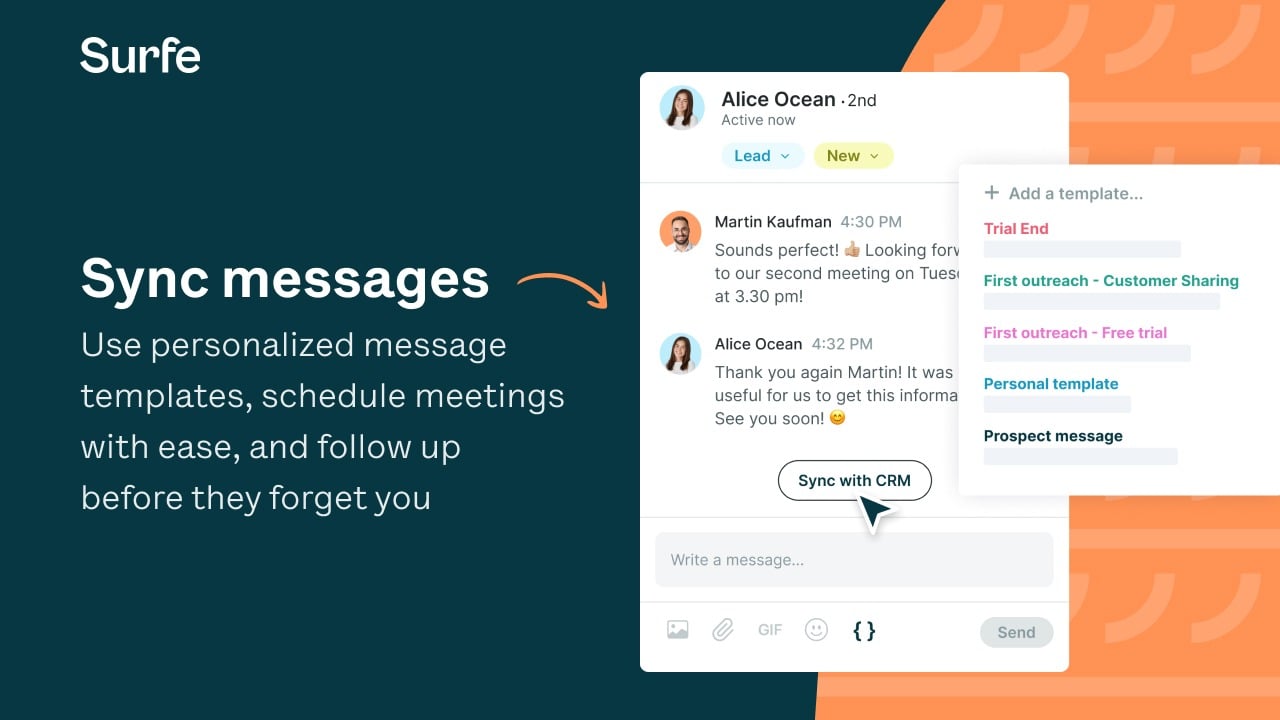
Sync your LinkedIn activity with HubSpot (Conversations, Notes..)
We automatically sync your LinkedIn conversations with HubSpot so that every interaction is always captured. Once a lead answers, the whole team is up to date.
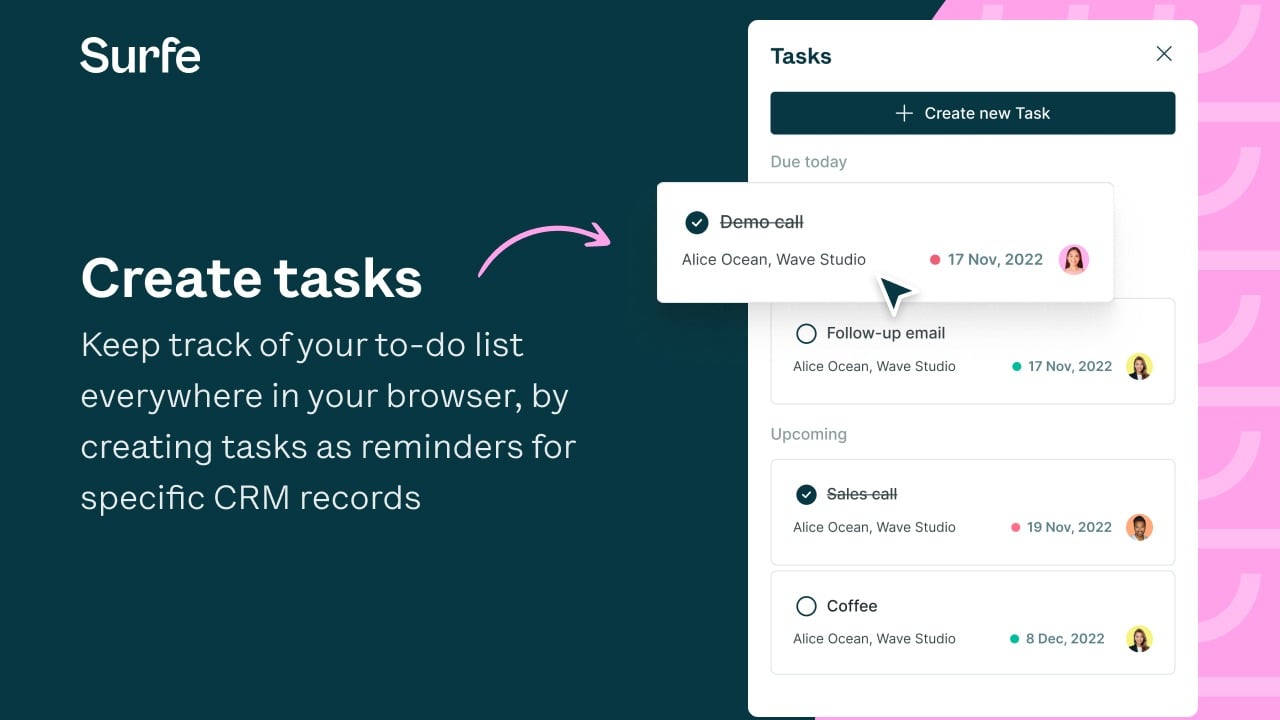
Keep track of your to-do list from everywhere
Keep track of your to-do list everywhere in your browser, by creating tasks. Create tasks as reminders for specific CRM records. Manage your tasks (edit, complete, and delete) regardless of where you are on the web. Stay on top of to-do’s and execute on time
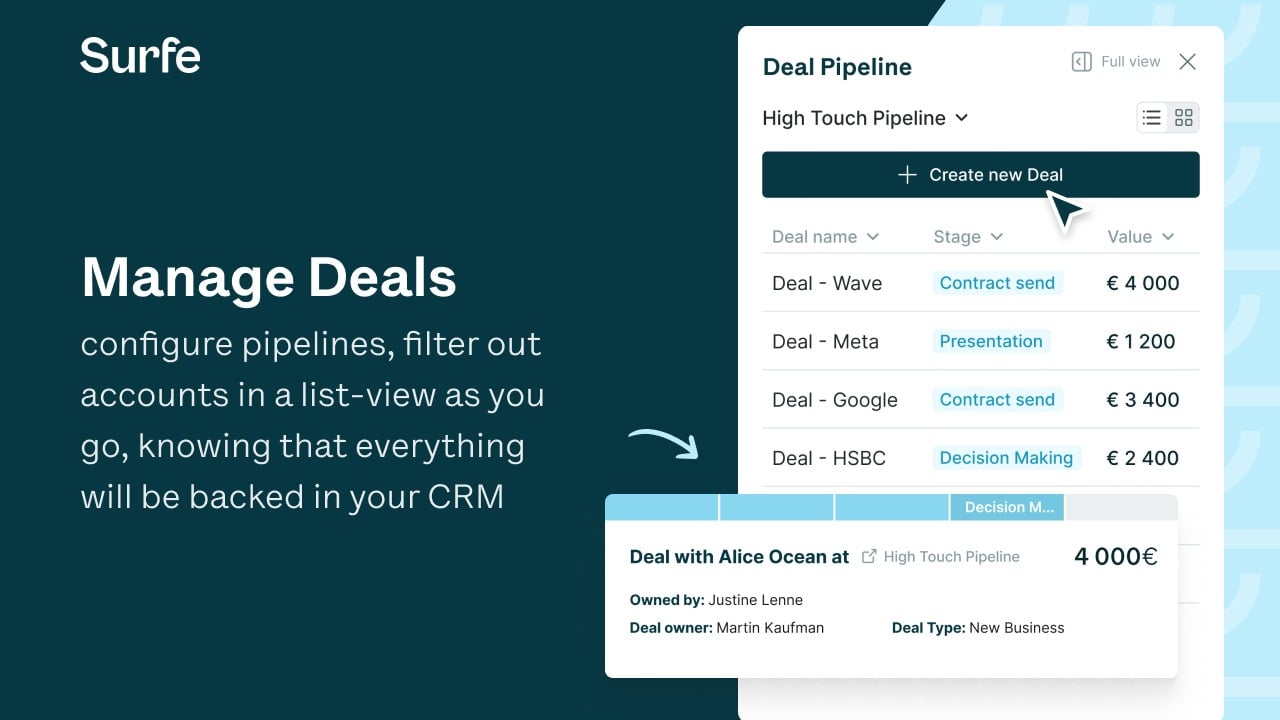
Manage your Deal pipeline from everywhere
Manage deals, configure pipelines, filter out accounts in a list-view as you go, knowing that everything will be backed in your CRM. Access your pipeline anywhere, personalize it to suit your needs and sell with confidence.
App Functionality
Shared Data
Linkedin Profile | ||
Linkedin Profile | ||
Linkedin Profile Content | ||
Contact Owner | ||
Contact Tasks | ||
Linkedin Conversations | ||
Life stage cycle | ||
Tags | ||
Deals |
Reviews
4.6
138
4.6
138
- Jun 25, 2026
Omar Puente, O.
- Jun 16, 2026
Harris, S.
Pricing
Essential
$29
/user/month- Embed your CRM in LinkedIn
- Highlight CRM contacts on LinkedIn
- Message template
- Deals, Tasks, Notes on LinkedIn
- Auto-Sync of Messages
- Sales Enablement integrations
Essential
$29
/user/month- Embed your CRM in LinkedIn
- Highlight CRM contacts on LinkedIn
- Message template
- Deals, Tasks, Notes on LinkedIn
- Auto-Sync of Messages
- Sales Enablement integrations
* The pricing here is for display purposes only. All prices do not include taxes, incentives, discounts, or other pricing variables. You should contact the partner for the most up to date and correct pricing information. HubSpot does not take any responsibility for this pricing information, which is provided by our partners. Pricing last updated: 08/08/2025
Getting attention today

Zoom Phone for HubSpot
Enhance your HubSpot experience and streamline your workflows.

Zapier
The easiest way to automate and connect HubSpot to 8,000+ apps
