
-1.png)
QuickBI
Built by - QuickBI
Installs - <10 installs
Requirements
HubSpot Plan HubSpot Account permissions - View the required account permissions
Access Type Shared QuickBI Subscription - Basic, Pro, or Enterprise plans
Overview
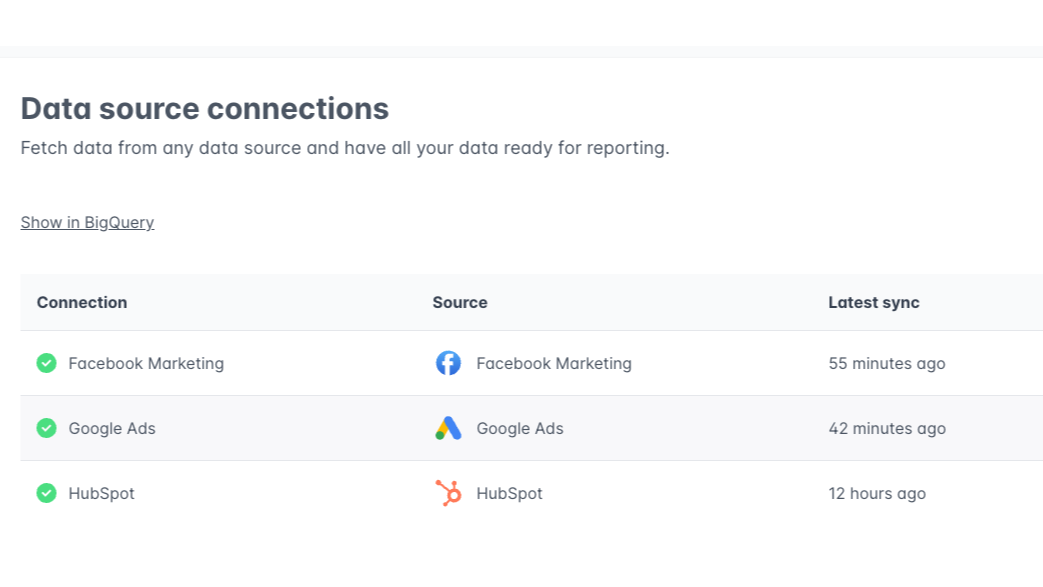
1/3 - Connect and sync HubSpot and all your other data sources.
QuickBI allows you to skip tedious data retrieval tasks when creating and updating reports. Simply choose your data sources from over 300 easy connectors and create a report on your favorite analysis tool (Power BI, Tableau, Looker Studio, Google Sheets, Qlik Sense, etc).
QuickBI automatically builds and maintains a fast and secure Google BigQuery data warehouse, which enables an efficient ELT-process for your data.
Features
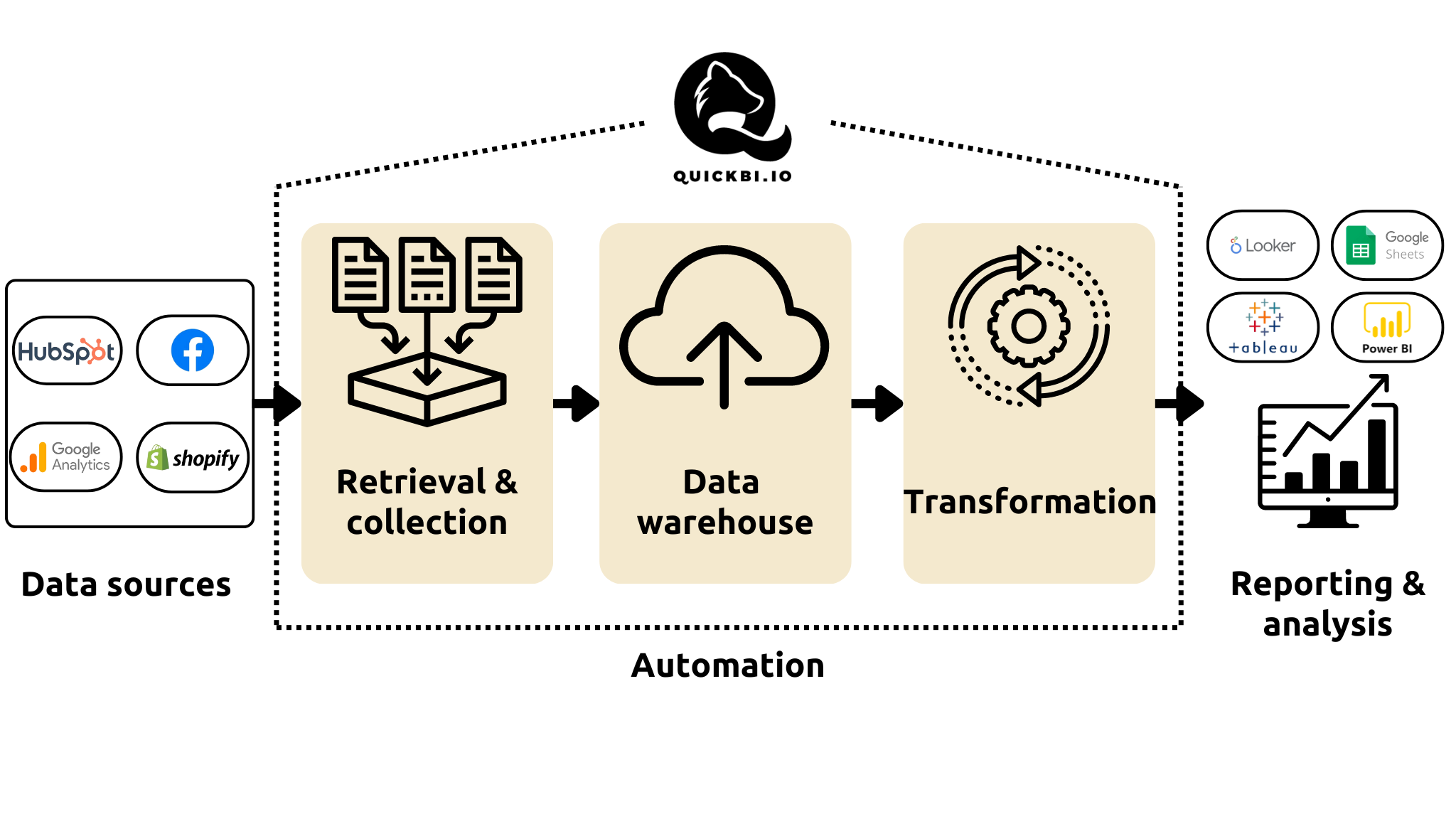
Automate reporting and data retrieval
QuickBI automates data retrieval and collection, warehousing and transformation. With QuickBI, you only need to connect your data sources and create a report once. The data from your sources will automatically refresh and transform to the correct format in your report. Spend your time on analysis and conclusions, not data retrieval!
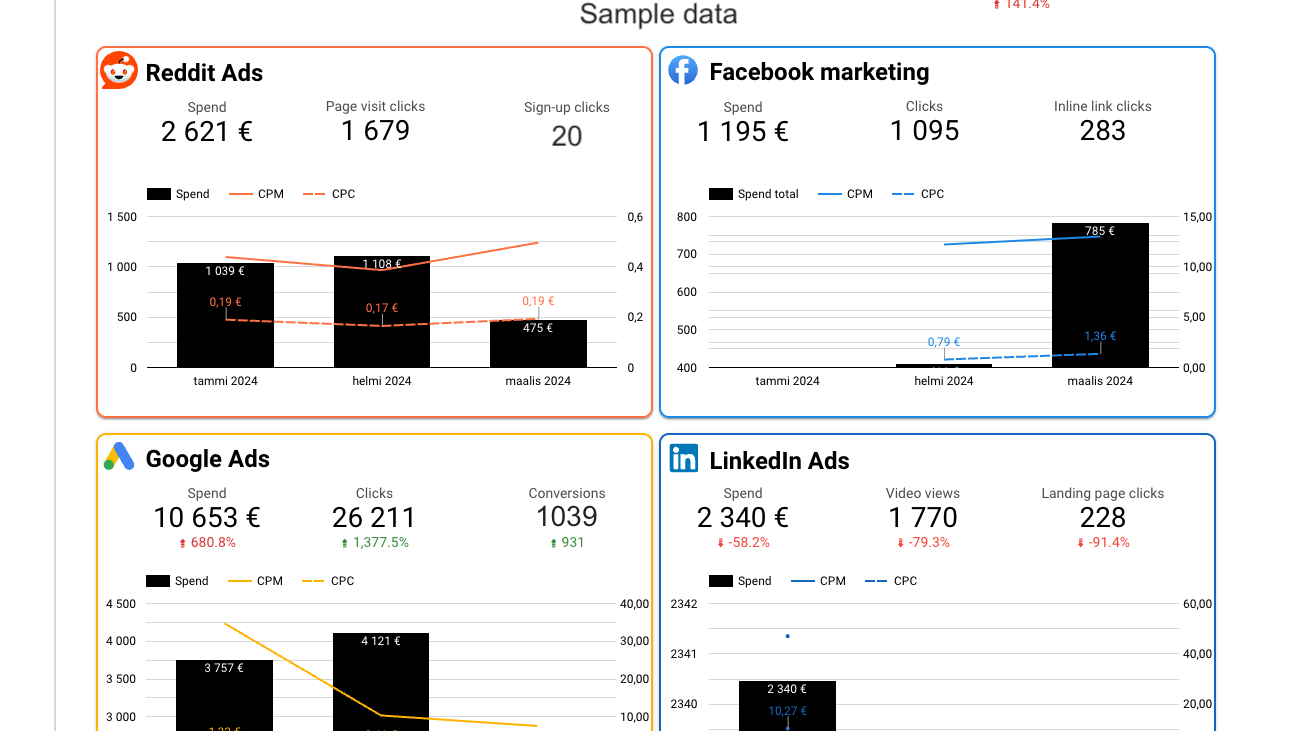
Combine data from multiple sources
QuickBI has over 300 data connectors for marketing, CRM, e-commerce, finance, HR and other purposes. Connecting multiple data sources allows combining data from different sources into a single report or comparison.
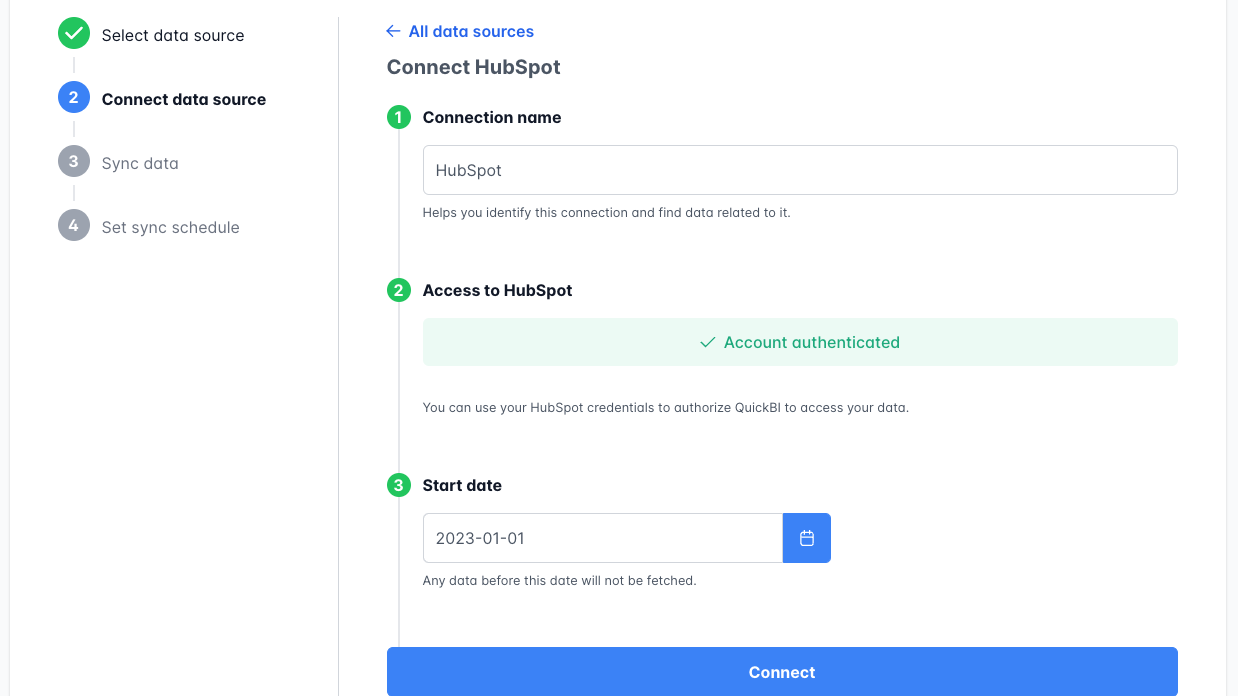
Quick, no-code setup
Quickly connect your data sources by authenticating the source with your login credentials. After that, just choose which data you want to sync with QuickBI and you're ready!
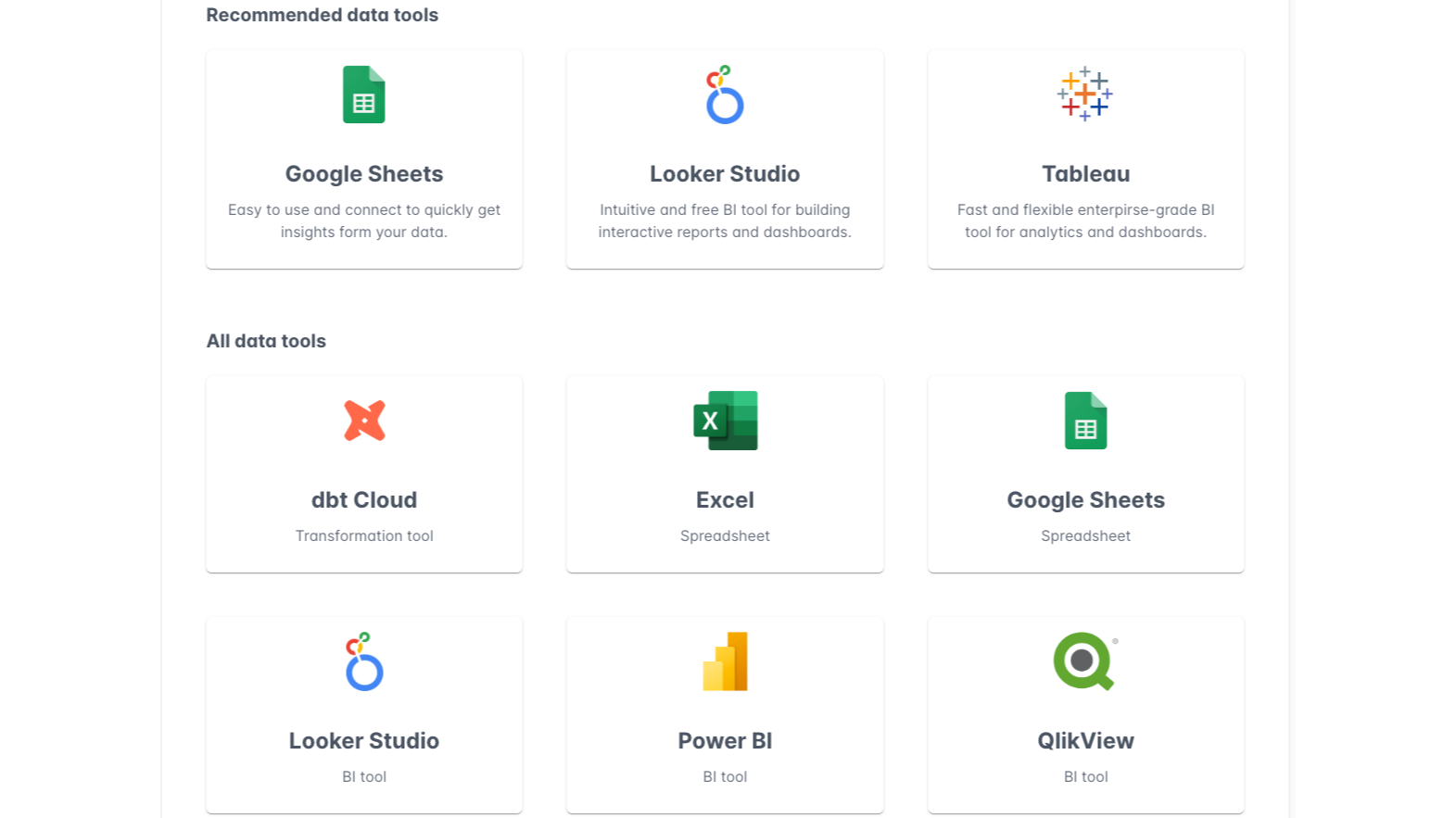
Analyze and visualize with the data tool you're familiar with
Use any BigQuery compatible data tool as a destination for your data. You can easily connect QuickBI to Tableau, Google Sheets, Power BI, Looker Studio or other data tools and start analyzing and visualizing your data.
App Functionality
Shared Data
Companies | ||
Contact lists | ||
Contacts | ||
Deal pipelines | ||
Engagements | ||
Forms | ||
Owners | ||
Tickets | ||
Deals | ||
Contacts Properties | ||
Companies Properties |
Reviews
Pricing
Basic
€99
/monthFree 30-day trial
1 data source
Data updated weekly
12 months of historical data
Google BigQuery data warehouse
Basic
€99
/monthFree 30-day trial
1 data source
Data updated weekly
12 months of historical data
Google BigQuery data warehouse
* The pricing here is for display purposes only. All prices do not include taxes, incentives, discounts, or other pricing variables. You should contact the partner for the most up to date and correct pricing information. HubSpot does not take any responsibility for this pricing information, which is provided by our partners. Pricing last updated: 08/11/2025
Getting attention today

Zoom Phone for HubSpot
Enhance your HubSpot experience and streamline your workflows.

Zapier
The easiest way to automate and connect HubSpot to 8,000+ apps
