

RingEX by RingCentral
Streamline workflows with RingCentral's integration for HubSpot.
Built by - RingCentral
Installs - 8K installs
Rating 2.6
(89)

Premier
Requirements
HubSpot Plan HubSpot Account permissions - View the required account permissions
Access Type Shared RingEX by RingCentral Subscription - Core, Advanced, or Ultra plans
Overview
1/7
RingCentral for HubSpot elevates customer engagement, streamlines sales workflows, and boosts productivity by integrating RingCentral’s cloud phone, messaging, and AI-powered capabilities directly into HubSpot. Enable your teams to quickly initiate calls, access contact details instantly, and automatically log call recordings, SMS, and notes directly into HubSpot contact records.
With RingCentral's integrated AI assistant, you can easily summarize interactions, identify action items, and gain valuable conversation insights to personalize customer touchpoints and improve follow-ups. Eliminate data silos, reduce manual tasks, and accelerate revenue growth without leaving HubSpot.
Our App is native now! Please follow this migration guide to move from the Chrome Extension to fully utilize all RingCentral features.
Features
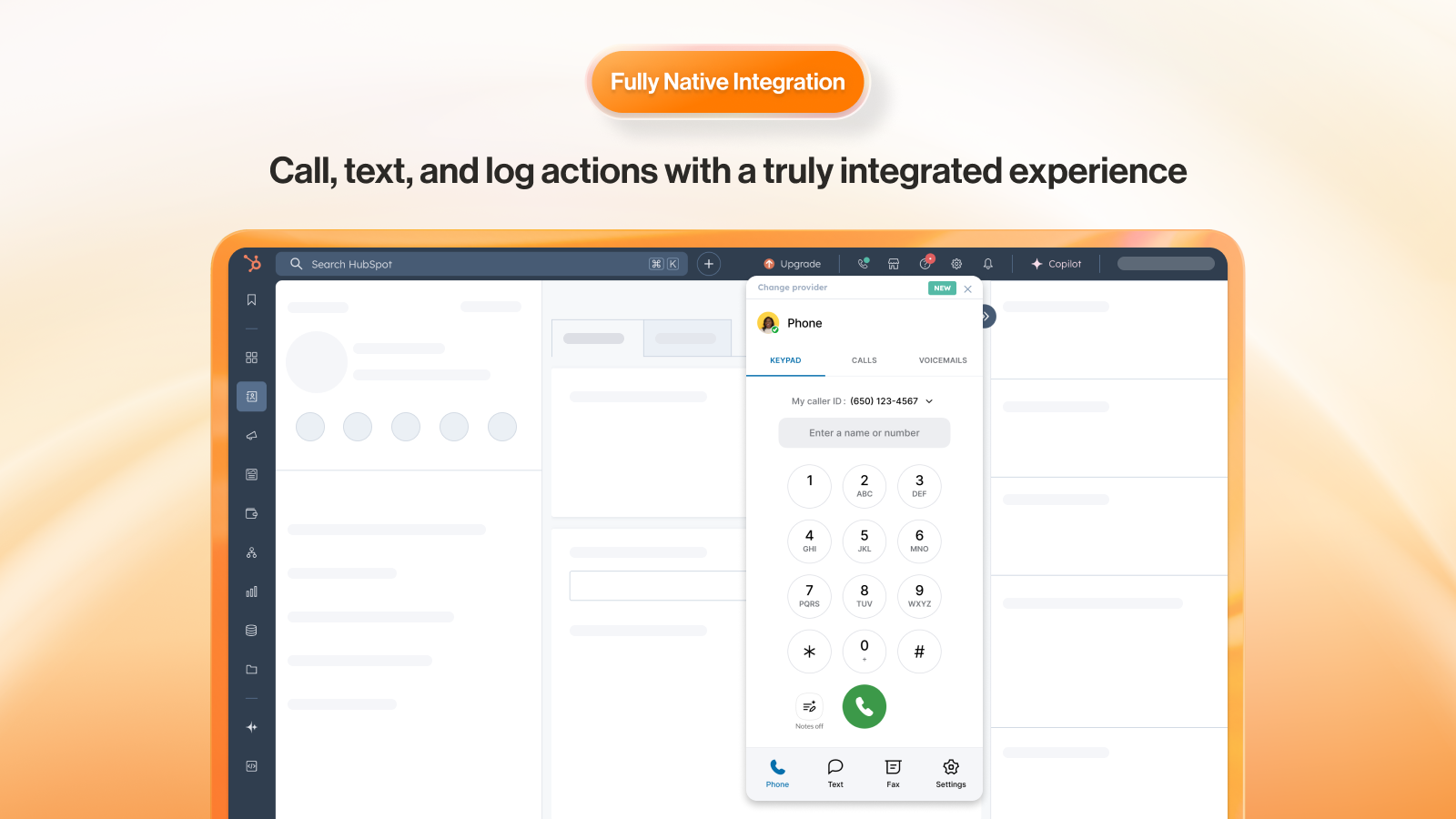
Integrated Call Management
Embed RingCentral’s telephony to power calling without leaving HubSpot. Place calls with click-to-dial, eliminating the need for manual dialing.
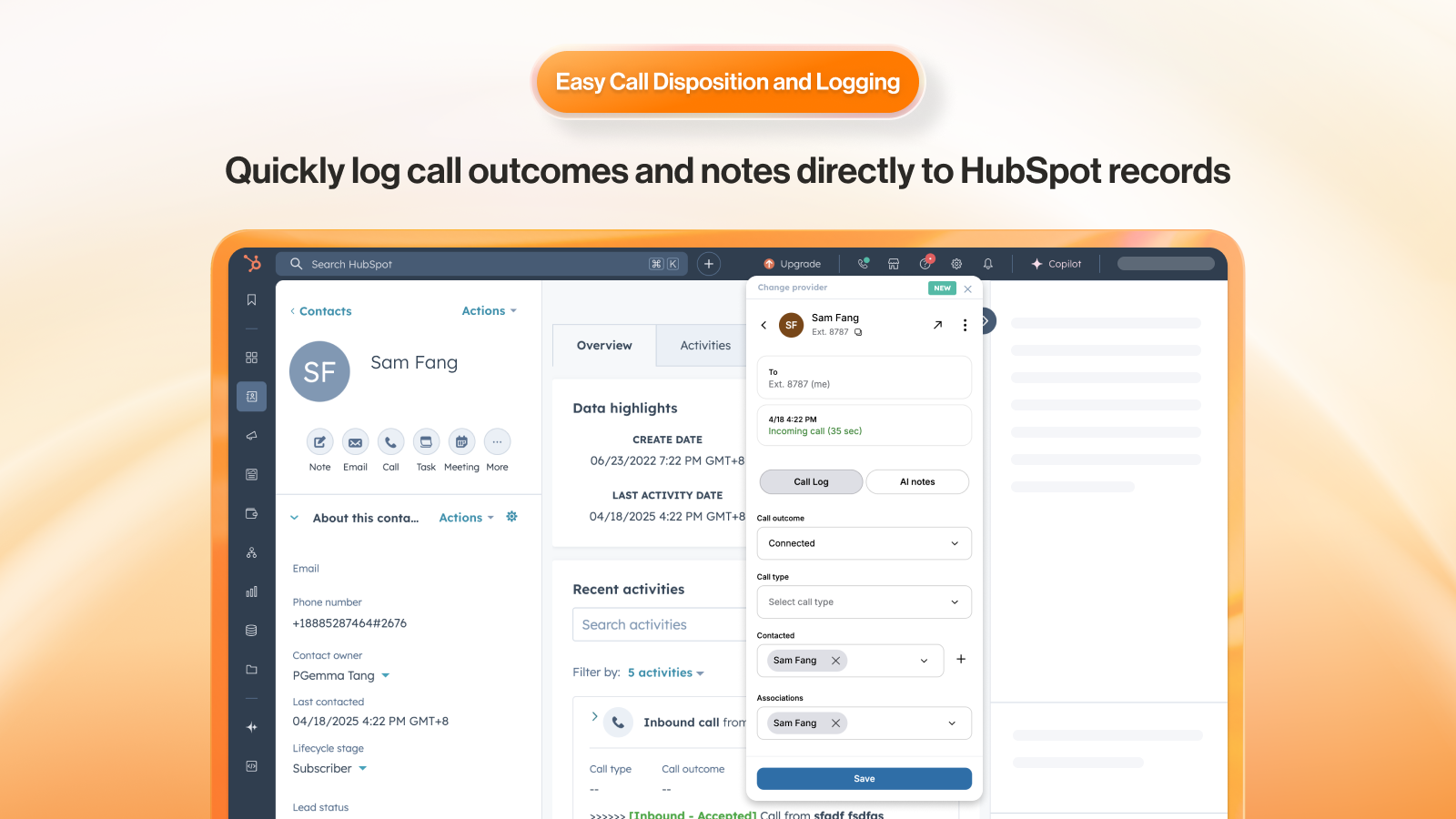
Easy Call Dispositioning
Disposition call from inside the RingCentral application to tie into HubSpot activity records for easy contact management.
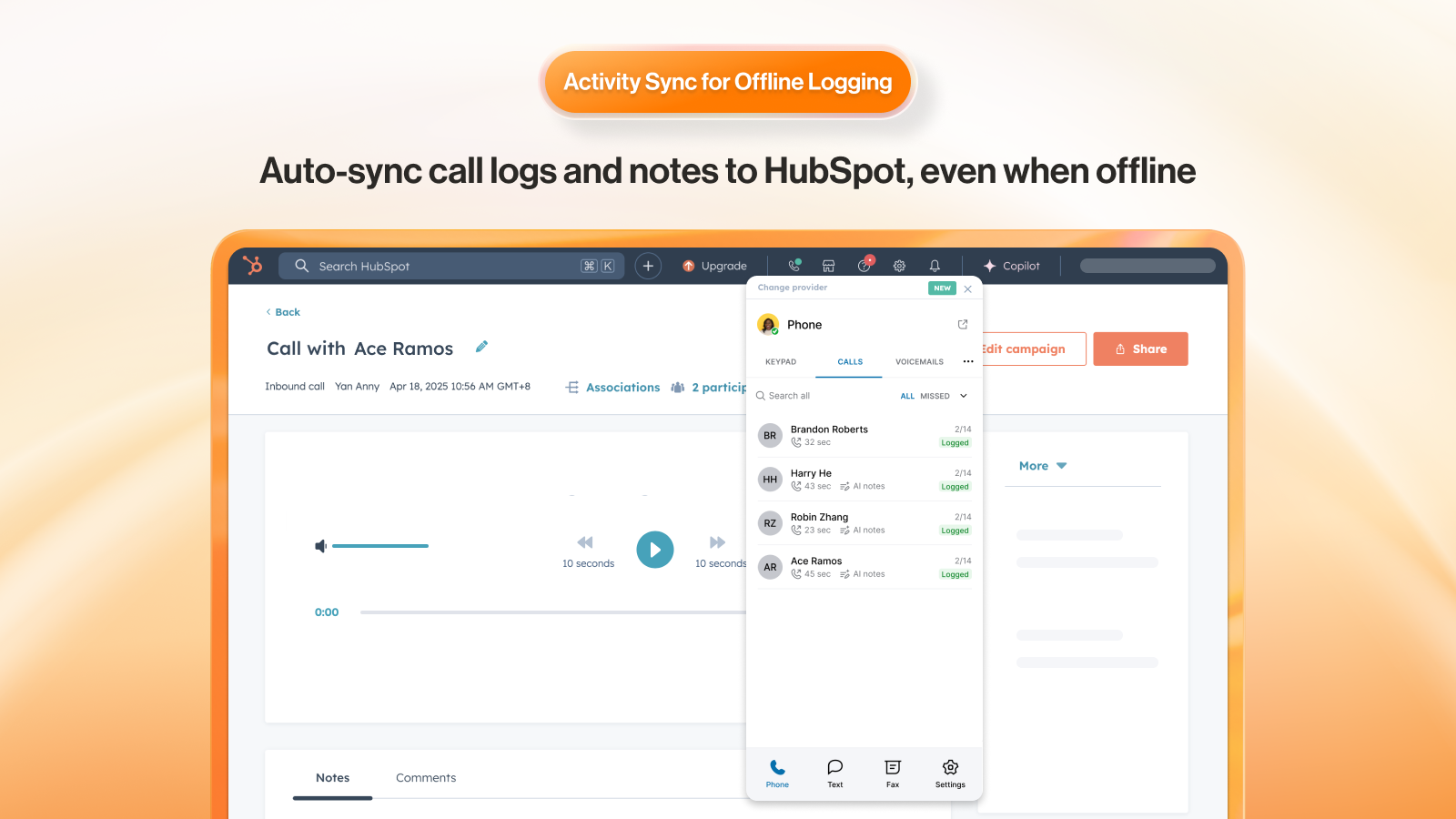
Association Call Logging
Log calls under several associations, like company, active deals, or tickets, to enhance tracking and reporting.
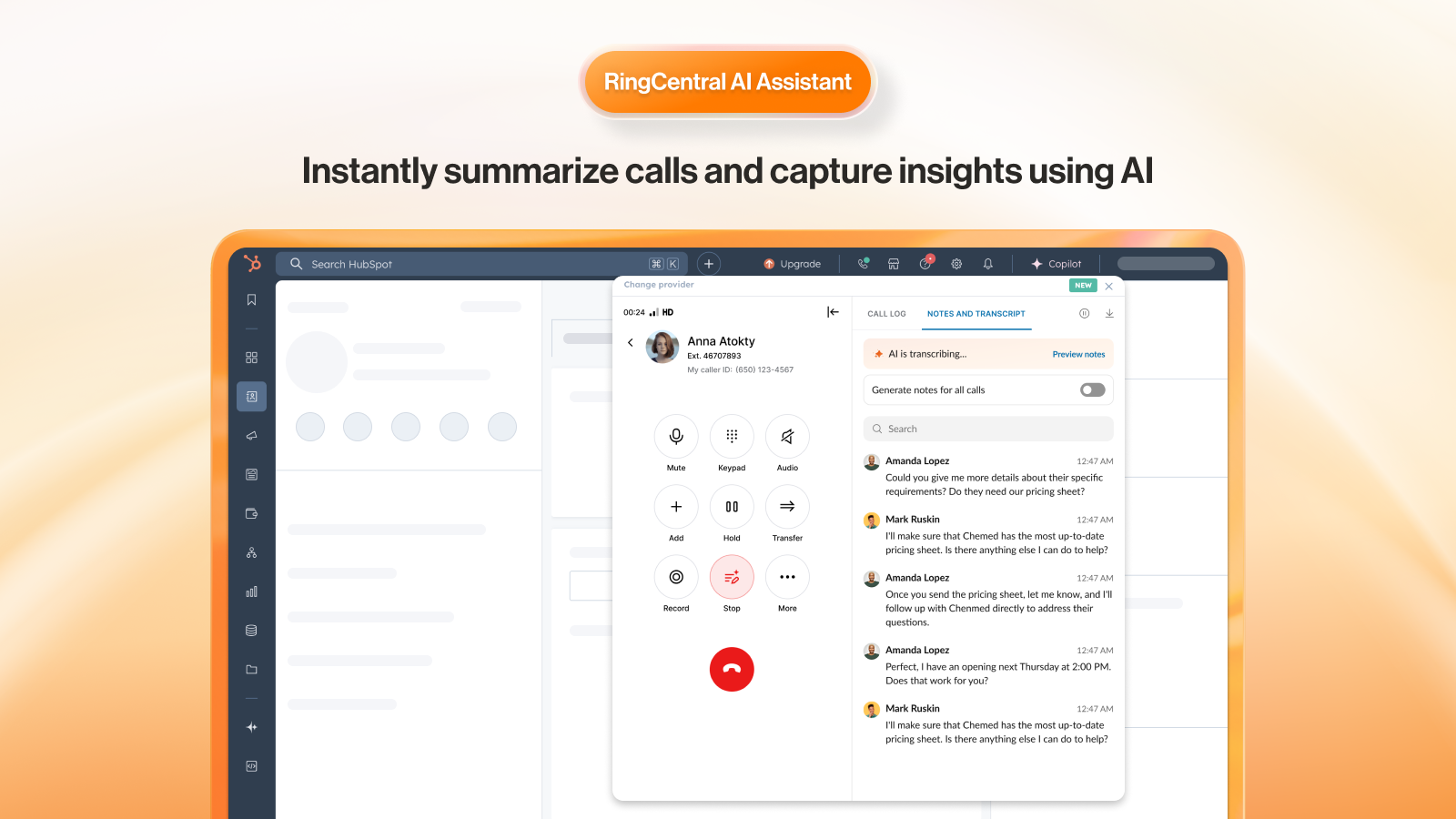
RingCentral AI Assistant
Instantly summarize calls and capture insights using AI
App Functionality
Shared Data
Phone Call | ||
Phone Number | ||
Phone Call | ||
SMS | ||
Notes | ||
Phone Calls | ||
Phone Calls | ||
Phone Calls |
Reviews
2.6
89
2.6
89
- Apr 13, 2026
Solid visibility features but integration needs work on transcription and mapping
Great tool, but the integration could use some fine tuning.
Great for full call & SMS visibility
Call transcription settings, and property mapping
Gossett, J.
- Mar 27, 2026
Promising integration hampered by clunky contact creation and poor call handling workflow
This app has great potential, but it falls short. If a caller is not recognized in HubSpot it's more cumbersome than it should be to create a HubSpot contact. It just takes you to a blank contact record entry screen where you have to manually enter the contact, doesn't bring over the known info (phone & name from caller ID), and doesn't link that new contact to your phone call. This should be the highest priority, otherwise it's just a Ringcentral calling app that happens to work inside HubSpot. Pop-out window is also cumbersome, if you're focused on a different windows app and a call comes in you can't quickly and easily identify the browser window you need to switch to to answer the call. With deeper integration this would be a useful app.
Quick calling if already logged into HubSpot. Recognizes phone numbers of existing HubSpot contacts. Allows somewhat simple activity note entry after a call, but only if the contact is recognized.
Too difficult to create new contacts from an incoming call.
Saavedra, J.
Pricing
Core
$20
/monthStart communicating effectively with reliable phone, HD video, and messaging essentials for small organizations.
-Unlimited domestic calling
-Business SMS and MMS
-Call menu (IVR)
-HD video meetings (100 participants)
-HubSpot CRM Integration
-Single sign-on
-Shared voicemail
Core
$20
/monthStart communicating effectively with reliable phone, HD video, and messaging essentials for small organizations.
-Unlimited domestic calling
-Business SMS and MMS
-Call menu (IVR)
-HD video meetings (100 participants)
-HubSpot CRM Integration
-Single sign-on
-Shared voicemail
* The pricing here is for display purposes only. All prices do not include taxes, incentives, discounts, or other pricing variables. You should contact the partner for the most up to date and correct pricing information. HubSpot does not take any responsibility for this pricing information, which is provided by our partners. Pricing last updated: 04/17/2026
Getting attention today

-1.png)
