

Supermetrics
Built by - Supermetrics
Installs - 10K installs
Rating 2.9
(27)

Premier
Requirements
HubSpot Plan HubSpot Account permissions No HubSpot permissions required. Supermetrics may request additional permissions while connecting. Access Type Shared Supermetrics Subscription - Supermetrics Marketing Intelligence Platform or Supermetrics Data Activation plans
Overview
1/4 - Supermetrics Data Activation
With the Supermetrics integration for HubSpot, you can seamlessly pull all your HubSpot marketing and sales data — contacts, deals, email campaigns, ad performance, workflows, forms, and more — into Google Sheets, Google Data Studio, Microsoft Excel, Power BI, and your data warehouse. Combine HubSpot with hundreds of other marketing channels for a unified view of performance, or aggregate data across multiple HubSpot portals for multi-brand and agency reporting in minutes.
But Supermetrics goes beyond reporting. With Data Activation, your HubSpot contact and behavioral data becomes the fuel for real-time action. Build dynamic audience segments, design automated customer journeys, and push personalized targeting directly back to your ad platforms, email tools, and engagement channels — closing the loop from insight to impact. Reporting tells you what happened. Activation changes what happens next.
Try the Supermetrics integration 14 days for free
To give you even deeper access to your HubSpot data, Supermetrics has launched dedicated data sources for Contacts, Marketing Emails, and Marketing Forms — now available for free in Early Access. More data sources covering Companies, Deals, Leads, and Content Analytics are on the way.
Want to learn more? Contact us!
Features
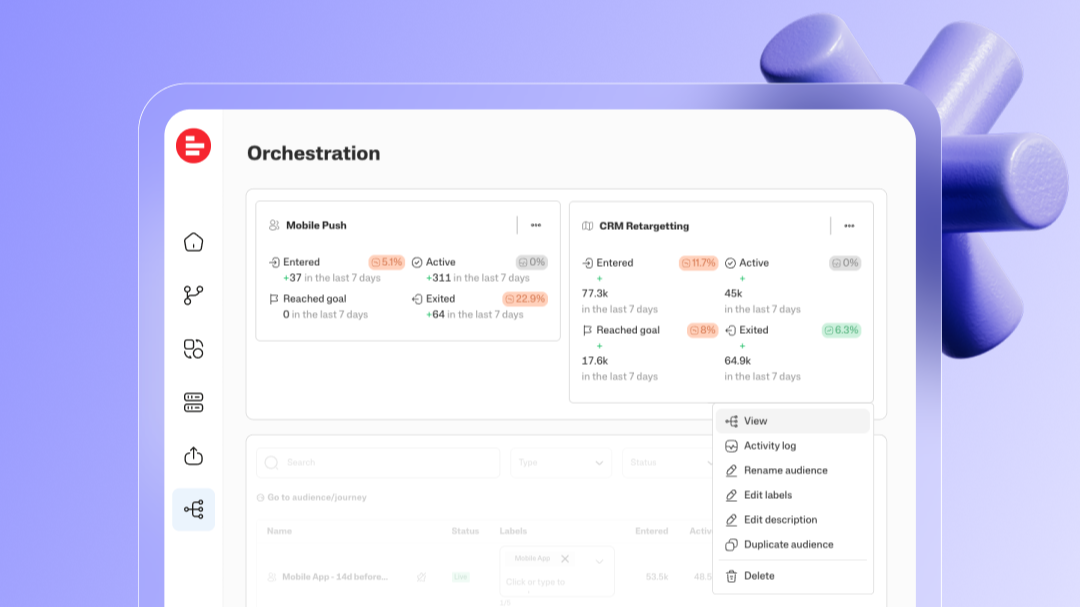
The marketing intelligence platform for data-driven teams
Supermetrics covers the full marketing data loop — connect every channel, manage and clean your data, analyze performance, and activate insights, all from one platform. Set up in minutes, scale as you grow.
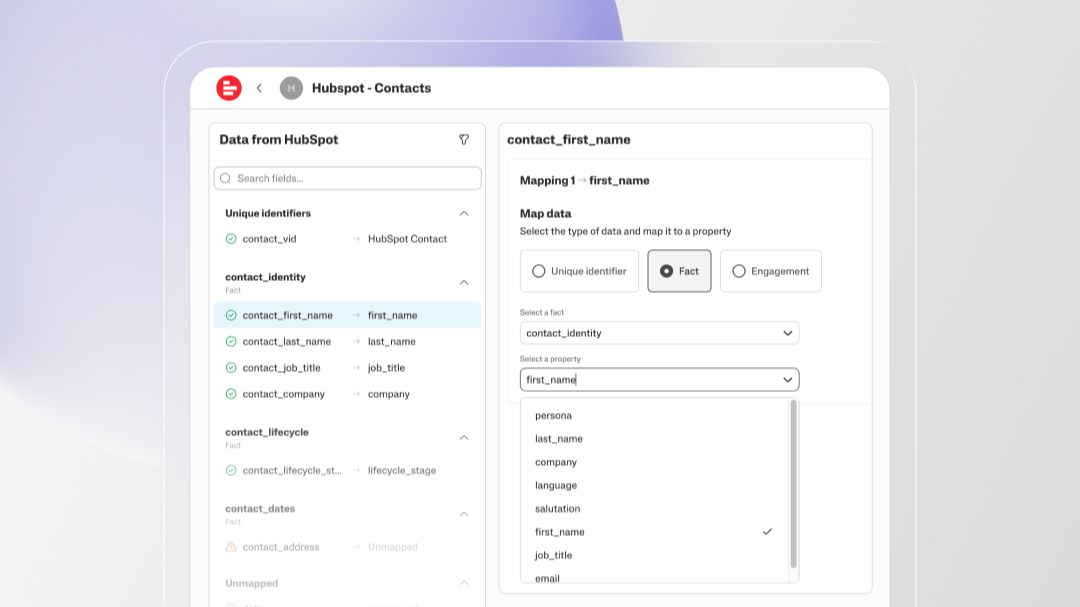
Unified view for HubSpot and all your marketing channels
Combine HubSpot data with 100+ marketing channels — Google Ads, Meta, LinkedIn, and more — in one unified dashboard. See the full customer journey from first click to closed deal, without manually reconciling spreadsheets or switching between tools.
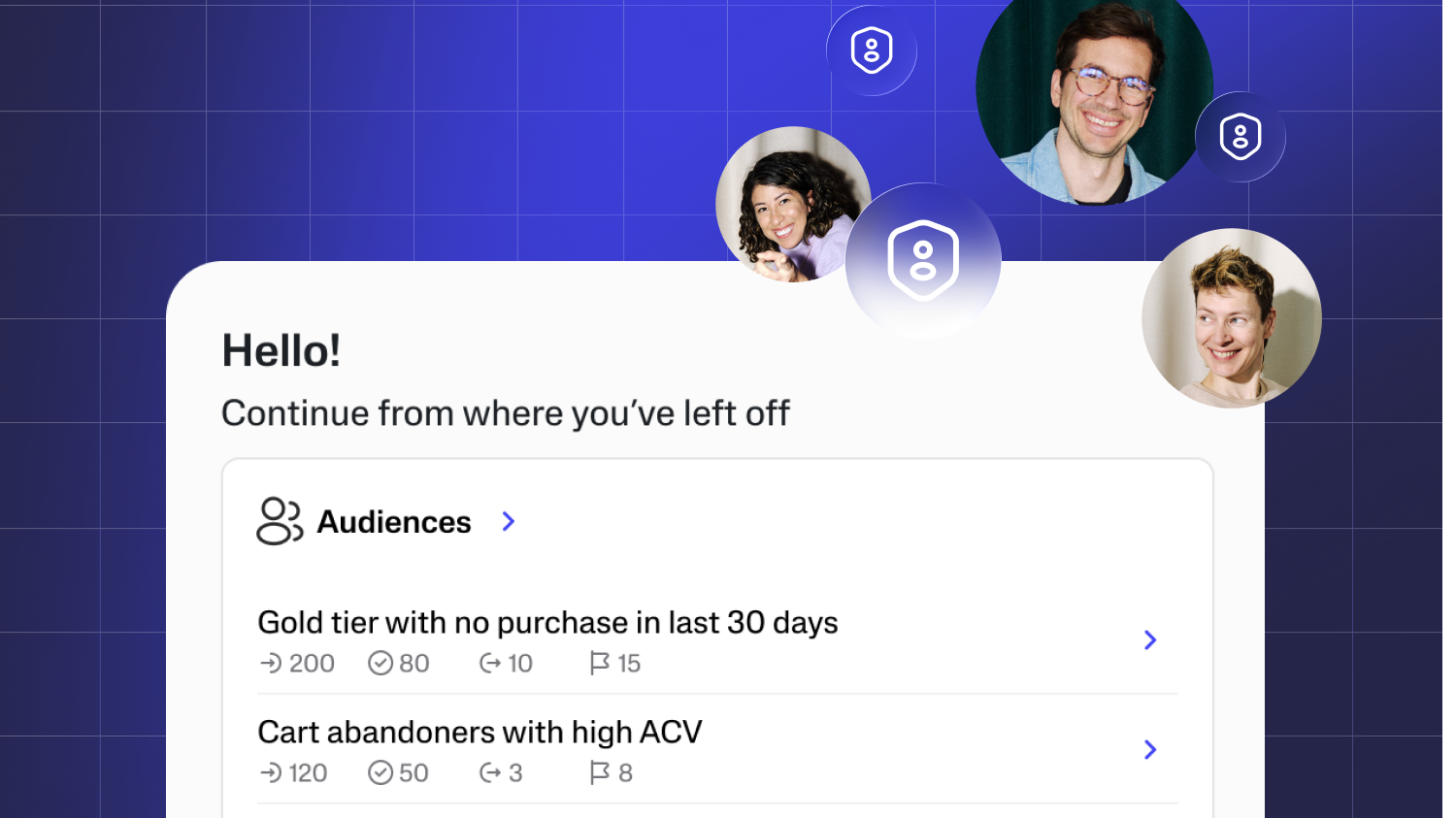
Turn HubSpot contacts into high-value audience segments
Use HubSpot contact and behavioral data to build dynamic audience segments in real time. Target loyal customers, re-engage cart abandoners, and suppress wasted impressions — automatically synced across every ad platform and marketing channel.
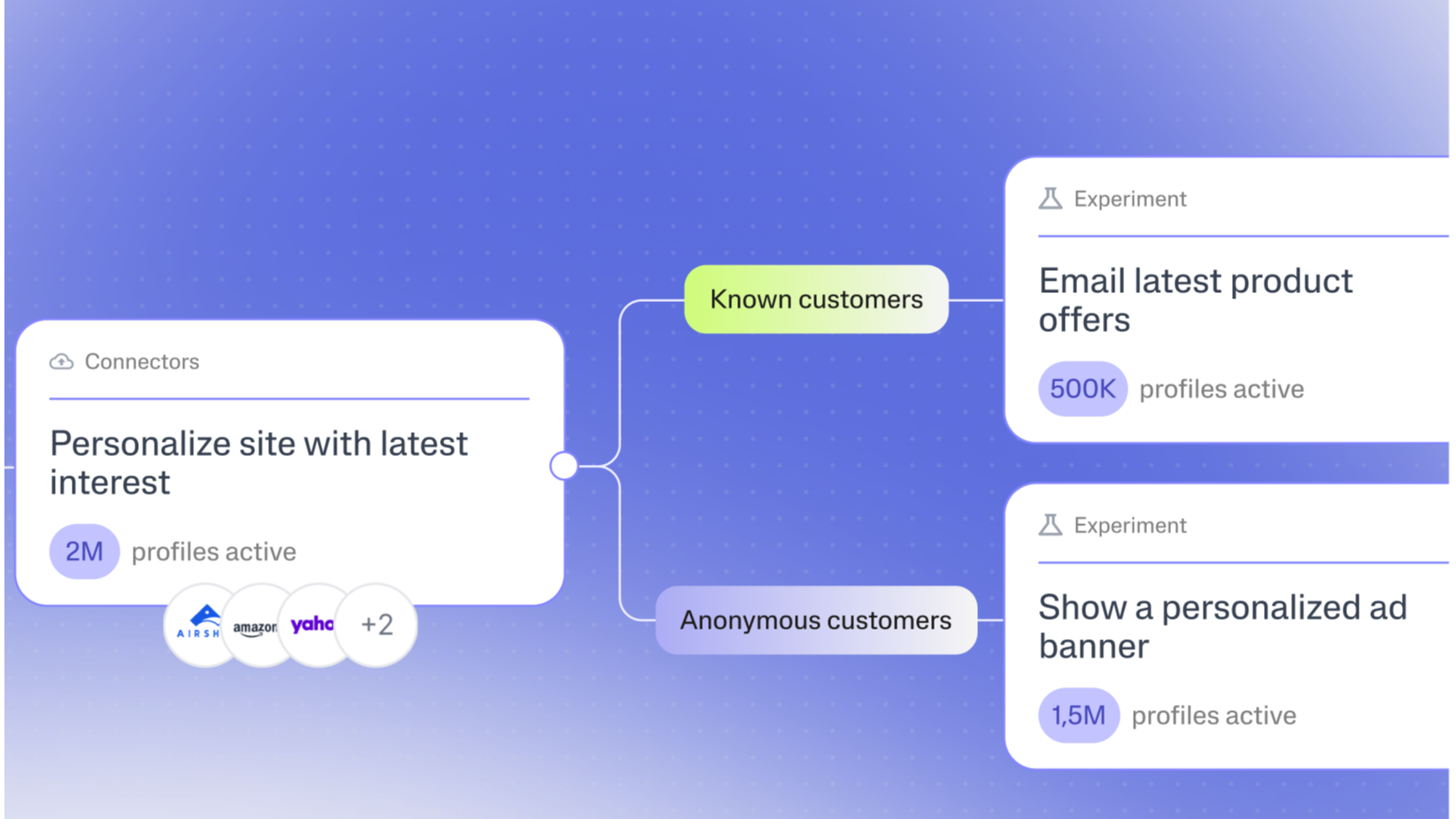
Close the loop: from HubSpot insight to real-time action
When a HubSpot deal moves or a contact's lifecycle stage changes, Supermetrics triggers the right personalized experience across email, ads, and web — instantly. Turn CRM signals into coordinated, automated customer journeys without manual work.
App Functionality
Shared Data
Companies | ||
Companies | ||
Contacts | ||
Contact Lists | ||
Pipelines | ||
Deals | ||
| ||
Engagements | ||
Forms | ||
Social | ||
Owners | ||
Product | ||
Analytics | ||
Ticket | ||
Line Items | ||
Blogs | ||
Leads |
Reviews
2.9
27
2.9
27
- Jul 24, 2026
Yesildag, A.C.
- Jan 12, 2026
Disappointing data limitations and unreliable counting features despite easy setup
Full data availability isn't what I expected and "count of" is not straightforward.
Ease of connection
Count of is difficult and not correct all of the time
Chattaway, F.
Pricing
Supermetrics Marketing Intelligence Platform
€39
/monthMove your HubSpot data into your Reporting Tool of choice
Pricing scales with your stack — start from € 39/month and expand as your data sources and team grow.Supermetrics Marketing Intelligence Platform
€39
/monthMove your HubSpot data into your Reporting Tool of choice
Pricing scales with your stack — start from € 39/month and expand as your data sources and team grow.* The pricing here is for display purposes only. All prices do not include taxes, incentives, discounts, or other pricing variables. You should contact the partner for the most up to date and correct pricing information. HubSpot does not take any responsibility for this pricing information, which is provided by our partners. Pricing last updated: 07/29/2026
More info
Built by - Supermetrics
Installs - 10K installs
Categories Languages this app is available in English
Getting attention today

Salesforce
An automatic, bi-directional sync between HubSpot and Salesforce.

bOnline phone
Unlimited UK calls in HubSpot with click-to-call, call logging, contact sync and more
