

Acuity Scheduling
Stay on top of your schedule by synchronizing your Acuity appointments

Leading
Requirements
HubSpot Plan HubSpot Account permissions - View the required account permissions
Access Type Shared Acuity Scheduling Subscription - Classic, Business, Classic Plan - Yearly, or Business Plan - Yearly plans
Overview
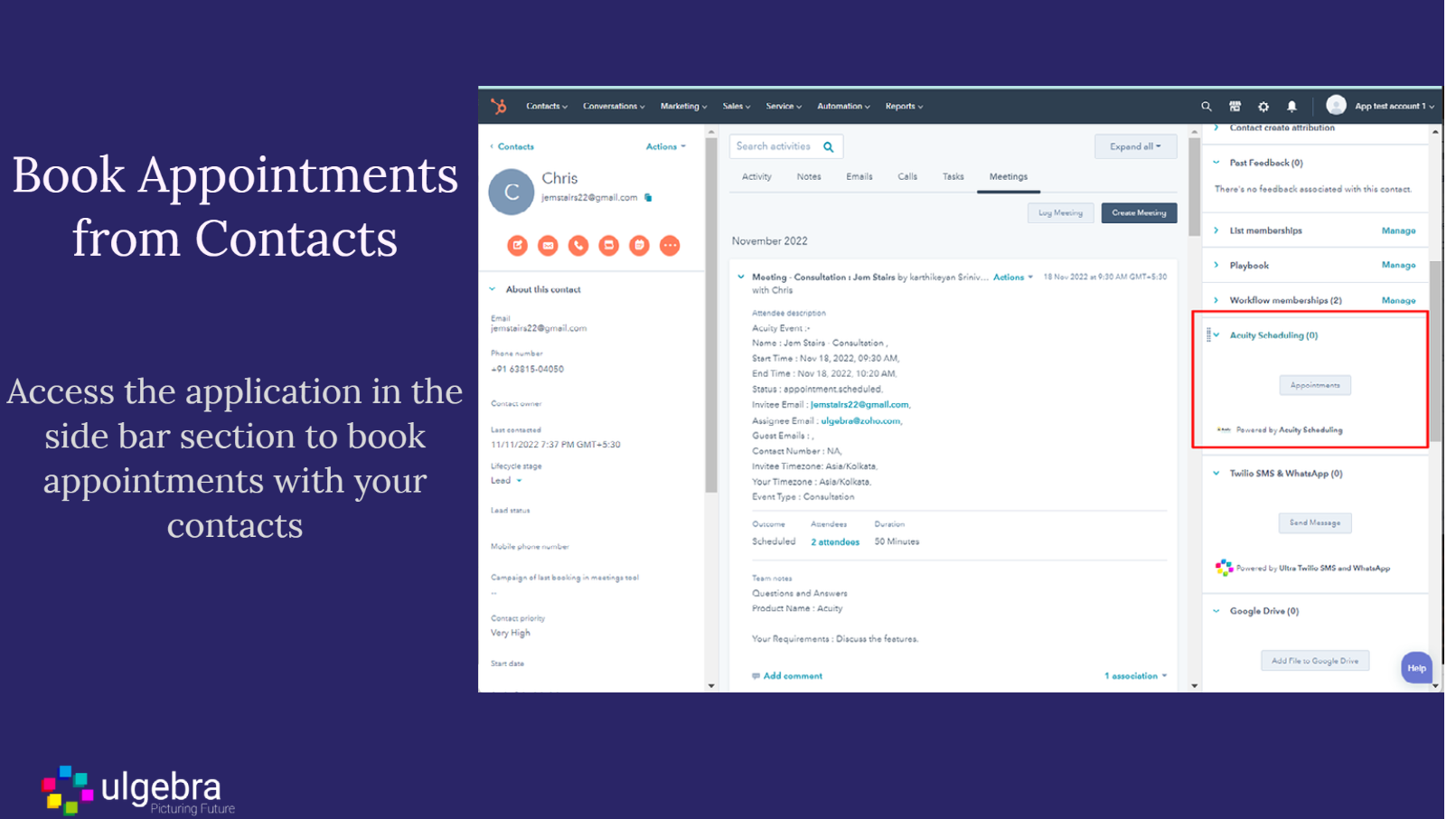
1/5 - Schedule events with your contacts and see details in meetings
Schedule appointments and manage your calendar using Acuity Scheduling from HubSpot. Obtain the details of Acuity appointments and modify upcoming meetings in just a few clicks without leaving HubSpot. Integrate Acuity Scheduling with HubSpot CRM in no time as given here.
Access the application within any HubSpot contact and schedule an appointment at your convenient date and time. You can also view the history of the past and upcoming Acuity appointments with the contact. Select any appointment to view the booking details. Here you can modify any upcoming appointment with the contact using the cancel or reschedule option. View the details and updates of the appointments under the Activity section of the contact.
Sync the appointments scheduled by customers with HubSpot contacts. New contacts would be created in case of non-existing customers. Map the fields received from an incoming Acuity appointment with the HubSpot CRM fields to easily navigate all the booking details within the contact.
Obtain the booking links of all your Acuity Scheduling events and copy the link to instantly share with any contact. Receive real-time notifications at the bell icon within the app. The HubSpot Admin can enable multiple users to share a single Acuity Scheduling account and manage the users of the Acuity Scheduling account.
Check out the detailed functioning of the application here.
Features
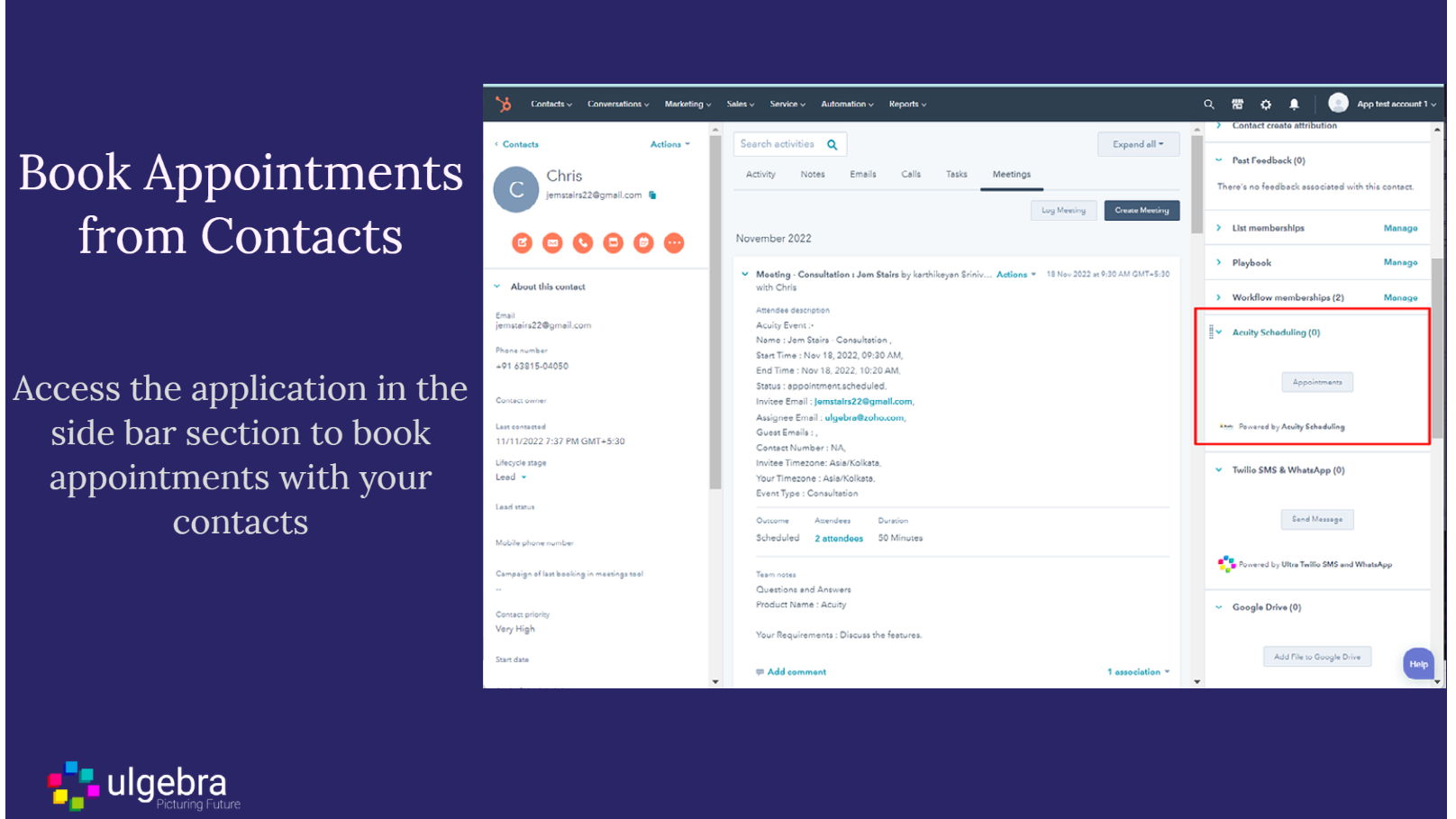
Schedule events with your contacts and see details in meetings
Schedule events with your HubSpot contacts without leaving HubSpot. The booked events will create records in the Meetings section of HubSpot.
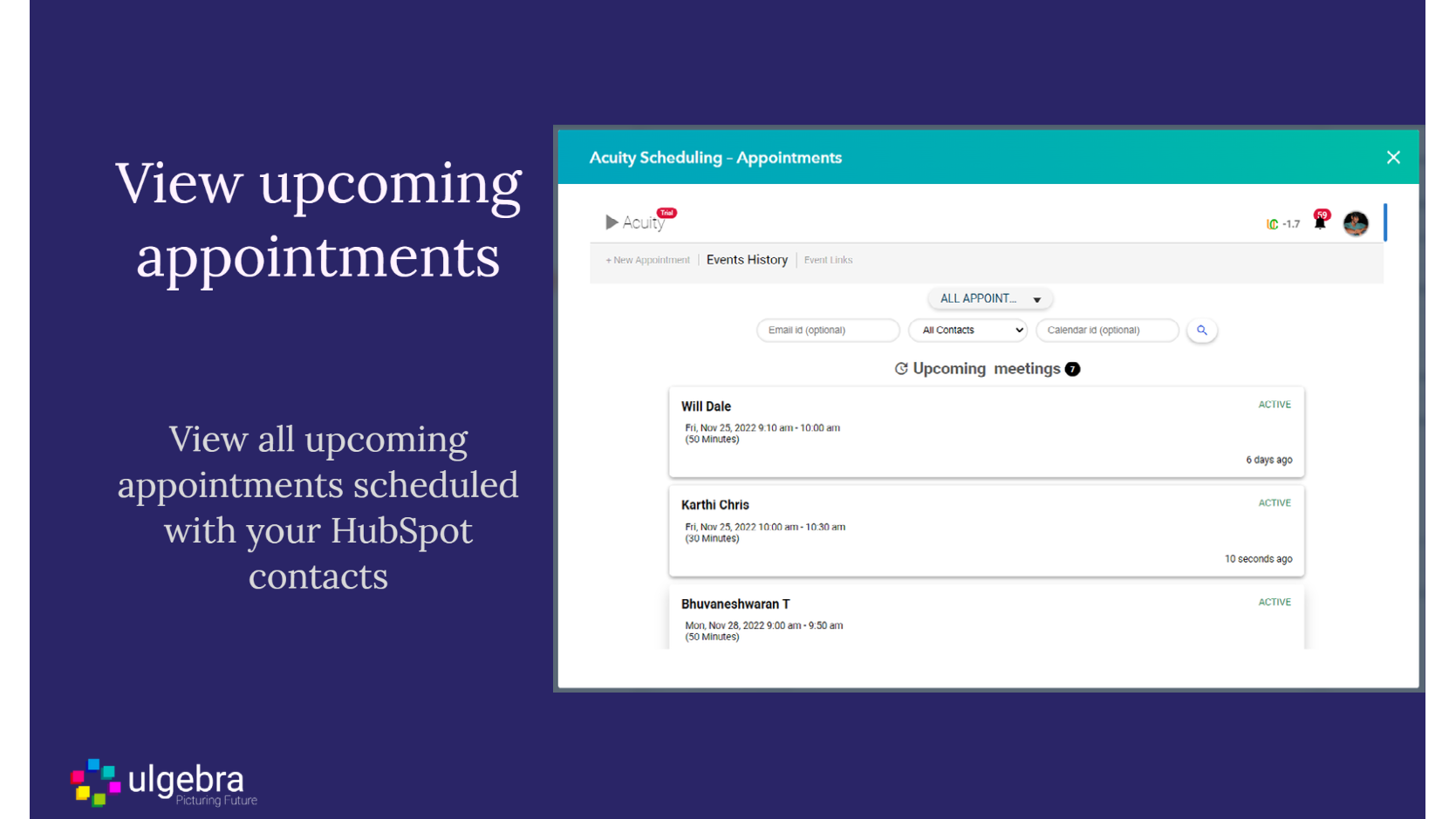
View Upcoming appointments
View the upcoming appointments scheduled with a particular contact or for all contacts
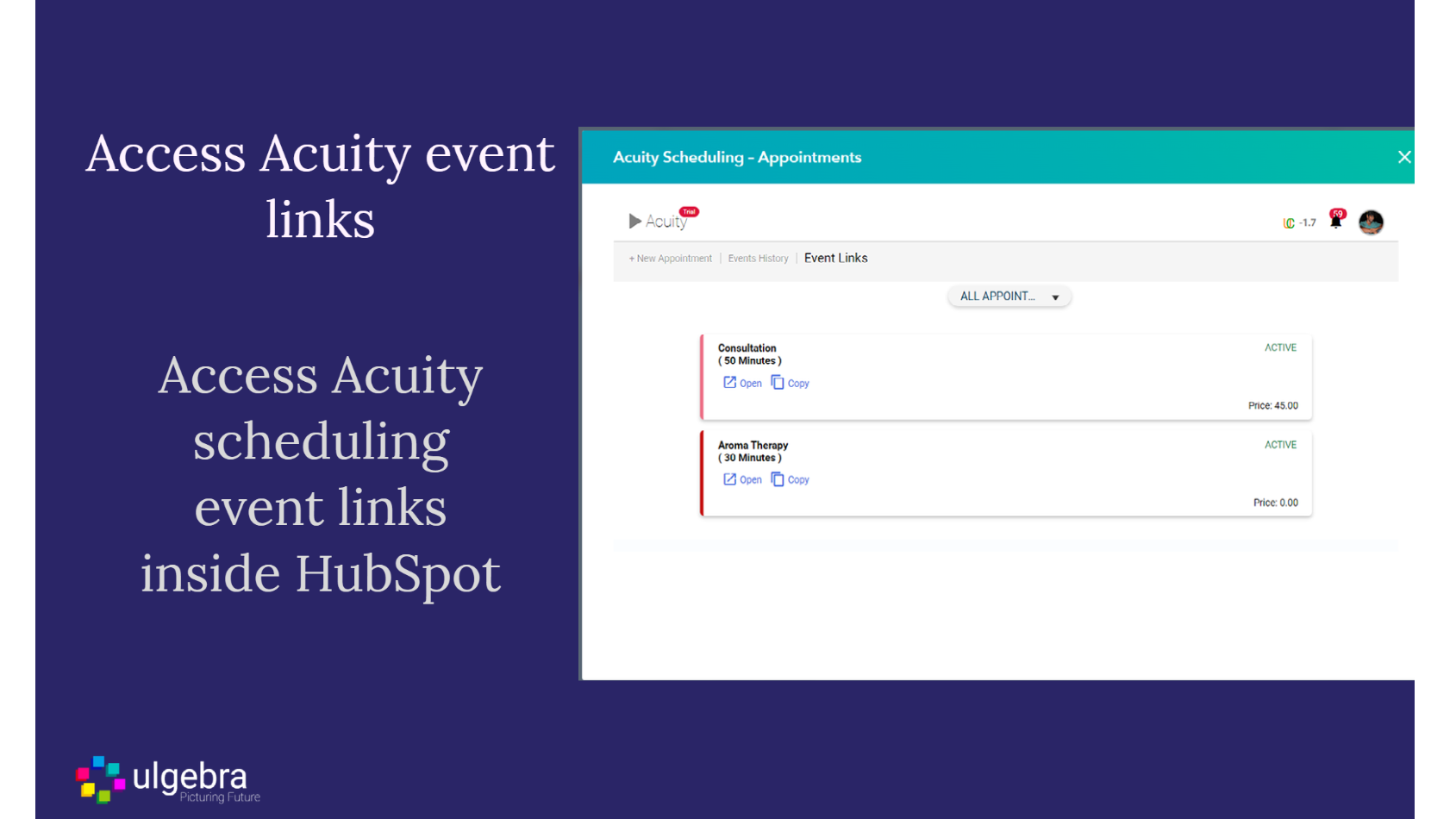
Access acuity event links
Instantly get links of acuity events right within HubSpot and share with your customers instantly
App Functionality
Shared Data
Acuity Appointments | ||
Acuity Customers |
Reviews
1.9
7
1.9
7
- Nov 12, 2025
Works well but very limited integration capabilities hold it back from its full potential
Acuity works well, but the integration is super limited. Would be ideal if HubSpot could view things like appointment data, abandoned cart, and categories of services that customers and prospects are interested in to make marketing and client engagement automation seamless. Right now, it’s 100% manual, so other than contact creation, the integration doesn’t really do anything.
Thomas, M.
- Aug 22, 2024
Does not integrate well with HubSpot
Acuity is a grade scheduling app, but does not work or integrate well with HubSpot at all.
I use it to schedule appointments for Mobile business
it allows me to schedule appointments at different locations. You can sell gift certificates to book appointments. as well as packages and subscriptions.
It does not have the ability to integrate well with HubSpot. it also does not have a lot of flexibility about how to send text reminders to customers.
Doctors, M.M.
Consulting/Advisory - 2 to 5 employees
Pricing
Classic
$10
/monthCommon features for all users
500 Ulgebra credits per month
Book an appointment from HubSpot
View booked meetings history
Get contacts and events as records created inside the HubSpot board for new Acuity events.
Classic
$10
/monthCommon features for all users
500 Ulgebra credits per month
Book an appointment from HubSpot
View booked meetings history
Get contacts and events as records created inside the HubSpot board for new Acuity events.
* The pricing here is for display purposes only. All prices do not include taxes, incentives, discounts, or other pricing variables. You should contact the partner for the most up to date and correct pricing information. HubSpot does not take any responsibility for this pricing information, which is provided by our partners. Pricing last updated: 08/09/2025
Most popular


