
Adobe Express
Requirements
HubSpot Plan HubSpot Account permissions No permissions required Access Type Shared Adobe Express Subscription - Free, Premium, or Teams plans
Overview
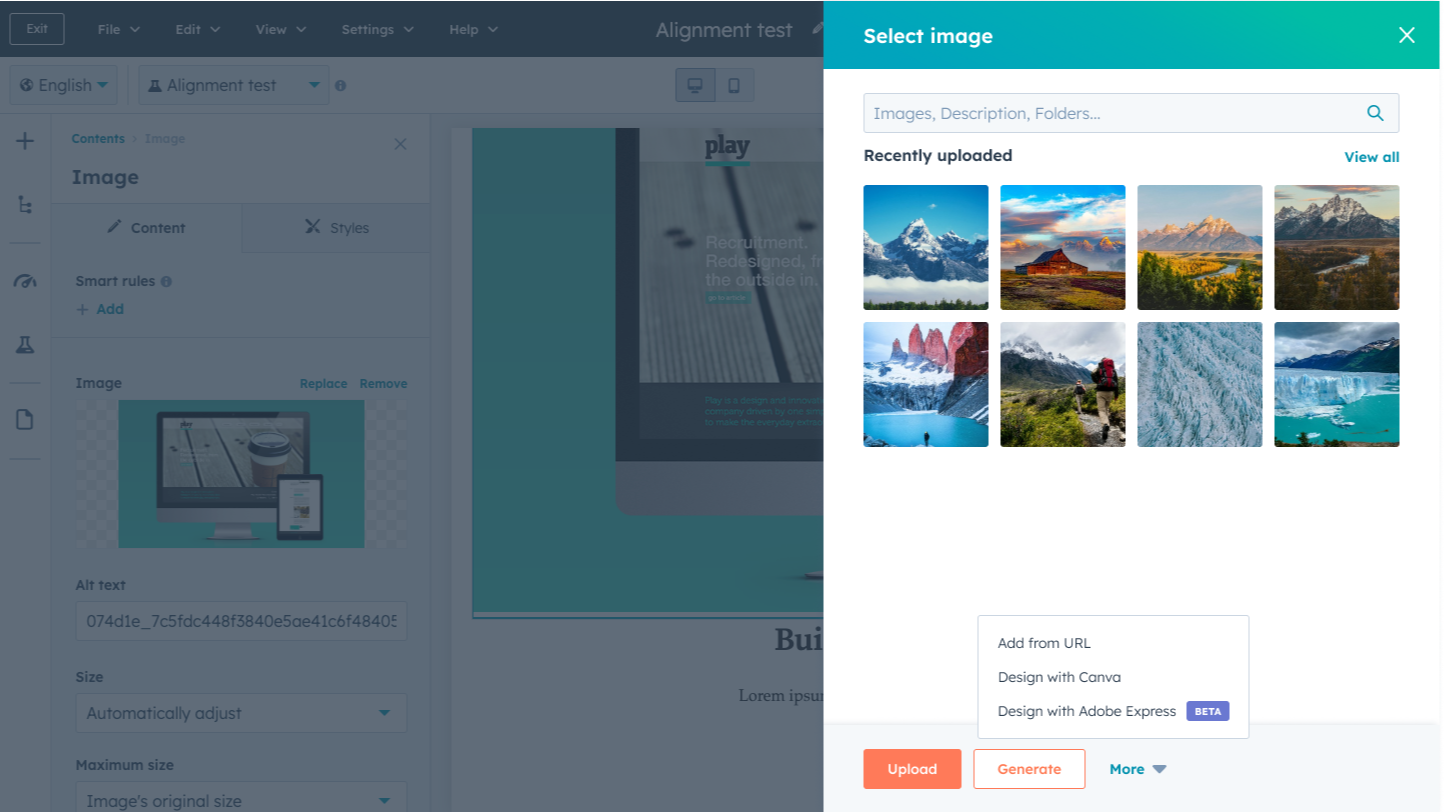
1/5 - Use Adobe Express to create new designs for your HubSpot content
Design without the resource drain. Marketers and content creators have known and loved Adobe's image editing tools for years—and now you can use Adobe Express directly in HubSpot when editing content.
With HubSpot's native integration, you can use Adobe’s AI content creation app to design and edit high-quality assets to perfection. Make stunning images and designs to use in social posts, marketing collateral, emails, and more.
Adobe Creative Cloud subscribers have Premium access to Adobe Express included.
Features
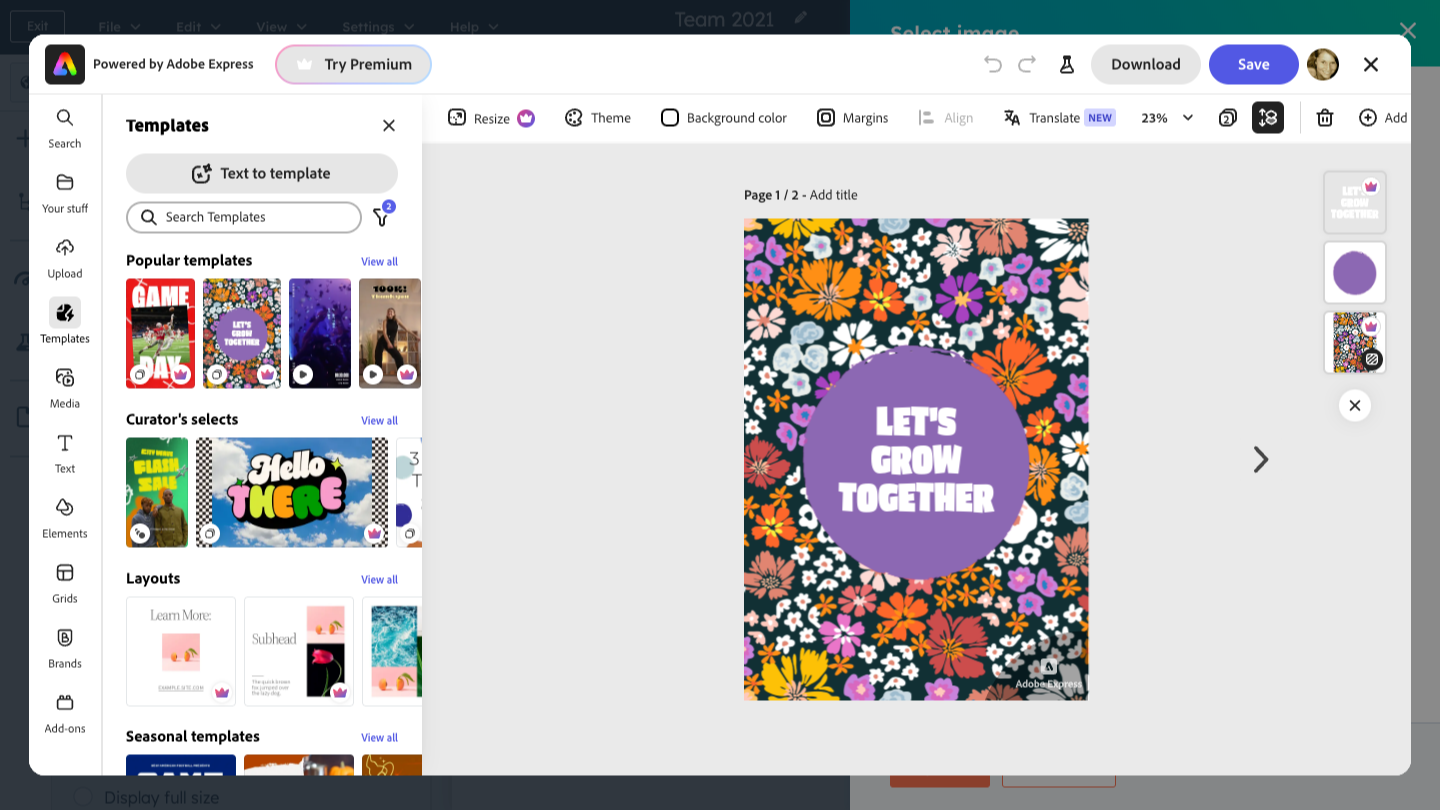
Templates
Jump-start your inspiration with thousands of professionally designed templates.
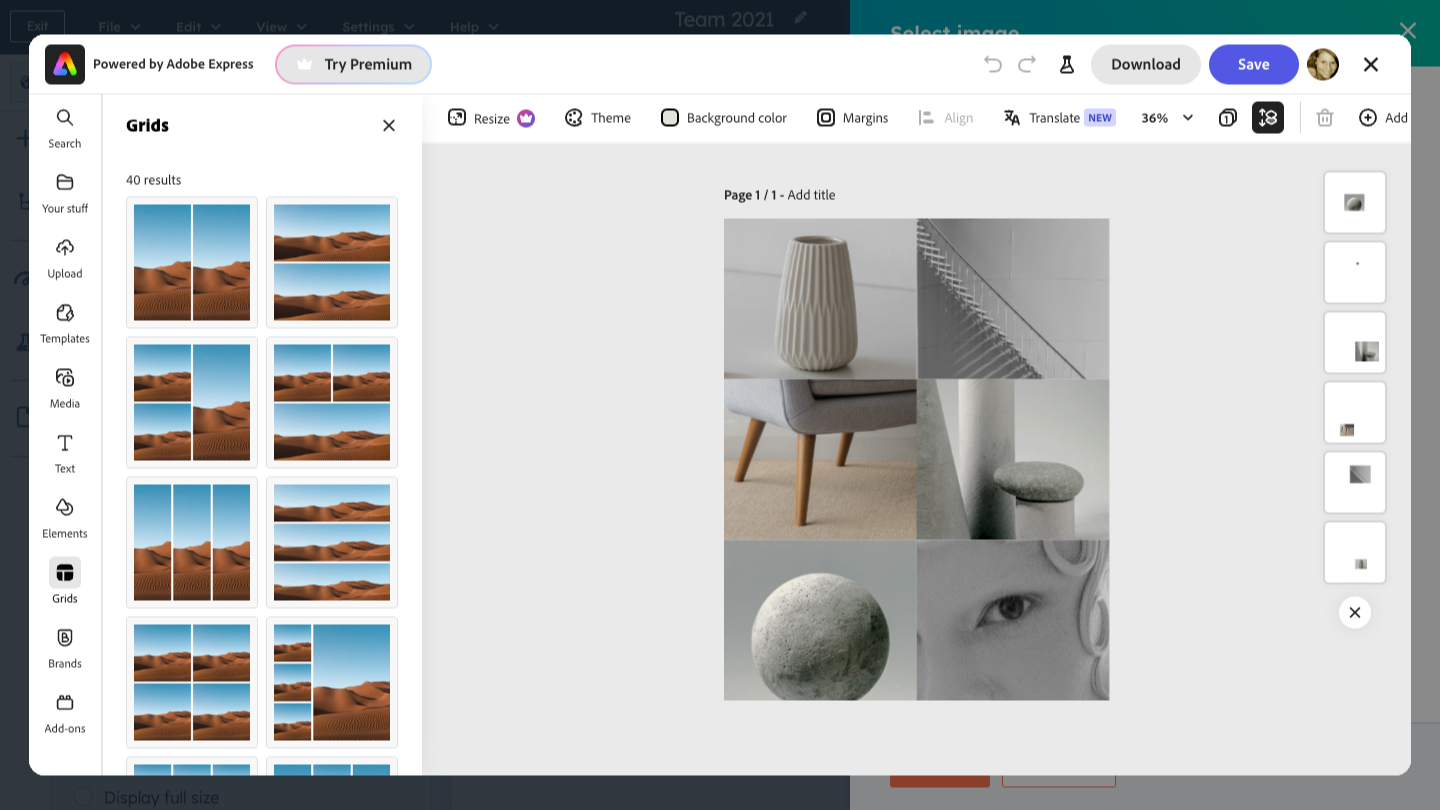
Assets
Design and edit with royalty-free Adobe Stock photos, videos, music tracks, and design elements.
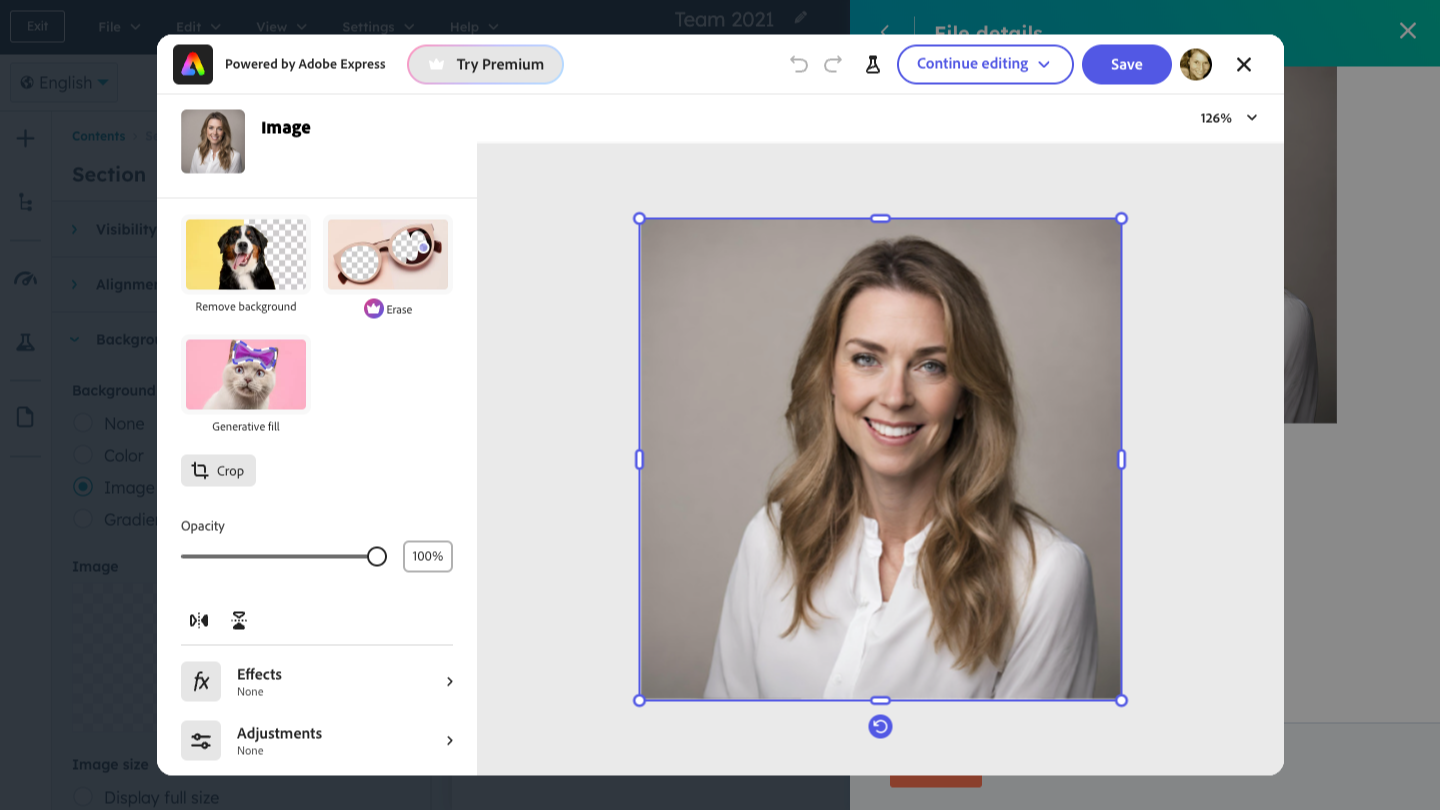
One-Click Edits
Remove backgrounds, resize images, and more with just a single click.
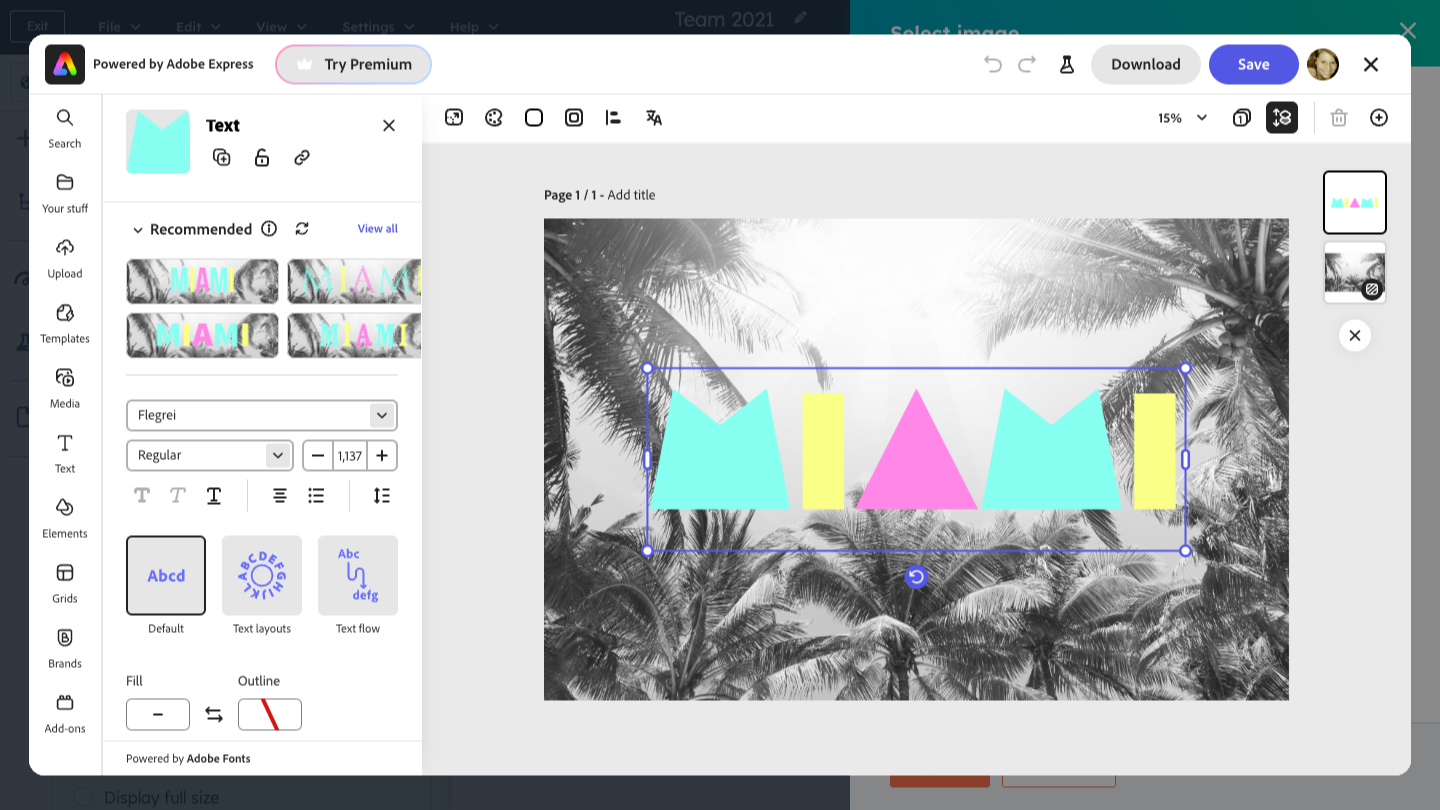
Text & Fonts
Access thousands of custom fonts from Adobe.
App Functionality
Shared Data
Adobe Express Designs |
Reviews
2.7
38
2.7
38
- Oct 7, 2026
Could not navigate simple prompts
All I wanted was to increase transparency of an image and it could not do that without dramatically altering the image outside of brand guidelines. It hasnt helped me speed up design changes or save me time.
I like that this is an option to try and infused within the design workflow in HubSpot.
It hasnt worked well for me even keeping my request extremely simple. It has taken less time to make simple changes in basic image editors vs. using the Adobe tool.
McLaren, M.
- Oct 1, 2026
Have not been able to produce anything useful with it
Tried adding a few words of text to an image, but the results were absolutely awful. Stopped using it.
Have not been able to produce anything useful with it
Jonasen, K.
Pricing
Free
$0
For individuals who want basic content creation tools, limited generative AI credits and assets
Includes basic editing tools and limited assets
Generative AI: 25 generative credits per month to generate images, templates, and more
Templates: Access to 100,000+ static and video templates
Assets: 1M+ royalty-free Adobe Stock photos, videos, music tracks, and design elements
Fonts: Access to 1,000+ custom fonts from Adobe
Editing tools: Standard photo, video, and document editing tools
Devices: Works on desktop browsers and mobile phones
* The pricing here is for display purposes only. All prices do not include taxes, incentives, discounts, or other pricing variables. You should contact the partner for the most up to date and correct pricing information. HubSpot does not take any responsibility for this pricing information, which is provided by our partners. Pricing last updated: 01/14/2026
Most popular

Gmail
Bring HubSpot to your inbox with the HubSpot integration for Gmail.

Google Calendar
Book meetings quickly and easily with HubSpot and Google Calendar.
