

Requirements
HubSpot Plan HubSpot Account permissions No HubSpot permissions required. Agentic Data Integration may request additional permissions while connecting. Access Type Shared Agentic Data Integration Subscription - Nexla SaaS plan
Overview
1/5 - Nexla App Demo
Nexla connects HubSpot to the rest of your data stack and to your AI agents. It is the data layer for enterprise AI: one platform that moves HubSpot data into warehouses, databases, SaaS apps, and files, and serves that same data to agents through governed MCP servers.
HubSpot holds your contacts, companies, deals, and pipeline. The people and agents who need that data work elsewhere. RevOps reports in Snowflake, Databricks, or BigQuery. Finance runs the ERP. Product usage lives in your database. And agents in Claude, ChatGPT, Gemini, Microsoft Copilot, or Cursor need current CRM data to do useful work. Nexla moves data in every direction between these systems without code.
Data integration: Connect HubSpot with 1,000+ connectors. Sync contacts, companies, deals, and custom objects to your warehouse for reporting. Enrich HubSpot records with product usage, billing, and firmographic data from any source. Push warehouse scores and segments back into HubSpot with reverse ETL so reps and marketers act on complete records. Every HubSpot object you connect becomes a Nexset, a governed data product with a managed schema, transforms, validation, lineage, and monitoring.
Agents and MCP: With MCP Studio you turn HubSpot Nexsets into a task-specific MCP server. Describe the job an agent needs to do, choose the HubSpot credentials and any other systems involved, and Nexla generates the tools, the context, and the server. Agents read deal, contact, and company data and write updates back through the same governed path. Credentials stay in Nexla. Access is controlled per tool, dataset, and field, and every call is logged with the agent's identity.
Use Nexla when you need HubSpot data in your warehouse, warehouse data in HubSpot, or HubSpot data in the hands of an agent without handing out API keys.
Features
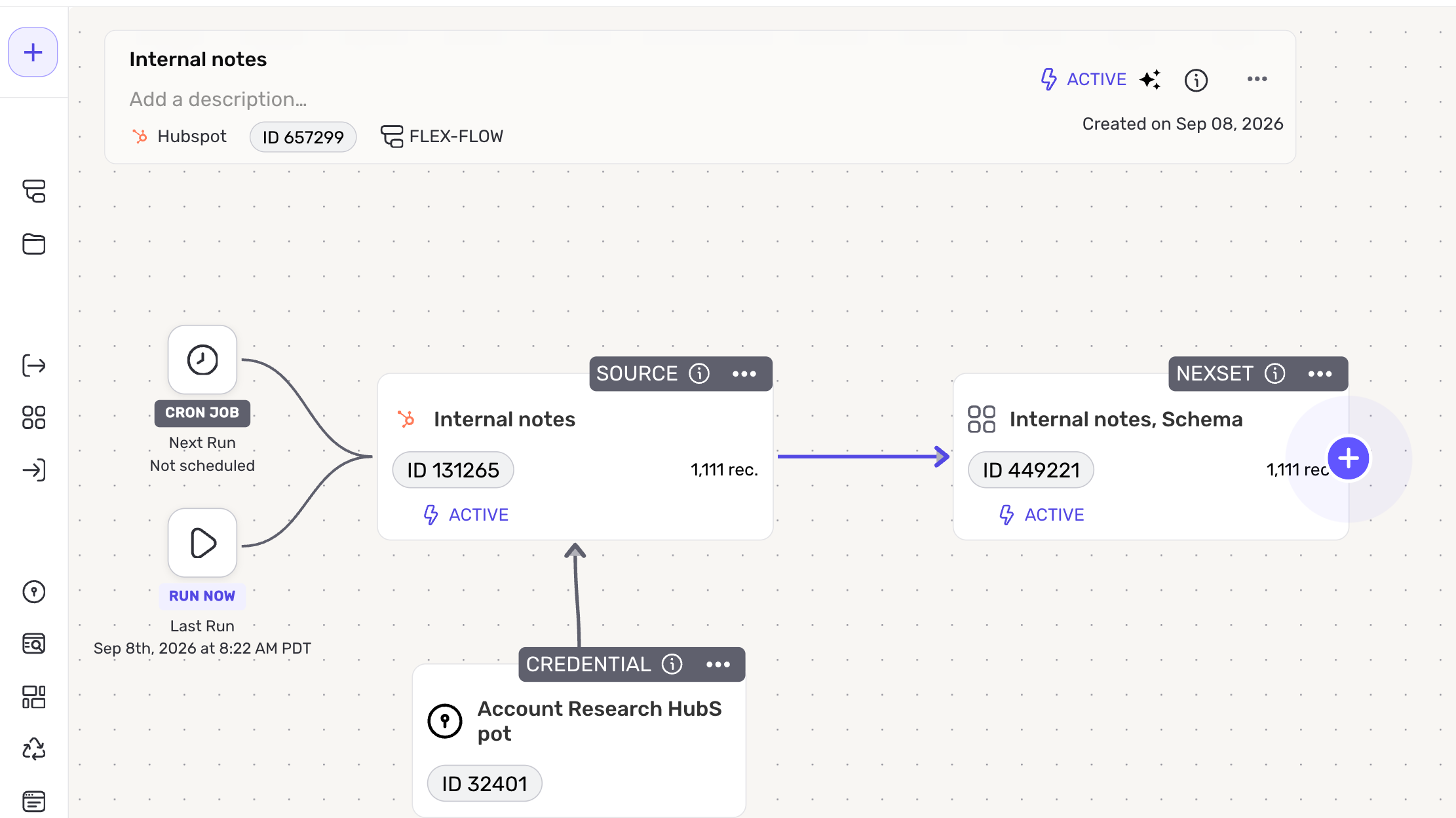
Bidirectional HubSpot data sync
Read and write contacts, companies, deals, tickets, products, quotes, line items, invoices, orders, and custom objects through the HubSpot CRM API v3. Move CRM data to your warehouse for analytics, or push enriched data from any source back into HubSpot. Run syncs on a schedule or continuously.
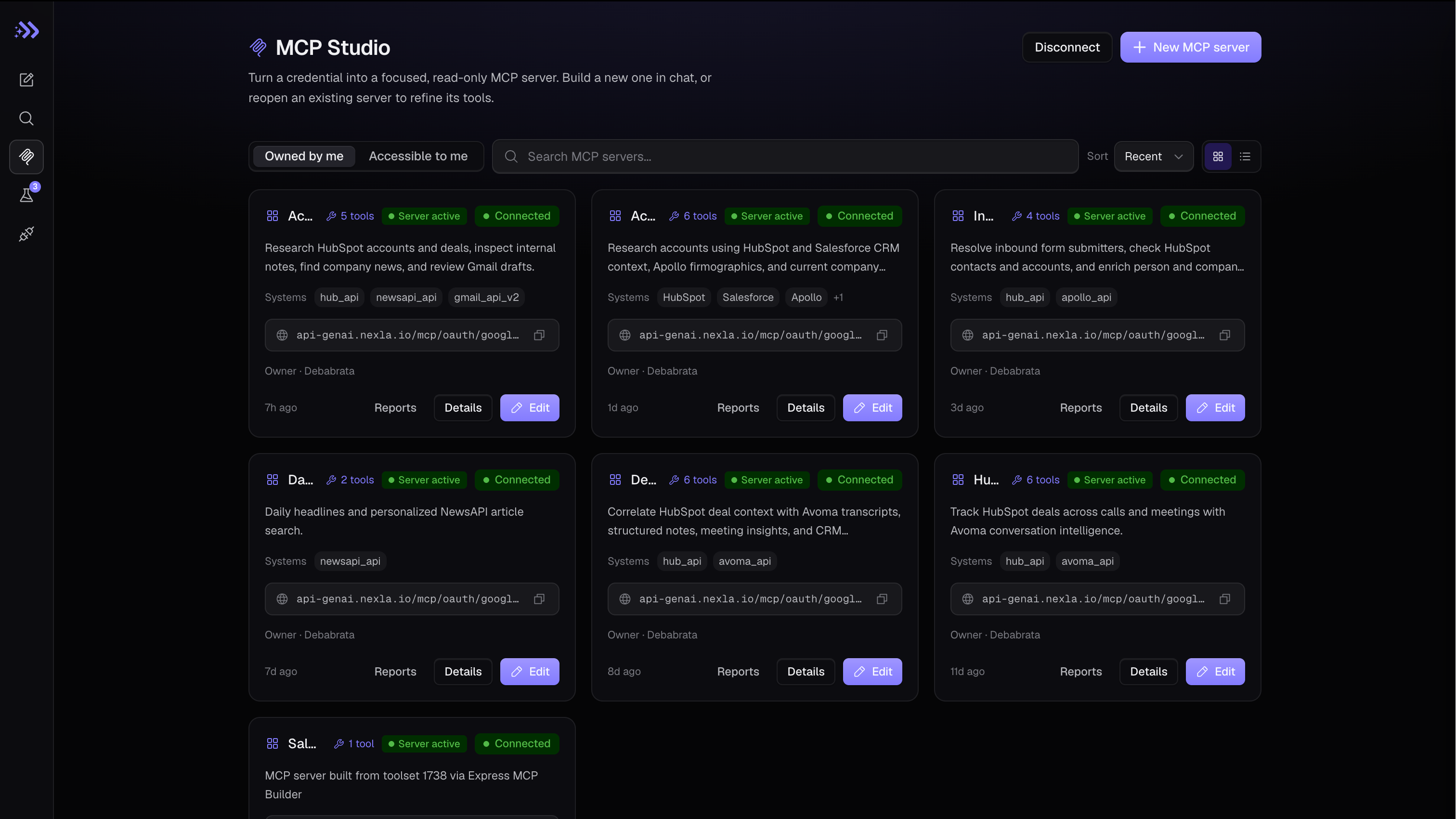
Governed, task-specific MCP servers
Turn HubSpot objects into a task-specific MCP server with MCP Studio. Agents in Claude, ChatGPT, Gemini, Microsoft Copilot, Cursor, or any MCP client read and act on CRM data through tools Nexla generates. Credentials never leave Nexla. Access is scoped per tool, dataset, and field, with an audit log of every call.
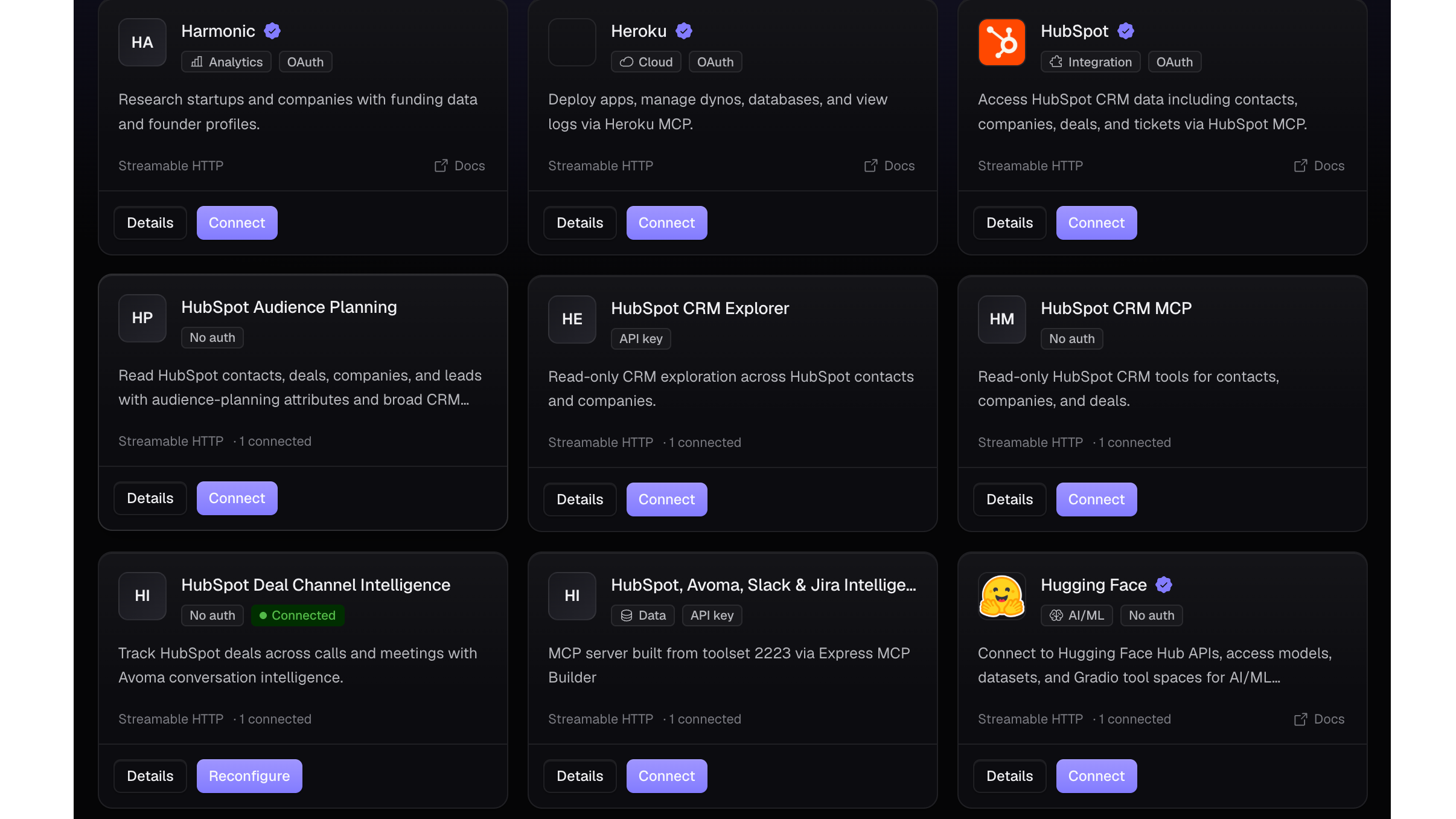
No-code pipelines across 1,000+ connectors
Build pipelines between HubSpot and Snowflake, Databricks, BigQuery, Redshift, S3, Kafka, Salesforce, and more without code. Apply transforms, mappings, and validation rules in a visual interface so HubSpot data arrives analytics-ready and warehouse data arrives CRM-ready.
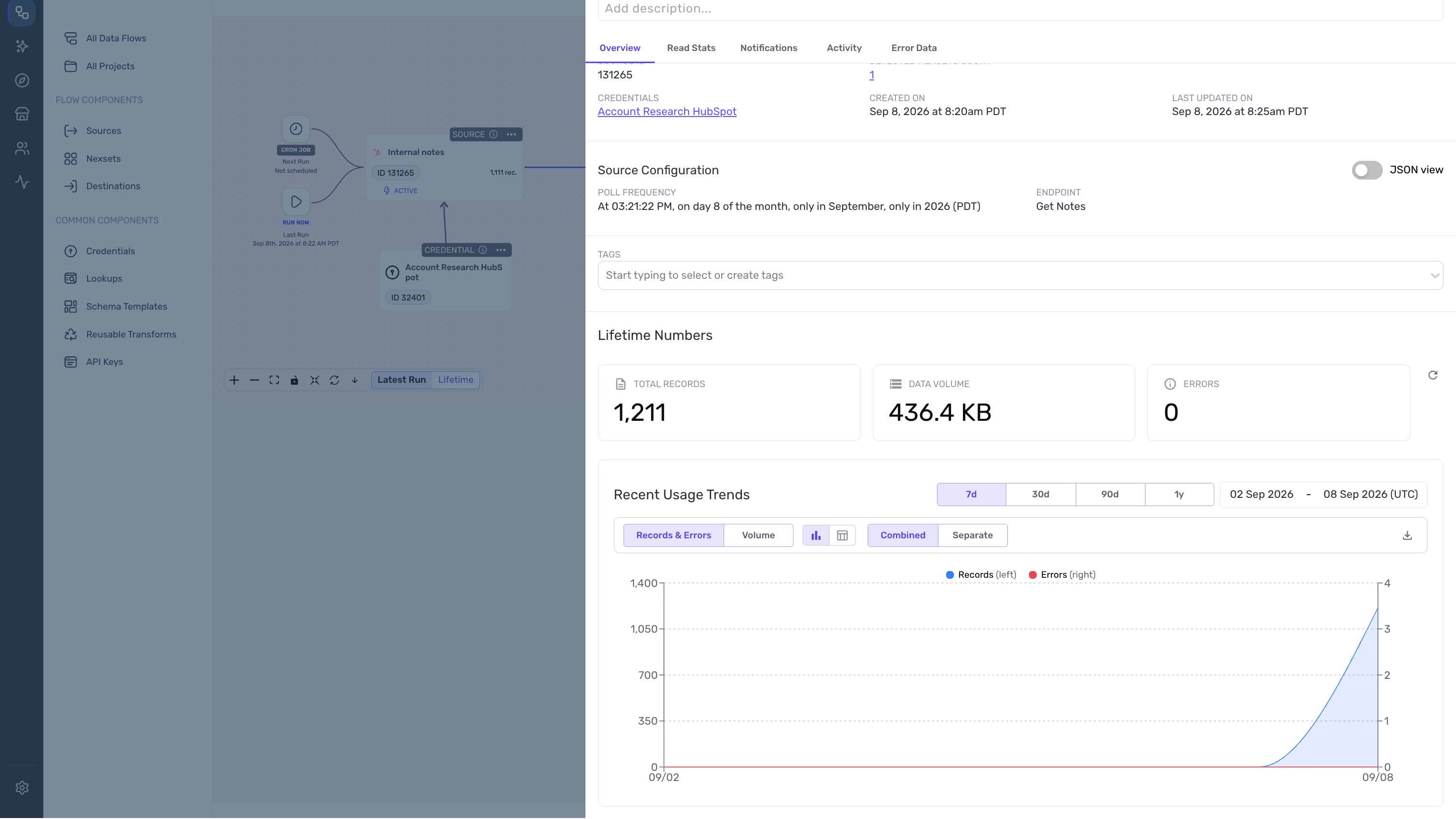
Monitoring, lineage, and data quality
Every flow includes monitoring, lineage, error notifications, and data quality checks. Catch schema changes, failed records, and anomalies before they reach your CRM, your reports, or your agents.
Reverse ETL into HubSpot
Sync product usage, billing status, lead scores, and computed traits from your warehouse onto HubSpot records. Marketing segments, workflows, and sales reps run on complete, current data.
App Functionality
Shared Data
MCP Tools/Nexsets - Leads | ||
MCP Tools/Nexsets - Contacts | ||
MCP Tools/Nexsets - Companies | ||
MCP Tools/Nexsets - Tickets | ||
MCP Tools/Nexsets - Products | ||
MCP Tools/Nexsets - Line Items | ||
MCP Tools/Nexsets - Deals | ||
MCP Tools/Nexsets - Quotes | ||
MCP Tools/Nexsets - Custom Objects | ||
MCP Tools/Nexsets - Contact Lists | ||
MCP Tools/Nexsets - Invoices | ||
MCP Tools/Nexsets - Orders | ||
MCP Tools/Nexsets - Subscriptions | ||
MCP Tools/Nexsets - Commerce Payments | ||
MCP Tools/Nexsets - Owners | ||
MCP Tools/Nexsets - Feedback Submissions | ||
MCP Tools/Nexsets - Users | ||
MCP Tools/Nexsets - Goal Targets | ||
MCP Tools/Nexsets - Partner Clients | ||
MCP Tools/Nexsets - Company Properties | ||
Nexla pipeline / MCP tool - Deal Properties | ||
Nexla pipeline / MCP tool - Contact Properties | ||
Nexla pipeline / MCP tool - Product Properties | ||
Nexla pipeline / MCP tool - Crm Pipelines | ||
Nexla pipeline / MCP tool - Carts | ||
MCP Tools/Nexsets - Events |
Nexla authenticates with HubSpot through OAuth. All object scopes are optional, so you choose which objects to grant when you install the app, and you can install with read-only access. Reads use the HubSpot CRM v3 objects API with configurable property selection and pagination. Writes use prebuilt create templates for contacts and deals, and any HubSpot v3 endpoint for creating or updating other objects. Nexla refreshes access tokens automatically.
HubSpot data flows into Nexla pipelines with a managed schema, transforms, validation, and monitoring. From there you deliver it to any of Nexla's 1,000+ connectors, or expose it to AI agents through a task-specific MCP server built with MCP Studio. Agents call Nexla tools under their own identity and never receive your HubSpot token. Access is enforced per tool, dataset, row, and column, sensitive fields can be masked, and every read and write is logged for audit.
Reviews
Pricing
Nexla SaaS
Nexla SaaS
* The pricing here is for display purposes only. All prices do not include taxes, incentives, discounts, or other pricing variables. You should contact the partner for the most up to date and correct pricing information. HubSpot does not take any responsibility for this pricing information, which is provided by our partners. Pricing last updated: 09/25/2026
New arrivals
Agentic Data Integration
Data Connectivity for Enterprise AI

CleanMerge
Sync your warehouse into HubSpot without creating duplicates — plus a CRM data-cleanup action.
