
Amazon S3
Built by Hubspot
Installs - 60+ installs
Requirements
HubSpot Plan HubSpot Account permissions No permissions required Access Type Shared Amazon S3 Subscription - Contact Us plan
Overview
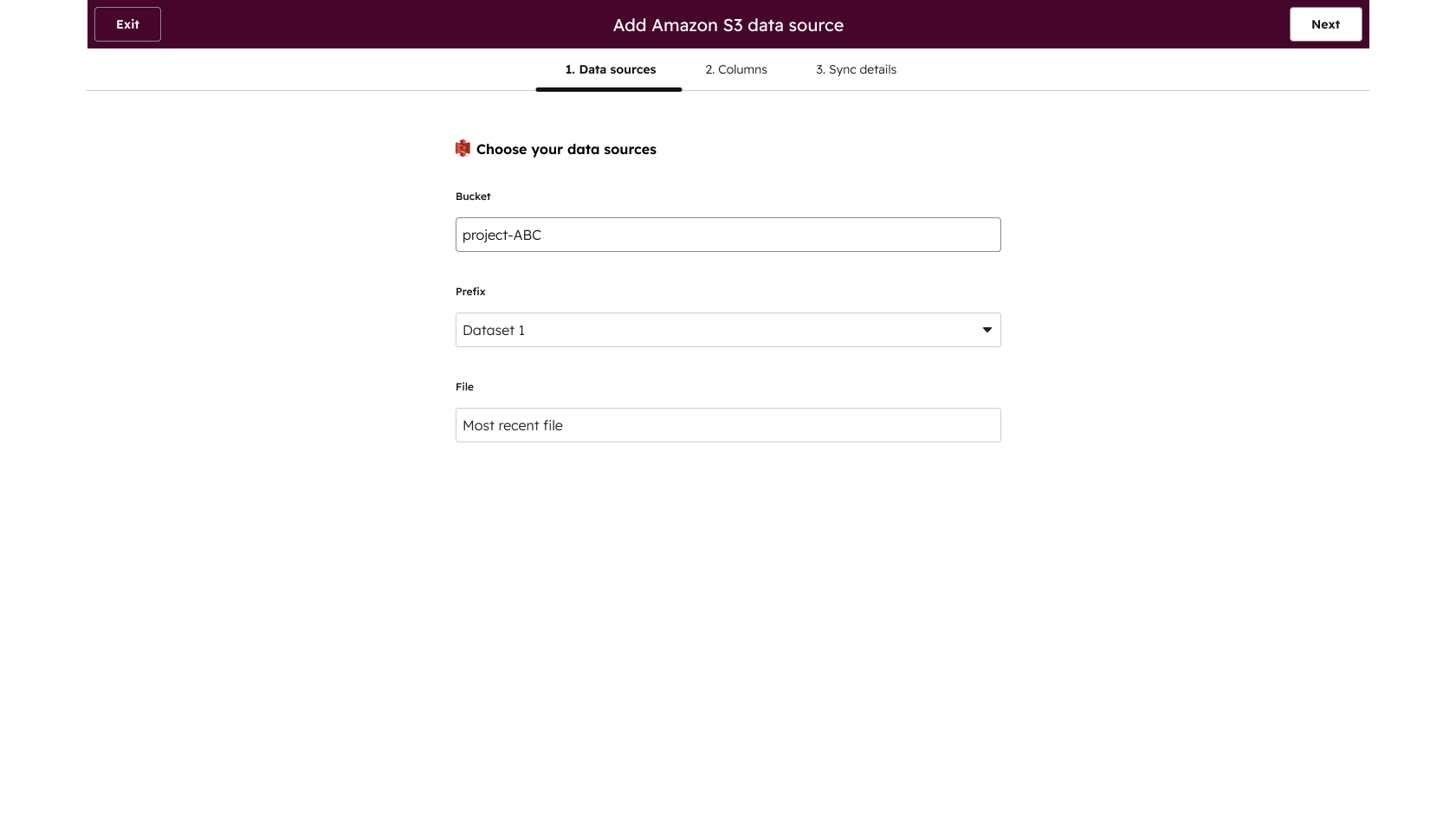
1/2 - Specify your data source by choosing your S3 bucket
Use data studio in Data Hub to create custom datasets that power advanced segmentation, automation, and reporting. Combine customer data from your entire tech stack and manage the flow of data between Amazon S3 and the HubSpot CRM.
Features
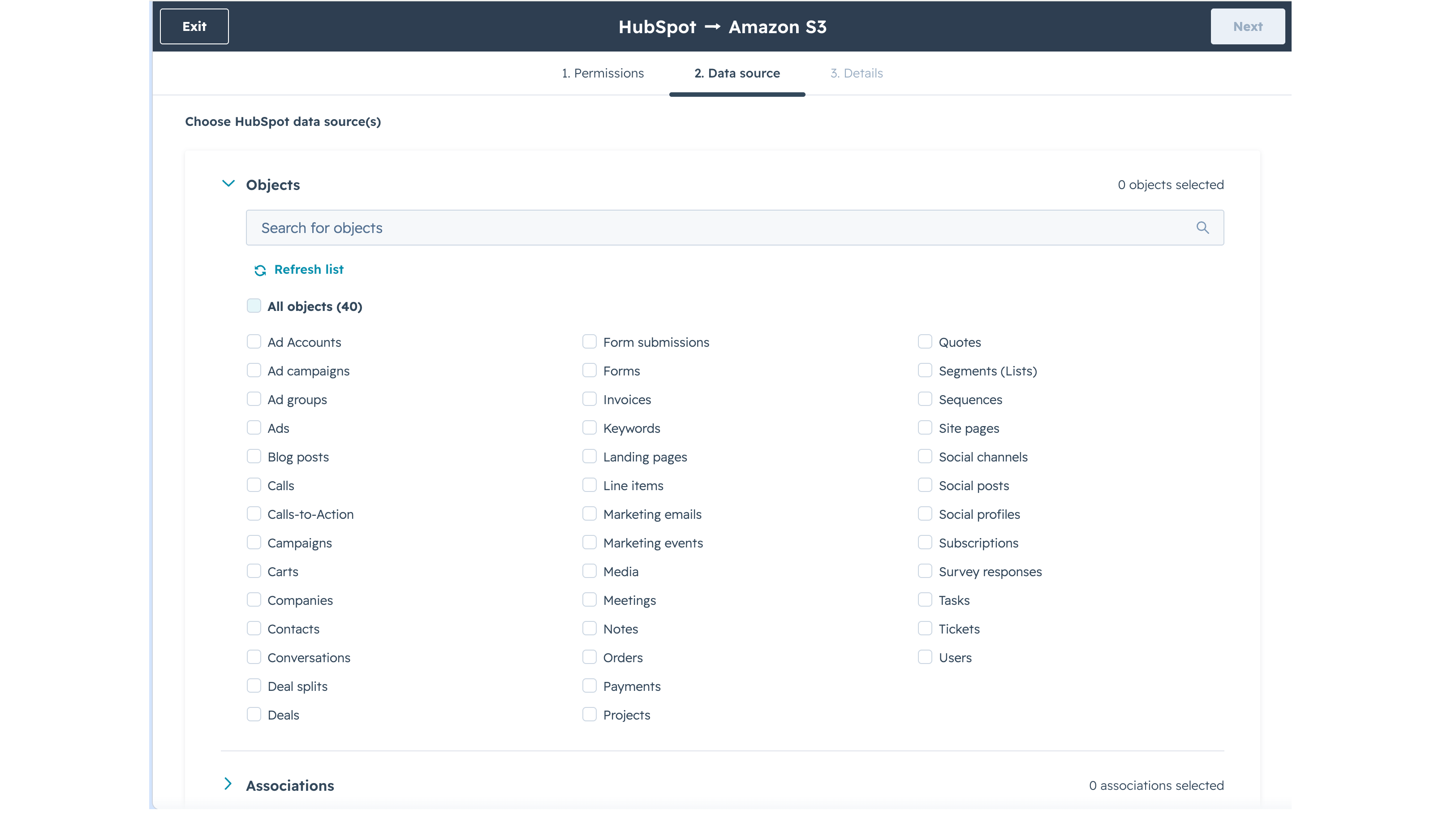
Export to AWS S3
Export HubSpot objects (including custom objects), events, and associations to your AWS S3 bucket at a frequency you set. With complete HubSpot data in your warehouse, you can power Looker, Tableau, Power BI, or any external BI tool with fresh, reliable data — without manual extracts, middleware, or brittle pipelines.
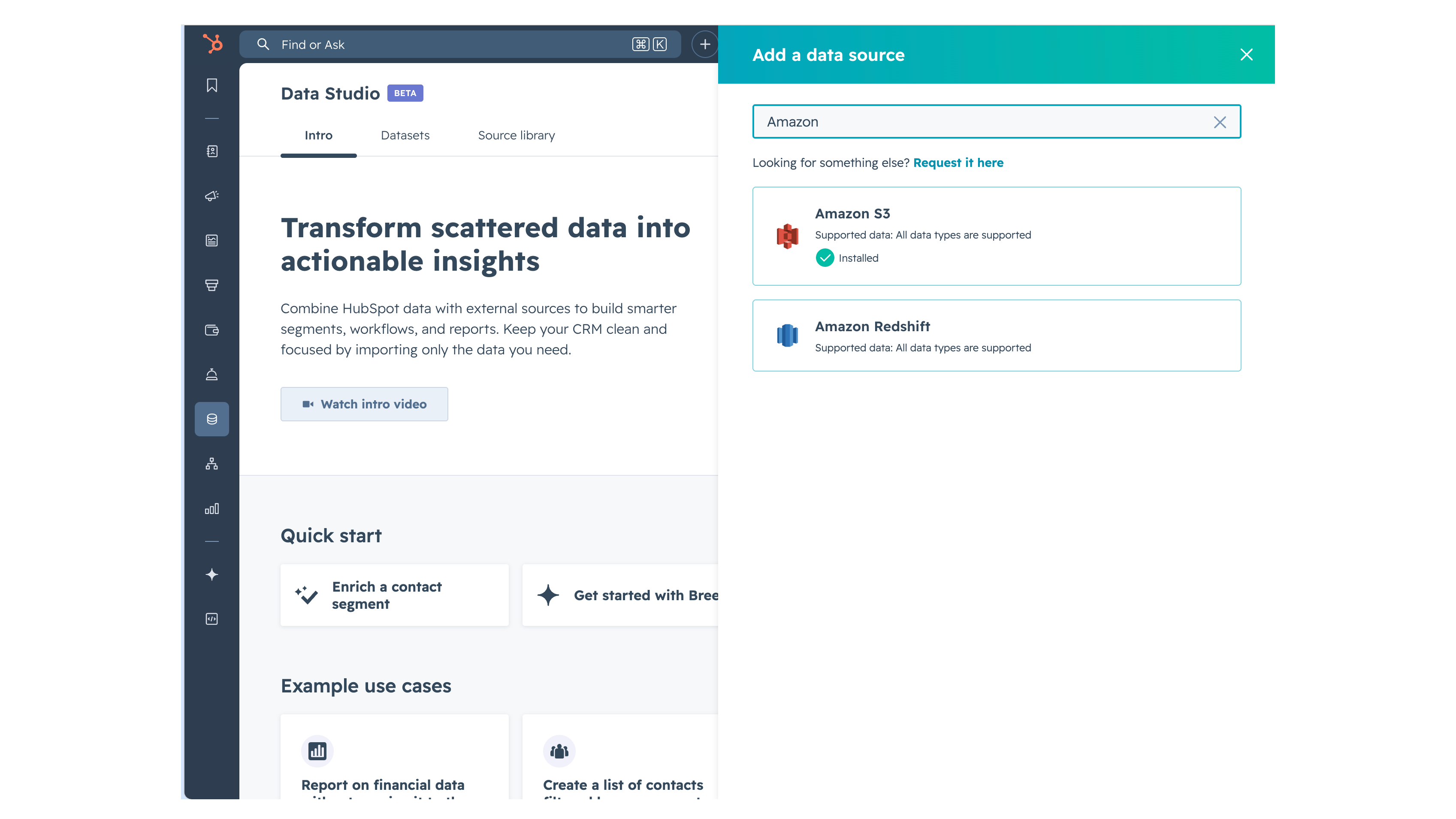
Connect to Data Studio as a source
Use AWS S3 as a data source in HubSpot Data Studio. Build datasets that combine AWS S3 data with CRM data, apply joins, filters, and custom formulas, then sync enriched records back to the CRM or use them in reports, segments, and workflows.
App Functionality
Shared Data
Connect your S3 bucket to data studio as an external source. Once connected, CSV file data from the specified source can be leveraged within datasets for activation
AWS S3 |
Reviews
Pricing
Contact Us
Contact Us
* The pricing here is for display purposes only. All prices do not include taxes, incentives, discounts, or other pricing variables. You should contact the partner for the most up to date and correct pricing information. HubSpot does not take any responsibility for this pricing information, which is provided by our partners. Pricing last updated: 07/15/2026
Most popular

Gmail
Bring HubSpot to your inbox with the HubSpot integration for Gmail.

Google Calendar
Book meetings quickly and easily with HubSpot and Google Calendar.
