
Requirements
HubSpot Plan HubSpot Account permissions No permissions required Access Type Shared Bubble Subscription - Review Bubble Pricing Page plan
Overview
1/2
Sync data between Bubble and HubSpot without manual data entry or messy, time-consuming imports.
Here’s what you get with Data Sync by HubSpot:
Two-way sync: Data is shared between Bubble and HubSpot in real time
Default field mappings: Set-up is quick with out-of-the-box field mappings already created for you
Historical syncing: Your existing data will sync right away, and updates will sync as they happen
Important note: This sync includes the "user" object. If additional mappings are essential to make this integration work for you, we recommend purchasing Data Hub Starter in order to access custom field mappings.
Features
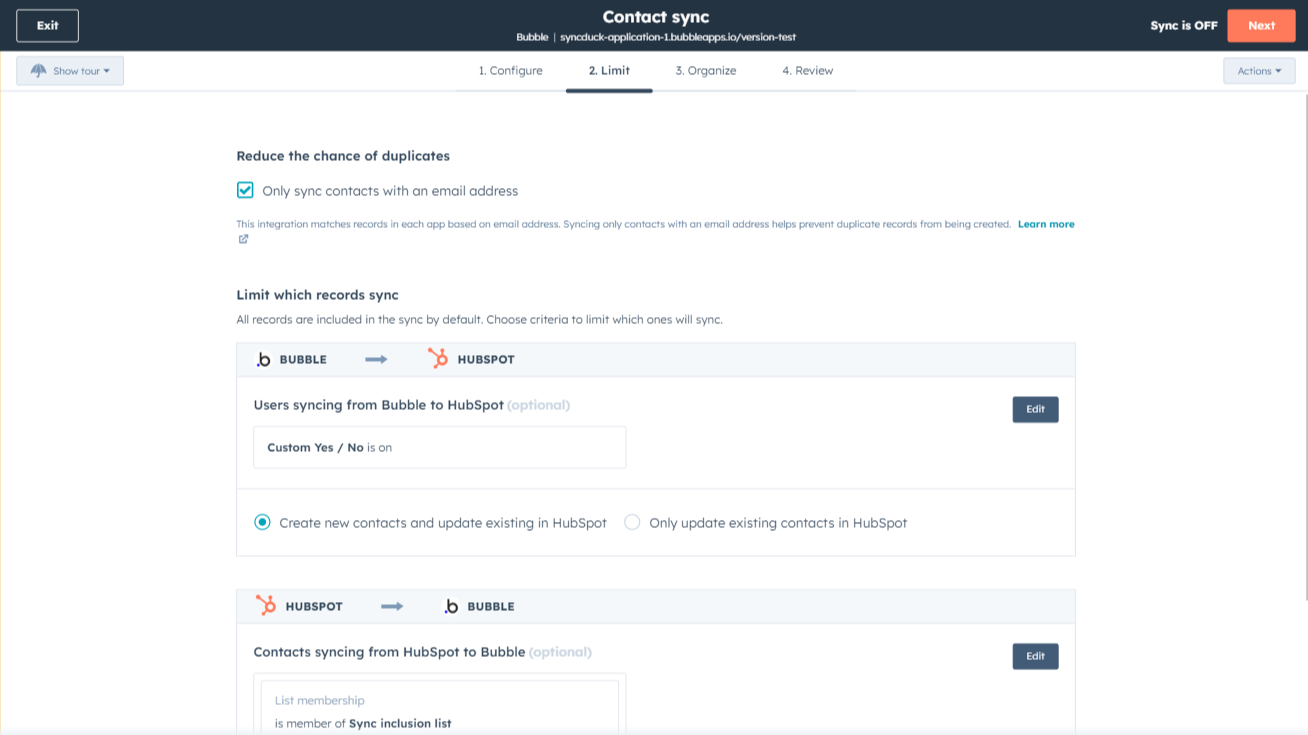
Sync Bubble and HubSpot data
Make manual data entry a thing of the past by syncing data between HubSpot and Bubble. When records are created or updated in either app, that information will be automatically shared with the other one.
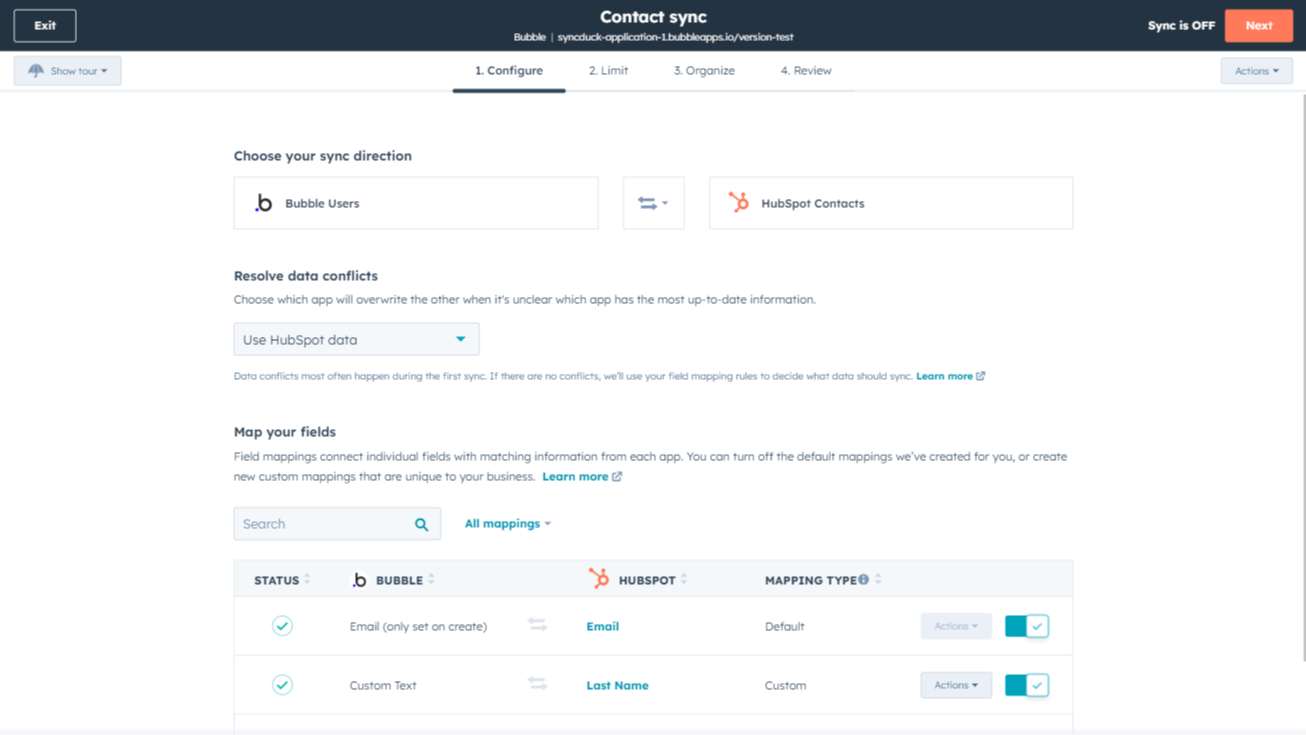
Custom field mappings
Attention: This app requires Data Hub Starter or up (paid). These ustom mappings add the flexibility to create your own mappings or make changes to your default ones in any data sync app.
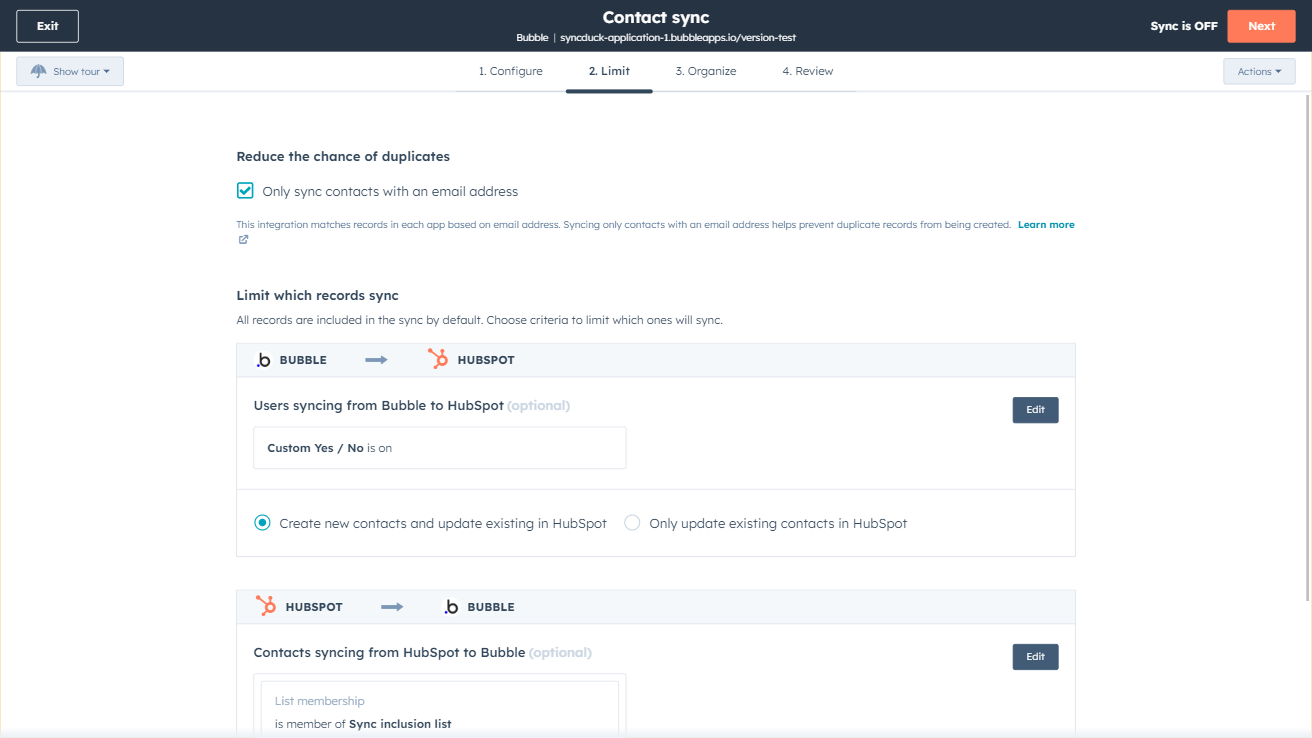
Sync Bubble and HubSpot data
Make manual data entry a thing of the past by syncing data (see below) between HubSpot and Bubble. When records are created or updated in either app, that information will be automatically shared with the other one.
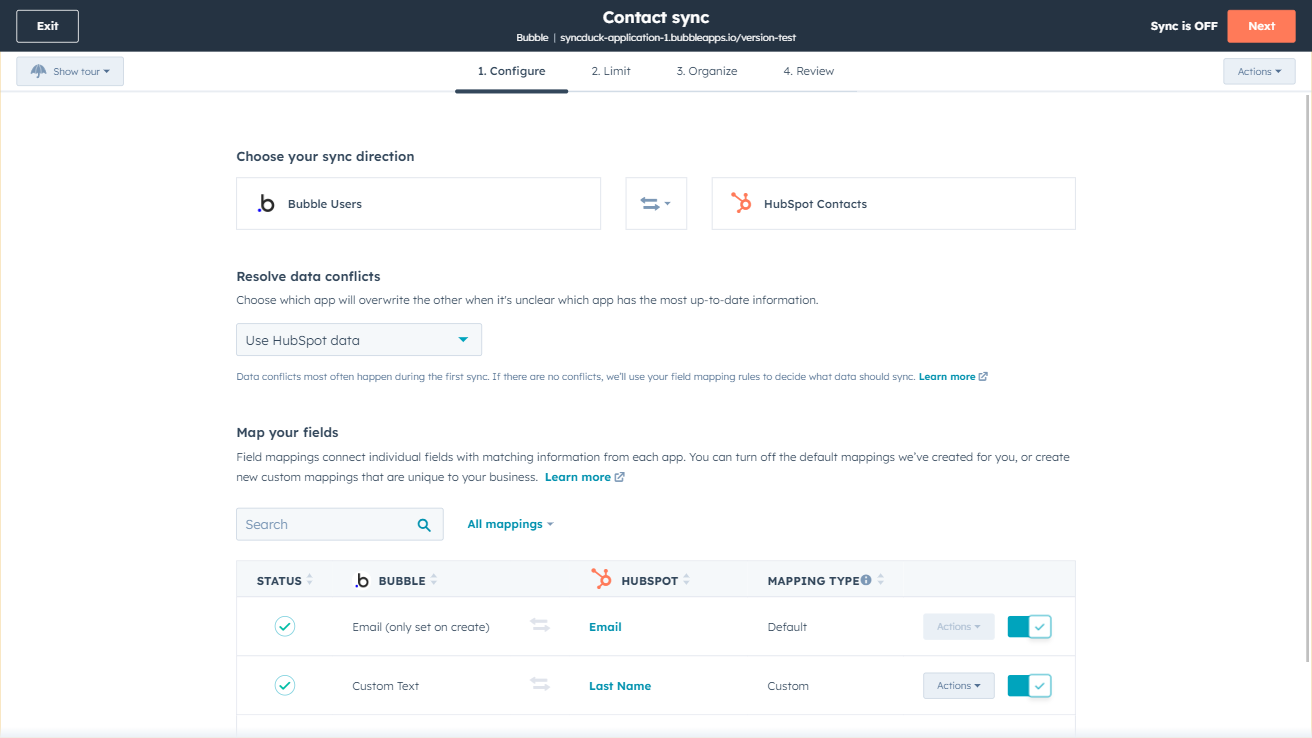
Custom field mappings
Custom field mappings are available with Operations Hub Starter and up (paid). Custom mappings add the flexibility to create your own mappings or make changes to your default ones.
App Functionality
Shared Data
This app requires custom field mappings which are available with Data Hub Starter and up. Most standard CRM objects as well as custom objects are supported.
Things |
Reviews
- Oct 13, 2025
Poor synchronization complicating field mapping
Synchronization does not allow easy field mapping.
Ibanez, J.
- Jul 2, 2025
Fun with Slugs....
It is working great! Love what I can do with it and how fast I can generate things.
The plugins, the simple db access, the easy to build the pages.
either remove the idea of using Slugs, or allow to mass edit (with upload) so it is easier to build them based on our own logic done outside (via g sheets) or allow for building out logic on how they are constructed. then editable one at a time when needed.
Phillips, T.
Pricing
Review Bubble Pricing Page
$0
Use the 'See all pricing options' link on the righthand side
"Make sure to confirm the HubSpot subscription and the Bubble subscription needed to install this integration
Note: ""Free"" is referring to the cost of the integration, not the app subscriptions "
Review Bubble Pricing Page
$0
Use the 'See all pricing options' link on the righthand side
"Make sure to confirm the HubSpot subscription and the Bubble subscription needed to install this integration
Note: ""Free"" is referring to the cost of the integration, not the app subscriptions "
* The pricing here is for display purposes only. All prices do not include taxes, incentives, discounts, or other pricing variables. You should contact the partner for the most up to date and correct pricing information. HubSpot does not take any responsibility for this pricing information, which is provided by our partners. Pricing last updated: 09/03/2025