
Canva Connector
Built by Canva
Installs - <10 installs
Requirements
HubSpot Plan HubSpot Account permissions No permissions required Access Type Personal Canva Connector Subscription - Free plan
Overview
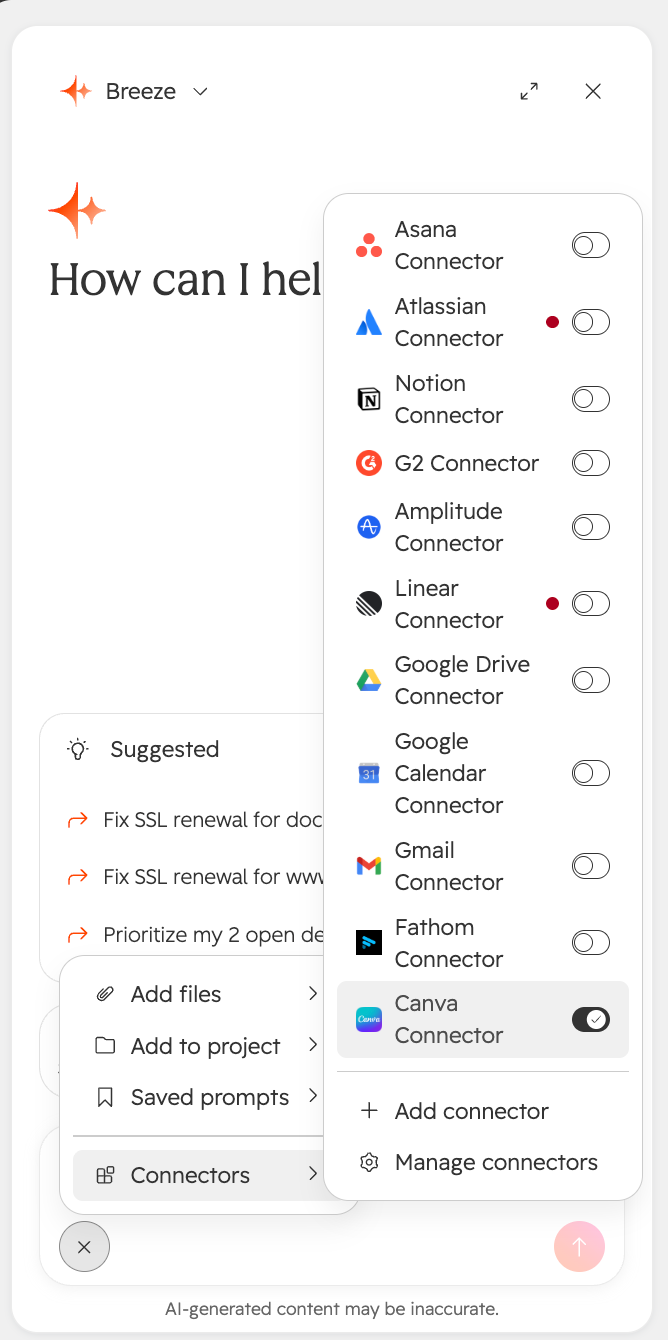
1/1 - Selecting Canva in Breeze Assistant
Once connected to Breeze, the Canva Connector allows you to prompt the following use cases:
Generate Designs — Create new designs from a text description or specification, so marketing and sales collateral can be produced from a prompt.
Find and Retrieve Designs — Search a user's design library and pull the contents of a specific design to reuse or build on existing work.
Edit Existing Designs — Apply targeted changes to a design through natural language, keeping updates moving without leaving HubSpot.
Export and Resize — Generate exports in formats like PDF, PNG, JPG, PPTX, and MP4, and resize a design for different channels.
Features
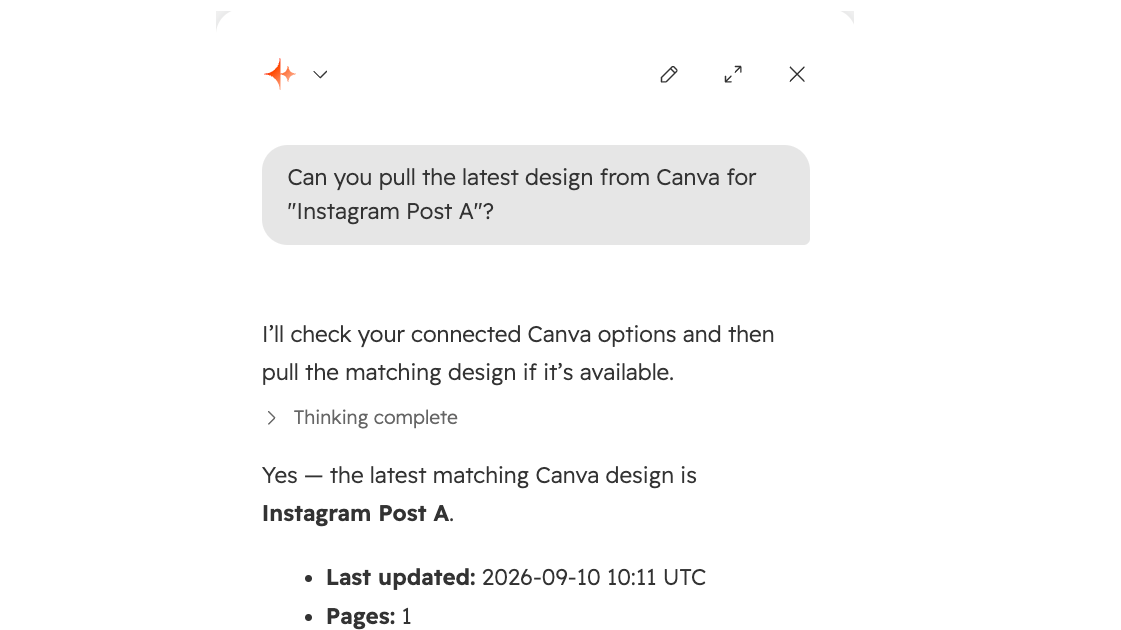
Find and Retrieve Designs
Search a user's design library and pull the contents of a specific design to reuse or build on existing work.
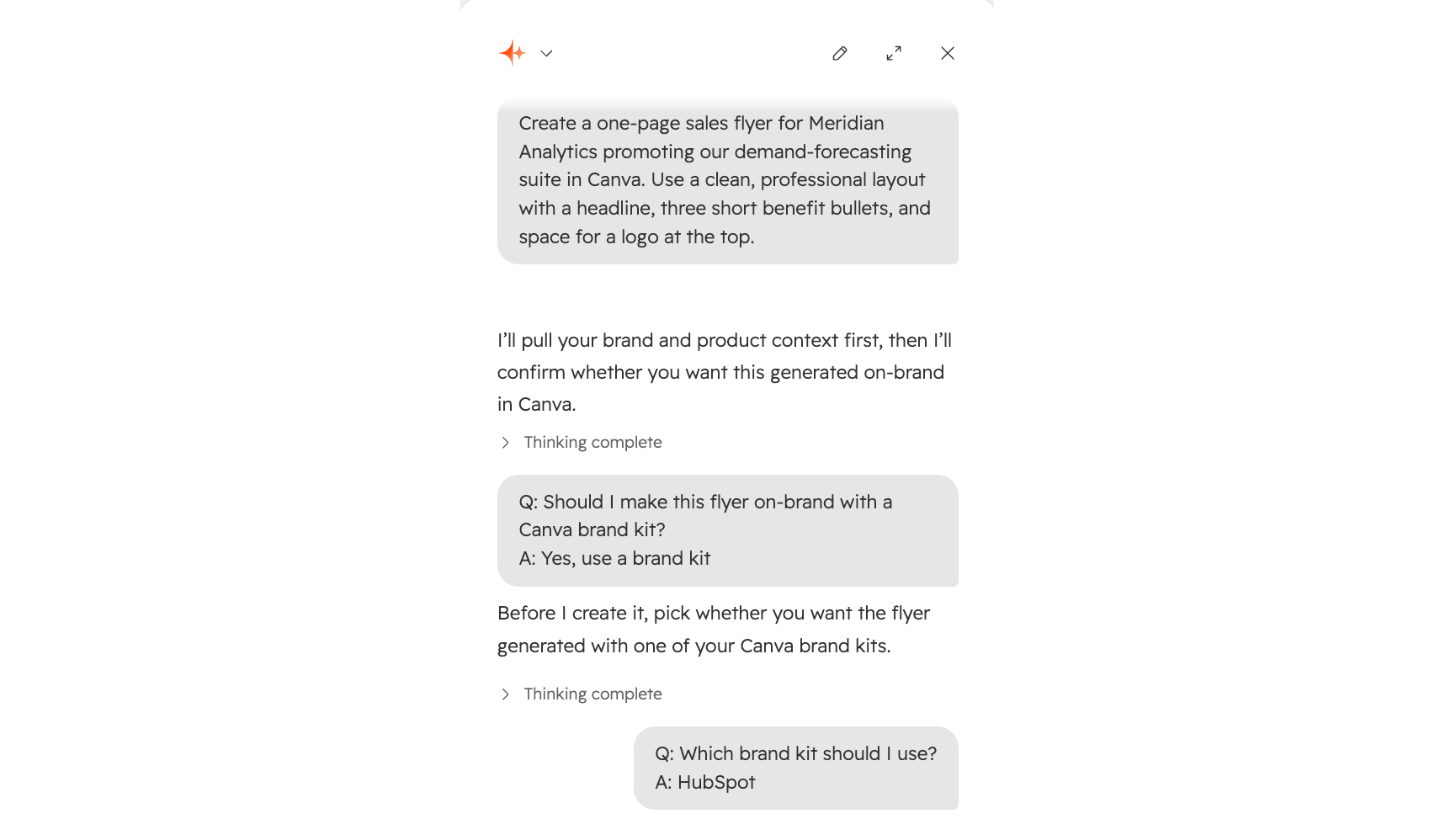
Generate Designs
Create new designs from a text description or specification, so marketing and sales collateral can be produced from a prompt.
App Functionality
Breeze Assistant |
Reviews
Pricing
Free
$0
$0
No additional fees, $0 (Breeze Credits may apply as you leverage Breeze)Free
$0
$0
No additional fees, $0 (Breeze Credits may apply as you leverage Breeze)* The pricing here is for display purposes only. All prices do not include taxes, incentives, discounts, or other pricing variables. You should contact the partner for the most up to date and correct pricing information. HubSpot does not take any responsibility for this pricing information, which is provided by our partners. Pricing last updated: 09/10/2026
Getting attention today

Adobe Acrobat Sign
Create and manage agreements directly from HubSpot

Zoom
Use Zoom with HubSpot meetings, workflows, contact records and more.
