

Channels
Built by - CrazyCall, Inc.
Installs - 20+ installs
Requirements
HubSpot Plan HubSpot Account permissions - View the required account permissions
Access Type Shared Channels Subscription - FREE, PLUS, or ADVANCED plans
Overview
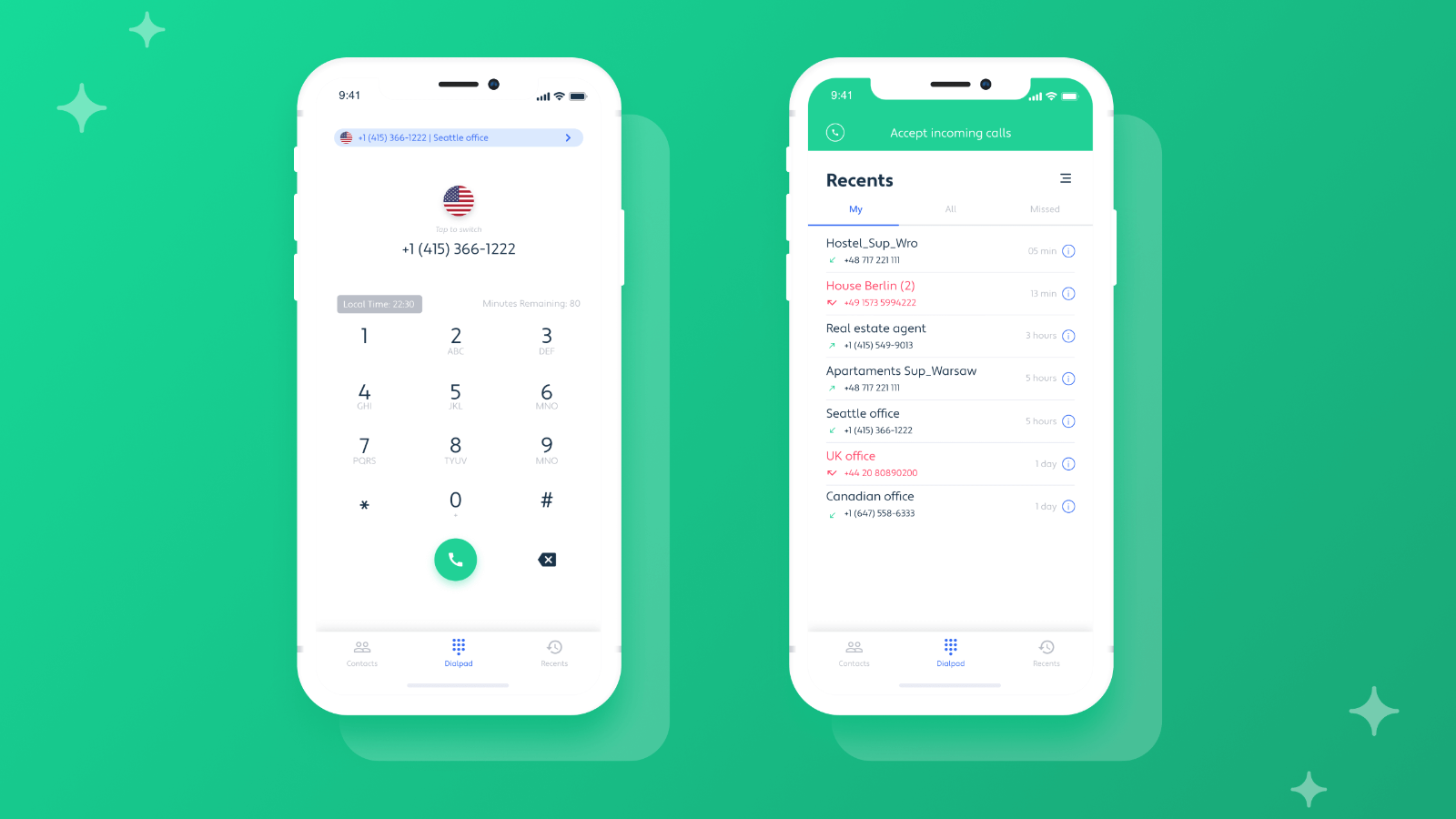
1/6 - Handle sales calls from anywhere you need with our Mobile App.
Make calls directly from HubSpot
Using Click-to-Call Chrome Extension you can also make sales calls directly from your HubSpot CRM. No need to export the numbers or dial them manually. A single click is all it takes to start the next closed deal.
Save calls in your HubSpot account
Channels will automatically save call history and links to call recordings in your HubSpot account. This way you will have always have all important details in one place.
Get a Web Call to let everyone call you with one click
Have a Web Call on your website, so your customers won't need your phone number to reach you. All they do is click on the widget and the call starts straight away. You can adjust everything - set the themes, colors, and position of your widget to make it a sign of your brand.
Be always prepared for the next sales call
Before the call starts you can access the Customer Card that contains all the crucial details of your caller. Get to know their personal information, as well as, past touchpoints or your notes. No more out-of-the-blue sales calls.
Make one-click calls from any website you’re on
Making sales calls has never been easier. With Channels’ Click-to-Call Chrome Extension, you can make calls by clicking phone numbers that appear on your screen. We remove friction so you can hit up as many clients as possible.
Handle sales calls anywhere you are
With Channels Mobile App you can handle sales even when you’re out of the office. Plus, the Mobile App gives you access to everything you need including your contacts, clients’ details, various phone numbers, and call recordings.
Features
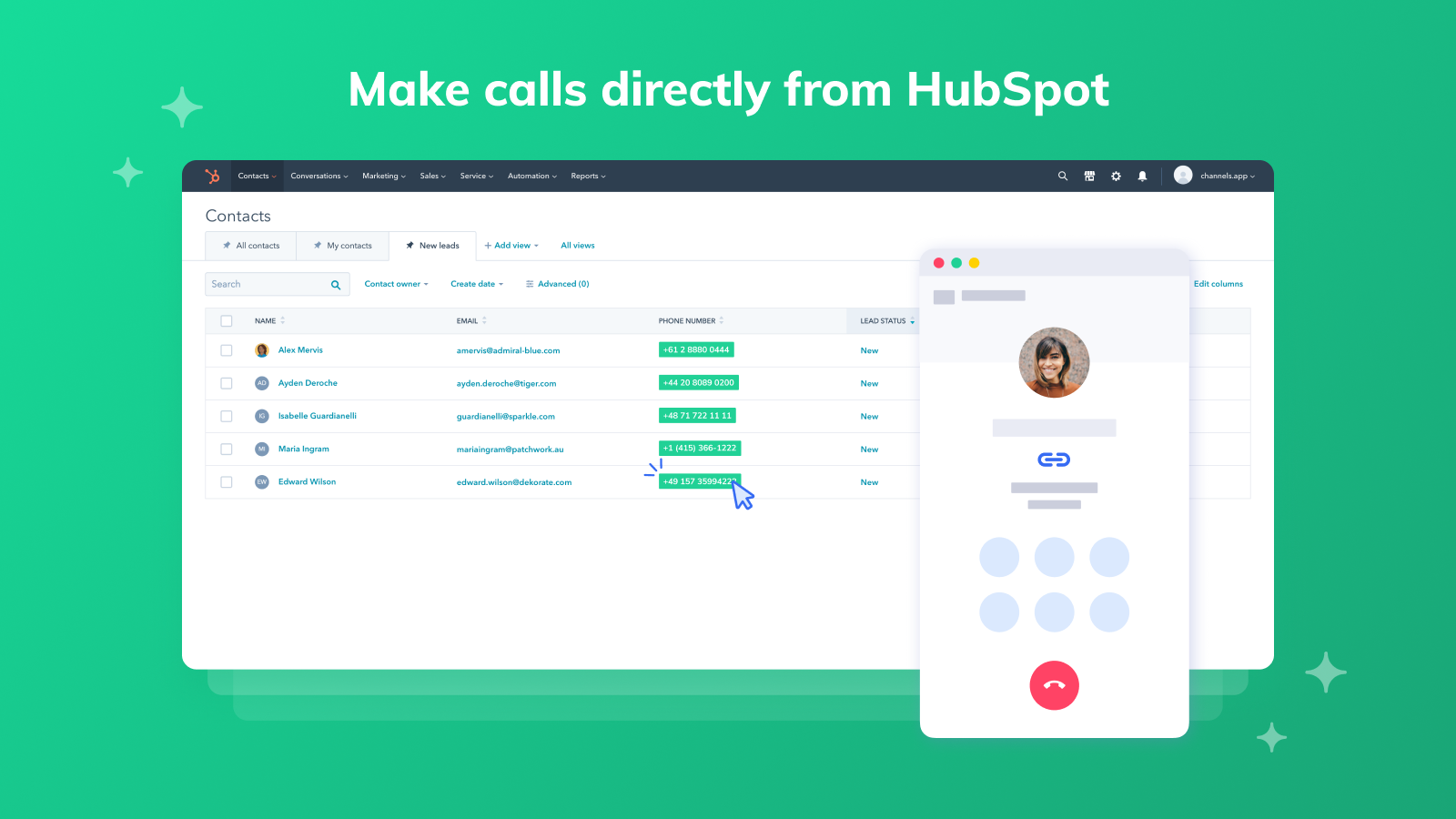
Make calls directly from HubSpot
Using our Chrome Extension you can make one-click calls directly from your HubSpot CRM. No need for roaming between various tabs, tools, and software. Our Chrome Extension will highlight all phone numbers that appear on your screen so all you have to do is click on them to make the next call.
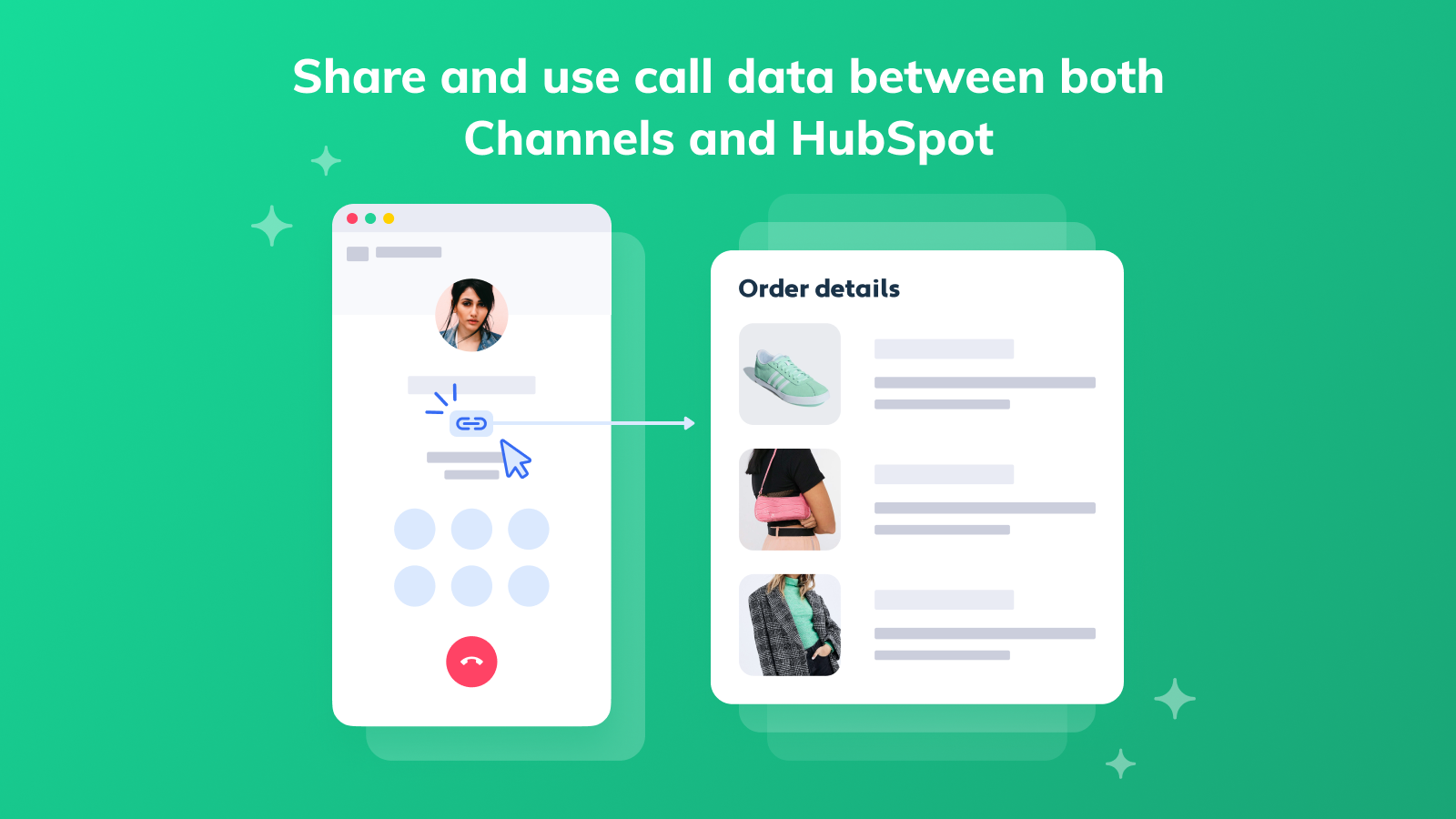
Share and use call data between both Channels and HubSpot
Channels lets you utilize customer data you store in HubSpot to handle better sales calls. To enrich every call you take, Channels will use your HubSpot data to show you exactly who’s calling. Plus, you can import data stored in HubSpot to Channels so you’ve got everything sorted in one place.
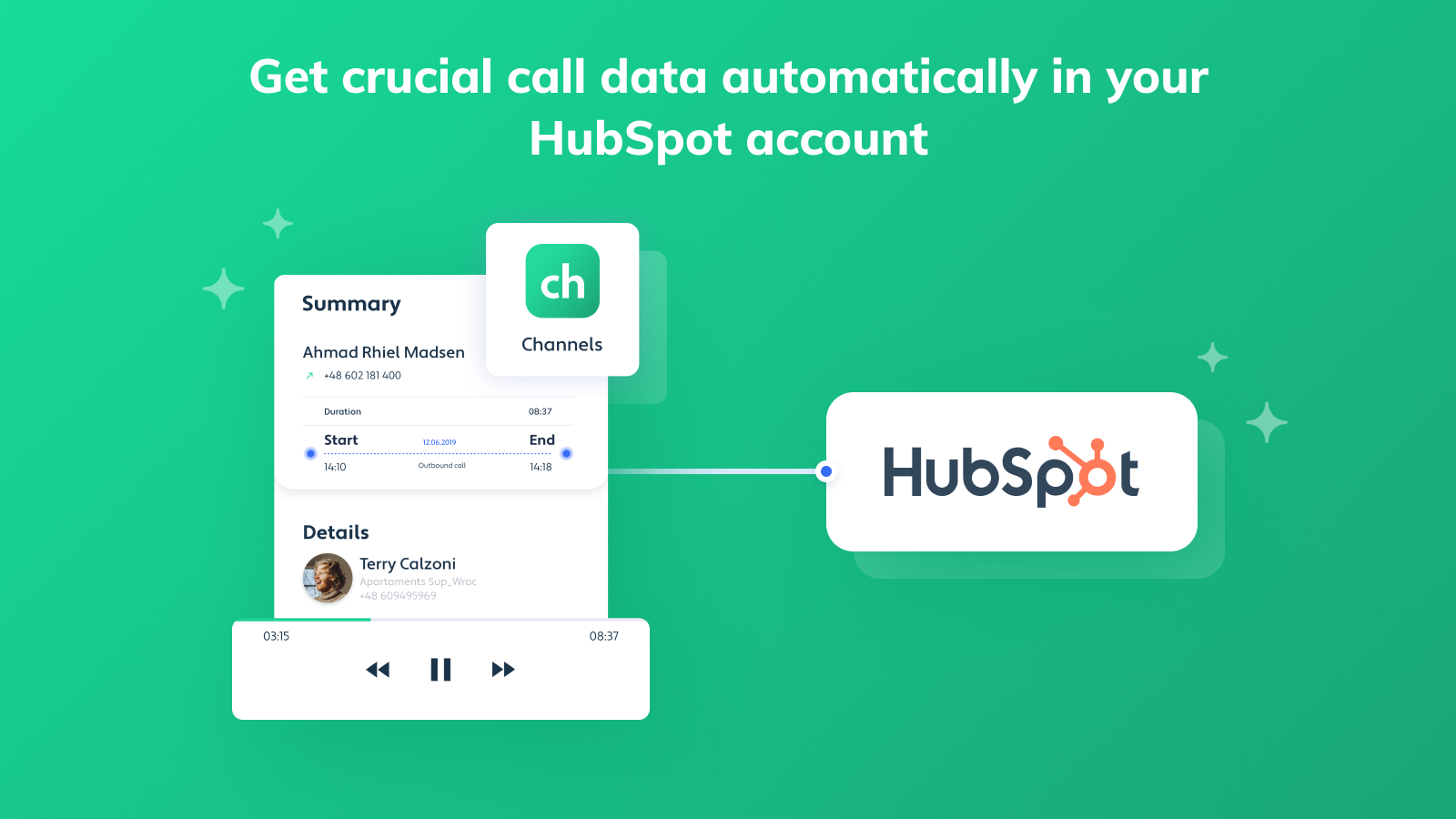
Get crucial call data automatically in your HubSpot account
To make sure you miss no data, Channels will automatically save call history and links to call recordings in your HubSpot account. This way no matter which software you use, you’ll have all the details you need.
App Functionality
Shared Data
Calls | ||
Contact | ||
Contact |
Reviews
Pricing
FREE
$0
For small teams
1.) Up to 250 web calls
2.) Web call personalization
3.) Working hours
4.) Up to 3 users included
5.) Welcome message
6.) 7 days of call recordings storage
7.) 7 days of calls history
8.) 24/7 Support
+more...
FREE
$0
For small teams
1.) Up to 250 web calls
2.) Web call personalization
3.) Working hours
4.) Up to 3 users included
5.) Welcome message
6.) 7 days of call recordings storage
7.) 7 days of calls history
8.) 24/7 Support
+more...
* The pricing here is for display purposes only. All prices do not include taxes, incentives, discounts, or other pricing variables. You should contact the partner for the most up to date and correct pricing information. HubSpot does not take any responsibility for this pricing information, which is provided by our partners. Pricing last updated: 08/11/2025
Getting attention today

Slack
Manage CRM records, get AI-powered assistance from Breeze, send real-time notifications, and collaborate with your team — without leaving Slack.

Zoom
Use Zoom with HubSpot meetings, workflows, contact records and more.
