

Chekkit
Built by - Chekkit
Installs - <10 installs
Requirements
HubSpot Plan HubSpot Account permissions - View the required account permissions
Access Type Shared Chekkit Subscription - Business or Business AI plans
Overview
1/4
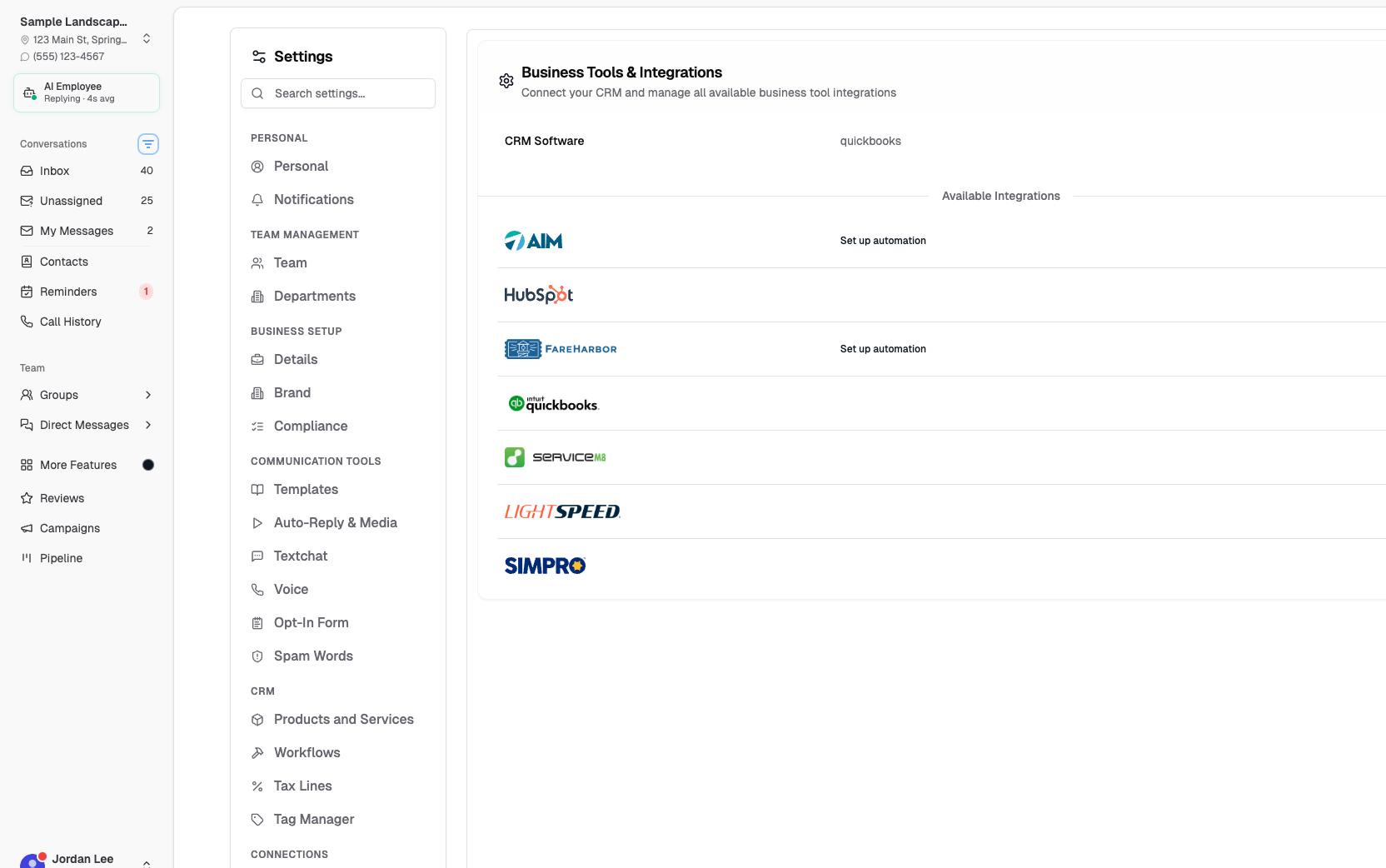
Chekkit connects HubSpot to your business texting, so the moments that matter in your CRM automatically become conversations with your customers. When a new deal is created, a support ticket comes in, or a deal is marked Closed Won, Chekkit can instantly send the right text — a welcome, a follow-up, or a Google review request — using the contact's phone number from HubSpot.
Setup takes minutes: connect your HubSpot account, choose which updates you care about, and turn on ready-made automation templates. No workflows to build, no code. Businesses use Chekkit + HubSpot to respond to new deals faster, keep customers informed on support tickets, and grow their Google rating by asking for reviews at the perfect moment — right after a won deal.
Features
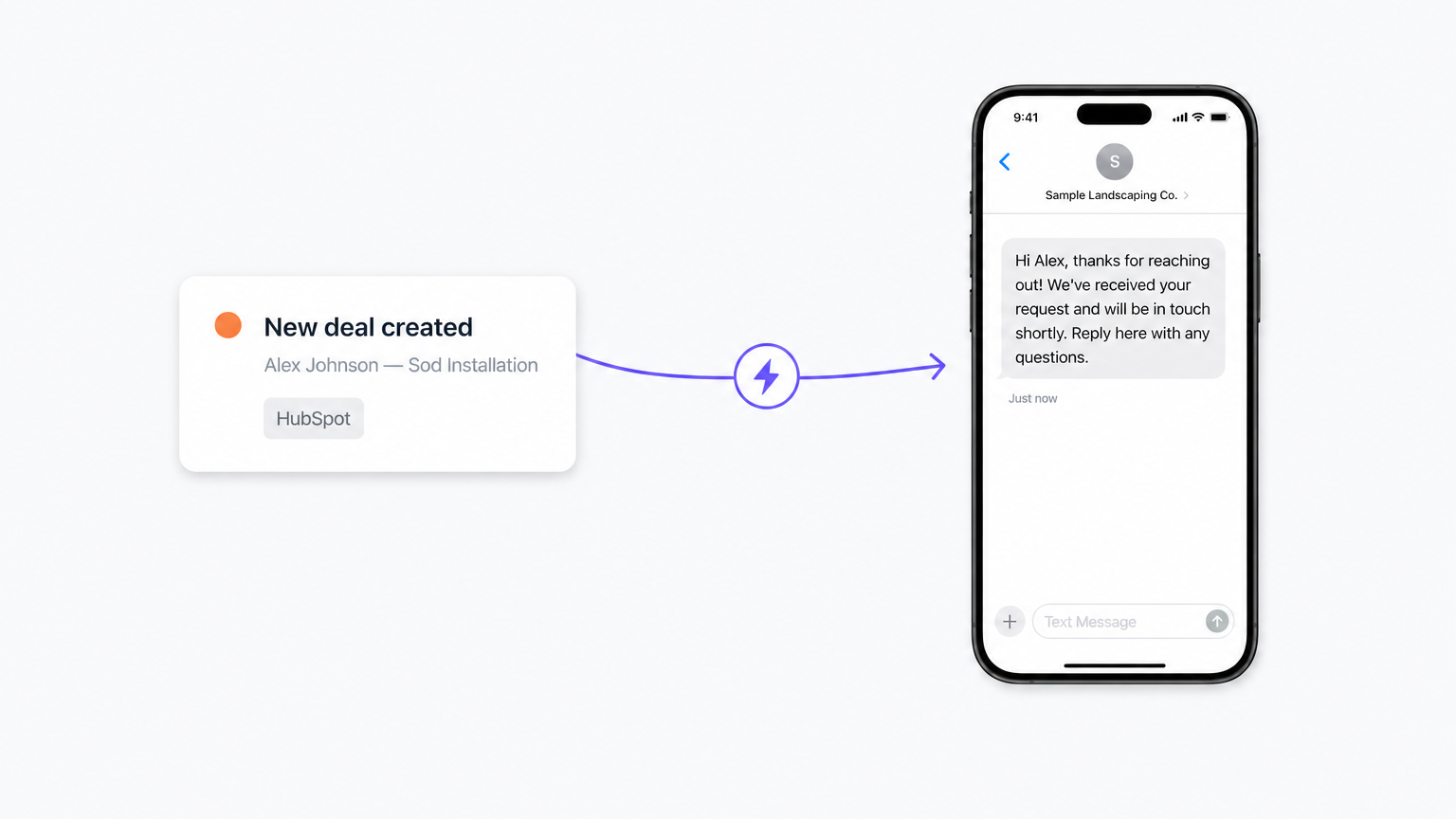
Instant texts from HubSpot events
When a deal or support ticket is created in HubSpot, Chekkit automatically texts the customer using the phone number on the associated contact — welcome messages, confirmations, or updates, sent within seconds.
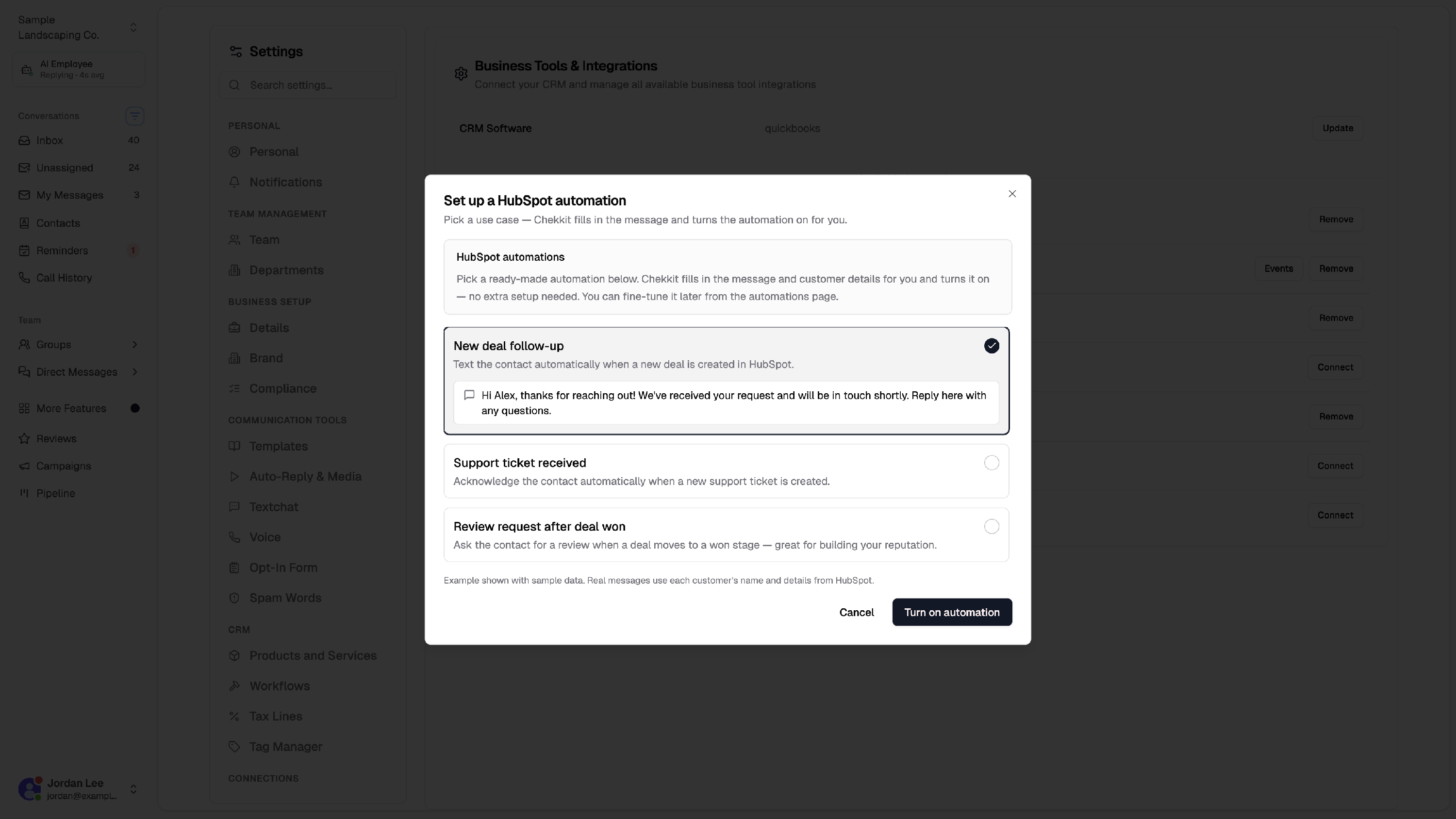
Ready-made automation templates
One-click quick-setup templates for the most common use cases. Pick a template, and Chekkit pre-fills the trigger, contact field, and message — live in under a minute.
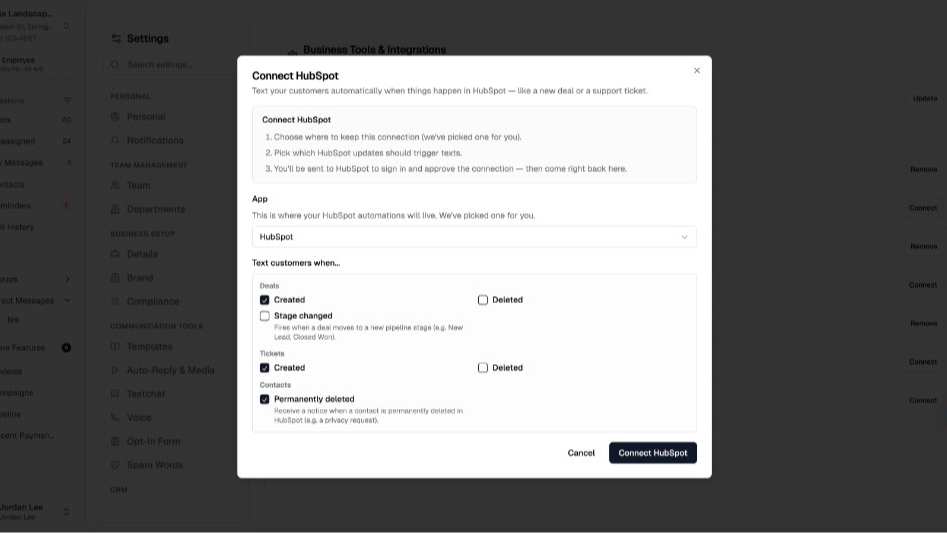
Review requests on won deals
When a deal moves to Closed Won, Chekkit sends a Google review invitation to the customer — timed at the moment they're happiest.
App Functionality
Shared Data
Chekkit contact | ||
Chekkit automation trigger | ||
Chekkit automation trigger | ||
Chekkit context |
Reviews
Pricing
Business
$127
/monthUnlimited users — everything you need to respond faster and grow revenue
Business
$127
/monthUnlimited users — everything you need to respond faster and grow revenue
* The pricing here is for display purposes only. All prices do not include taxes, incentives, discounts, or other pricing variables. You should contact the partner for the most up to date and correct pricing information. HubSpot does not take any responsibility for this pricing information, which is provided by our partners. Pricing last updated: 08/06/2026
Getting attention today

iSoftpull
Pull soft and hard credit reports directly in HubSpot.

LinkedIn Sales Navigator
Access LinkedIn Sales Navigator tools within HubSpot contact records.
