

Databar
Built by - Databar
Installs - 60+ installs
Requirements
HubSpot Plan HubSpot Account permissions - View the required account permissions
Access Type Shared Databar Subscription - Build plan
Overview
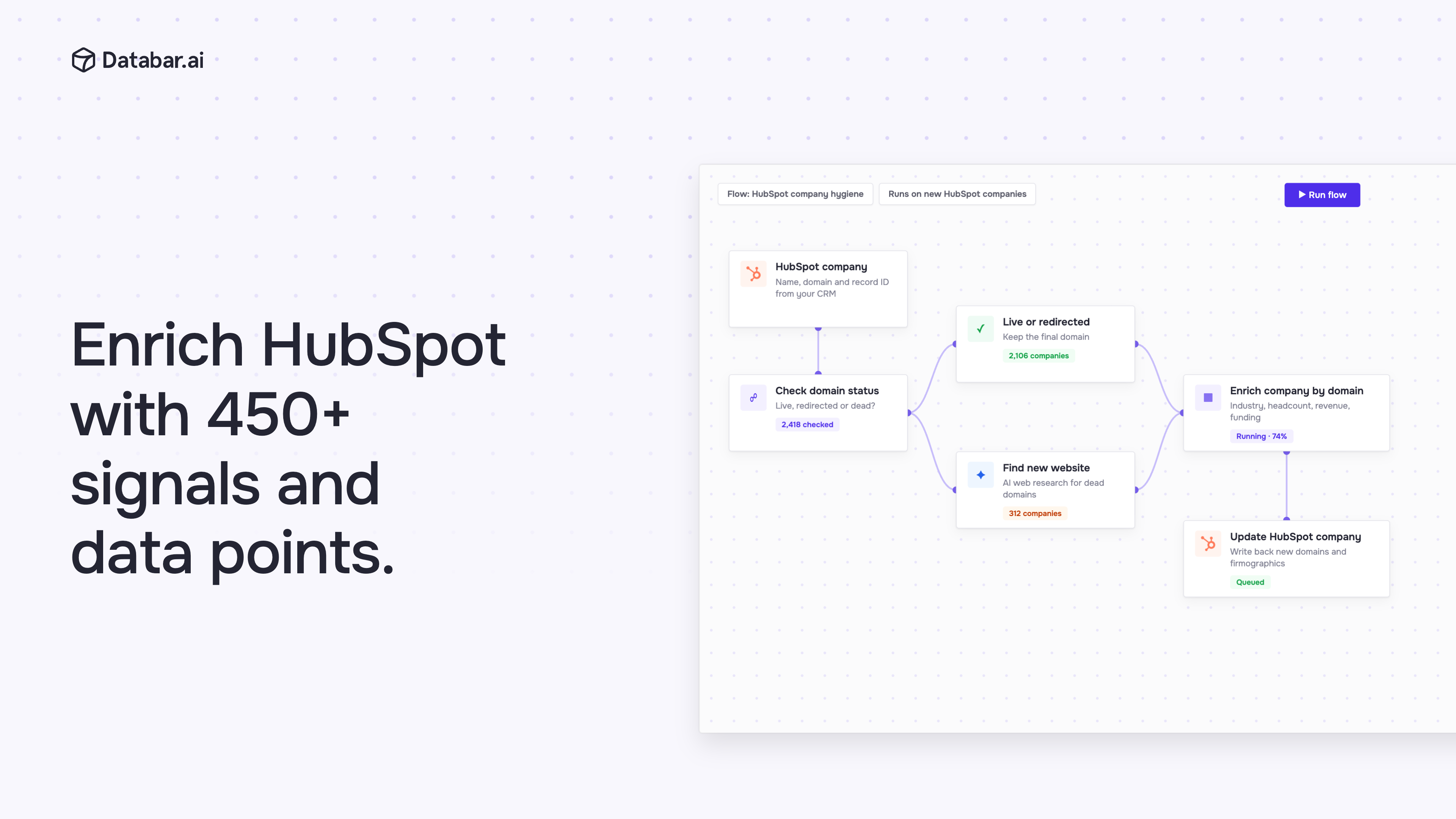
1/3 - Databar flow that checks HubSpot company domains, finds new websites and enriches firmographics before updating HubSpot
Databar keeps your HubSpot contacts and companies accurate and up to date on autopilot. Connect HubSpot once, and Databar fills in missing job titles and company details using 100+ sources and AI web research, then writes the results straight back to your existing records.
Build automations that run on their own: fix outdated company websites, refresh headcount and funding, or qualify new leads against your ideal customer profile before your reps pick them up. Every workflow can also run through our API or MCP server.
Features
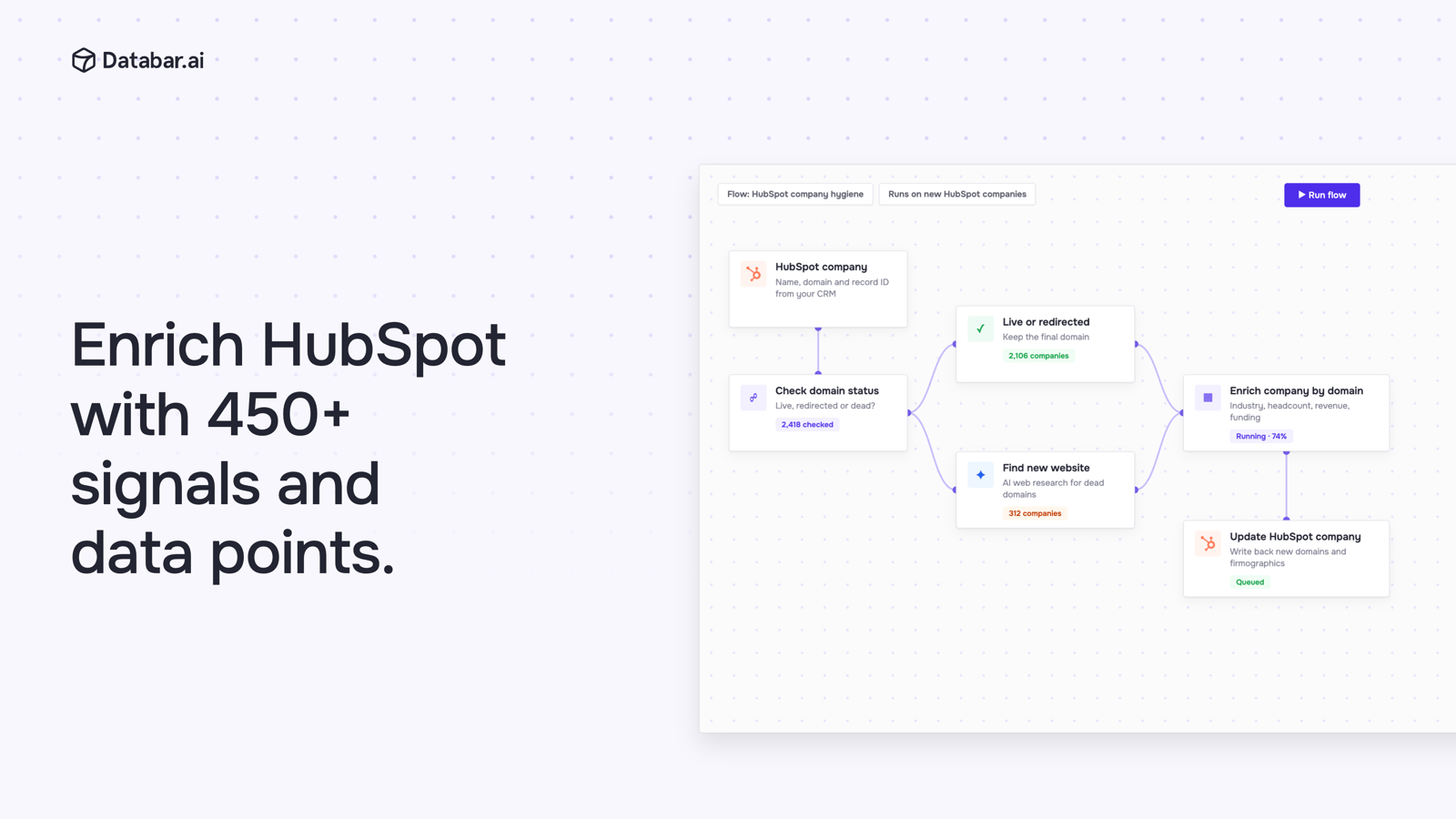
Enrich HubSpot with 450+ data points
Fill gaps in your HubSpot contacts and companies with firmographics, tech stack and funding data, or run flows that check domains and find new websites automatically.
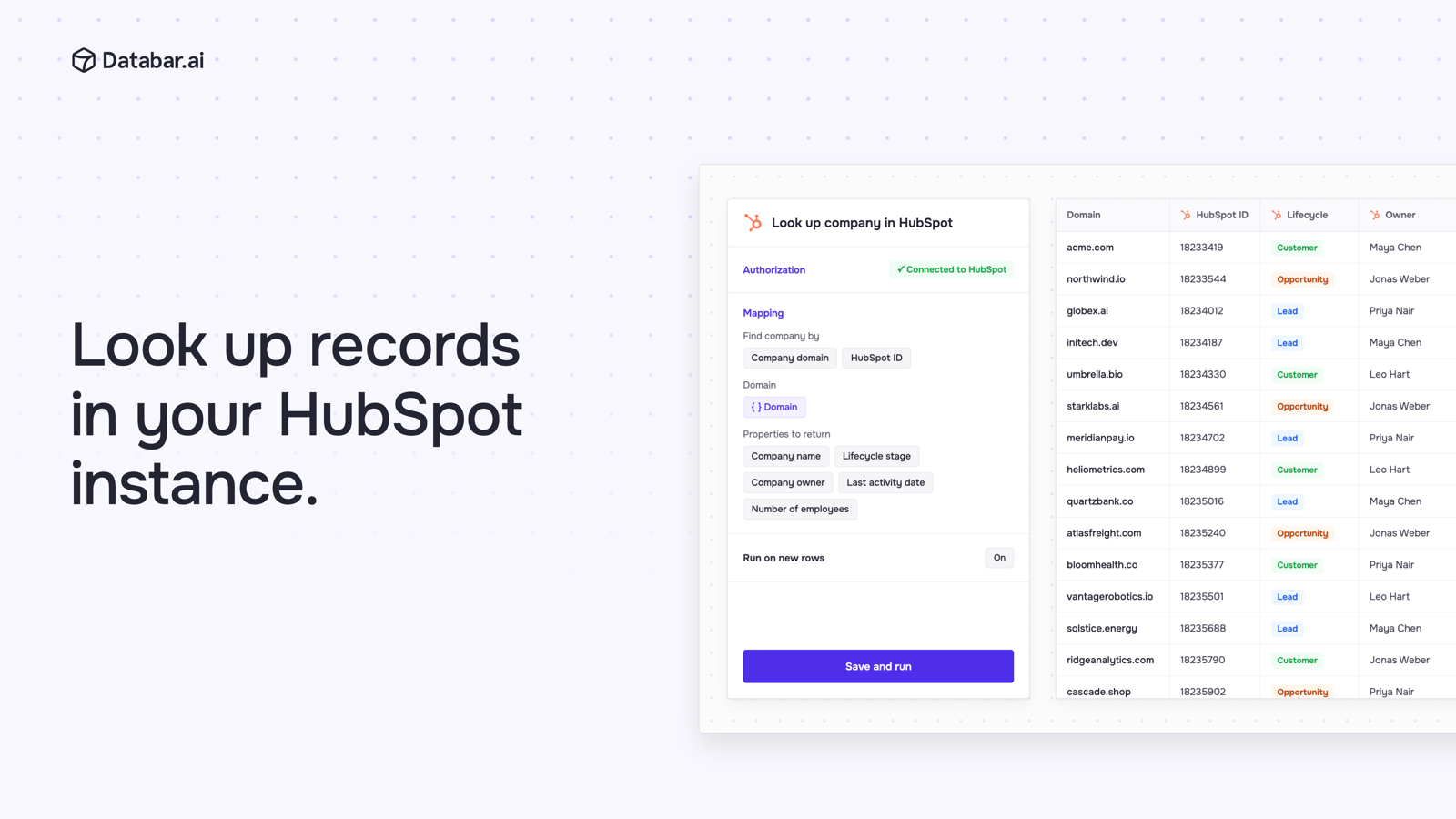
Look up records in HubSpot
Check what's already in your CRM before you enrich or reach out. Find HubSpot contacts and companies by ID, email or website, or search with property filters, and pull their lifecycle stage, owner and other properties into your table.
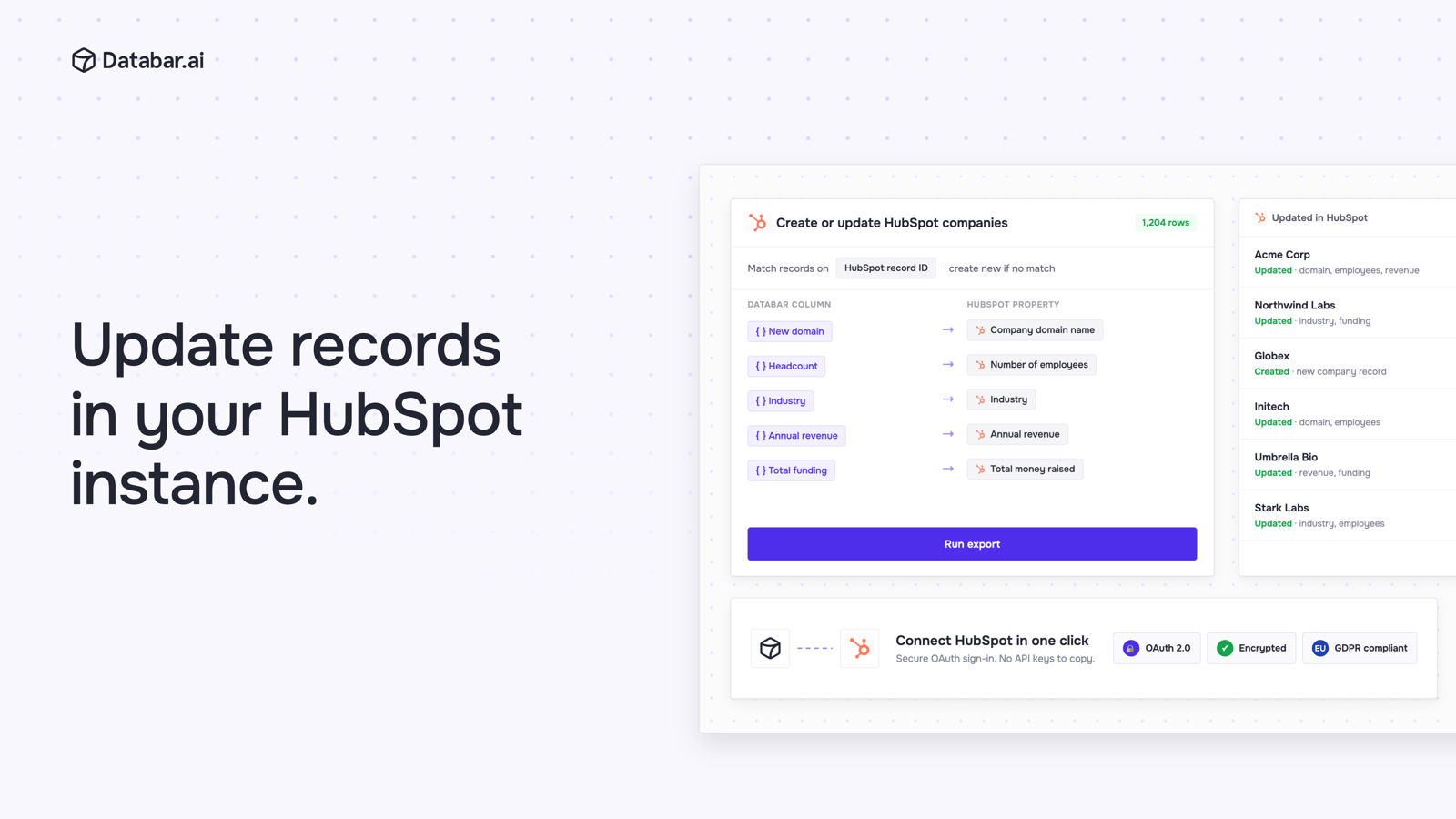
Update records in HubSpot
Write enriched data back to HubSpot. Map Databar columns to HubSpot contact or company properties, then update existing records by HubSpot record ID, or create new companies. Only the fields you map are written.
App Functionality
Shared Data
Contacts | ||
Companies | ||
Deals |
Databar only reads or writes HubSpot data when a user runs an import, enrichment or export they have set up, using their own HubSpot connection. Imported records stay in the user's private Databar workspace, and disconnecting HubSpot in Databar stops all access. Data is encrypted at rest and in transit, and we never view, change or export your data without your permission.
Reviews
Pricing
Build
$82.92
/monthFree trial, no credit card required. Includes bi-directional sync with HubSpot and 100+ data providers.
Waterfall enrichment from 100+ data providers
CRM Integrations (Bi-Directional)
Custom Http APIs and Webhooks
AI researcher agent
Use your own API keys
API, CLI and MCP Access
Build
$82.92
/monthFree trial, no credit card required. Includes bi-directional sync with HubSpot and 100+ data providers.
Waterfall enrichment from 100+ data providers
CRM Integrations (Bi-Directional)
Custom Http APIs and Webhooks
AI researcher agent
Use your own API keys
API, CLI and MCP Access
* The pricing here is for display purposes only. All prices do not include taxes, incentives, discounts, or other pricing variables. You should contact the partner for the most up to date and correct pricing information. HubSpot does not take any responsibility for this pricing information, which is provided by our partners. Pricing last updated: 10/15/2026
More info
Built by - Databar
Installs - 60+ installs
Categories Languages this app is available in English ,English - Canada ,English - India ,English - United Kingdom , andEnglish - United States
Getting attention today

Slack
Manage CRM records, get AI-powered assistance from Breeze, send real-time notifications, and collaborate with your team — without leaving Slack.

Zoom
Use Zoom with HubSpot meetings, workflows, contact records and more.
