

Hyperagent
Built by - Hyperagent
Installs - 90+ installs
Requirements
HubSpot Plan HubSpot Account permissions No HubSpot permissions required. Hyperagent may request additional permissions while connecting. Access Type Personal Hyperagent Subscription - Pay as you go or Monthly subcription plans
Overview
1/3 - Connecting and using HubSpot connector on Hyperagent
Hyperagent lets you put a fleet of AI agents to work on your HubSpot CRM. Instead of clicking through records, building reports, or copy-pasting between tools, you describe what you need in plain English and an agent does it — connected directly to your contacts, companies, deals, and tickets.
Most CRMs are only as useful as the time your team has to maintain them. Notes go unlogged, deals go stale, and the data you need is buried across records and other apps. Hyperagent closes that gap: its agents read and update your HubSpot data the same way a sharp ops teammate would, working alongside the rest of your stack so your CRM stays current without the busywork.
Connect HubSpot to Hyperagent to:
- Keep your pipeline clean without the manual upkeep — "Find every deal with no activity in 30 days and flag the owner," or "Update the stage on these deals from last week's call notes."
- Get answers instead of building reports — "Which accounts grew their deal value this quarter?" or "Summarize everything we know about this contact before my meeting."
- Turn scattered context into CRM records — pull details from an email, a doc, or another connected tool and log them as the right contact, company, or note in HubSpot.
- Move faster on support and follow-ups — "Draft replies to open tickets from our top accounts," or "Create follow-up tasks for everyone we met at the conference."
Whether you run sales, service, or revenue operations, Hyperagent gives your team specialists that handle the repetitive CRM work — so people spend their time on customers, not data entry.
Features
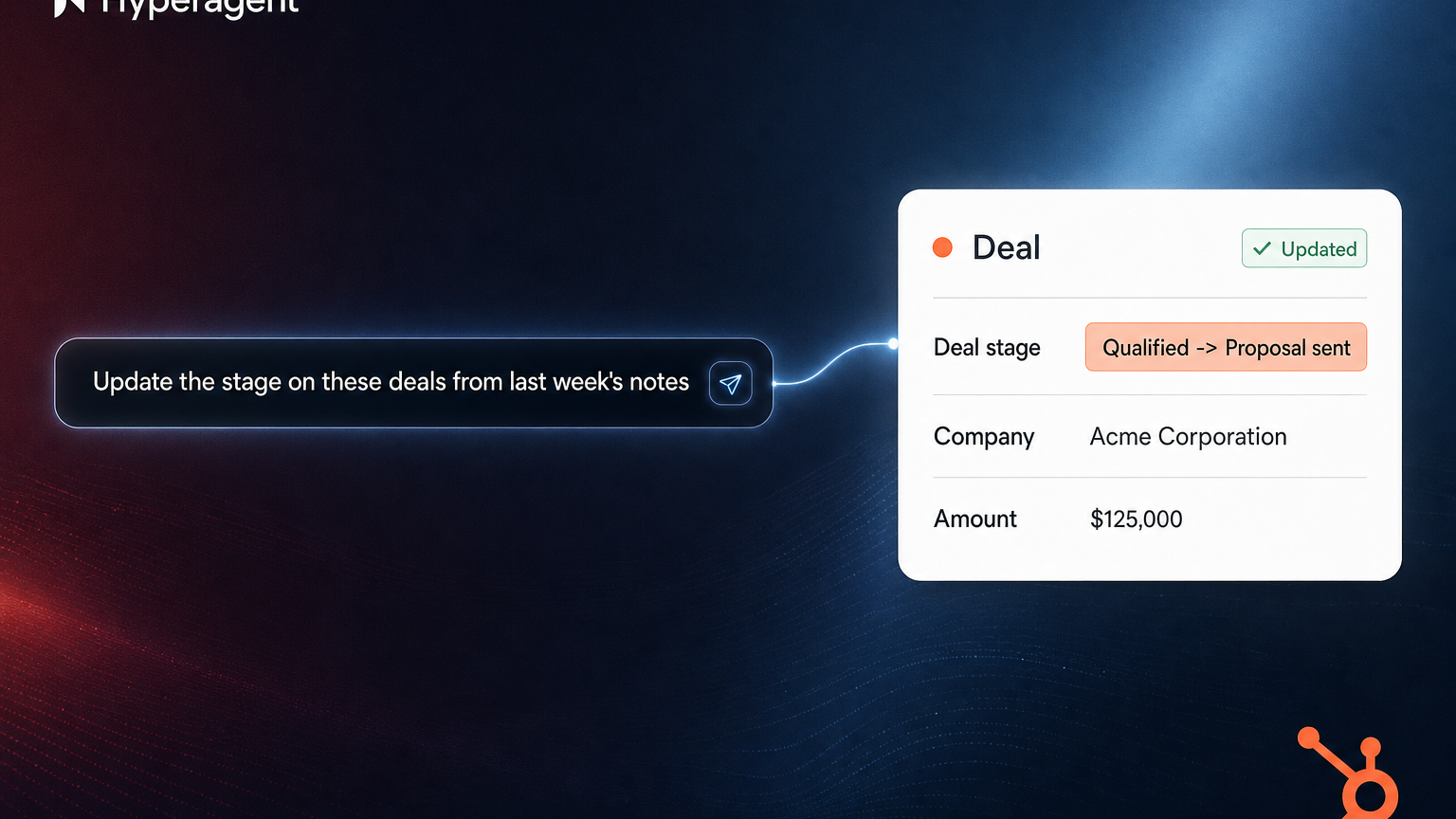
Manage contacts, companies, and deals with natural language
Ask Hyperagent to find, update, and enrich your HubSpot records — no manual data entry. Try "Pull everything we know about this account before my call" or "Update the stage on these deals from last week's notes," and the changes show up right in HubSpot.
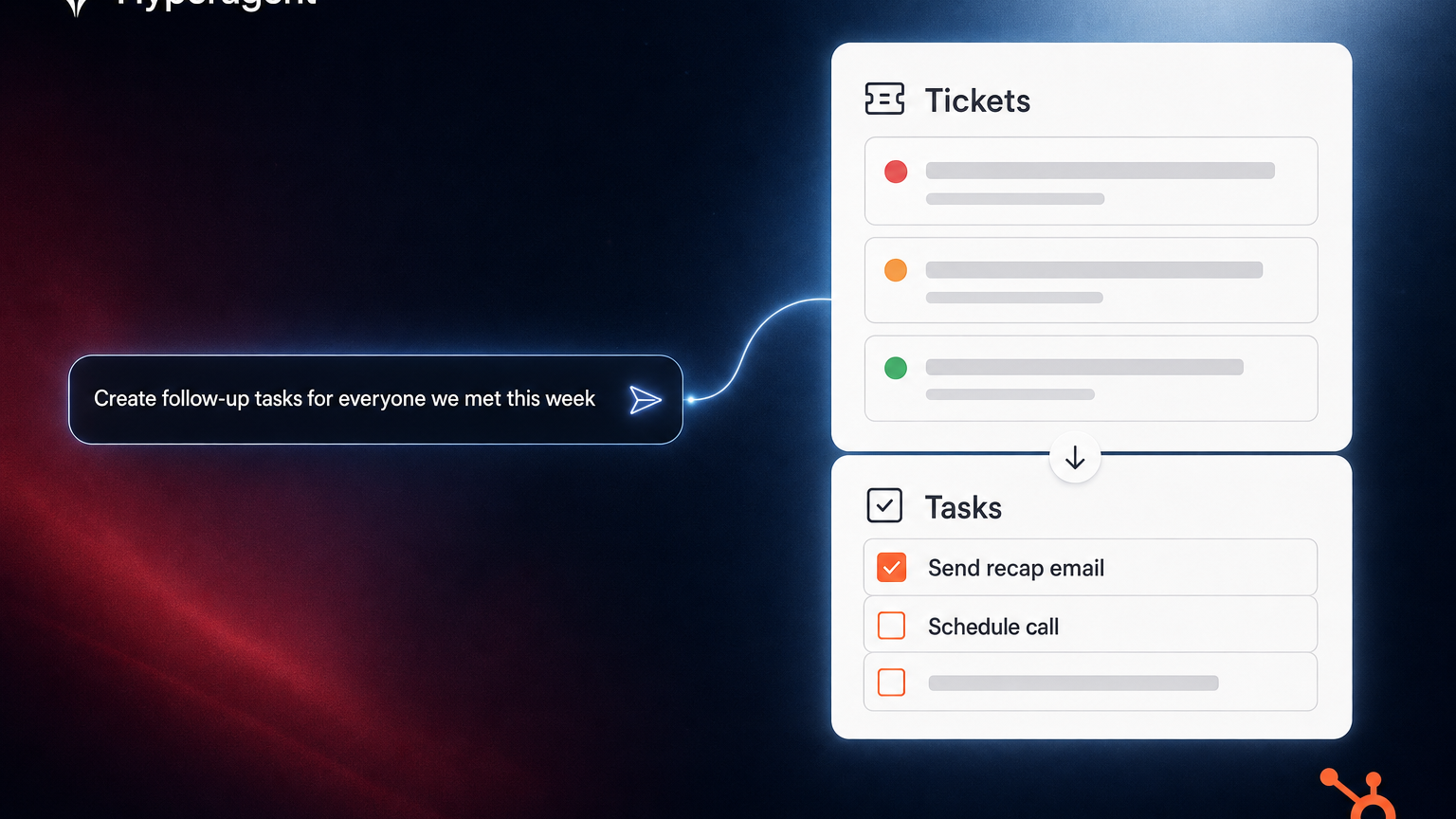
Triage tickets and automate follow-up tasks
Hyperagent reviews your support tickets and creates the work that follows. Try "Summarize open tickets from our top accounts" or "Create follow-up tasks for everyone we met this week" — so your team spends time on customers, not busywork.
Reviews
Pricing
Pay as you go
$1
/creditNo monthly cost to set up.
$0 setup fee.Pay as you go
$1
/creditNo monthly cost to set up.
$0 setup fee.* The pricing here is for display purposes only. All prices do not include taxes, incentives, discounts, or other pricing variables. You should contact the partner for the most up to date and correct pricing information. HubSpot does not take any responsibility for this pricing information, which is provided by our partners. Pricing last updated: 07/08/2026
Most popular

Gmail
Bring HubSpot to your inbox with the HubSpot integration for Gmail.

Google Calendar
Book meetings quickly and easily with HubSpot and Google Calendar.
