

Lighthouse by Cloudify
Built by - Cloudify
Installs - 80+ installs

Leading
Requirements
HubSpot Plan HubSpot Account permissions - View the required account permissions
Access Type Shared Lighthouse by Cloudify Subscription - Free plan
Overview
-1.png)
1/1
Lighthouse by Cloudify connects HubSpot to the tools your business already runs on your order system, finance software, support desk, and more. When data changes in one place, it updates everywhere. No manual exports. No re-entering the same information twice.
Connecting takes minutes. Authenticate once, and your HubSpot contacts, companies, and deals are ready to use across every workflow you build, no code, no developer needed.
What you can do:
Contacts and companies sync automatically - the moment something changes in HubSpot, it moves through.
Deal stage changes trigger the next step - in HubSpot and in every other tool connected to it.
Customer records stay consistent across your whole stack, so every team is always working with the same data.
Build automations that pull from HubSpot and dozens of other integrations - all in one place.
Lighthouse doesn't lock you into a single platform - HubSpot is one of many systems you can connect, alongside e-commerce, finance, and support tools, so your automations can span your entire business, not just one corner of it.
Features
.png)
Automatic Data Sync
Contacts, companies, and deals update across every connected system the moment something changes in HubSpot. Always accurate, always current.
.png)
Cross-Platform Workflow Automation
When a deal moves stage or a contact is created, the next step triggers automatically — in HubSpot and every tool connected to it. No manual handoffs.
.png)
No-Code Workflow Builder
Build multi-step automations that combine HubSpot with dozens of other tools. No developer needed, no code written — just workflows that work.
.png)
Multi-System Orchestration
HubSpot is one of many integrations Lighthouse supports — build automations that span your CRM, e-commerce, finance, and support tools together.
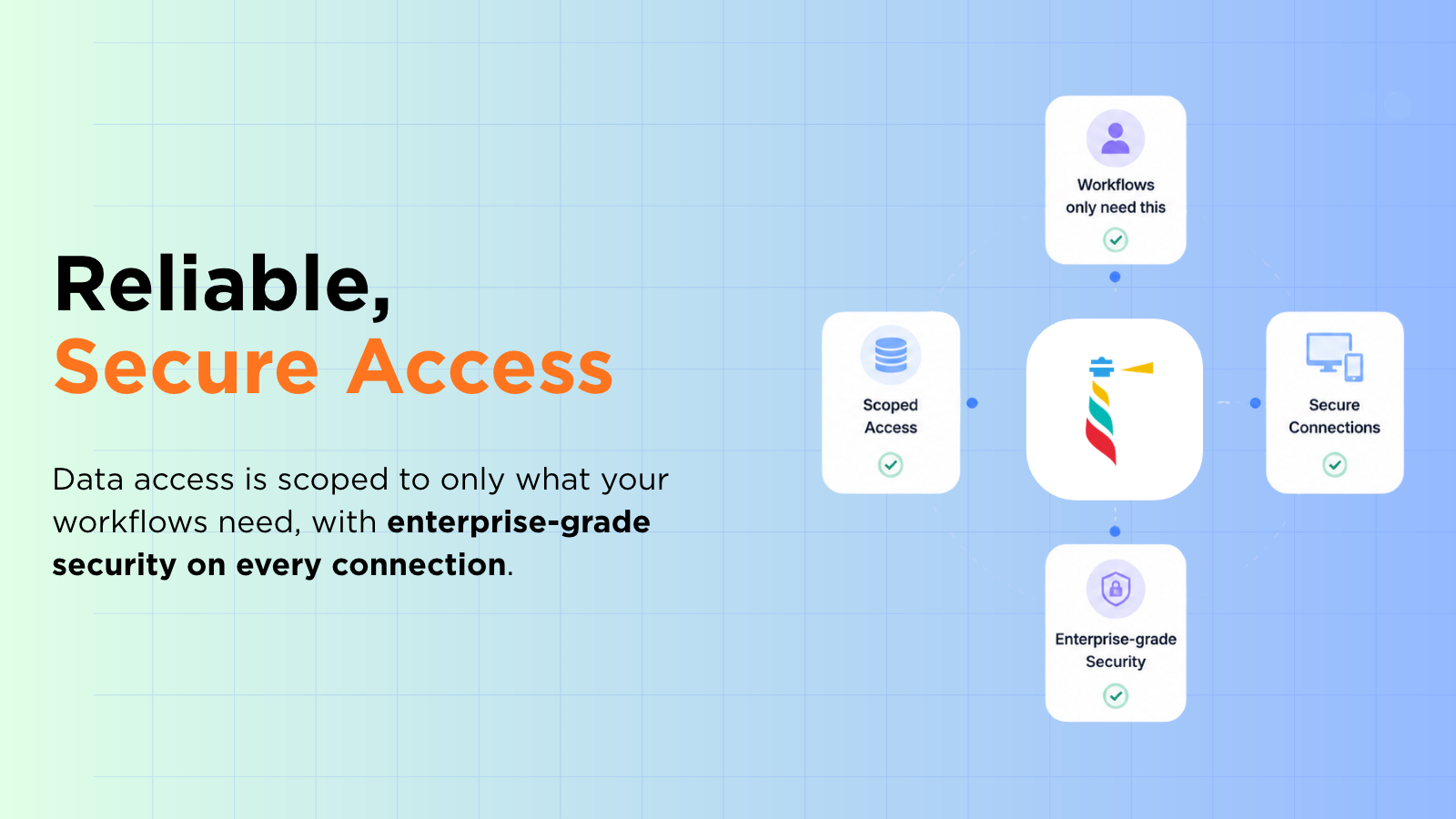
Reliable, Secure Access
Every connection is scoped to only what your workflows need. Enterprise-grade security, nothing exposed that shouldn't be.
.png)
One-Click Replay
Workflow failed because a field was missing or data wasn't ready? Fix it in your app, hit Replay — it picks up right where it stopped. No data lost, no workflow restarted from scratch.
App Functionality
Shared Data
Deal Properties | ||
Company Properties | ||
Contact Properties | ||
Subscriptions | ||
Invoice Objects | ||
Tickets | ||
Email Subscription | ||
CMS Files | ||
Marketing Email | ||
Owners | ||
Workflows | ||
Custom Objects | ||
Meetings | ||
Commerce Payments | ||
Leads | ||
Events | ||
Listing | ||
Forms | ||
Transactional Email | ||
Conversations | ||
Orders | ||
Social Media | ||
Users | ||
Quotes | ||
HubDB | ||
Deals | ||
Companies | ||
Contacts |
Reviews
Pricing
Free
$0
Free
$0
* The pricing here is for display purposes only. All prices do not include taxes, incentives, discounts, or other pricing variables. You should contact the partner for the most up to date and correct pricing information. HubSpot does not take any responsibility for this pricing information, which is provided by our partners. Pricing last updated: 10/02/2026
Getting attention today

RingEX by RingCentral
Streamline workflows with RingCentral's integration for HubSpot.

HubSpot connector for Gemini
Bring your HubSpot context to Gemini to surface fast insights and take action back in HubSpot.
