

mailfloss
Requirements
HubSpot Plan HubSpot Account permissions - View the required account permissions
Access Type Shared mailfloss Subscription - Lite, Business, or Pro plans
Overview
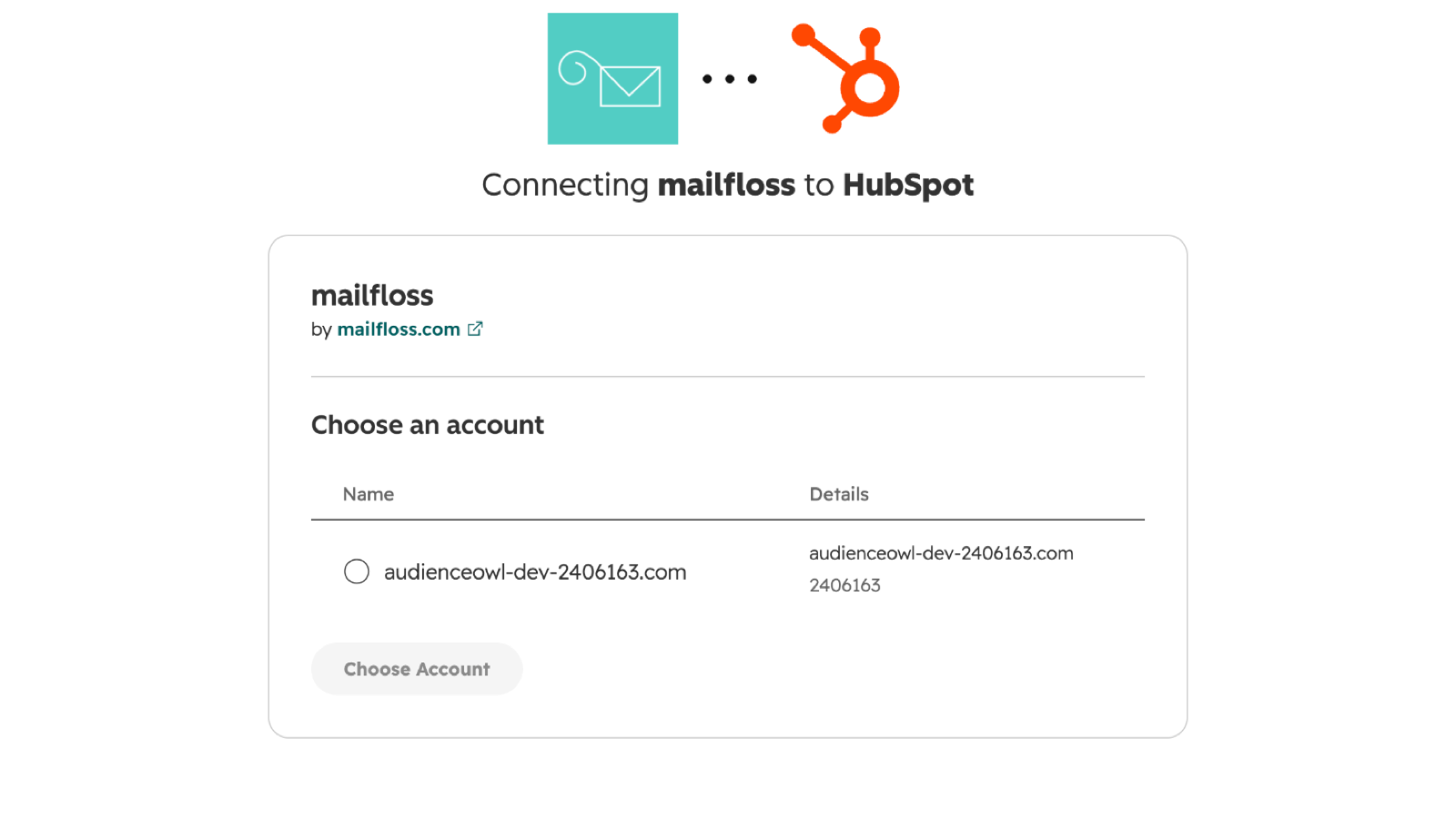
1/5 - Connect mailfloss to HubSpot in a few clicks: choose the HubSpot account to connect
Every invalid, mistyped or abandoned address in HubSpot costs you twice: you pay for it as a marketing contact, and it drags down your sender reputation every time you email it.
mailfloss connects to HubSpot in a few clicks and keeps your contacts clean in the background. It checks new contacts every day, re-verifies older contacts on a schedule, fixes common typos like gmial.com instead of deleting real people, and writes the results back to HubSpot as contact properties you can segment and suppress on. No CSV exports, and no Zapier recipe to maintain.
Rated 4.9/5 on Capterra by email marketers, and used by 5,000+ teams. Developers can also verify addresses in real time with the mailfloss email verification API.
Features
Instafloss: real-time signup checks
Instafloss checks each new HubSpot contact the moment it is created, through a HubSpot webhook. Fake, disposable and mistyped addresses are caught before they reach your workflows or your next campaign, so lead scoring and nurture sequences run on real people.
Typo Fixer: keep leads instead of deleting them
Typo Fixer corrects common provider typos, like gmial.com to gmail.com, and writes the corrected address back to the HubSpot contact once the fixed mailbox verifies. Other verifiers mark these addresses invalid; mailfloss keeps the lead you already paid to acquire.
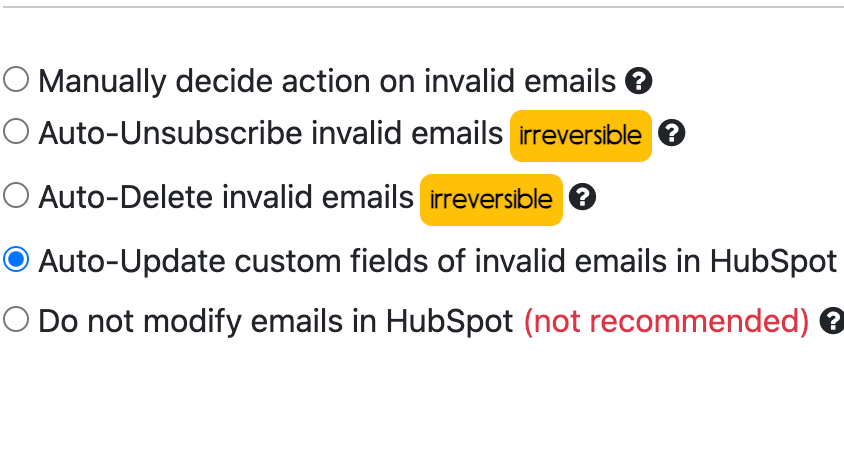
Cleanup rules you control
Choose what happens when mailfloss finds an invalid email in HubSpot: wait for your OK, report only, set a contact property your segments can exclude, unsubscribe the contact, or delete it. Whitelist and blacklist rules always keep or always flag the addresses and domains you name.
Decay Protection: re-check older contacts
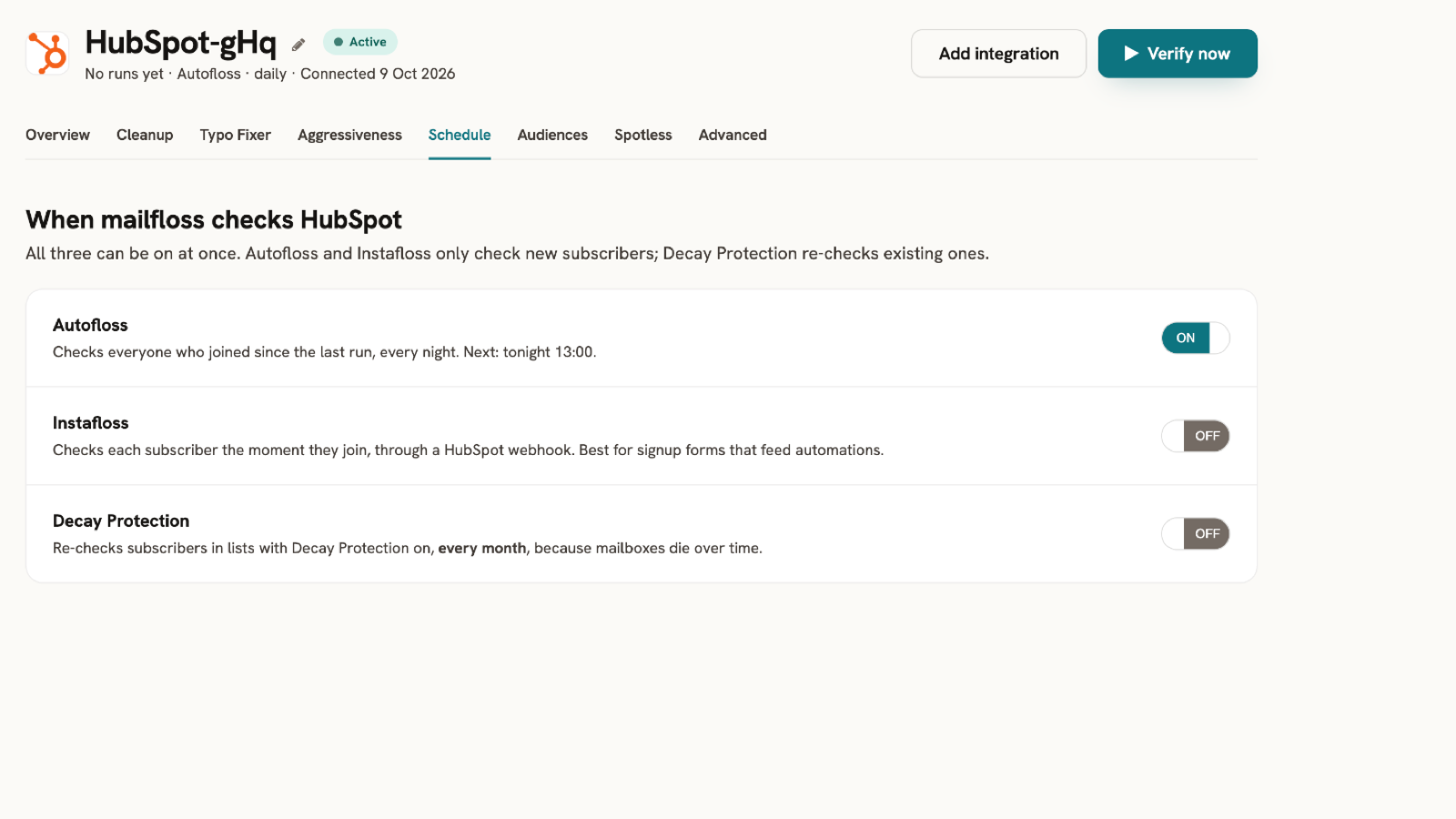
Email addresses go bad after people join: they change jobs, abandon inboxes, or their company's domain shuts down. Decay Protection re-verifies your existing HubSpot contacts on the schedule you choose and applies your cleanup rule to the ones that stopped working.
Autofloss: daily cleanup
Autofloss checks every contact added to HubSpot since the last run, every night, and applies your cleanup rule. Your lists stay clean without CSV exports, manual reviews or a Zapier recipe to maintain.
App Functionality
Shared Data
Contacts |
Reviews
3.9
9
3.9
9
- Feb 25, 2026
Great solution for managing an expanding email list with a small team
It has been a great tool for a small staff to deal with a growing email list.
Ease of use and transparency of process.
Can't think of one that we encountered.
Burrow, C.
- Mar 8, 2023
Barely effective
Affordable price, a relatively quick delivery, but a very big lack of accuracy despite the custom settings which included aggressive filters. It would be interesting to know how the algorithm works ; some domains were classified as spam for unknown reasons despite recent contact being made. We did a test with a couple of addresses where we could verify if they were still active or not, and more than 20% were not detected by mailfloss.
Clean a large and old database
Price, lot of tag options
Analysis only half done
ANDRIA, M.
Marketing Services - 26 to 50 employees
Pricing
Lite
$24.17
/monthBest for small businesses
Connect 1 email platform
Zapier integration
Real time API
Human support
Custom keep and remove rules
10,000 credits per month
Cleans your list daily
Removes addresses that decay over time
Removes bad addresses automatically
Lite
$24.17
/monthBest for small businesses
Connect 1 email platform
Zapier integration
Real time API
Human support
Custom keep and remove rules
10,000 credits per month
Cleans your list daily
Removes addresses that decay over time
Removes bad addresses automatically
* The pricing here is for display purposes only. All prices do not include taxes, incentives, discounts, or other pricing variables. You should contact the partner for the most up to date and correct pricing information. HubSpot does not take any responsibility for this pricing information, which is provided by our partners. Pricing last updated: 10/09/2026
Getting attention today

Slack
Manage CRM records, get AI-powered assistance from Breeze, send real-time notifications, and collaborate with your team — without leaving Slack.

Zoom
Use Zoom with HubSpot meetings, workflows, contact records and more.
