

Marketing Console
Built by - BV Bestseller Verlag GmbH
Installs - 20+ installs
Requirements
HubSpot Plan HubSpot Account permissions - View the required account permissions
Access Type Shared Marketing Console Subscription - AkquisePro plan
Overview
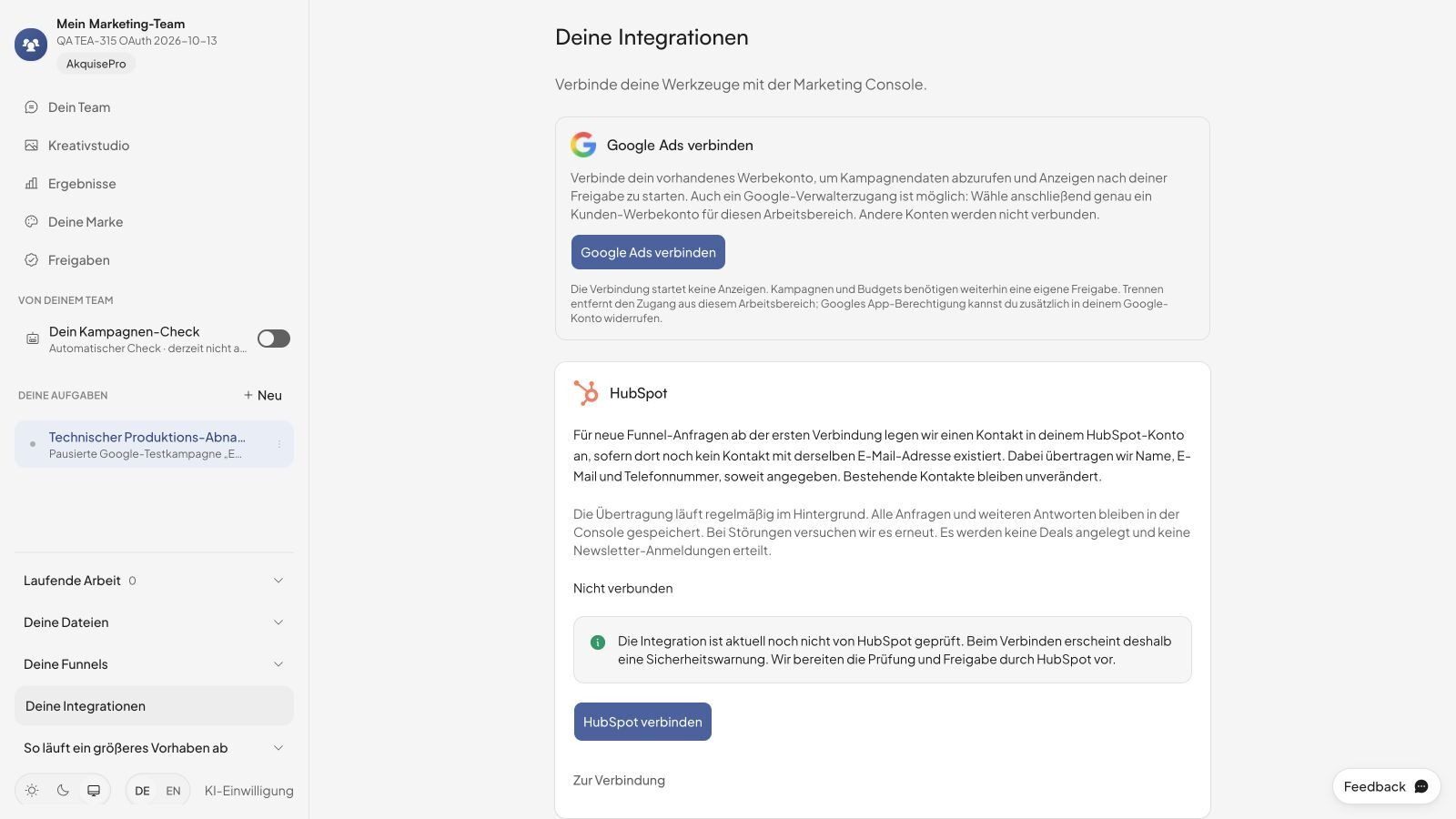
1/1 - HubSpot Integration in the Console – Setup in the Synthetic QA Workspace
Marketing Console transfers new leads from your connected funnels to your own HubSpot account. Once connected, the system checks the email address to see if a contact already exists. If not, a contact is created with the email address, as well as the provided name and phone number. Existing contacts remain unchanged. The lead is first permanently saved in the Console; delivery attempts that temporarily fail are retried. The connection applies only to the respective workspace and can be disconnected there.
Features
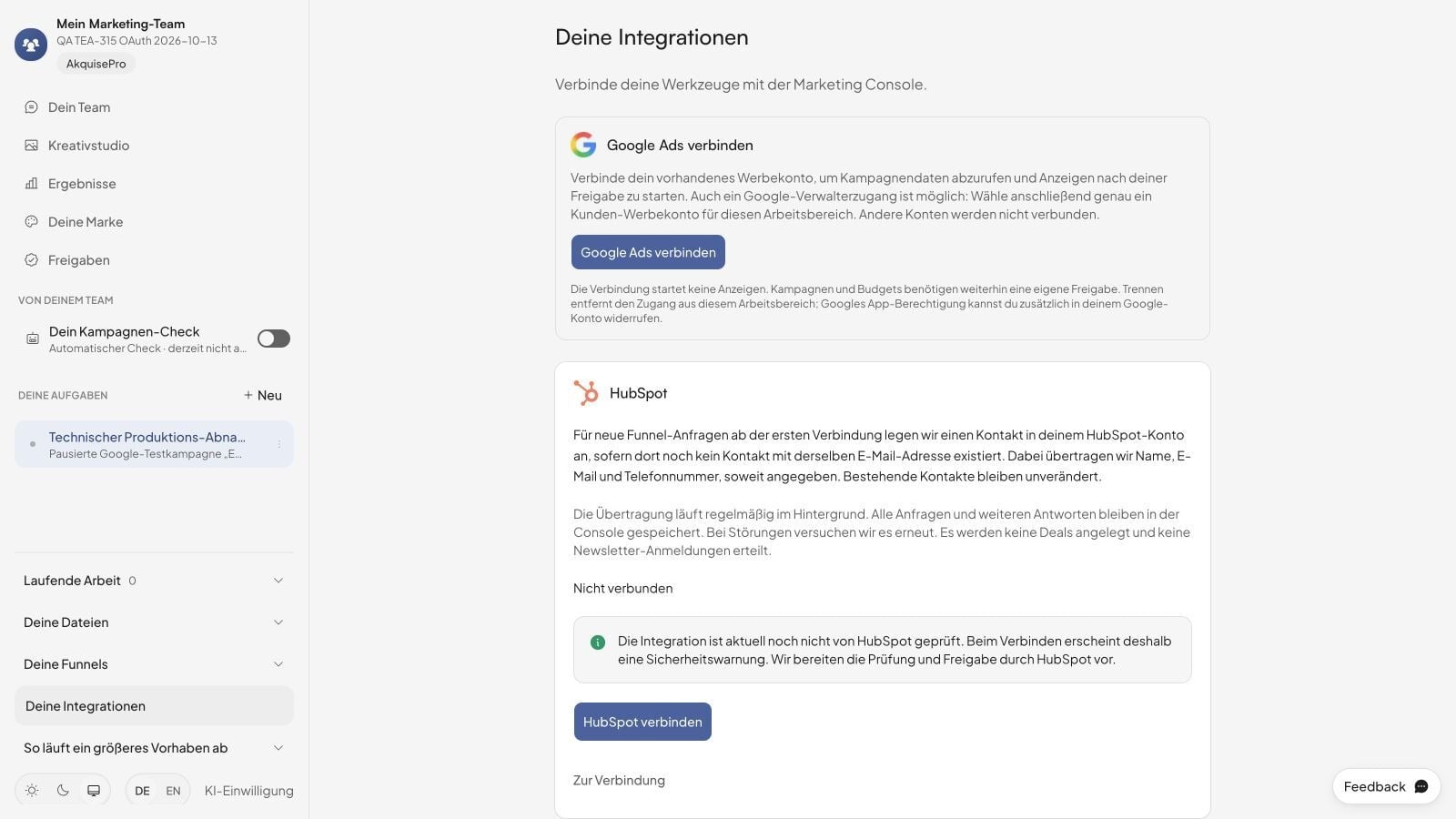
Create New Funnel Leads as Contacts
New inquiries from connected funnels are first stored in the Console. If the email address does not yet exist in HubSpot, the integration creates a contact using the provided contact information. Deliveries that temporarily fail are retried.
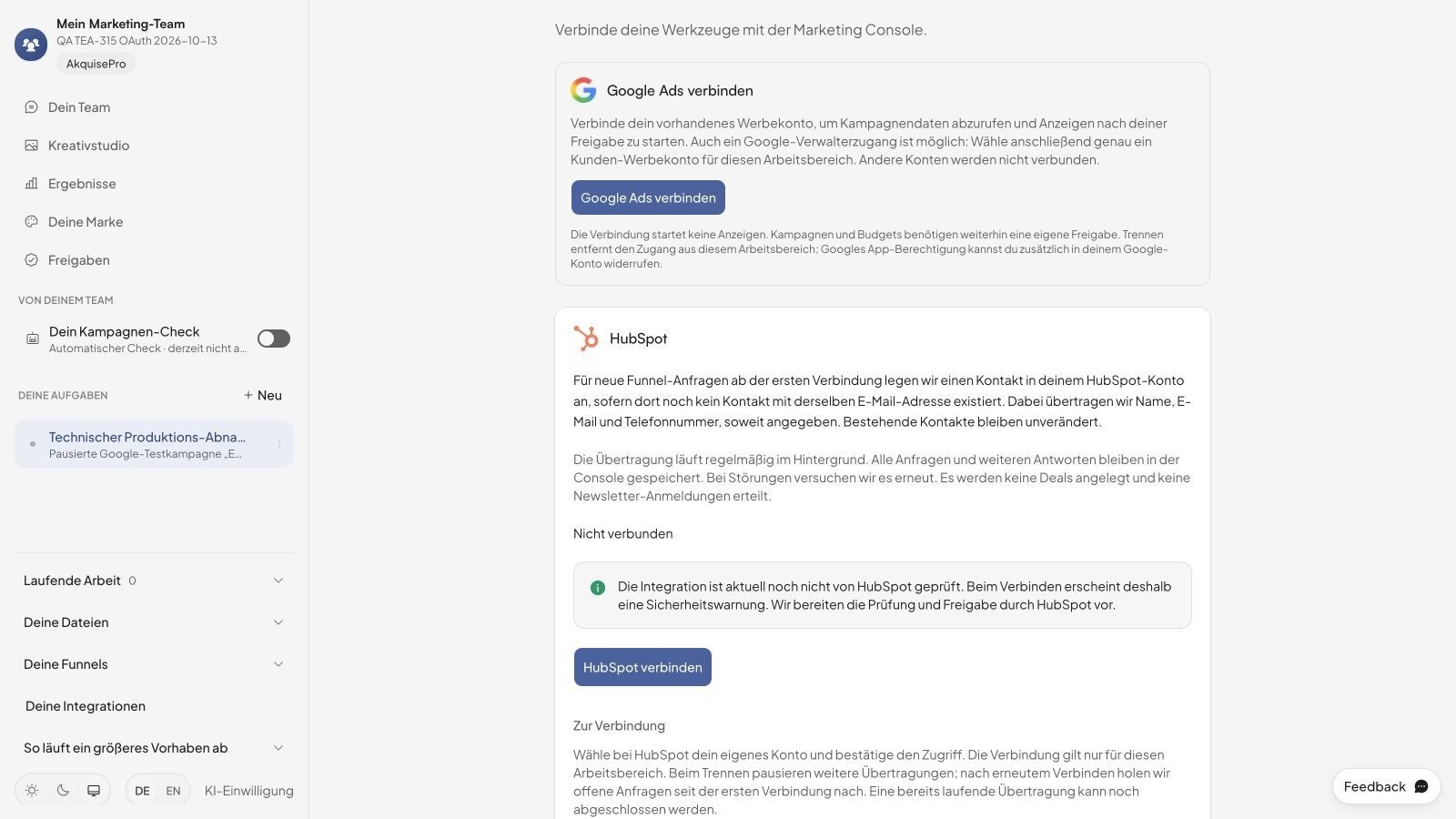
Leave existing contacts unchanged
Before creating any new records, the integration checks the email address in HubSpot. If a contact already exists, it is reused and not overwritten. A new request is retained in the console without changing any existing contact information.
App Functionality
Shared Data
Funnel-Anfragen |
Marketing Console reads contacts in HubSpot to check for duplicates based on the email address and writes only new contacts. The email address, first name, last name, and phone number are transferred, if provided. Existing contacts are neither overwritten nor continuously synchronized. There is no bidirectional synchronization of contact changes. The data flow includes read access from HubSpot and the creation of new contacts from the Console. After disconnecting, further transfers are paused; a transfer that is already in progress can still be completed.
Reviews
Pricing
AkquisePro
Access to the Marketing Console
No published pricing plans. Please contact the provider for access and terms.AkquisePro
Access to the Marketing Console
No published pricing plans. Please contact the provider for access and terms.* The pricing here is for display purposes only. All prices do not include taxes, incentives, discounts, or other pricing variables. You should contact the partner for the most up to date and correct pricing information. HubSpot does not take any responsibility for this pricing information, which is provided by our partners. Pricing last updated: 11/17/2026
More info
Built by - BV Bestseller Verlag GmbH
Installs - 20+ installs
Categories Languages this app is available in German
Most popular

Gmail
Bring HubSpot to your inbox with the HubSpot integration for Gmail.

Google Calendar
Book meetings quickly and easily with HubSpot and Google Calendar.
