

Pipedrive Migration via MigrateMyCRM
Built by - SyncMatters
Installs - <10 installs

Leading
Requirements
HubSpot Plan HubSpot Account permissions - View the required account permissions
Access Type Shared Pipedrive Migration via MigrateMyCRM Subscription - Launch, Starter, or Plus plans
Overview
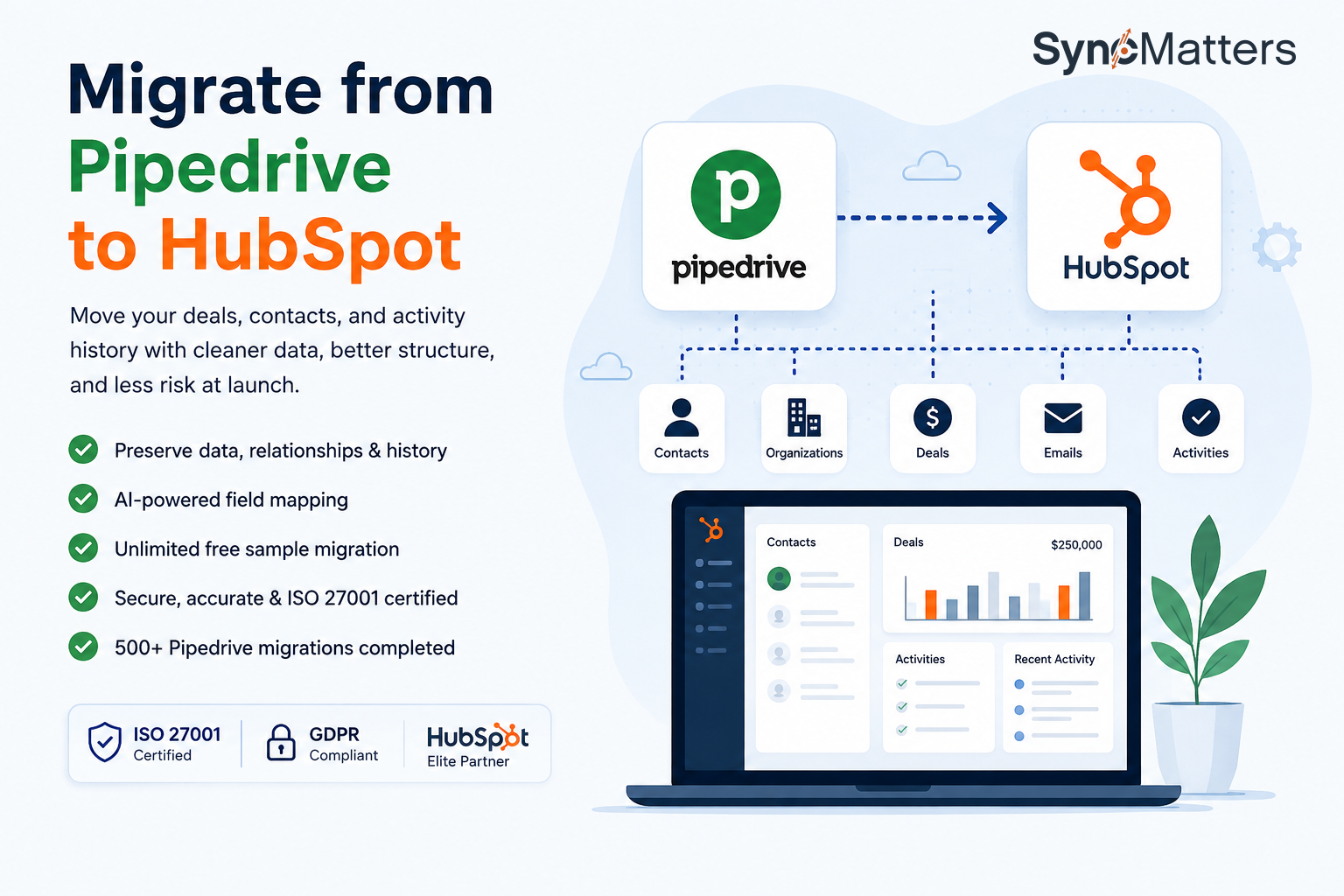
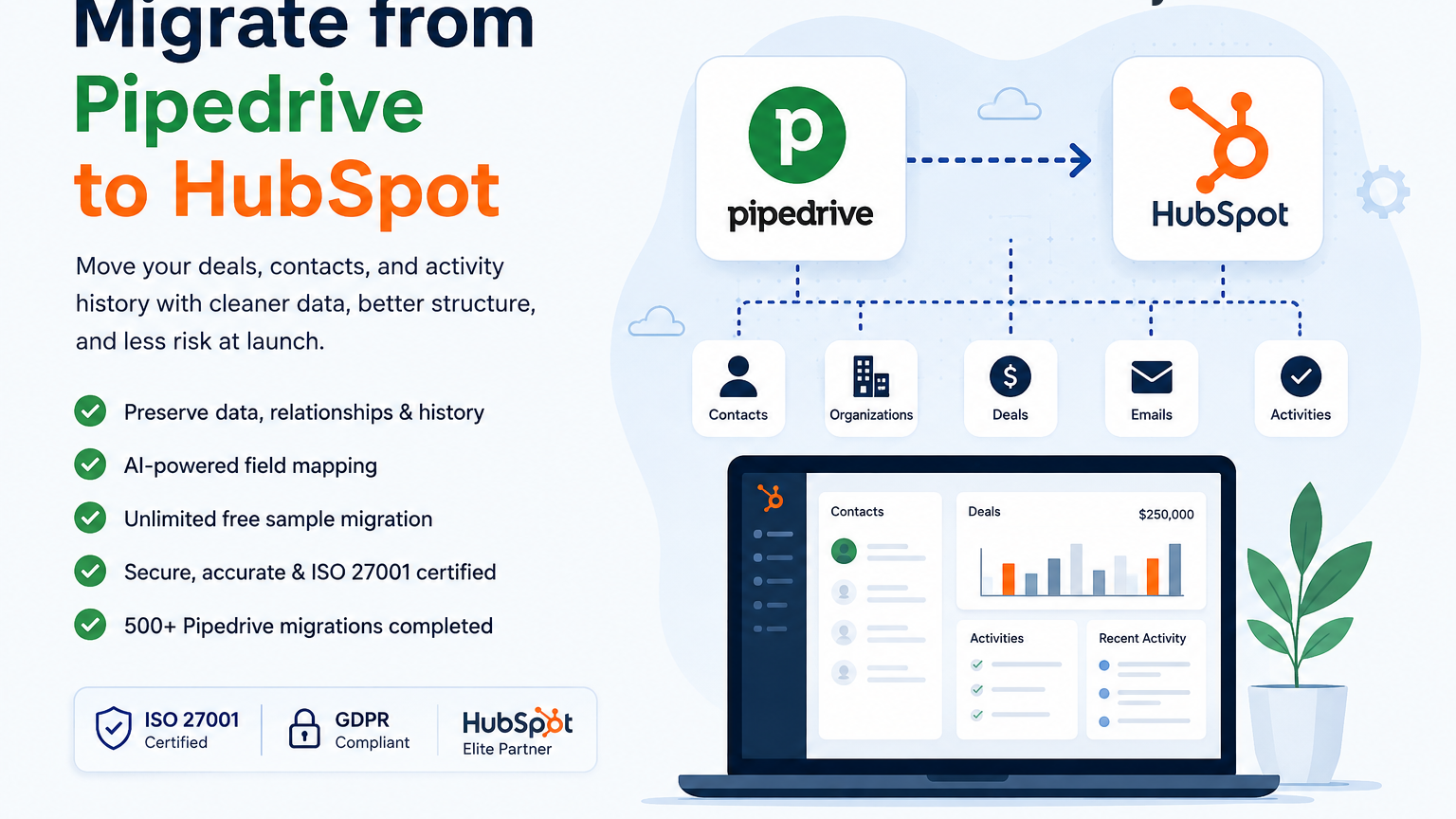
1/1 - Pipedrive to HubSpot
Pipedrive Migration via MigrateMyCRM - The Easiest Way to Migrate from Pipedrive to HubSpot
Switching from Pipedrive to HubSpot shouldn't slow down your business. MigrateMyCRM is the fast, reliable, stress-free way to move your Pipedrive data into HubSpot — without the technical headaches. Our platform transfers your contacts, deals, pipelines, custom fields, and activity history accurately, securely, and efficiently, so your sales team never misses a beat.
Built for growing businesses, agencies, and enterprise teams, MigrateMyCRM eliminates the complexity of Pipedrive to HubSpot migration so you can focus on scaling your business inside HubSpot.
Why Businesses Choose MigrateMyCRM for Pipedrive to HubSpot Migration
Migrating from Pipedrive to HubSpot can feel overwhelming — deals, pipeline stages, contacts, organizations, notes, activities, and custom fields all need to transfer correctly. That's where MigrateMyCRM stands out. Our platform is designed to make Pipedrive to HubSpot migration simple, precise, and fully under your control, even if you have zero technical experience.
Key Benefits
No-code, self-serve migration — no technical setup or coding required
Bulk custom field creation, automatically recreated in HubSpot with matching names, field types, and dropdown values
Multi-pipeline transformation that preserves your Pipedrive sales process structure, deal stages, and pipeline logic
Custom object migration, including associated records and relationships
Smart deduplication that merges duplicate Pipedrive records using native HubSpot merge rules while keeping activity history intact
Quick sample migration to test and validate your mapping before running the full migration
No credit card required to get started
Precision Data Mapping, Filtering, and Structure Preservation
Instead of spending weeks manually re-entering deals or fixing broken pipeline mappings, MigrateMyCRM gives you an intuitive, advanced mapping interface with precise control over how every field flows from Pipedrive into HubSpot. Advanced data filtering lets you selectively migrate records, exclude what you don't need, or split source data across multiple HubSpot objects. Multi-pipeline transformation replicates or restructures your sales processes to fit HubSpot's requirements, while custom object migration brings over the objects and relationships unique to your business — not just standard CRM records.
Already Started Migrating? Pick Up Where You Left Off
Already imported your parent records? No problem. MigrateMyCRM's partial migration matches existing records and imports only what's new — emails, activities, and attachments — with no charges for matching records already in HubSpot. Need to fix or fill in a gap after the fact? Targeted data updates let you reprocess a single object or selected fields without rerunning the entire migration. And with multiple delta migrations, your team can keep working in Pipedrive right up to cutover, running quick incremental syncs so no last-minute changes are lost.
Data Quality You Can Trust
MigrateMyCRM's smart deduplication automatically merges duplicate Pipedrive records using HubSpot's native merge rules, preserving associations and activity history under the resulting unique record. Flexible data merging lets you combine migrated data with existing HubSpot records based on native rules or your own custom-matching criteria — and data ownership management ensures records are assigned to the right HubSpot users from day one.
Built for Sales Teams That Want Results Fast
One of the biggest challenges during a Pipedrive to HubSpot migration is losing sales momentum. MigrateMyCRM helps businesses move quickly so sales, marketing, and customer success teams can keep working without interruption — and with a detailed post-migration report for every processed record, including errors, explanations, and actionable recommendations, you'll know exactly where things stand the moment migration completes.
Perfect For
Sales teams upgrading from Pipedrive to HubSpot CRM
Companies replacing Pipedrive with a unified HubSpot platform
Agencies onboarding clients from Pipedrive to HubSpot
Teams consolidating deal and contact data during a CRM switch
Marketing teams centralizing automation workflows post-migration
Dedicated Support Every Step of the Way
Our migration specialists know the ins and outs of moving data from Pipedrive to HubSpot, and are available to guide you through the entire process, answer questions, troubleshoot pipeline mapping, and ensure your data arrives exactly where it belongs. From your first import to final validation, MigrateMyCRM gives you confidence that your Pipedrive to HubSpot migration is handled correctly.
Common Questions About Pipedrive to HubSpot Migration
Can I migrate custom fields from Pipedrive to HubSpot? Yes — MigrateMyCRM's bulk custom field creation automatically recreates your Pipedrive fields in HubSpot with matching names, types, and dropdown values.
Will my Pipedrive pipelines and deal stages carry over? Yes — multi-pipeline transformation preserves or restructures your sales pipelines to match HubSpot's structure.
Does MigrateMyCRM handle duplicate records? Yes — smart deduplication merges duplicates using HubSpot's native rules while preserving associations and history.
Can I migrate only new data if I've already imported some records? Yes — partial migration matches existing records and imports only what's new, with no charge for matches.
Get Started with Your Pipedrive to HubSpot Migration Today
Migrating from Pipedrive to HubSpot doesn't have to be complicated. With MigrateMyCRM, you get a proven, expert-backed migration solution with the flexibility, precision, and reporting to handle even complex sales structures — no technical expertise, no unnecessary complexity. Start your Pipedrive to HubSpot migration today.
Features
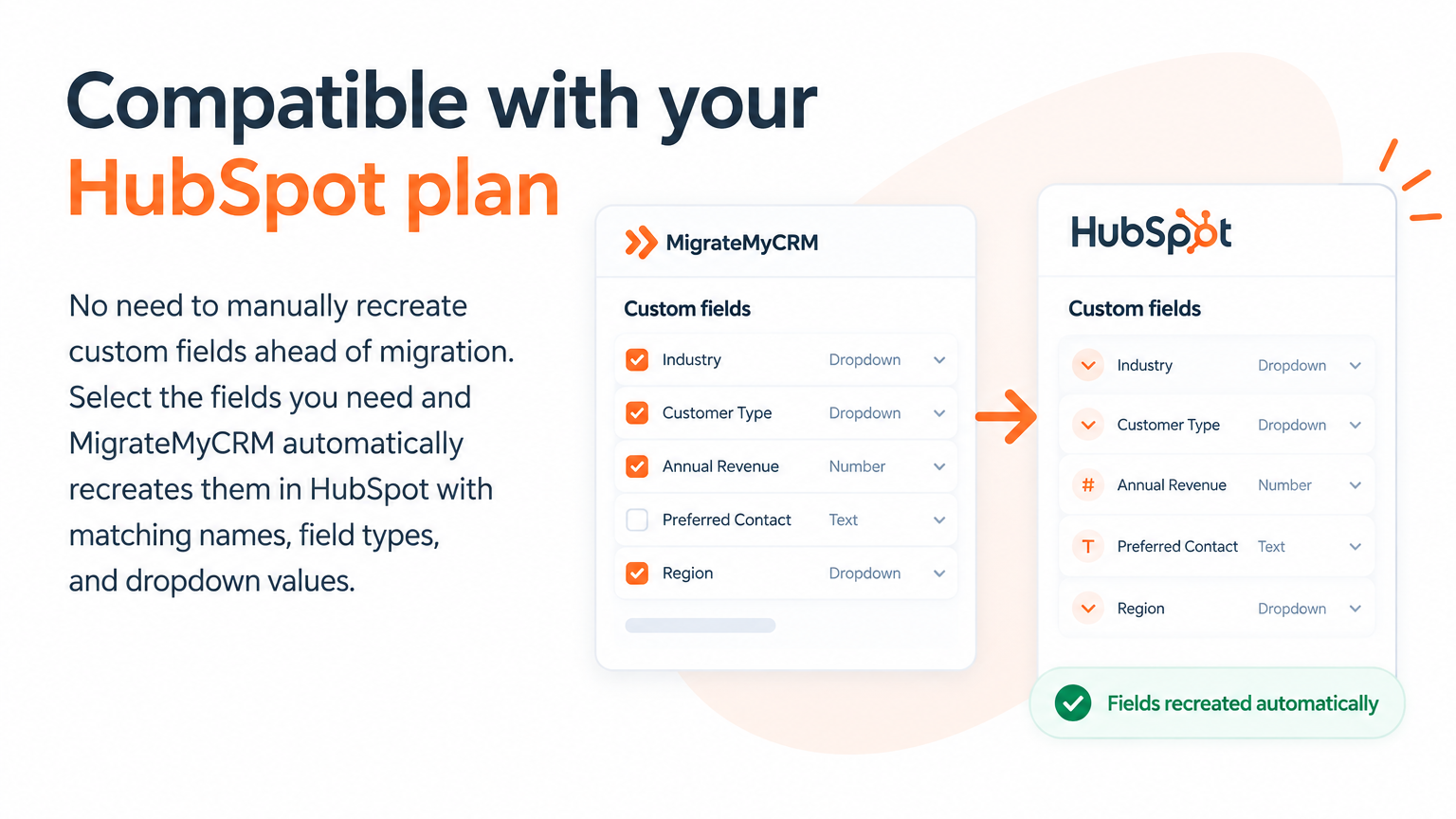
Bulk Custom Field Creation
Compatible with your HubSpot plan No need to manually recreate custom fields ahead of migration. Select the fields you need and MigrateMyCRM automatically recreates them in HubSpot with matching names, field types, and dropdown values.
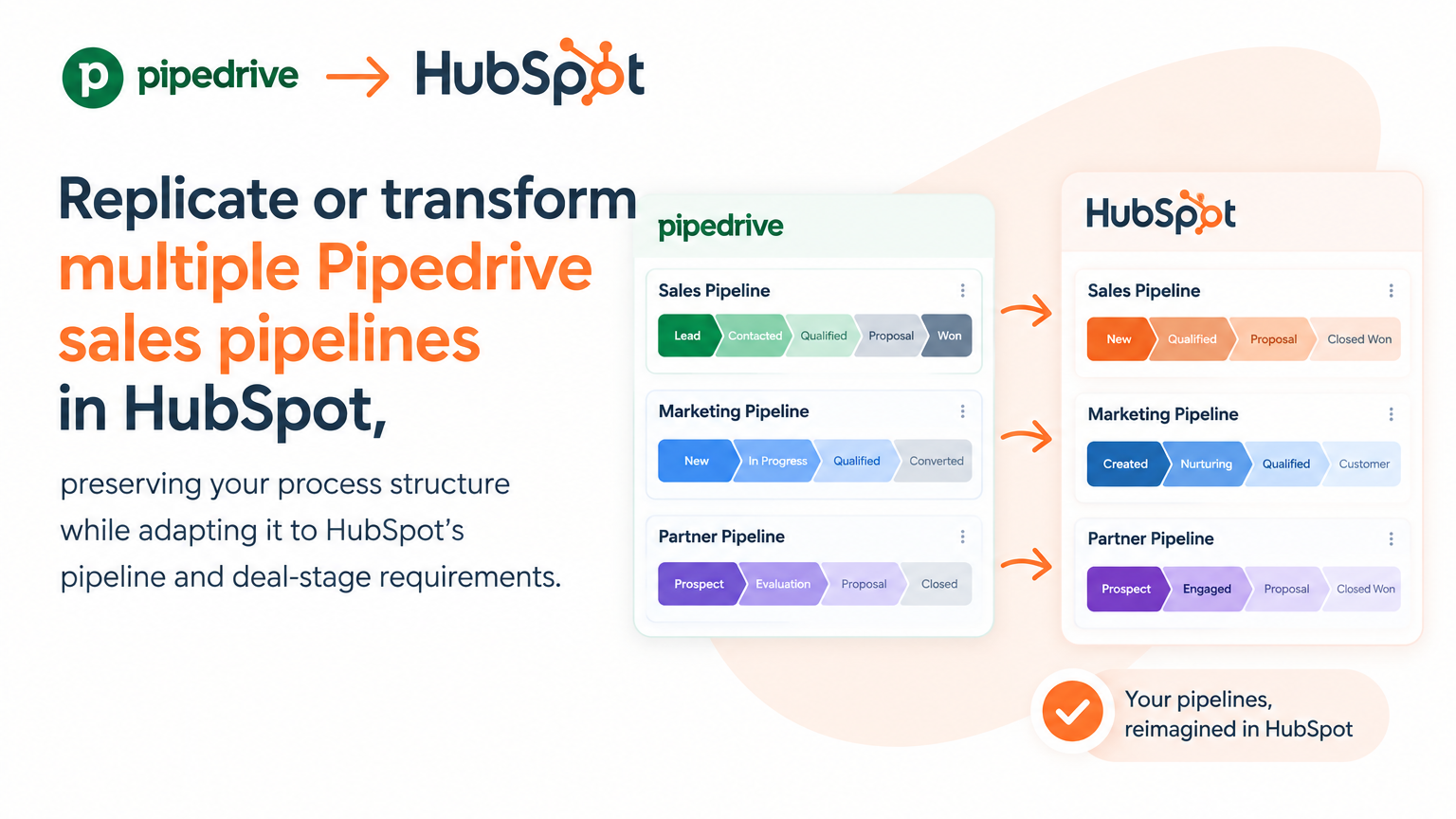
Multi-Pipeline Transformation
Replicate or transform multiple Pipedrive sales pipelines in HubSpot, preserving your process structure while adapting it to HubSpot's pipeline and deal-stage requirements.
Custom Object Migration
Create custom objects in HubSpot and migrate your Pipedrive data into them, including associated records and relationships — not just standard CRM data.
App Functionality
Shared Data
Owners | ||
Deal Properties | ||
Contact Properties | ||
Company Properties | ||
CMS HubDB | ||
Users | ||
Events | ||
Custom Objects | ||
Conversations | ||
Conversations Live Chat Widget | ||
Orders | ||
Partner Accounts | ||
Partner Clients | ||
Contact Lists | ||
Marketing Email | ||
Campaigns | ||
Email Subscription | ||
Tickets | ||
Forms | ||
Analytics | ||
Products | ||
Carts | ||
Invoices | ||
Leads | ||
Workflows | ||
Contacts | ||
Deals | ||
Companies | ||
Email Activities | ||
CMS Files |
Reviews
Pricing
Launch
$99
one-time fee<<< Free! Migration up to 100 records >>> From 101 to 5,000 records
Filtering (New!)
Create a custom object (New!)
Native & custom fields
Launch
$99
one-time fee<<< Free! Migration up to 100 records >>> From 101 to 5,000 records
Filtering (New!)
Create a custom object (New!)
Native & custom fields
* The pricing here is for display purposes only. All prices do not include taxes, incentives, discounts, or other pricing variables. You should contact the partner for the most up to date and correct pricing information. HubSpot does not take any responsibility for this pricing information, which is provided by our partners. Pricing last updated: 09/25/2026
More info
Built by - SyncMatters
Installs - <10 installs
Categories Languages this app is available in English andEnglish - United States
Getting attention today

Slack
Manage CRM records, get AI-powered assistance from Breeze, send real-time notifications, and collaborate with your team — without leaving Slack.
-1.png)
HubSpot connector for Claude
Get AI-powered insights from your HubSpot data, right in Claude.
