

Pushwoosh
Built by - Pushwoosh Inc.
Installs - 10+ installs
Requirements
HubSpot Plan HubSpot Account permissions - View the required account permissions
Access Type Shared Pushwoosh Subscription - Free, Pay-as-you-go, or Custom plan plans
Overview
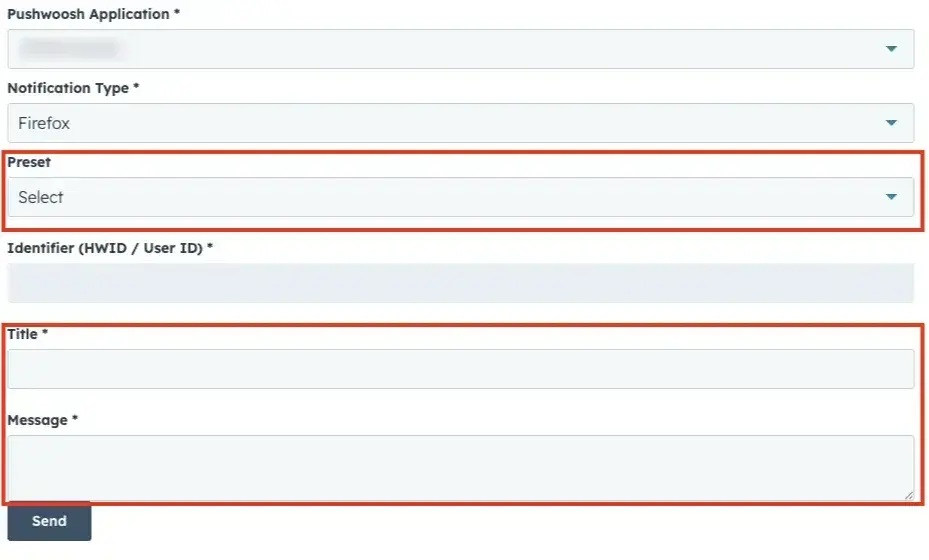
1/3 - Send notification with Pushwoosh from HubSpot contact page
Pushwoosh is a customer engagement and multichannel messaging platform trusted by 80,000+ apps worldwide. The HubSpot integration connects your CRM data with Pushwoosh's messaging infrastructure to help marketing and CRM teams deliver the right message at the right time — without switching tools.
What you can do with this integration:
Trigger push notifications from HubSpot workflows — automate personalized messaging based on contact lifecycle stage, behavior, or CRM property changes
Send notifications directly from contact pages — reach any HubSpot contact instantly using the Pushwoosh CRM card without leaving HubSpot
Sync contacts bidirectionally — keep Pushwoosh and HubSpot contact data aligned automatically
Track push delivery on contact timelines — Pushwoosh automatically creates timeline events (e.g., "Email Sent", "SMS Delivered") on HubSpot contact records, giving your team full visibility into messaging history
Use push statistics as workflow triggers — enroll contacts into HubSpot workflows based on push notification engagement events
Supported channels: Push notifications (iOS & Android), Email, SMS, WhatsApp, In-app messages.
Features
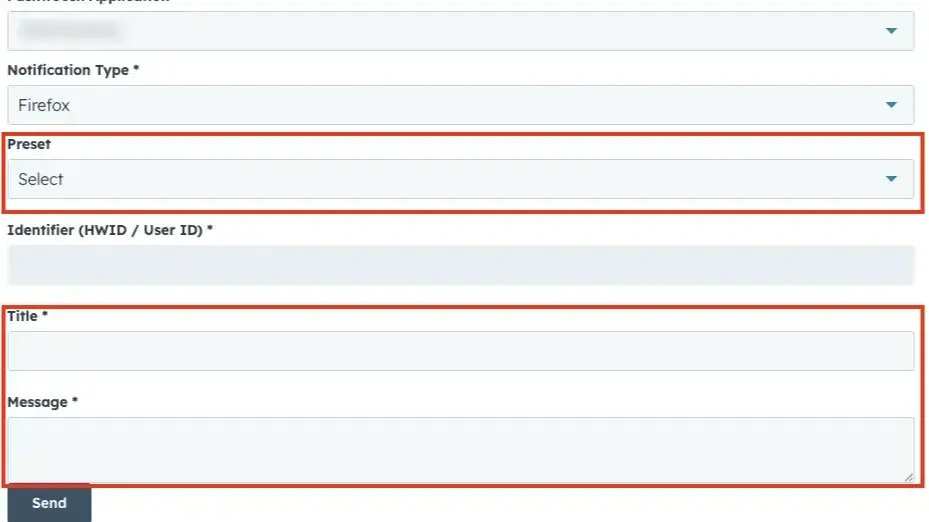
Send notification with Pushwoosh
Send push notifications, emails, SMS, or WhatsApp messages directly from a HubSpot contact page. Use the Pushwoosh CRM card to select an app, choose a notification type, pick a preset or enter custom content, and send instantly — without leaving HubSpot.
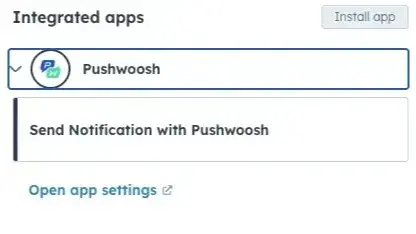
Send notification with Pushwoosh as workflow action
Add Pushwoosh as an action in any contact-based HubSpot workflow. Automatically trigger personalized push notifications, emails, or SMS based on contact behavior, lifecycle stage, or CRM property changes. Select a Pushwoosh app, notification type, and content — then let automation do the rest.
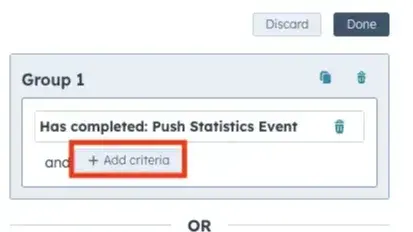
Notification statistics events
Pushwoosh syncs notification delivery events to HubSpot contact timelines. Every message sent via Pushwoosh — push, email, SMS, or WhatsApp — creates a timeline event on the matching contact record: event type (e.g. Email Sent, SMS Delivered, Push Sent), platform, user and device ID. Visible in the Activities tab under the Pushwoosh filter.
App Functionality
Contact | ||
Push Statistics Event |
Pushwoosh only reads contact identifiers (email, phone, userid) from HubSpot to route notifications. All delivery statistics are written back to HubSpot contact timelines as timeline events and are visible in the Activities tab.
Reviews
Pricing
Free
$0
Full access to all channels and features. No credit card required
Unlimited in-app impressions
Unlimited push notifications
20,000 email sends per month
5 AI requests per day
All messaging channels included
Up to 1,000 MAU
Free
$0
Full access to all channels and features. No credit card required
Unlimited in-app impressions
Unlimited push notifications
20,000 email sends per month
5 AI requests per day
All messaging channels included
Up to 1,000 MAU
* The pricing here is for display purposes only. All prices do not include taxes, incentives, discounts, or other pricing variables. You should contact the partner for the most up to date and correct pricing information. HubSpot does not take any responsibility for this pricing information, which is provided by our partners. Pricing last updated: 05/14/2026
More info
Built by - Pushwoosh Inc.
Installs - 10+ installs
Categories Languages this app is available in English
New arrivals

Tendal
Read-only monitoring for HubSpot. Find the seats nobody uses and the automation that silently fails.

Salesforce Premium Integration by SyncMatters
Pro bi-directional integration between Salesforce and HubSpot
