

Sansan
Built by - HubSpot Data Sync
Installs - 400+ installs
Rating 2.8
(4)
Requirements
HubSpot Plan HubSpot Account permissions No permissions required Access Type Shared Sansan Subscription - Contact Sansan for Pricing plan
Overview
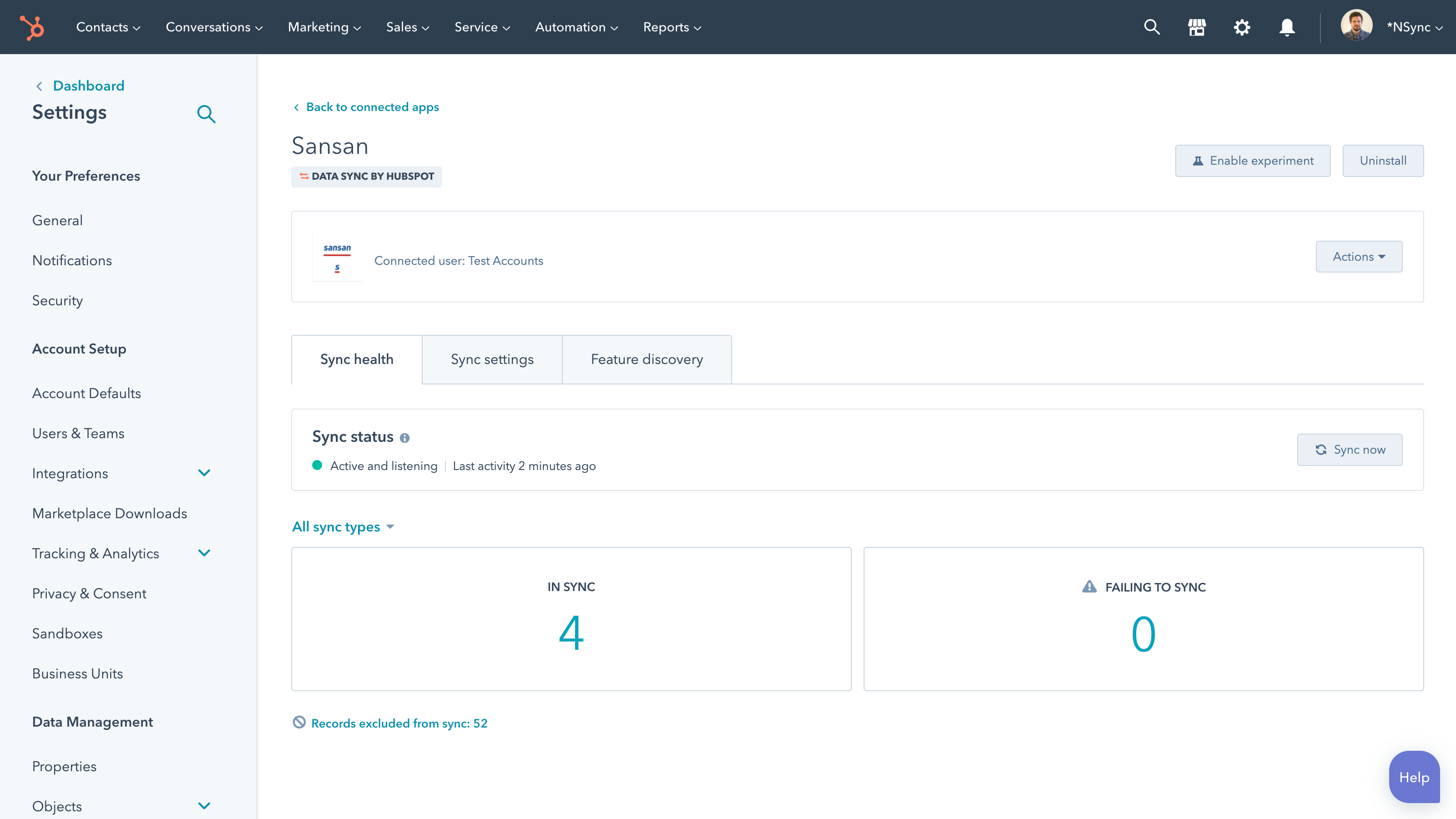
1/1 - Make manual data entry a thing of the past.
Sync data between Sansan and HubSpot without manual data entry or messy, time-consuming imports.
Here's what you get with Data Sync by HubSpot:
One way sync: Data is shared between Sansan and HubSpot in near real time (every 5 minutes)
Default field mappings: Set-up is quick with out-of-the-box field mappings already created for you
Historical syncing: Your existing data will sync right away, and updates will sync as they happen.
Important note:
Data only flows from Sansan into HubSpot with this integration. Updates in HubSpot won't be reflected in Sansan. This integration, like HubSpot, deduplicates on the basis of email address. Therefore, multiple cards in Sansan with the same email address may not all sync properly.
Features
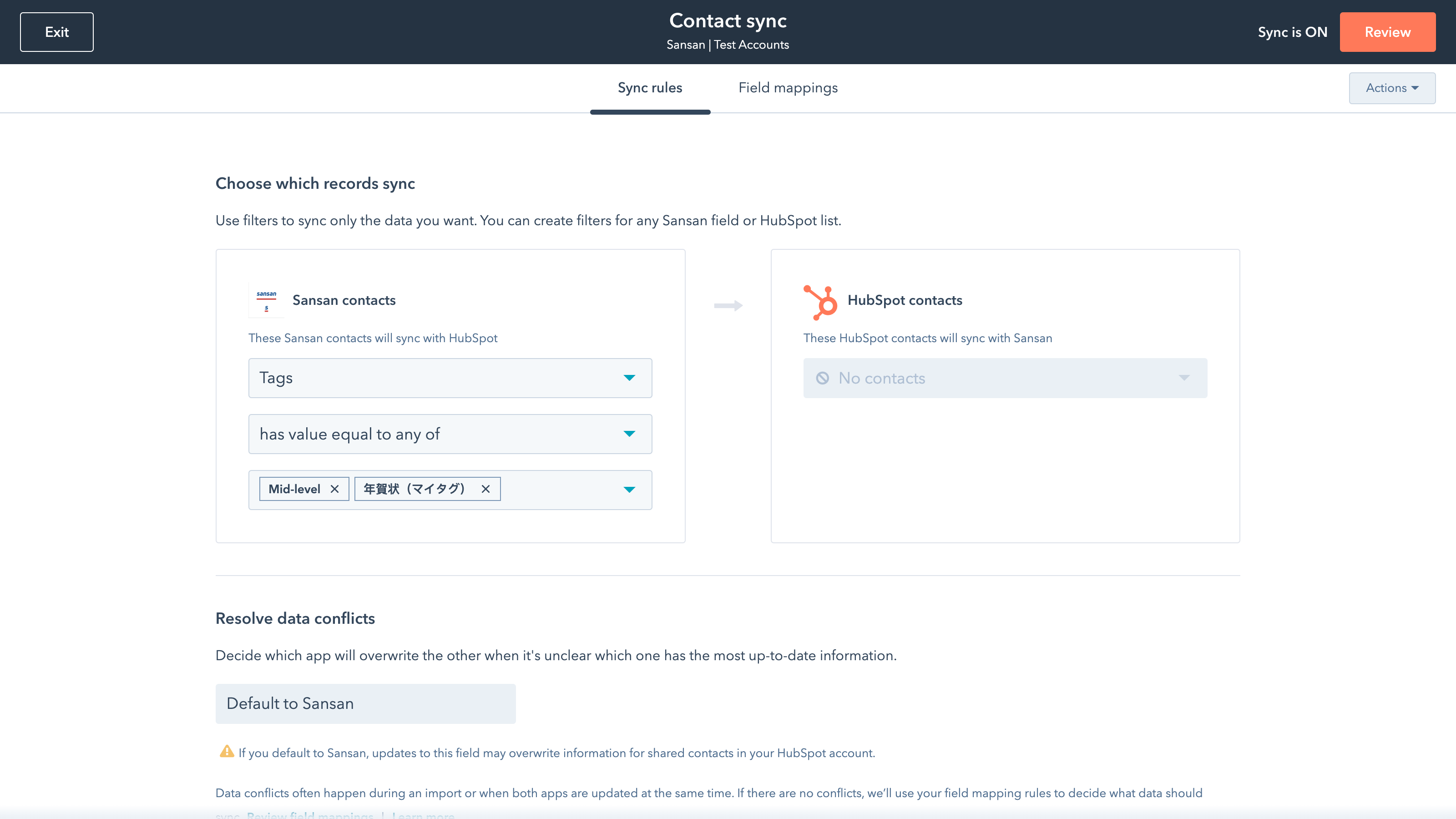
Sync Sansan and HubSpot data
Make manual data entry a thing of the past by syncing data (see below) between HubSpot and Lever. When records are created or updated in Sansan, that information will be automatically shared with HubSpot. You can also add a filter for any Sansan field to sync exactly what you want—and nothing you don’t.
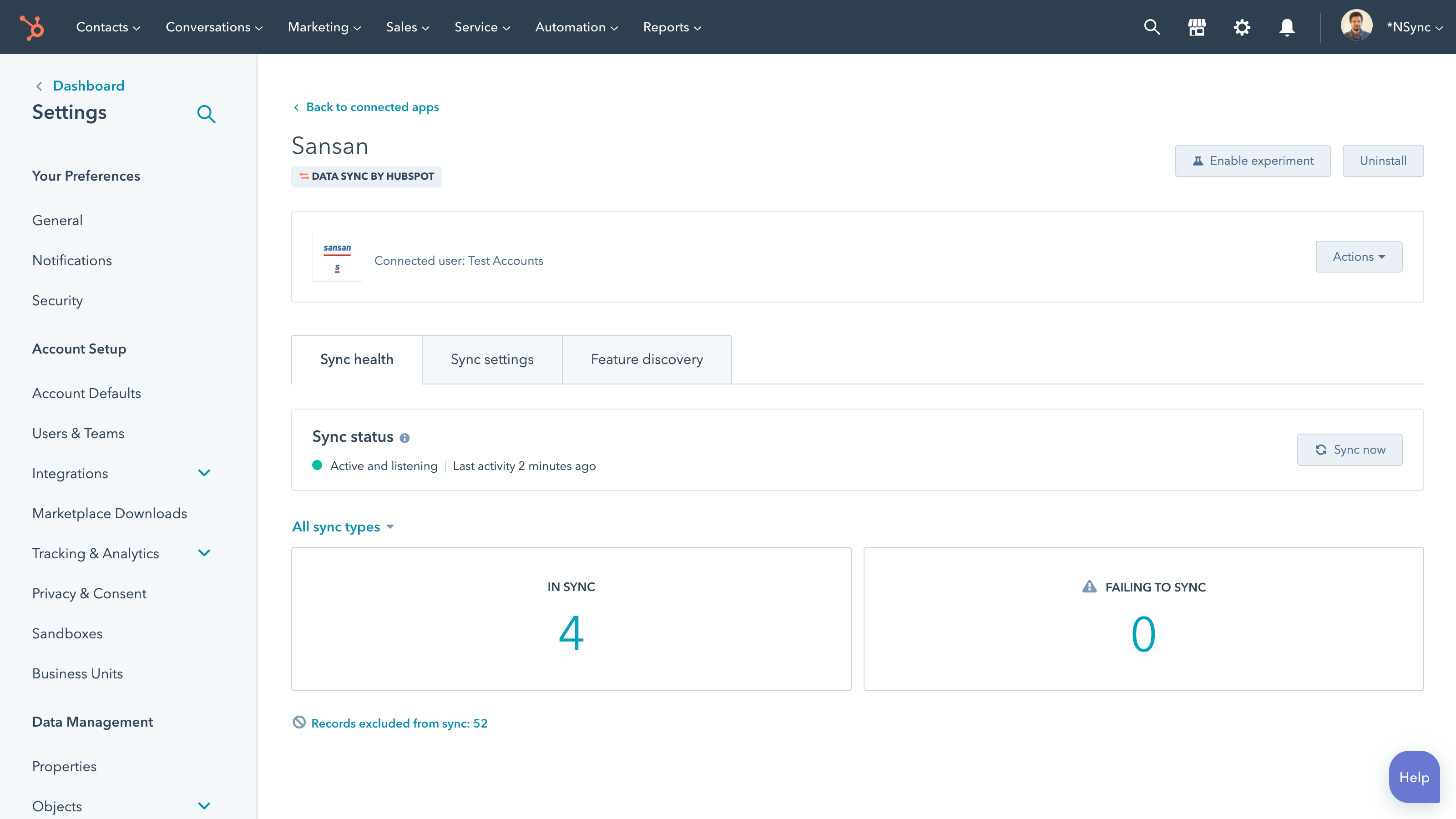
Custom field mappings
Out-of-the-box default field mappings make set-up quick and keep your data clean and organized. Custom field mappings are available with Data Hub Starter or above - this is an optional upgrade.
App Functionality
Shared Data
Only if you want to change these default mappings or create your own, custom field mappings are available with Data Hub Starter and up.
This integration deduplicates on the basis of email address. Therefore, multiple cards in Sansan with the same email address may not all sync properly.
Contacts |
Reviews
2.8
4
2.8
4
- Nov 27, 2024
手打ちせずに済む
名刺交換した名刺を自動で取り込み役立っている。
・名刺情報を手打ちせずに済む ・情報が正確
大久保
- Jun 2, 2023
Sansanで複数名刺データがある場合にHubSpot側の更新がかからない
一度SansanからHubSpotへ連携された作成されたコンタクトデータ(メールアドレス)があると、新たにSansanに取り込んだ同一人物の名刺データが取り込まれず更新がかかりません。 ※「Sansan重複」というエラーが出て、同じメールアドレスがあるためSansan側で重複しているのでエラーが起きたという状態になっています。 これを連携するにはSansan側で取り込まれた名刺の特定をして、それを手動で更新し続ける必要があります。 Sansanで名刺データを更新し続ける意味がなく、データとしての信ぴょう性がないということになります。 HubSpot⇔Sansanのデータべ―スの考え方がまったく異なるため仕方がないのかもしれませんが、早急な改善を希望いたします。
Sansanで名刺取得→HubSpotへの連携によってハウスリスト化
自動連携できることは評価できます。
上記通り。
宮路
Medical & Wellness - 1,001 to 10,000 employees
Pricing
Contact Sansan for Pricing
$0
Contact Sansan for Pricing
$0
* The pricing here is for display purposes only. All prices do not include taxes, incentives, discounts, or other pricing variables. You should contact the partner for the most up to date and correct pricing information. HubSpot does not take any responsibility for this pricing information, which is provided by our partners. Pricing last updated: 09/18/2025
Most popular

Gmail
Bring HubSpot to your inbox with the HubSpot integration for Gmail.

Google Calendar
Book meetings quickly and easily with HubSpot and Google Calendar.
